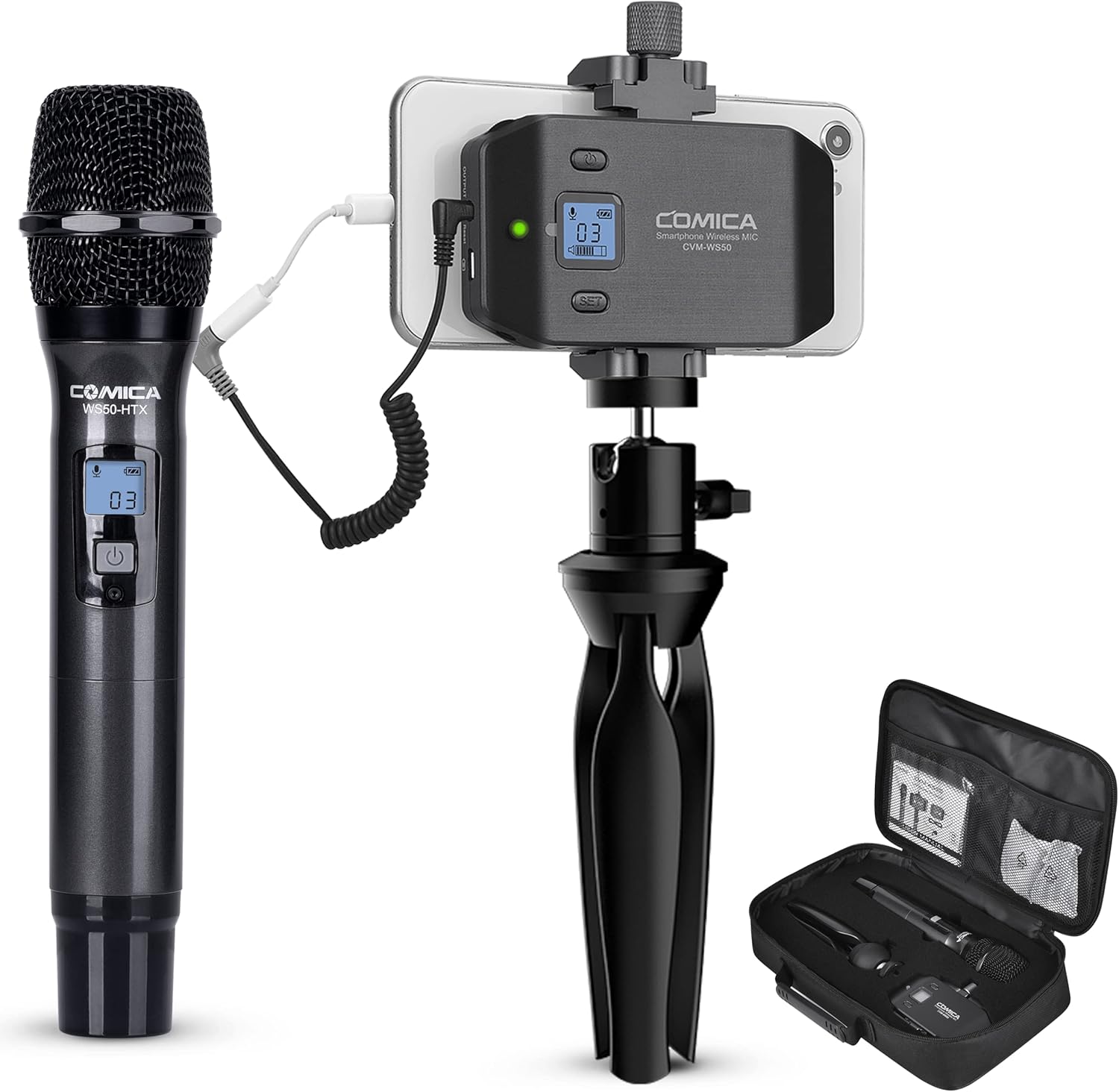
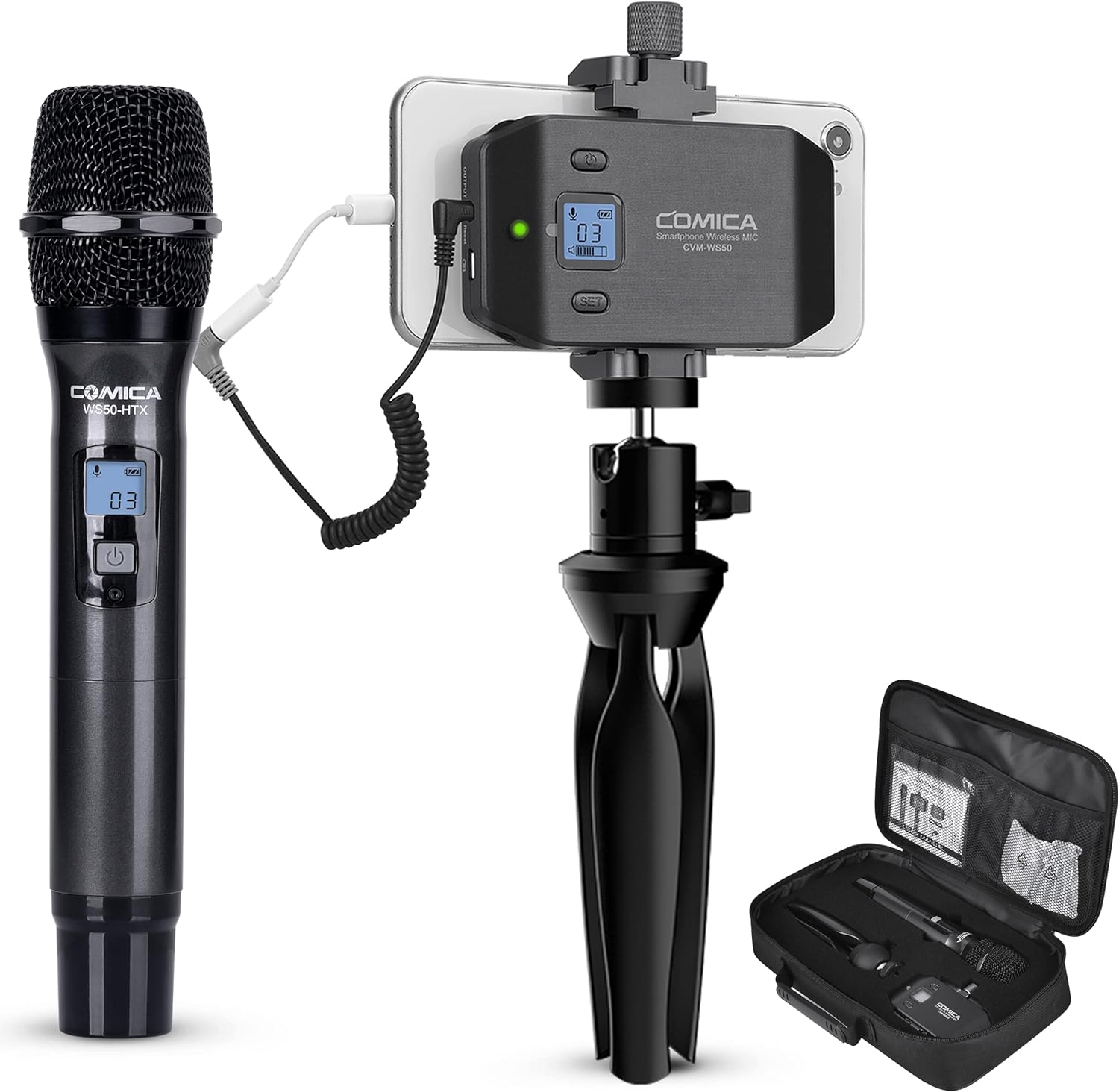
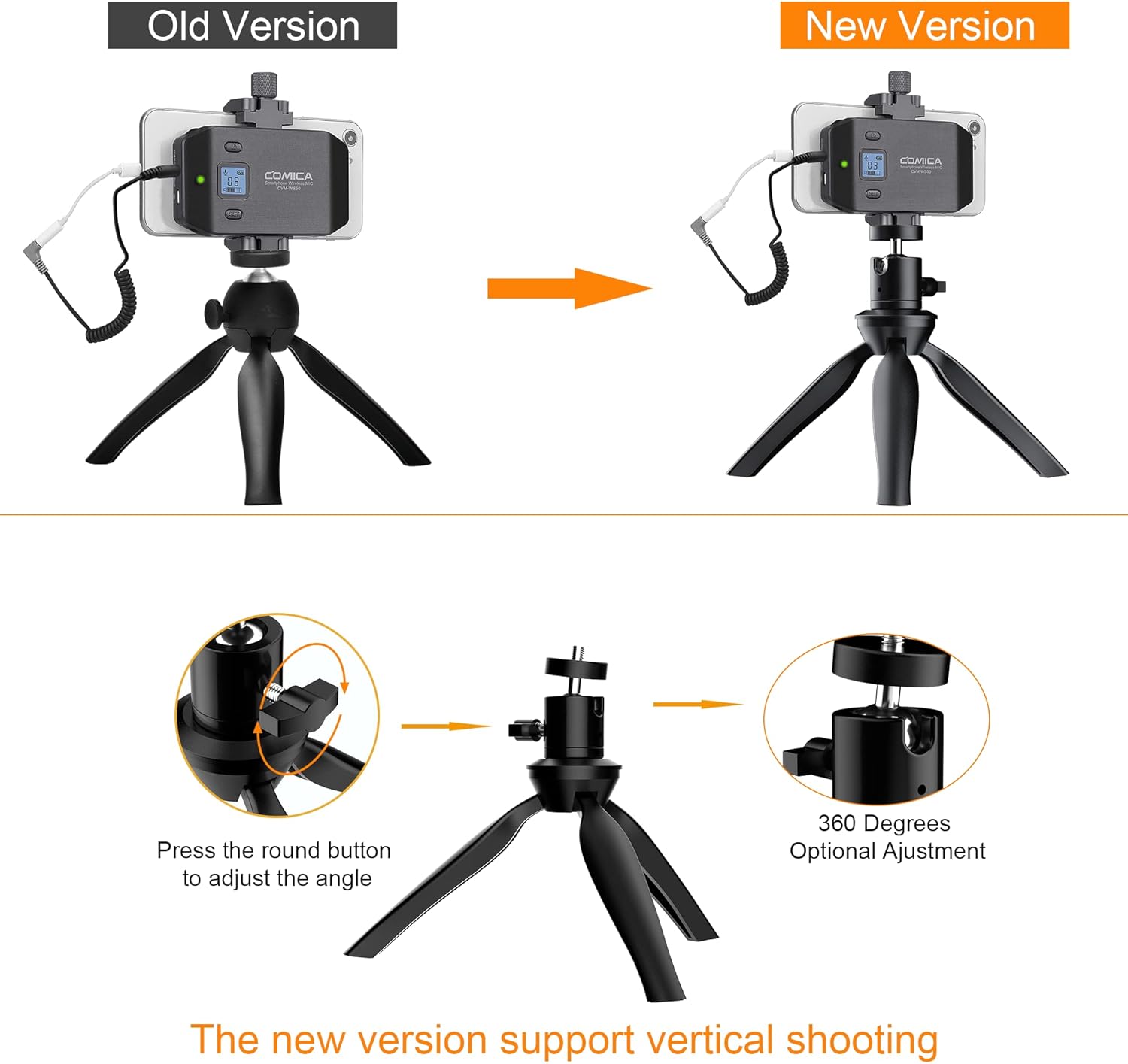
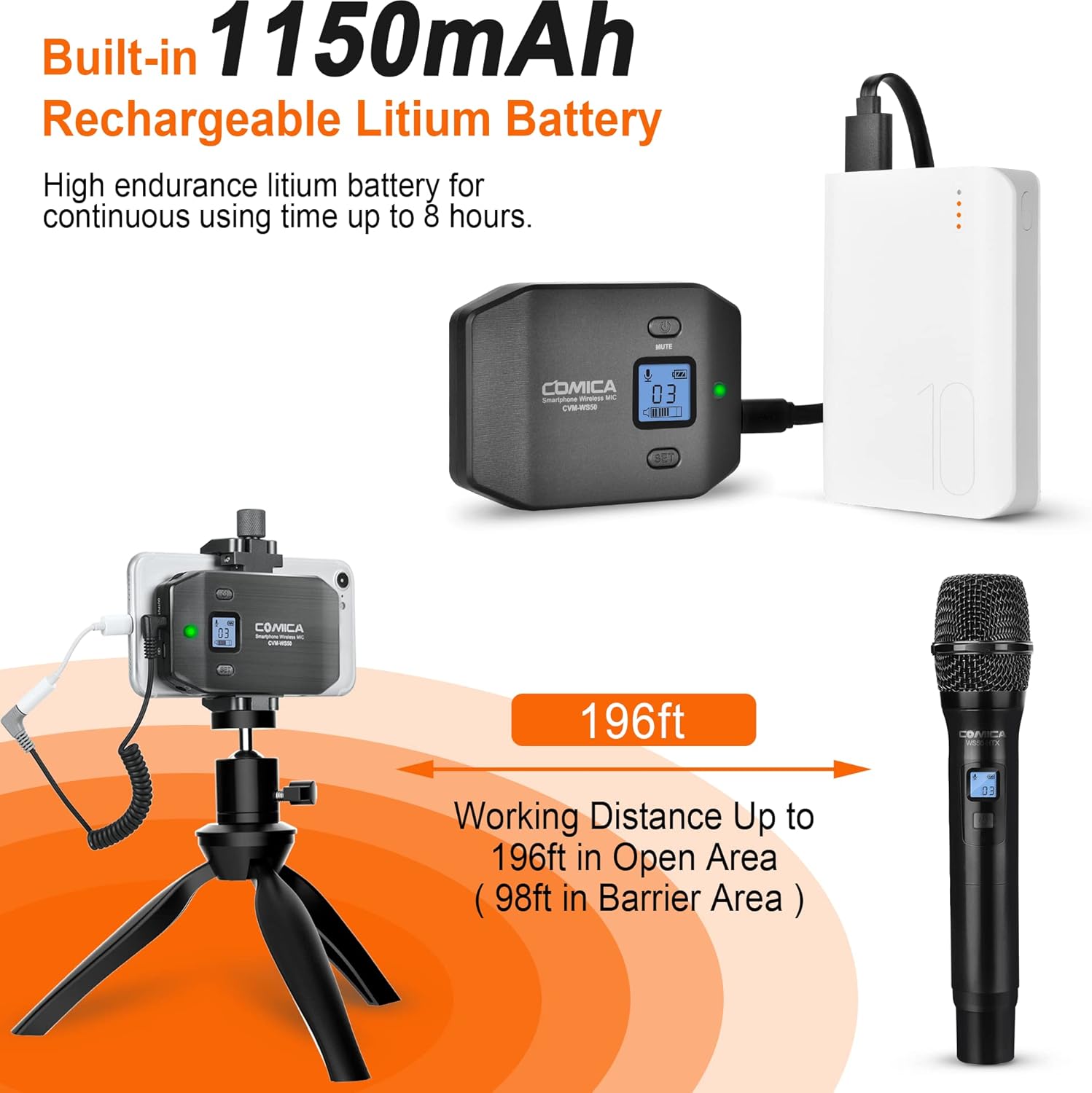

Comica CVM-WS50(H) Wireless Microphone System, 6 Channels Handheld Interview Microphone with Flexible Combination Grip for Smartphone, Camera, Perfect for YouTube, Interview, Video Conference, Podcast
-
Detail
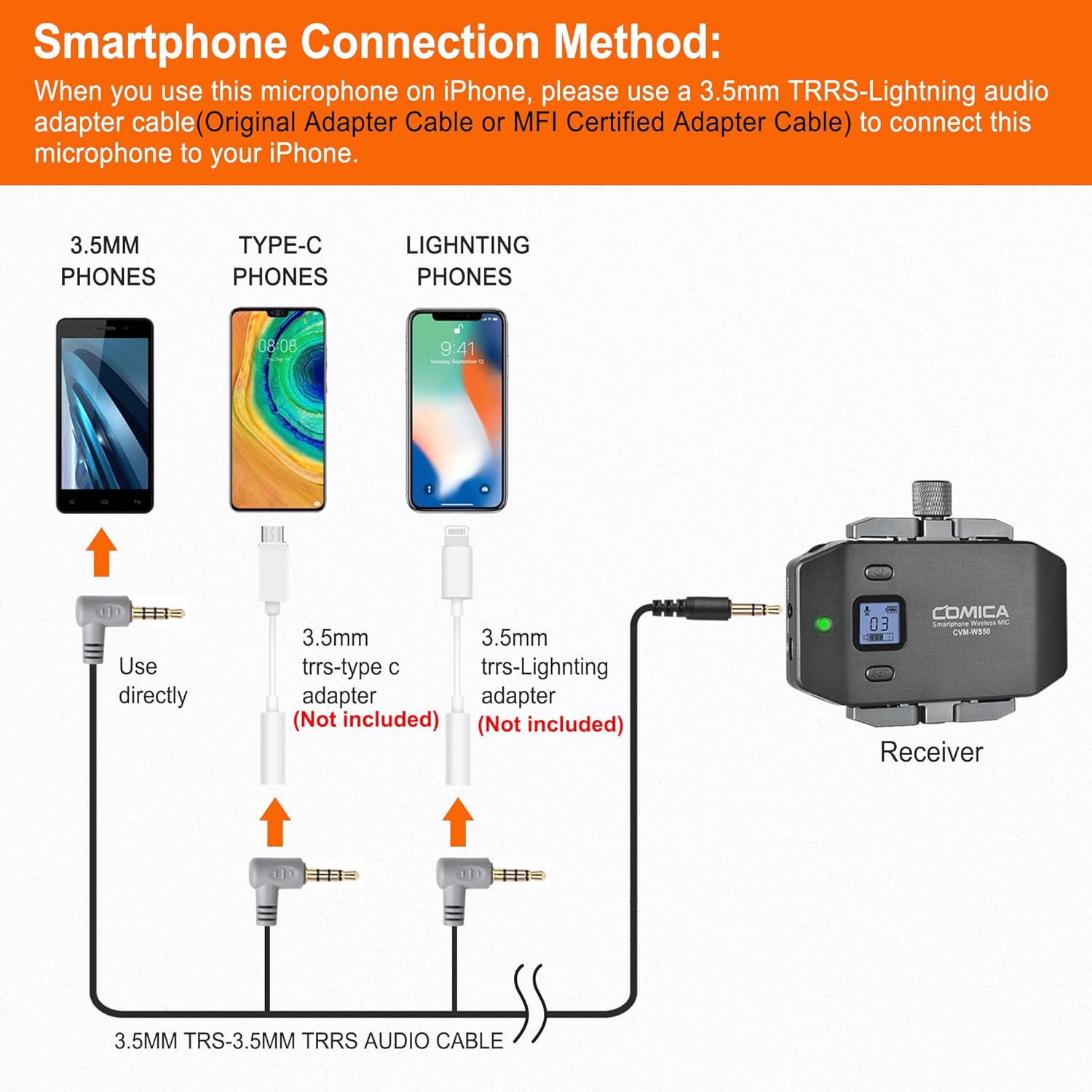
How do I connect it to my iPhone?
For iPhone users, connect the 3.5mm to Lightning adapter with OTG to the receiver.(It is highly recommended to use the CVM-D-MI audio output cable from COMICA.)
How do I connect it to my USB C Phone/Laptop?
For USB C device, connect the 3.5mm TRS to USB C audio adapter with OTG (not included). (It is highly recommended to use the CVM-D-UC II Output Adapter Cablefrom COMICA.)
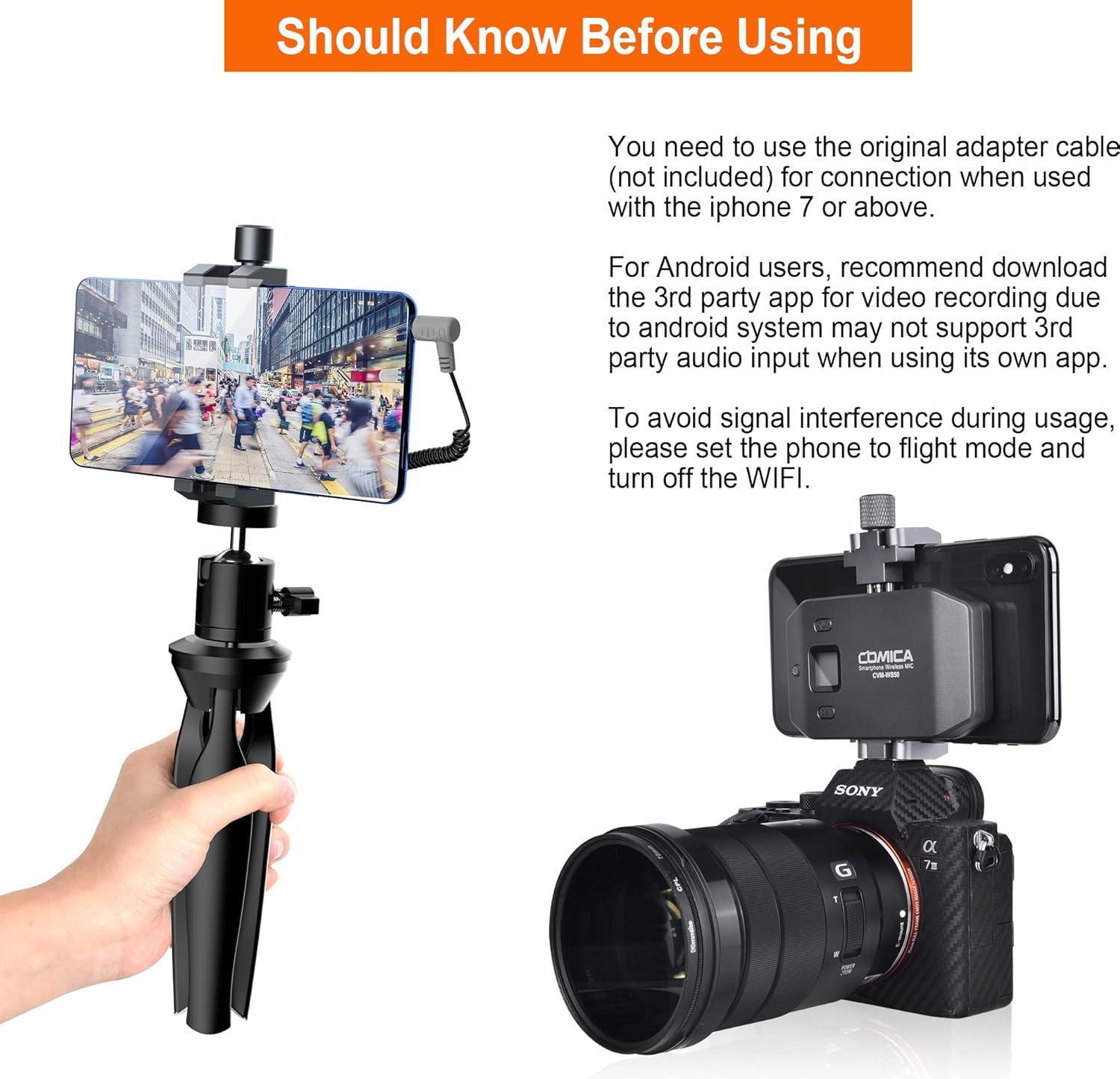
How do I connect it to my camera?
Comica CVM-WS50H wireless handheld microphone comes with only one 3.5mm TRS to TRRS audio cable. If you want to connect it to a camera, you will need to prepare a 3.5mm TRS to TRS audio adapter cable by yourself.
hero-video
Wireless Pairing, 6 Channels Options
How do I connect it to my iPhone?
How do I connect it to my USB C Phone/Laptop?
How do I connect it to my camera?
-
Customer ReviewsNo comments