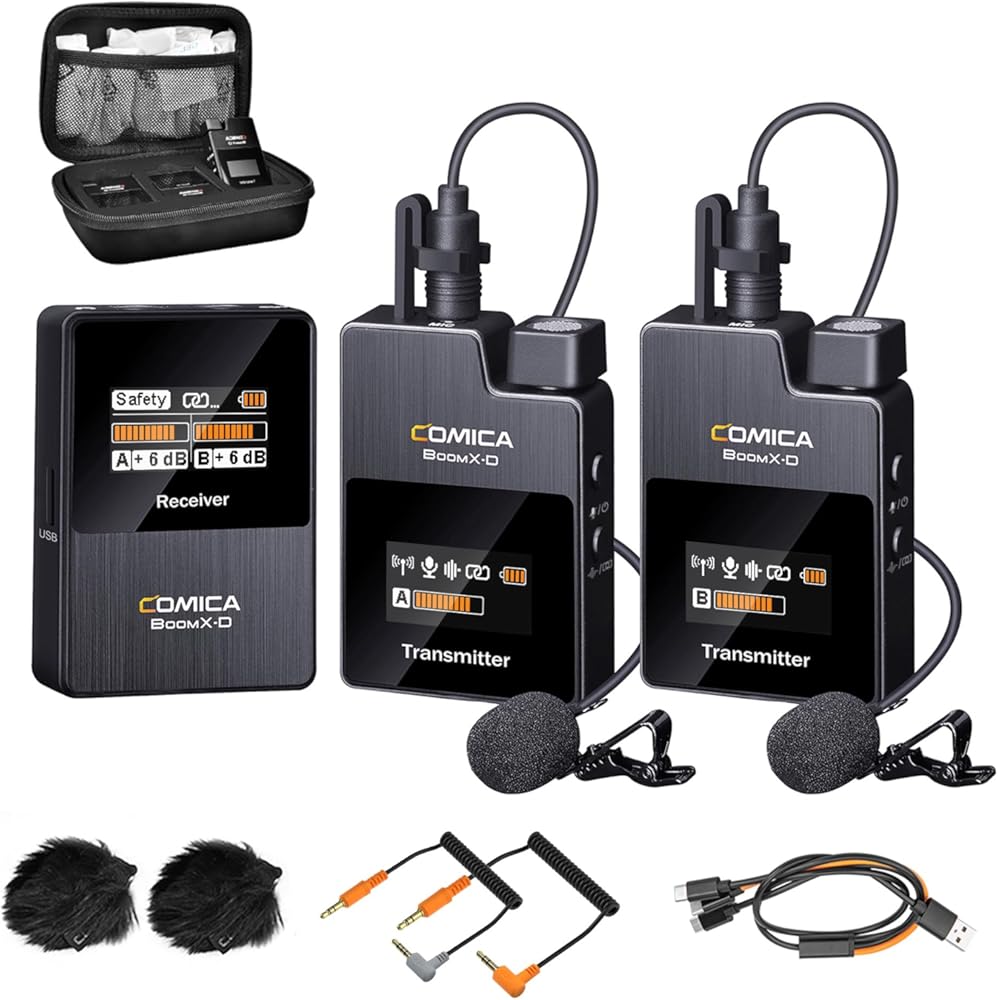
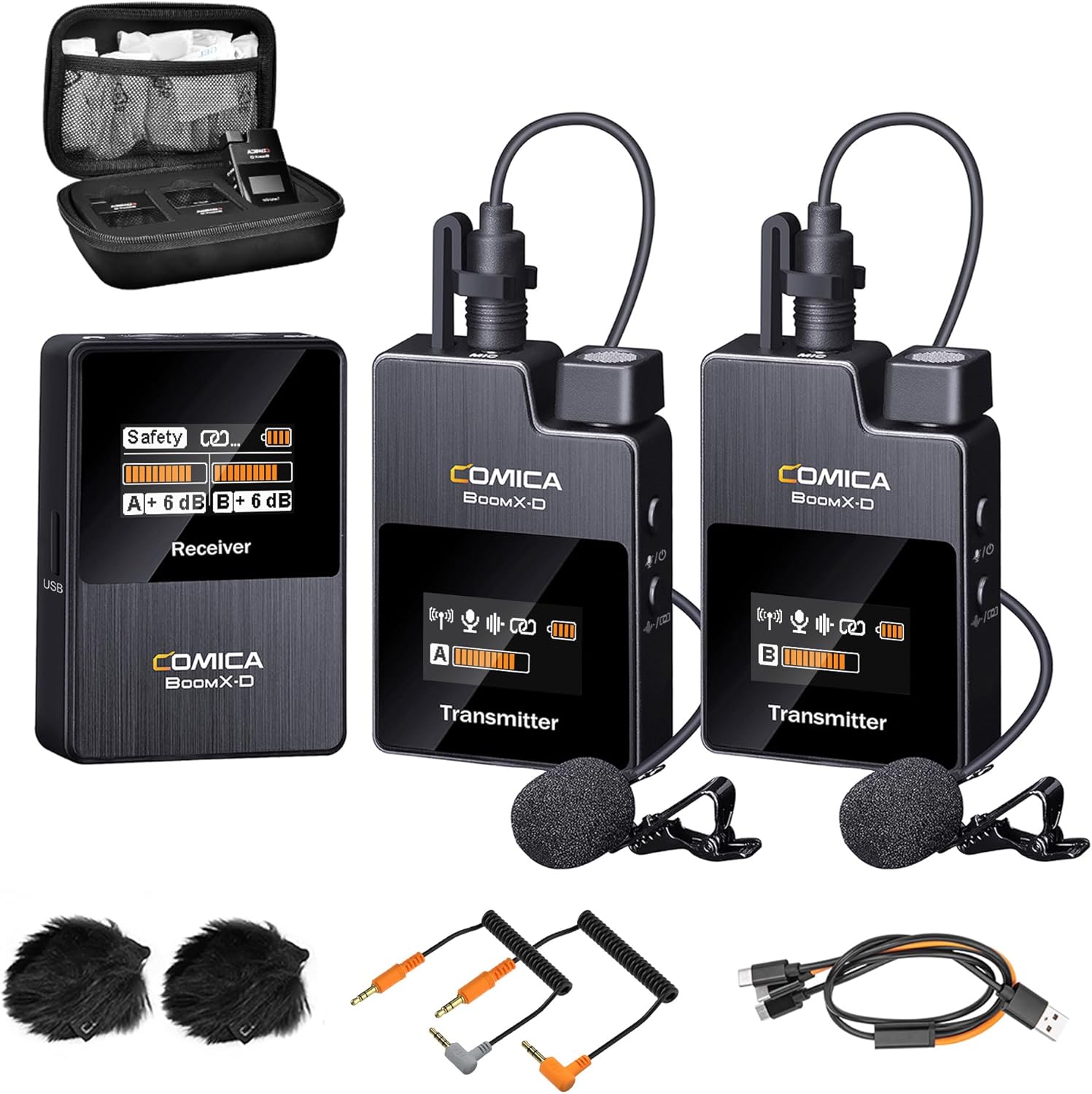

COMICA BoomX-D2 Wireless Lavalier Microphone for iPhone, Android Camera, Dual Lapel Mic System with 2 Transmitters, 656ft Stable Range, Noise Cancelling, Ideal for Vlog, YouTube, Content Creators
【One-Click Noise Reduction】 Activate noise cancellation on the
-
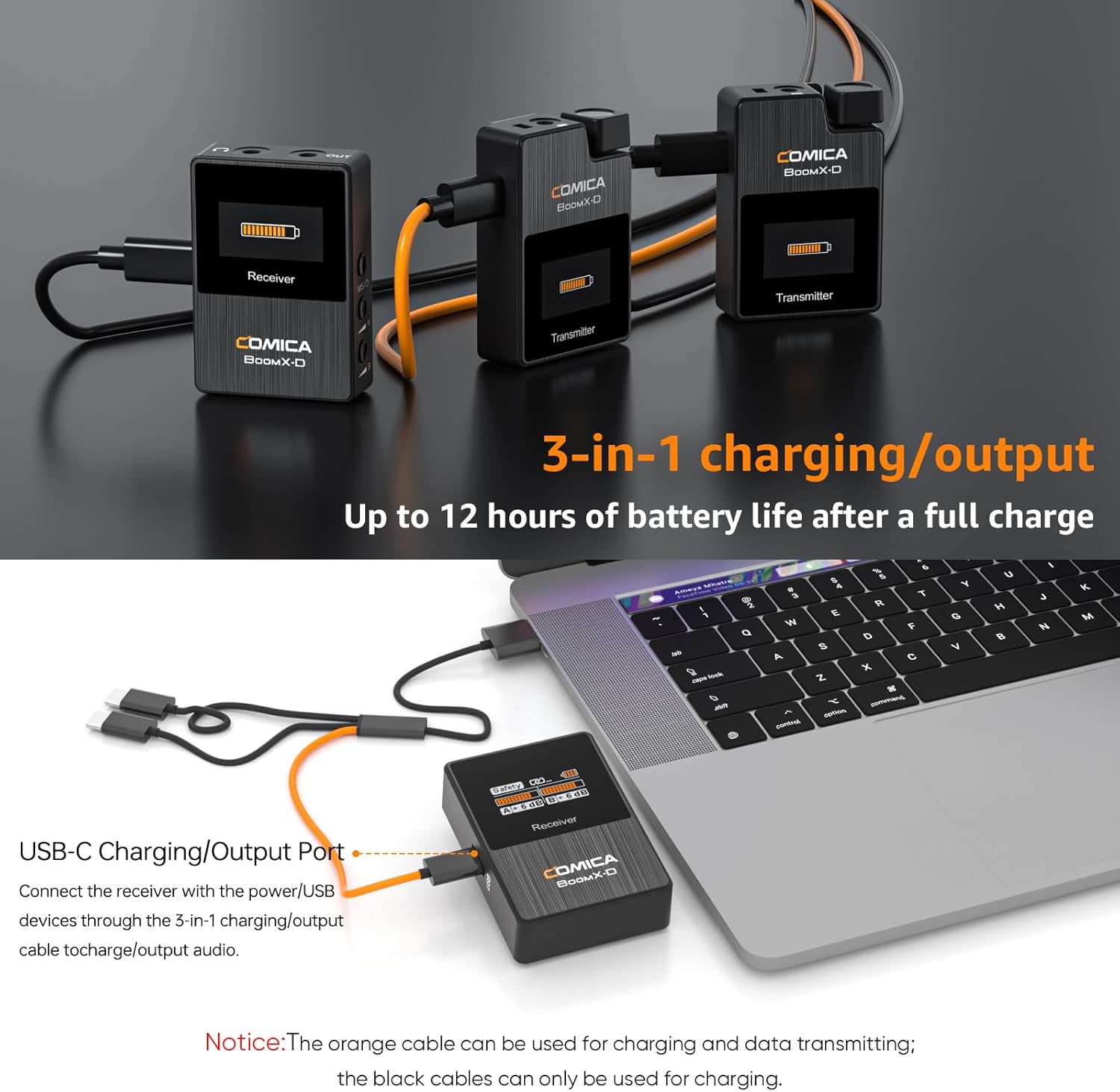
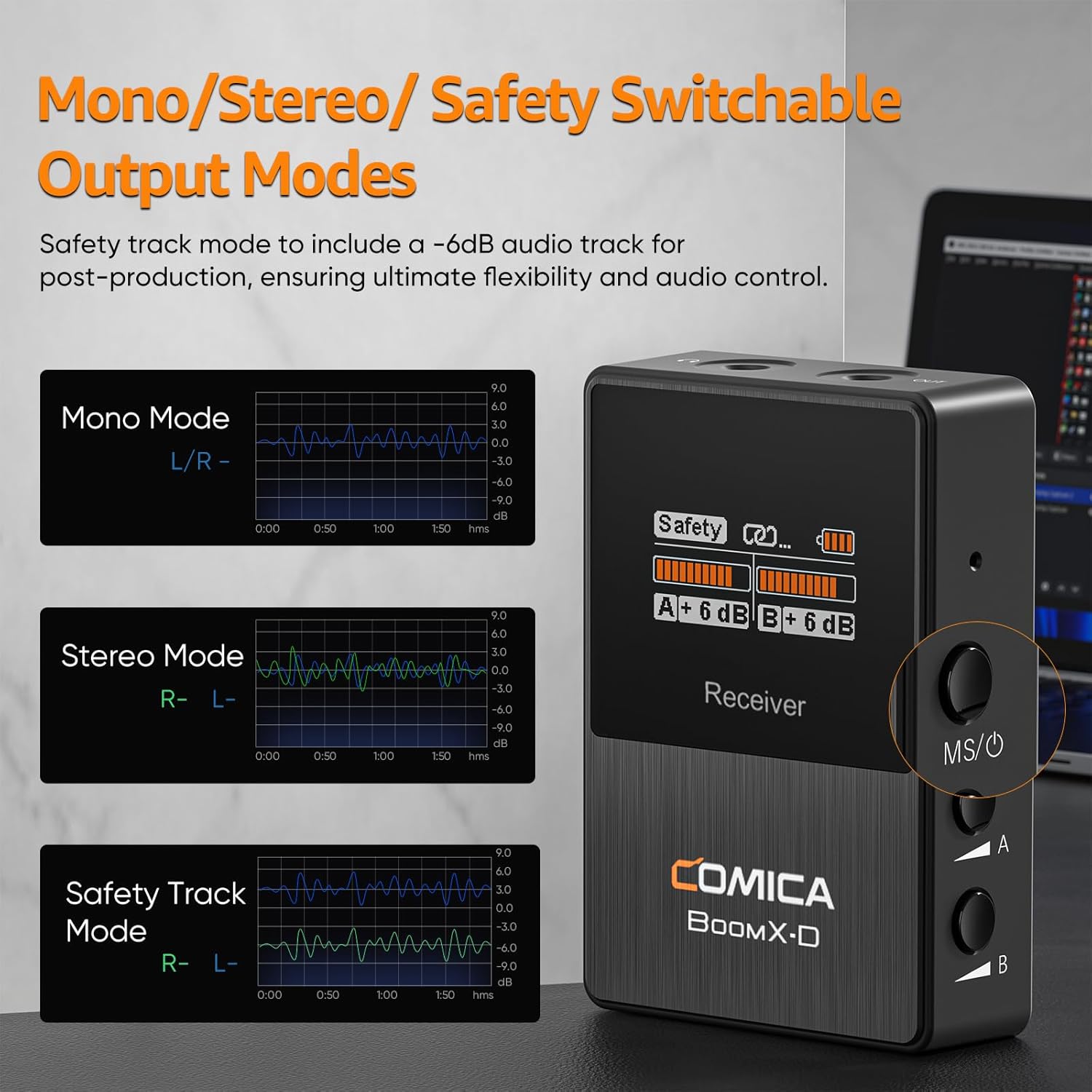
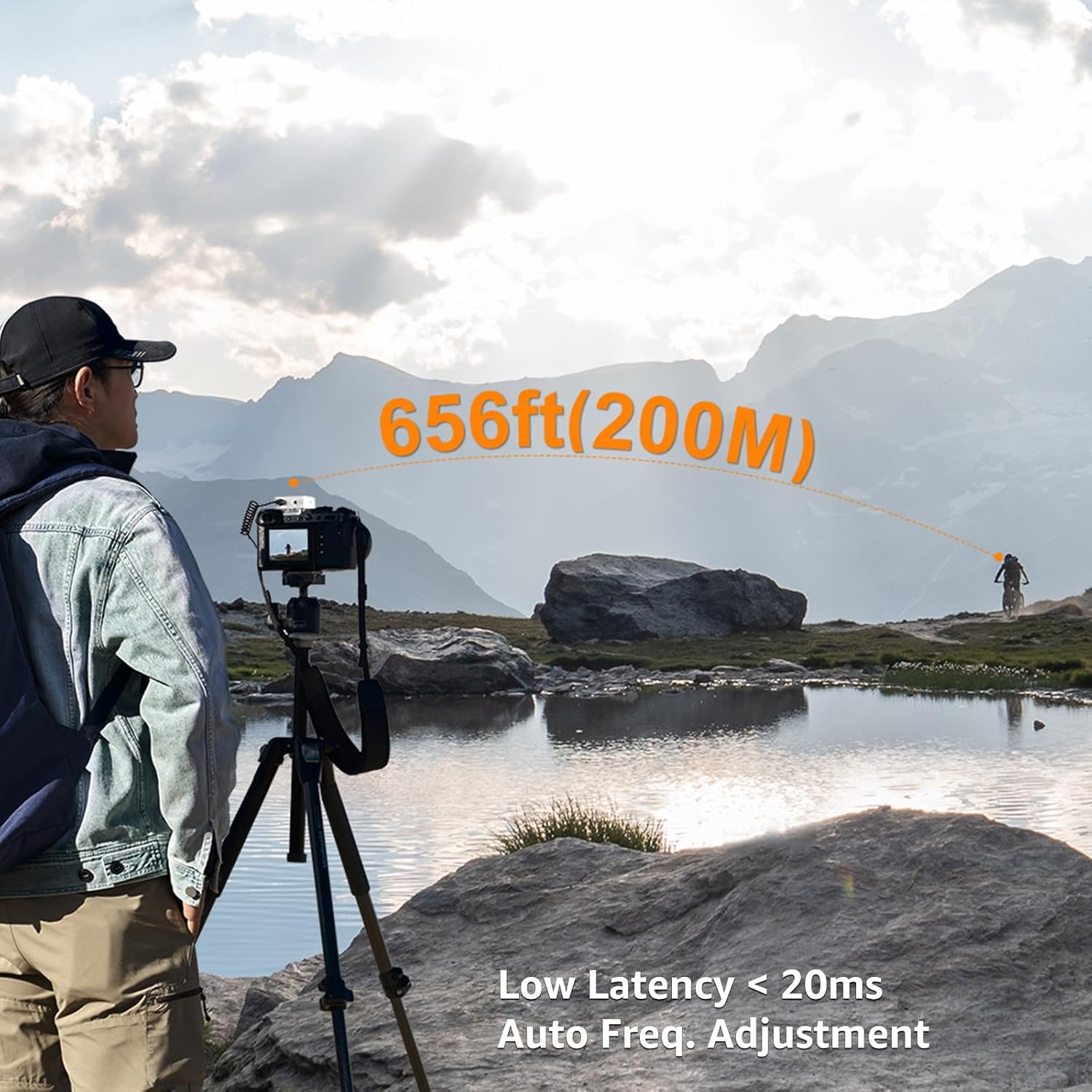
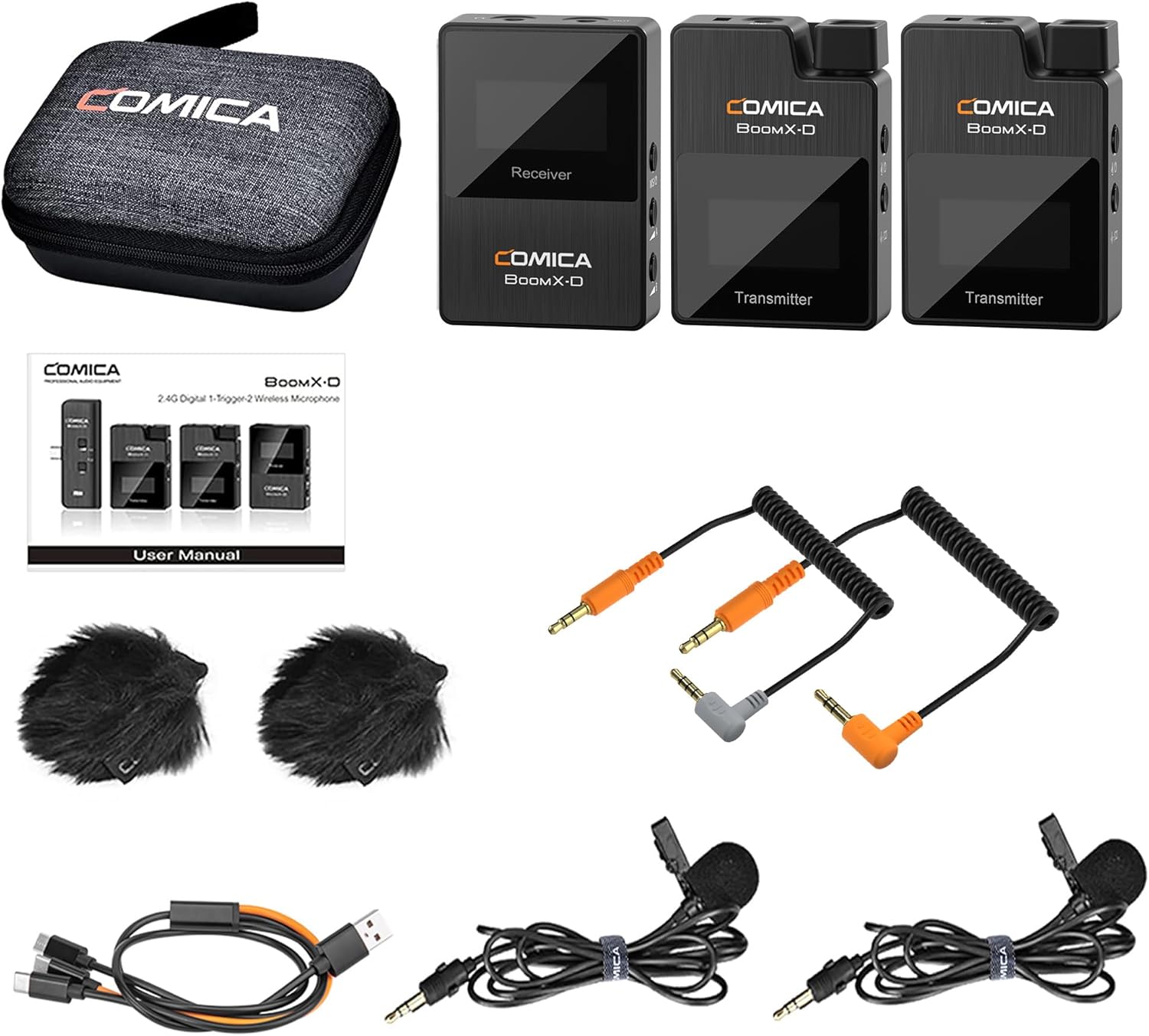
Detail1Mono/Stereo Switchable2Come with a Carrying Bag348KHZ/16 Bit Audio Record4Real-time Audio Monitor5Low Latency < 20ms
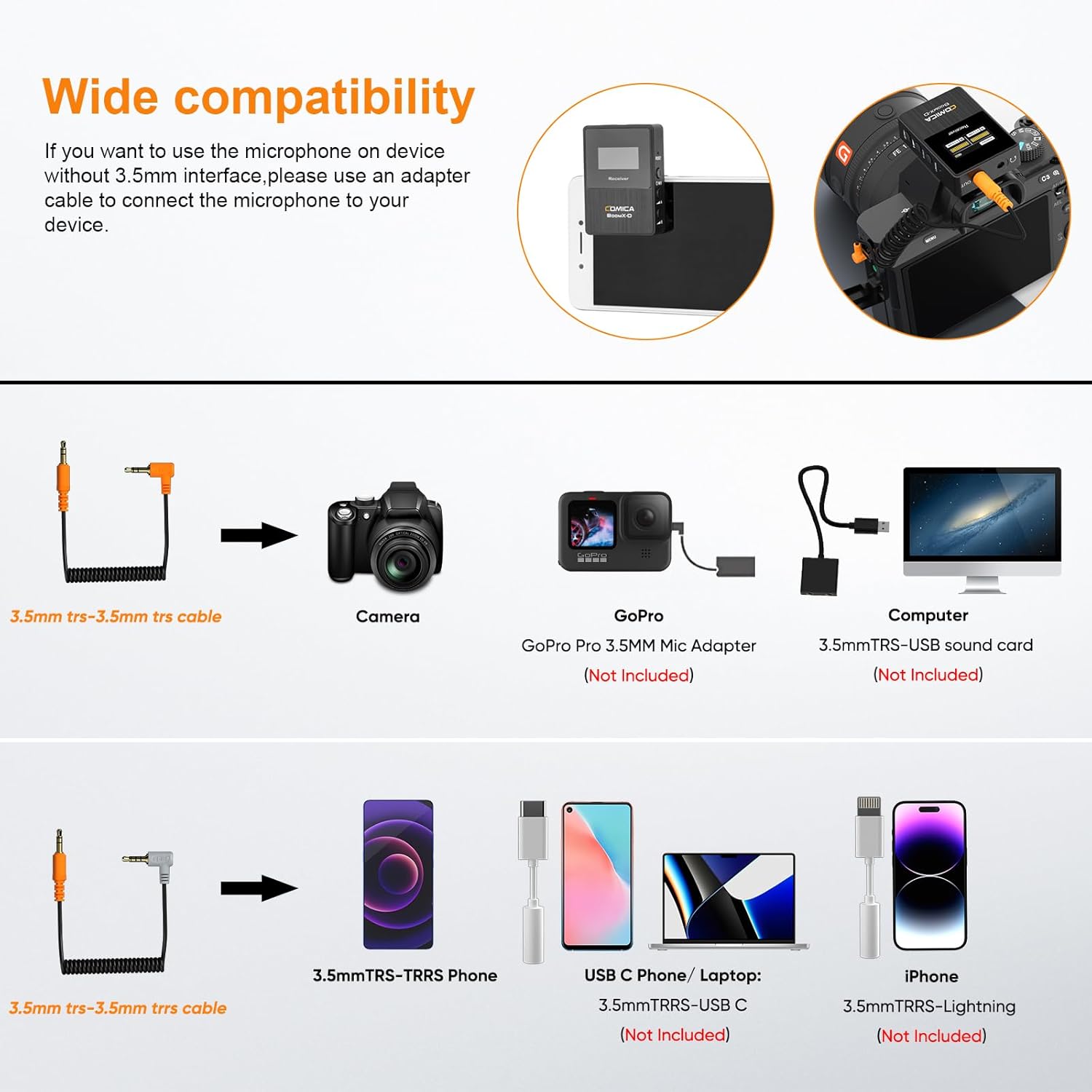
How do I connect it to my iPhone?
For iPhone users, connect the 3.5mm to Lightning adapter with OTG to the receiver.(It is highly recommended to use the CVM-D-MI audio output cable from COMICA.)
iPhone speaker won't work when connected.
How do I connect it to myUSB C(Type C) Phone/Laptop?
For USB C device, connect the 3.5mm to the USB-C audio adapter with OTG (not included). (It is highly recommended to use the CVM-D-UC II Output Cable or CVM-SPX-UC Cable Adapter from COMICA.)
Your phone speaker won't output sound.
How do I connect it to my computer?
To connect BOOMX-D to a computer with USB-C input, use a 3.5mm to USB-C audio adapter (not included) or a TRS-TRS cable. Make sure to select BOOMX-D as the input audio device for your computer and recording software.
What should I do if my camera come with loud background noise?
Manually adjust camera recording volume, lower camera gain, and turn off automatic gain control. Note: BoomX-D may not be compatible with wind noise suppression and noise reduction functions of your camera. Turn off both functions when recording.
hero-video
Dual Transmitters and One Receiver
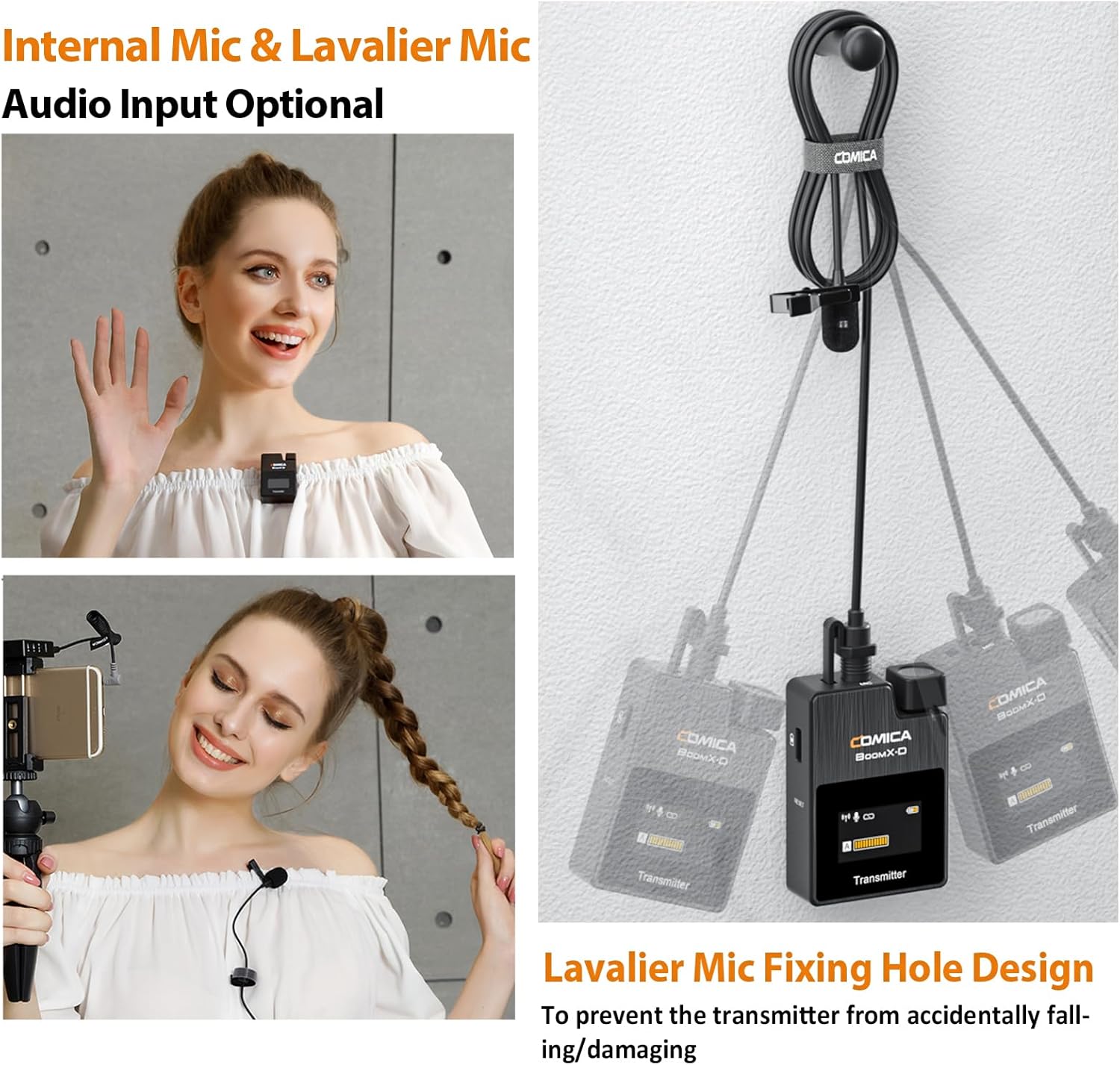
Mini and Portable
Broadcasting Quality Audio
Ensure Clear Recording,Keep the Mic Work Properly
Make the Recording Clear and Natural
How do I connect it to my iPhone?
How do I connect it to myUSB C(Type C) Phone/Laptop?
How do I connect it to my computer?
What should I do if my camera come with loud background noise?
-
Customer ReviewsNo comments