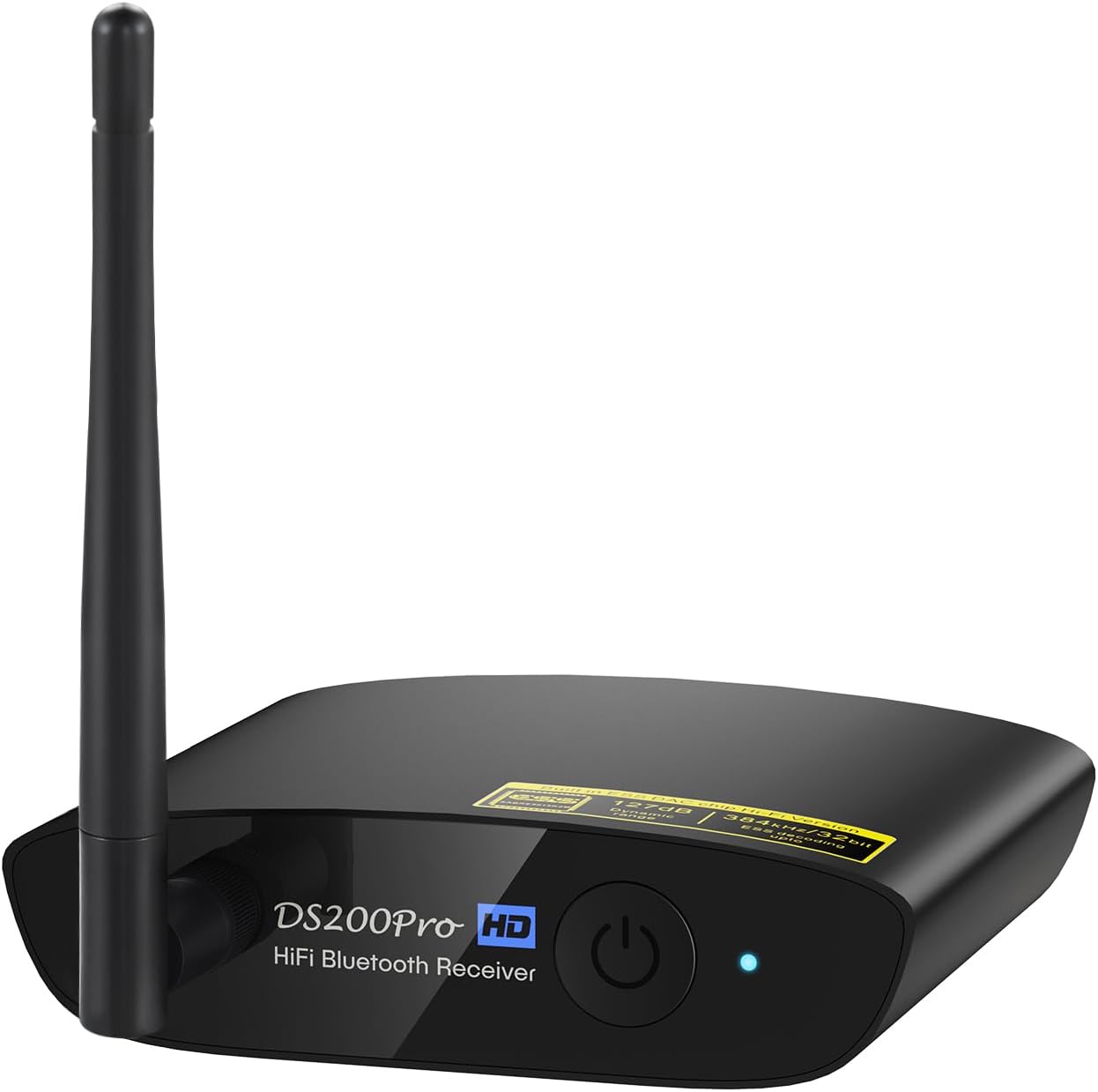
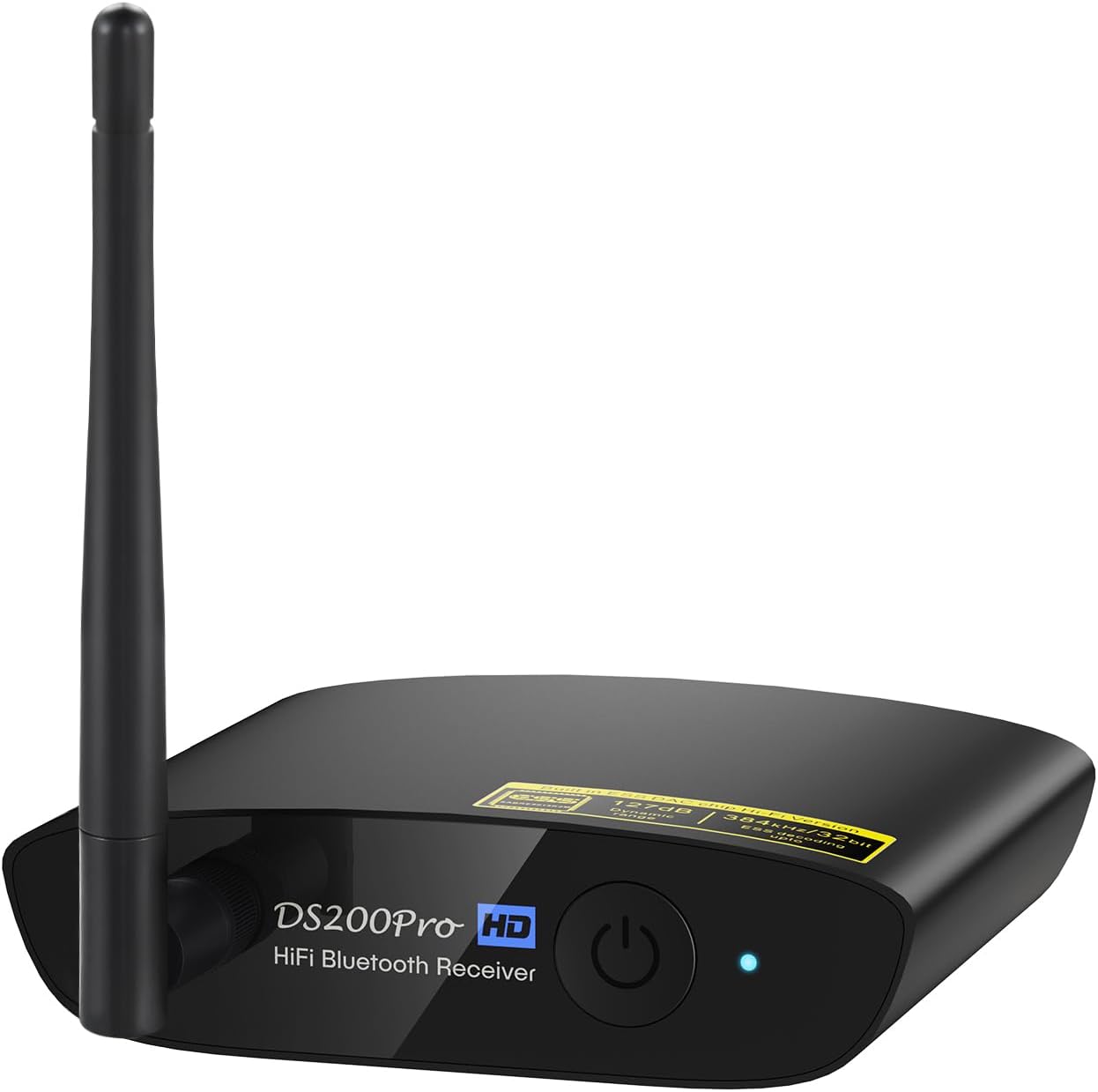

1Mii DS200Pro Bluetooth 5.3 Receiver for Home Stereo, HiFi Wireless Audio Adapter with LDAC, Built-in DAC, Long Range, Optical & RCA Outputs
【 The Latest Bluetooth Tech】DS200 Pro Bluetooth Receiver
-
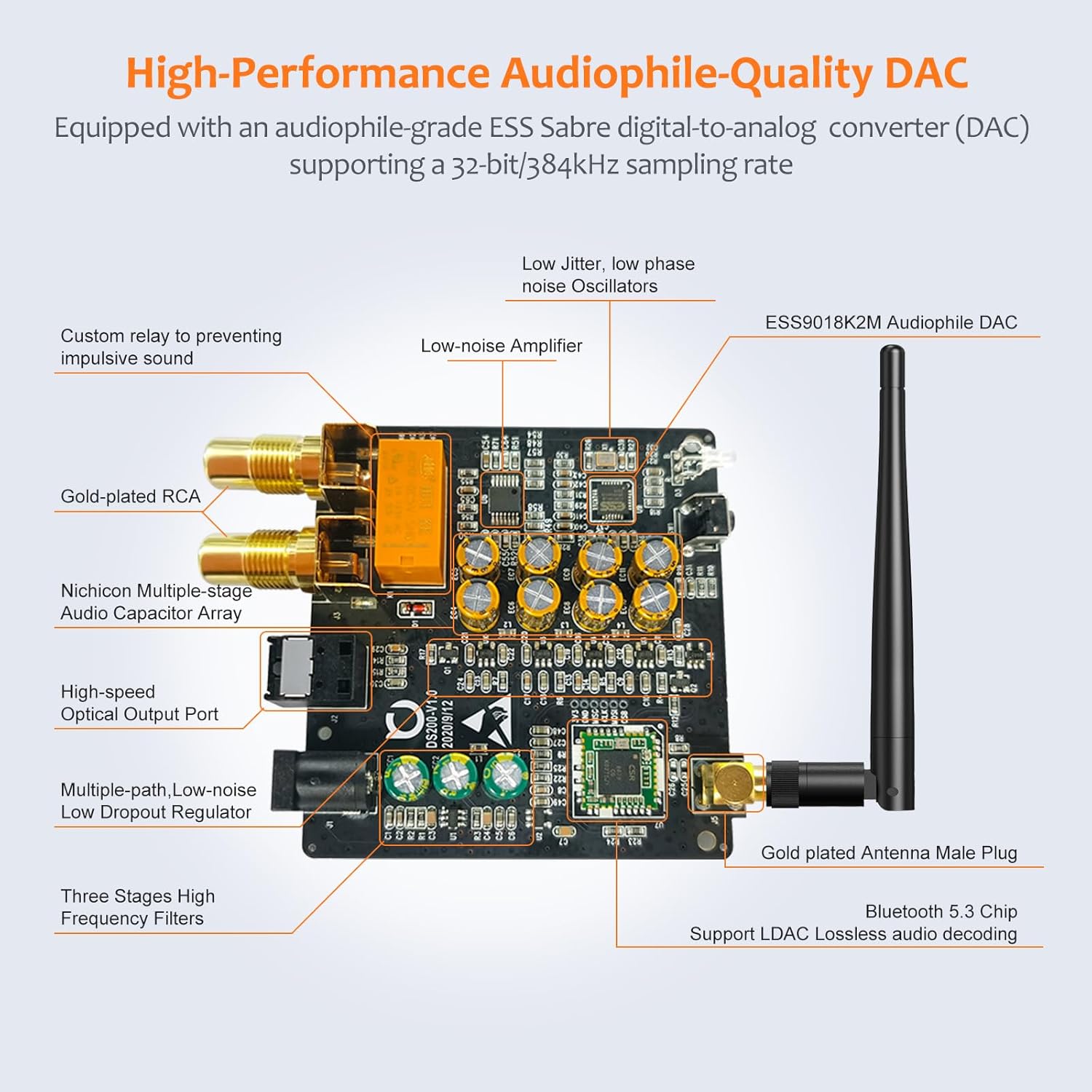
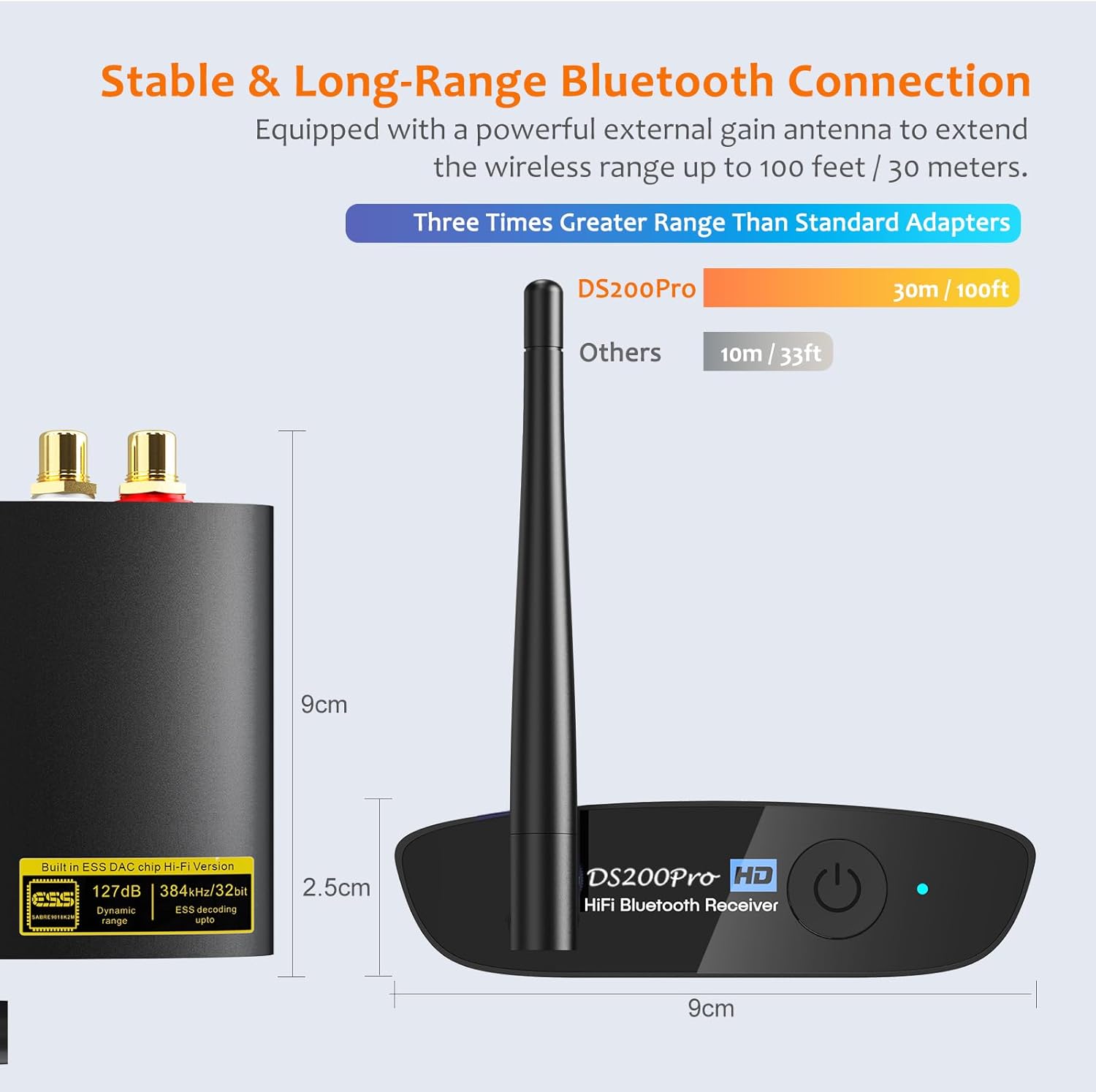
Detail1High Definition Audio2Premium Bluetooth Chip3Premium Hi-Fi DAC4Extended Wireless Range1Elegant & Stylish Design2Flexible Connectivity3Wide Compability4Multifunctional
NOTICE: 1. DS200Pro is not a Bluetooth transmitter. Neither support connecting to TV by a audio cable nor pairing Bluetooth headset / speaker wirelessly.
2. Please make sure to use a power adapter for power supply, this way will eliminate ground loop noise.
Q1:How to enter pairing mode?
-. First, turn off DS200Pro Bluetooth hifi receiver by short pressing the power button (LED indicator flashes red)
-. Long press the power button for 3 - 5 seconds until the indicator light flashes red and blue, this is the pairing mode.
Q2: How to reset the DS200Pro Bluetooth audio receiver?
In DS200Pro power off state, long press the power on button for about 7 seconds, the indicator light will flash purple, then the reset is done.
Q3: Why do I have sound problem when connecting DS200Pro by optical output?
If your device does not support 96K sample rate, switch LDAC to off, this usually solves your sound problem.e
Find DS200Pro in the Bluetooth list of your phone - Click DS200Pro to open the drop-down list - Switch LDAC to off.
Q4: Why can't I connect the second phone?
DS200Pro Bluetooth audio adapter only can pair with one Bluetooth device.
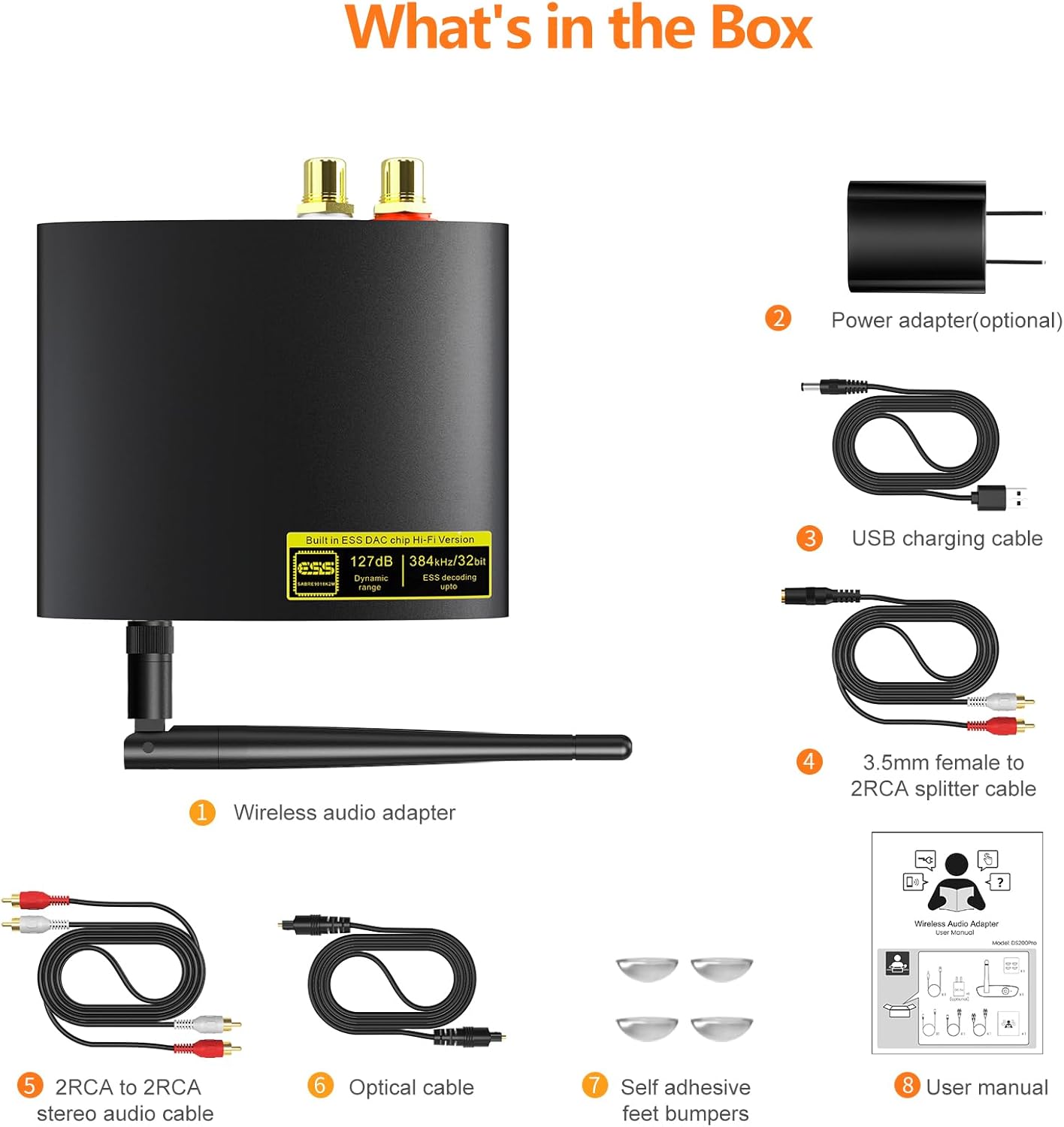
Q5: What is in the box?
DS200Pro Bluetooth Receiver x 1; 3.5mm female to 2 RCA splitter cable x 1; 2RCA to 2RCA stereo audio cable x 1; Optical audio cable x 1; USB charging cable x 1; Self adhesive feet bumpers x 4; User Manual
1Mii DS200Pro HiFi Bluetooth receiver
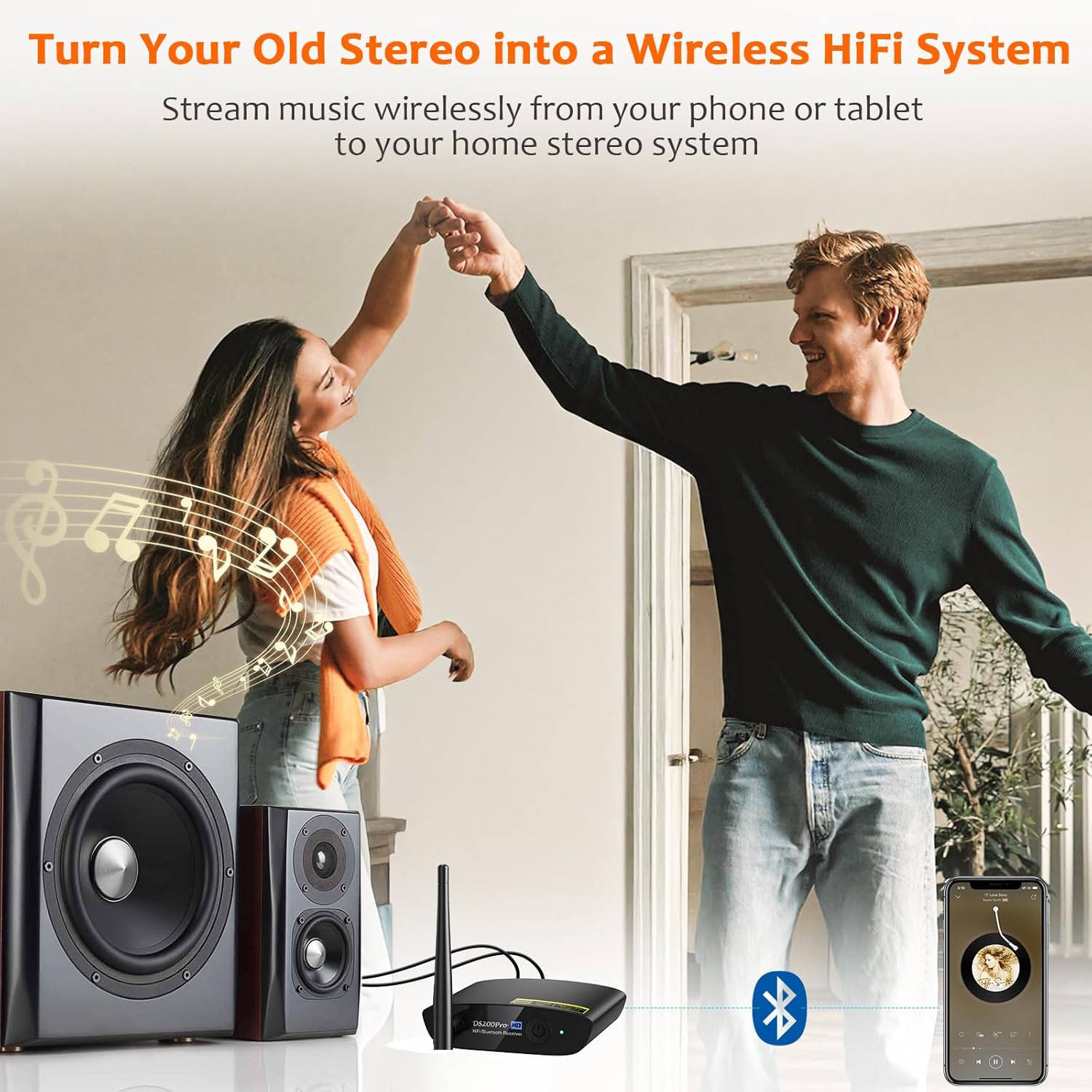
Rebirth Your Home Stereo
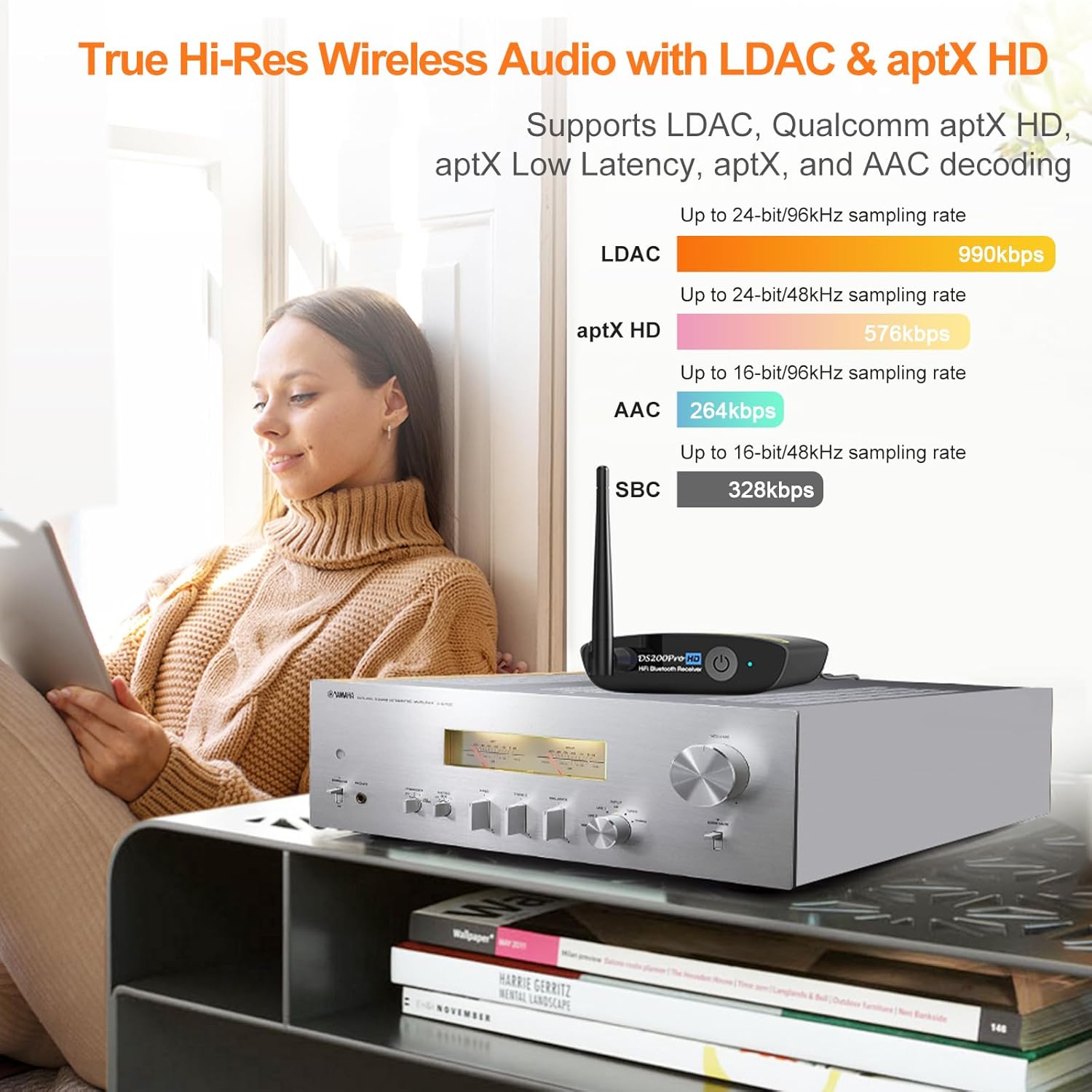
Supports LDAC, aptX HD, aptX, aptX LL Codecs
Bluetooth 5.3 and Qualcomm chip
Audiophile Sound Quality
Equipped with High-gain Antenna
Compact and Lightweight
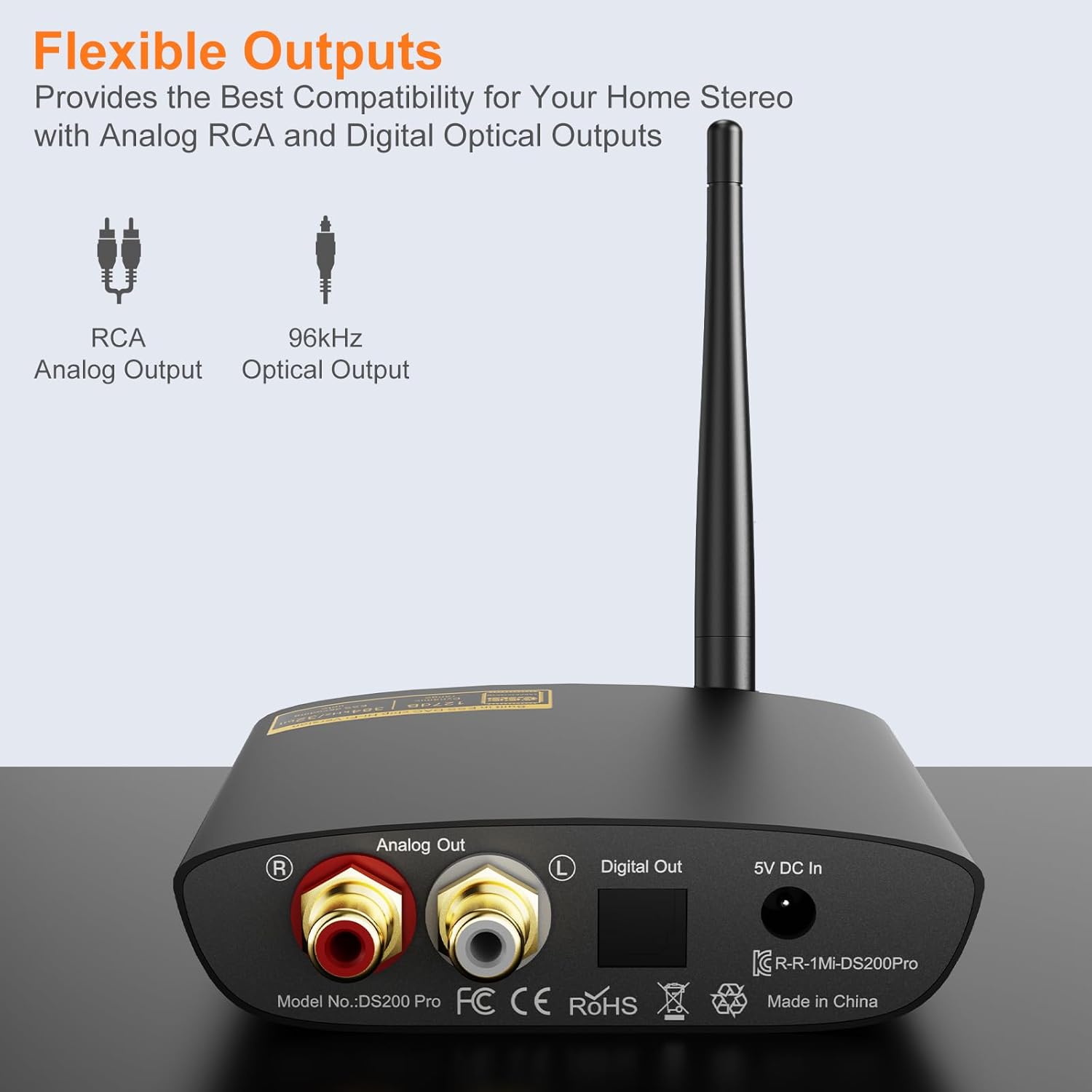
Digital and Analog Connectivity
Unlimited Streaming
Q1:How to enter pairing mode?
Q2: How to reset the DS200Pro Bluetooth audio receiver?
Q3: Why do I have sound problem when connecting DS200Pro by optical output?
Q4: Why can't I connect the second phone?
Q5: What is in the box?
-
Customer ReviewsNo comments