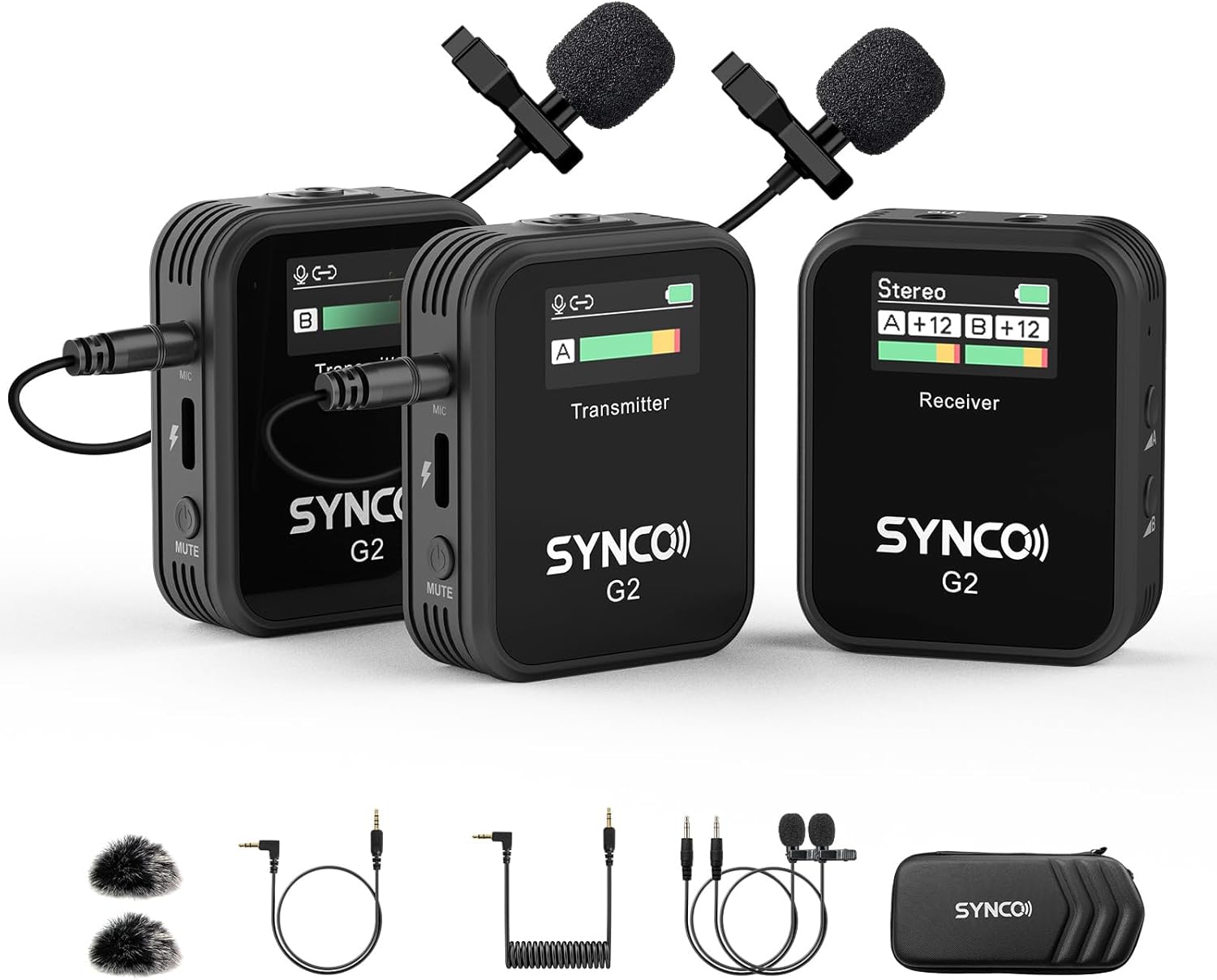
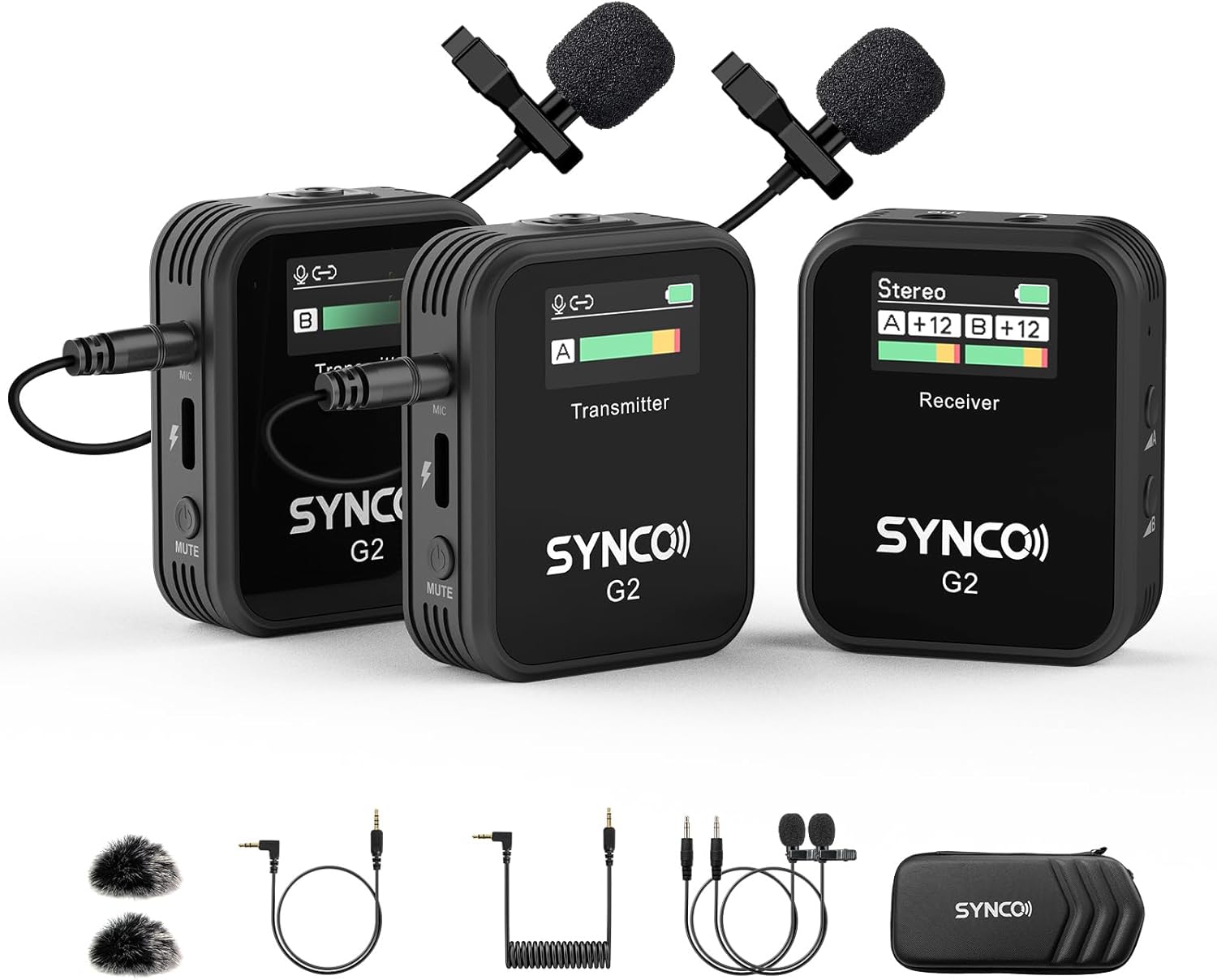
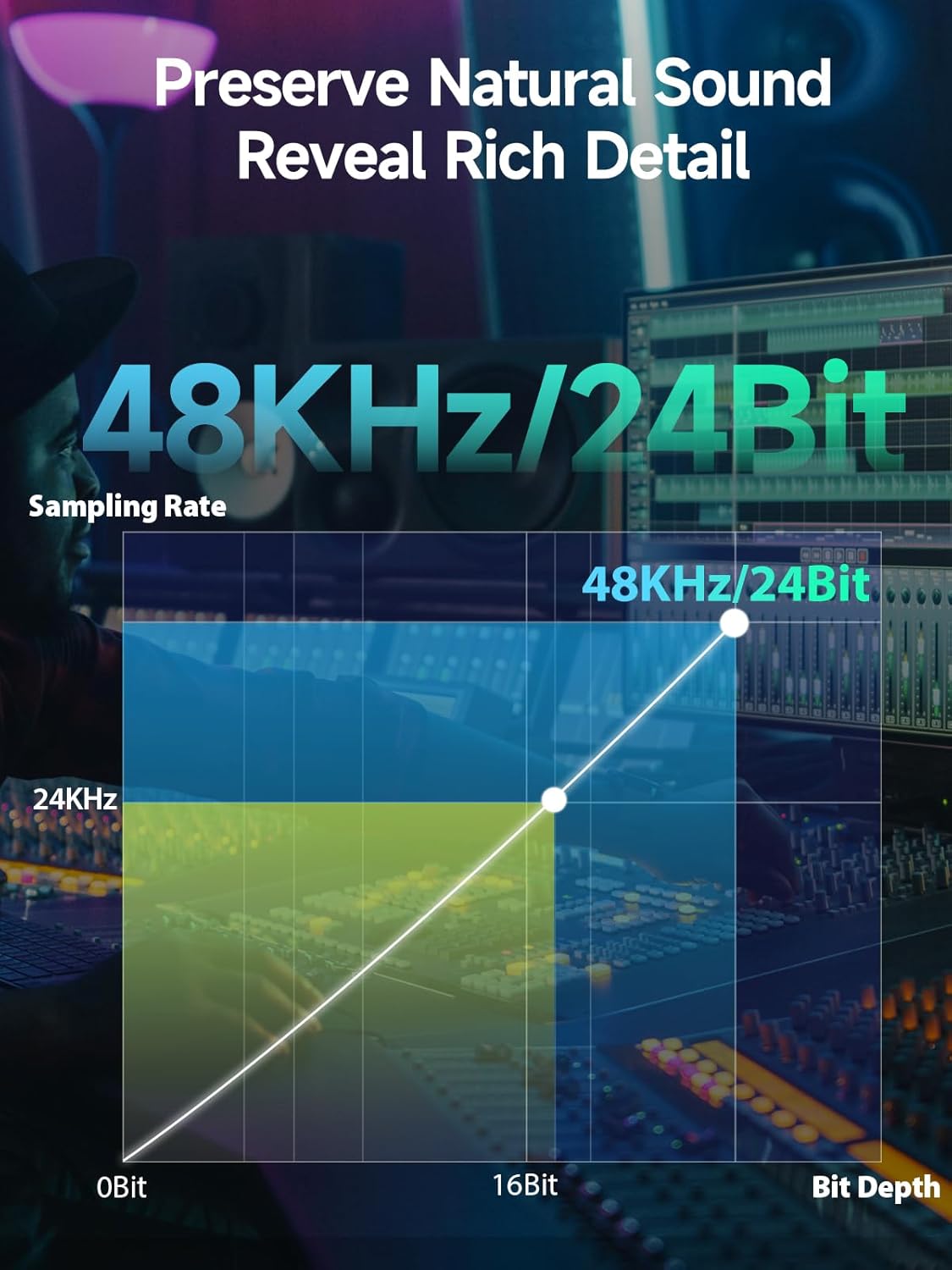


SYNCO Wireless Lavalier Microphone, G2(A2) 2.4G Dual Transmitter 48KHz 24Bit Lapel Mic 656FT 8H for Online Class Vlog Stream YouTube for Camera Smartphone Tablet
-
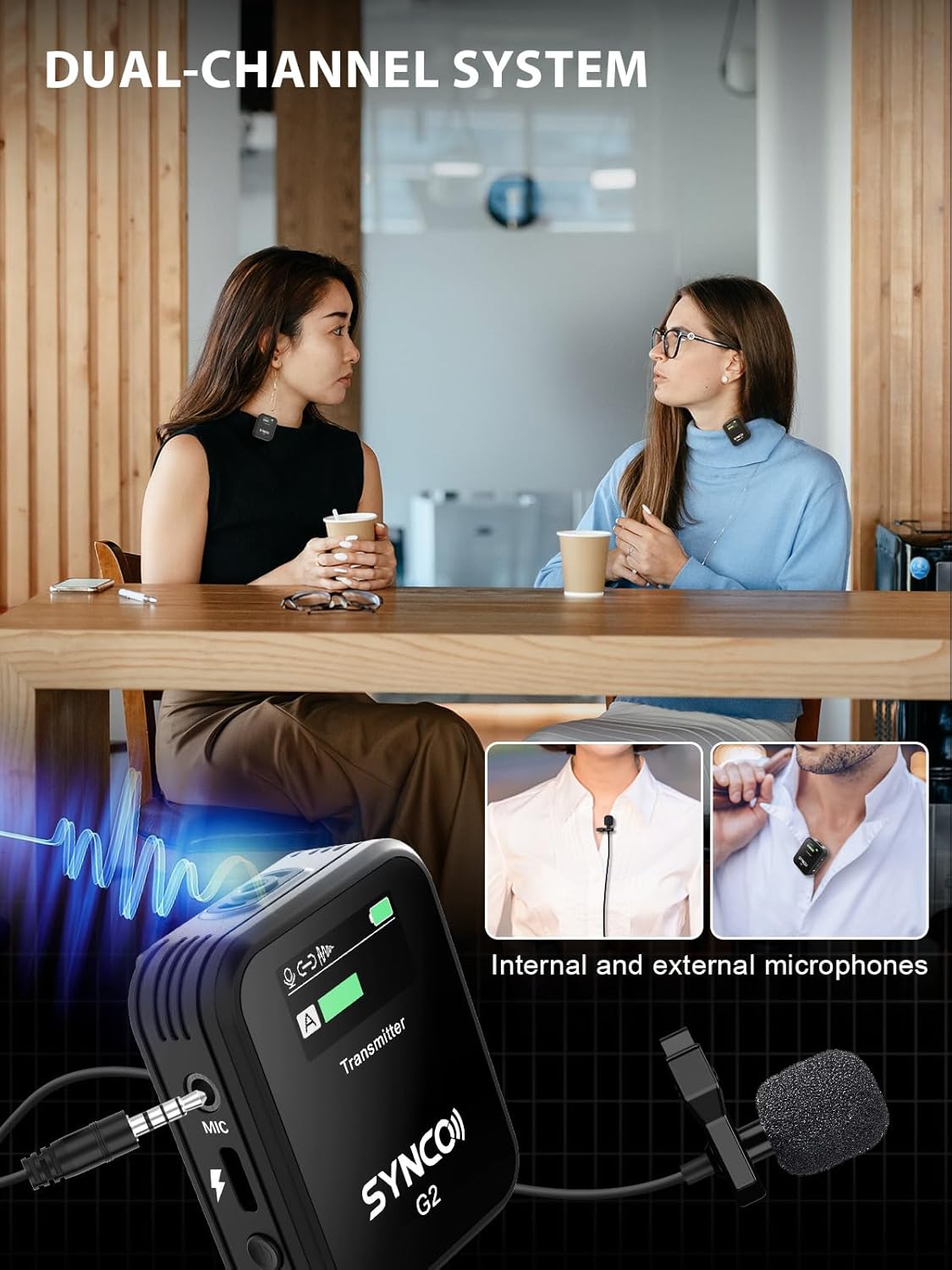
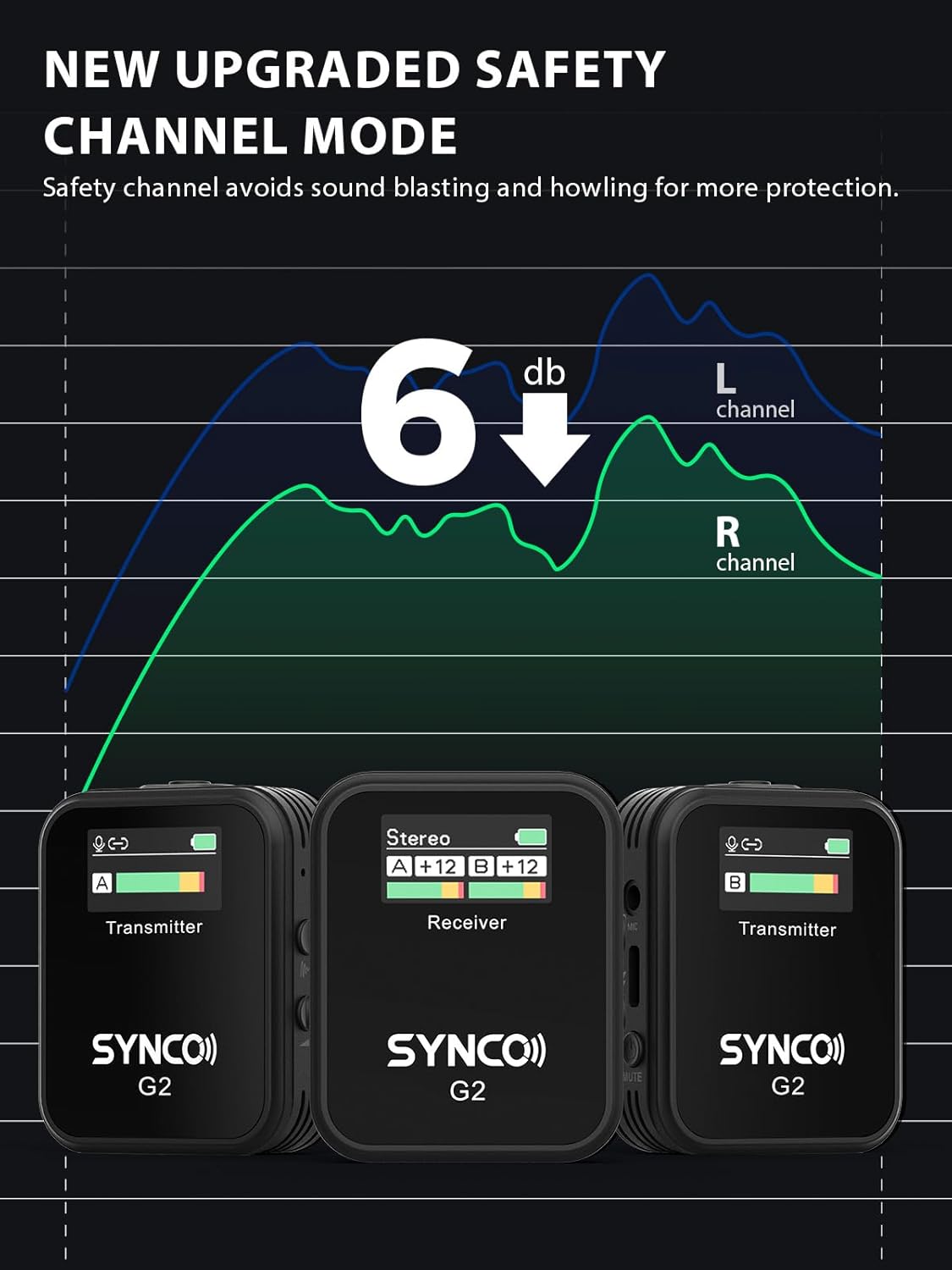
Detail1Dual Channel Mic2-6dB Safety Channel3No More Battery Worried4HD TFT Display5Crystal Clear Pickup
How to connect the SYNCO G2A2 wireless lavalier microphone to the iphone?
Plug the 3.5mm TRRS cable into the receiver's audio output port, and then connect your iphone through the lightning to 3.5mm adapter, and you're good to go!
How to connect the SYNCO G2A2 wireless lavalier microphone to the Android smartphone?
The type-c port of the receiver can be plugged directly into an Android phone via a type-c to type-c cable. Or receiver outputs the audio signal to the phone via either a 3.5mm TRRS phone cable. (In this case requires type-c to 3.5mm adapter)
Which output mode does the microphone use when connected to a smartphone?
Mono output mode is recommended.
Does the SYNCO G2A2 wireless mic work on PC?
Yes. The receiver Type-C port has a digital output function, which directly connect to a computer using a Type-C to Type-C cable. Or use a USB-A to 3.5mm/Type-C adapter to connect to a USB A port computers.
SYNCO G2 Wireless Lavalier Microphone System
SYNCO G2A2 Enriches Your Life
SYNCO G2 Wireless Lavalier Microphone System
How to connect the SYNCO G2A2 wireless lavalier microphone to the camera?
How to connect the SYNCO G2A2 wireless lavalier microphone to the iphone?
How to connect the SYNCO G2A2 wireless lavalier microphone to the Android smartphone?
Which output mode does the microphone use when connected to a smartphone?
Does the SYNCO G2A2 wireless mic work on PC?
-
Customer ReviewsNo comments