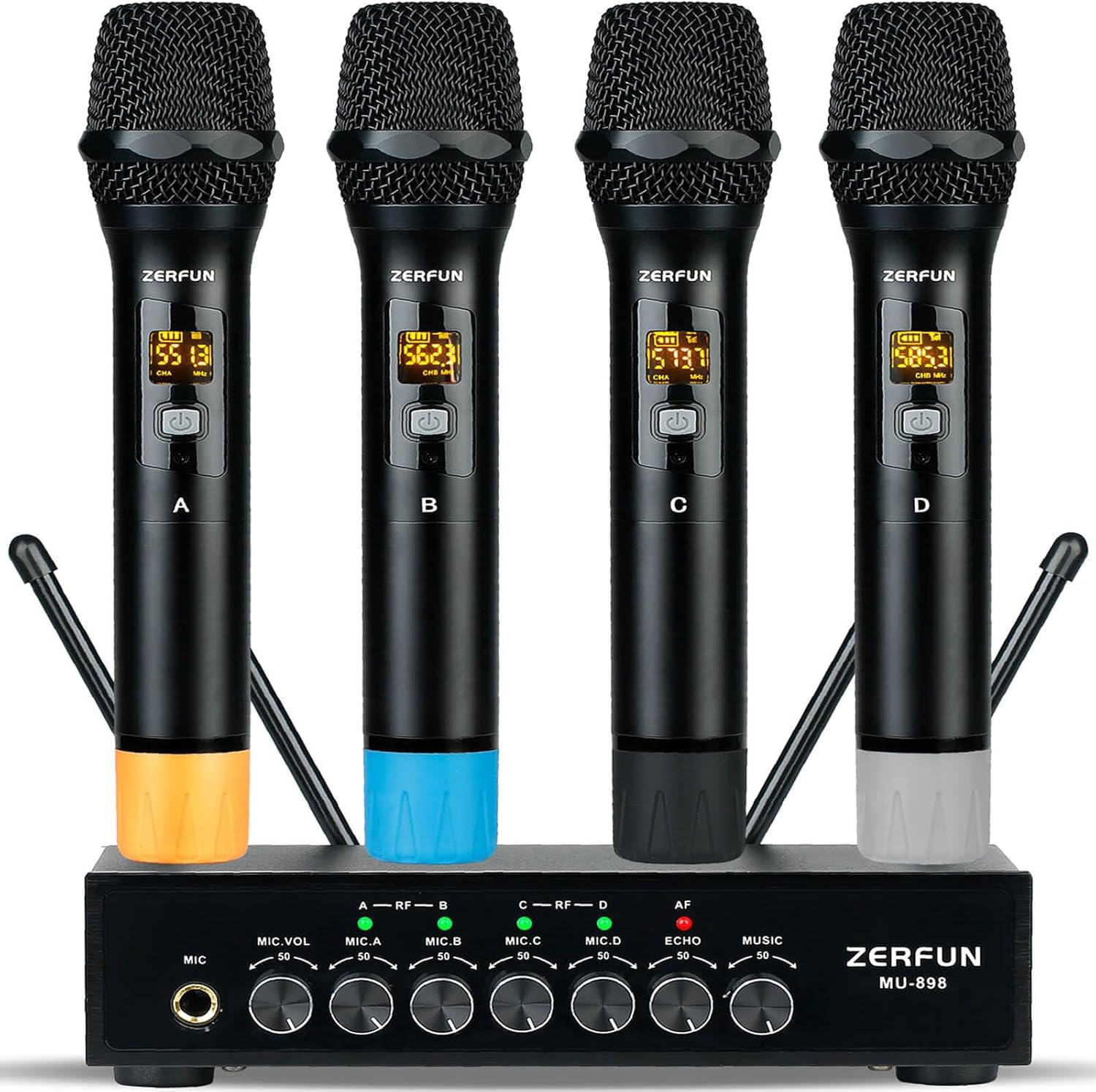
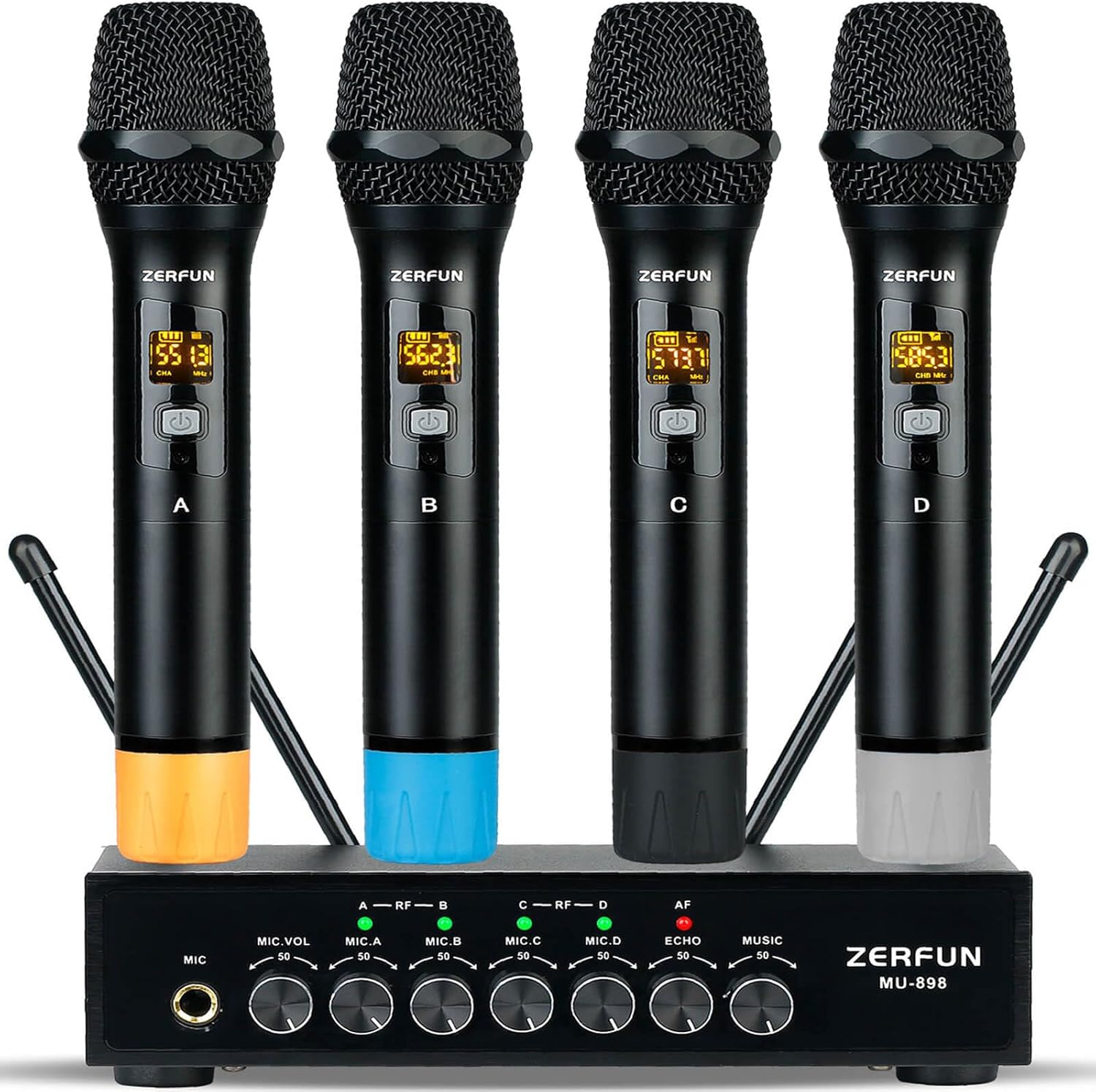

Pro Wireless Microphone System 4 Channel, UHF Metal Cordless Handheld Mics with Echo Bluetooth for Church Karaoke Singing, 4x50 Adjustable Frequency(MU-898 Battery 4 Handheld)
-
Detail
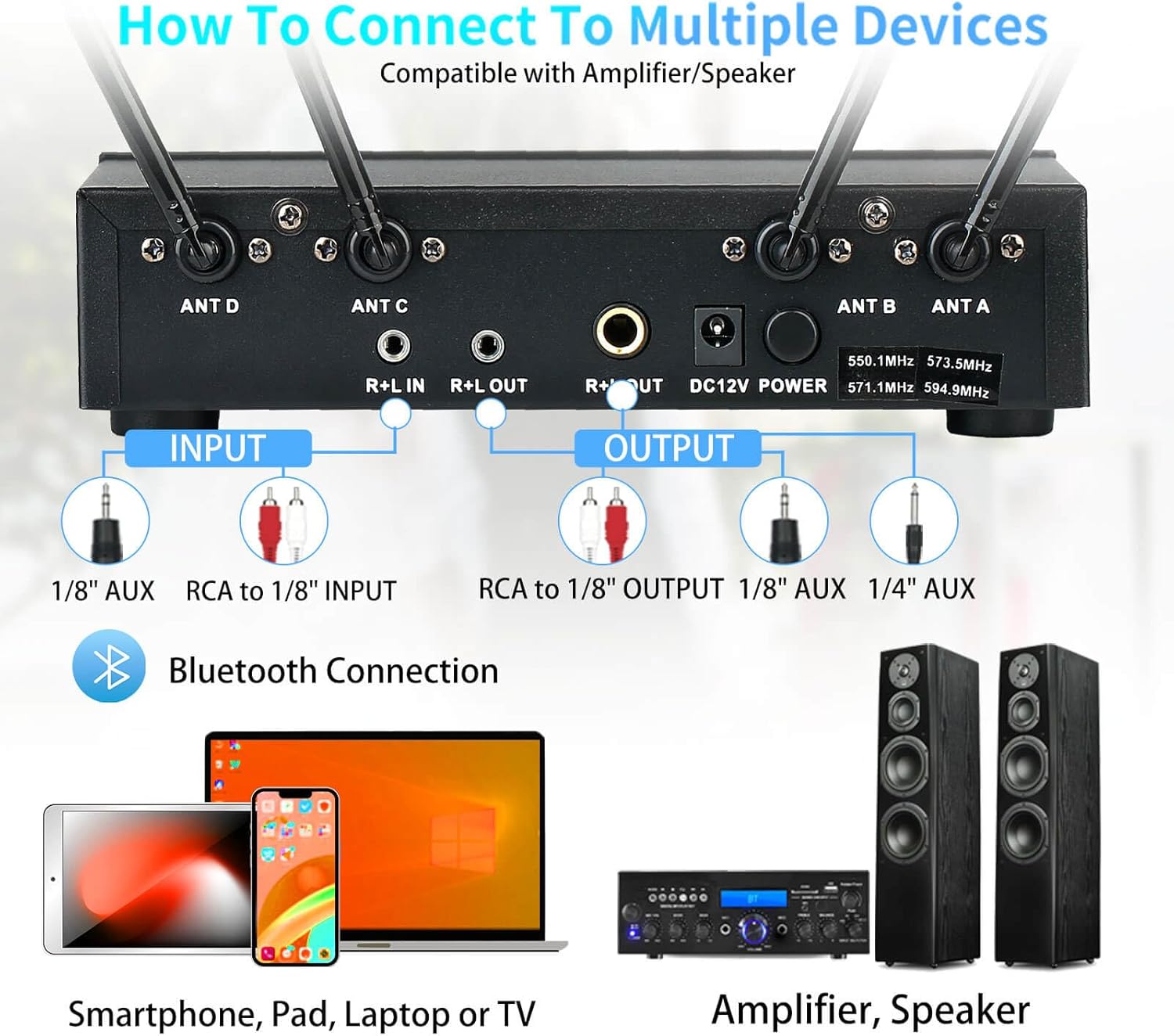
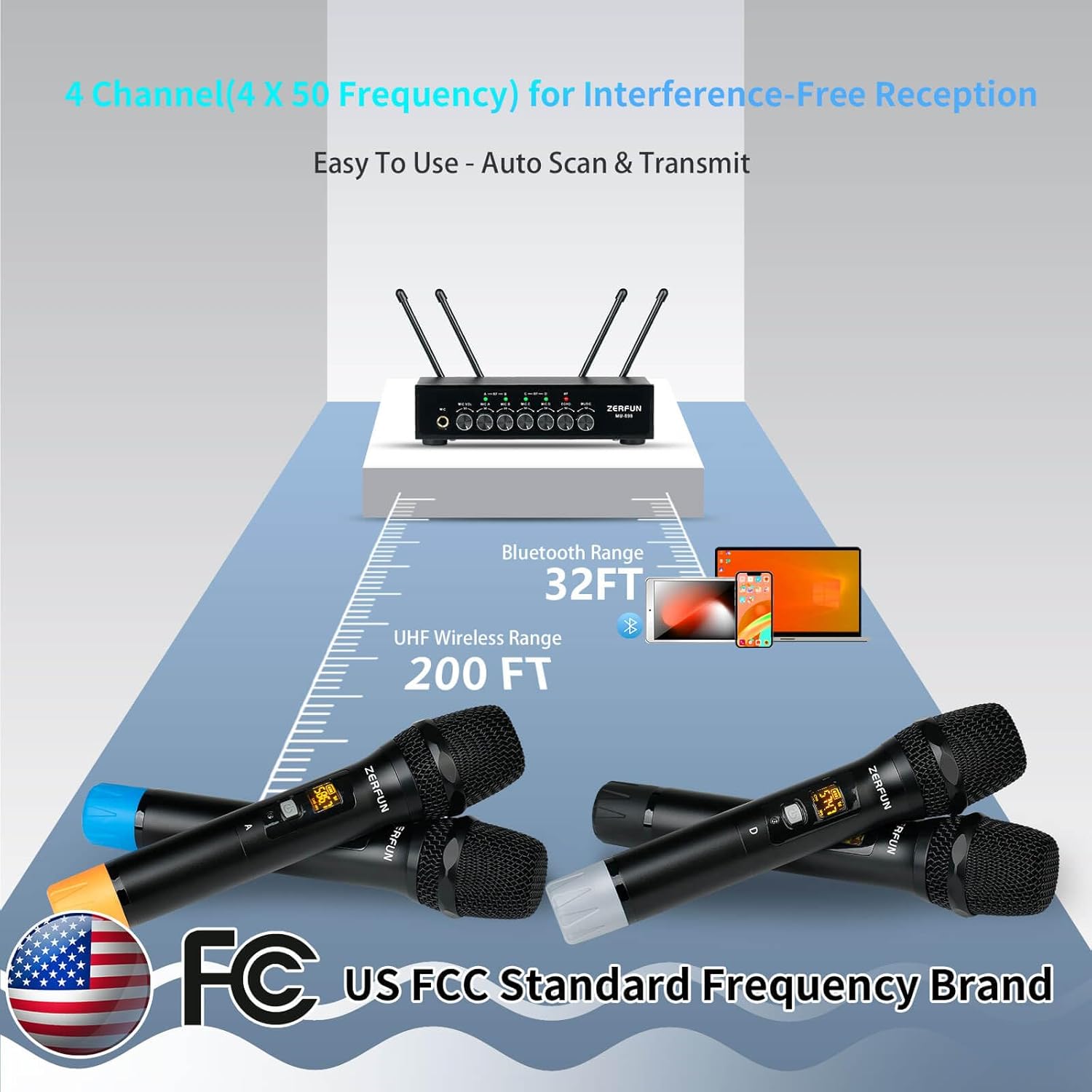
The ZERFUN MU-898 Wireless Microphone System can support up to 200 feet range, 50 compatible frequencies on each channel(4 X 50) for interference-free reception. The UHF frequencies range within 500 - 599 MHz, are compliant with the FCC regulations.
Multiple Sets Using:
- When work with 2 sets or more simultaneously, please make sure mics are set with different channels. If multiple systems are being used, increase the frequency separation between systems.
ZERFUN UHF Dynamic Cardioid Wireless Microphones
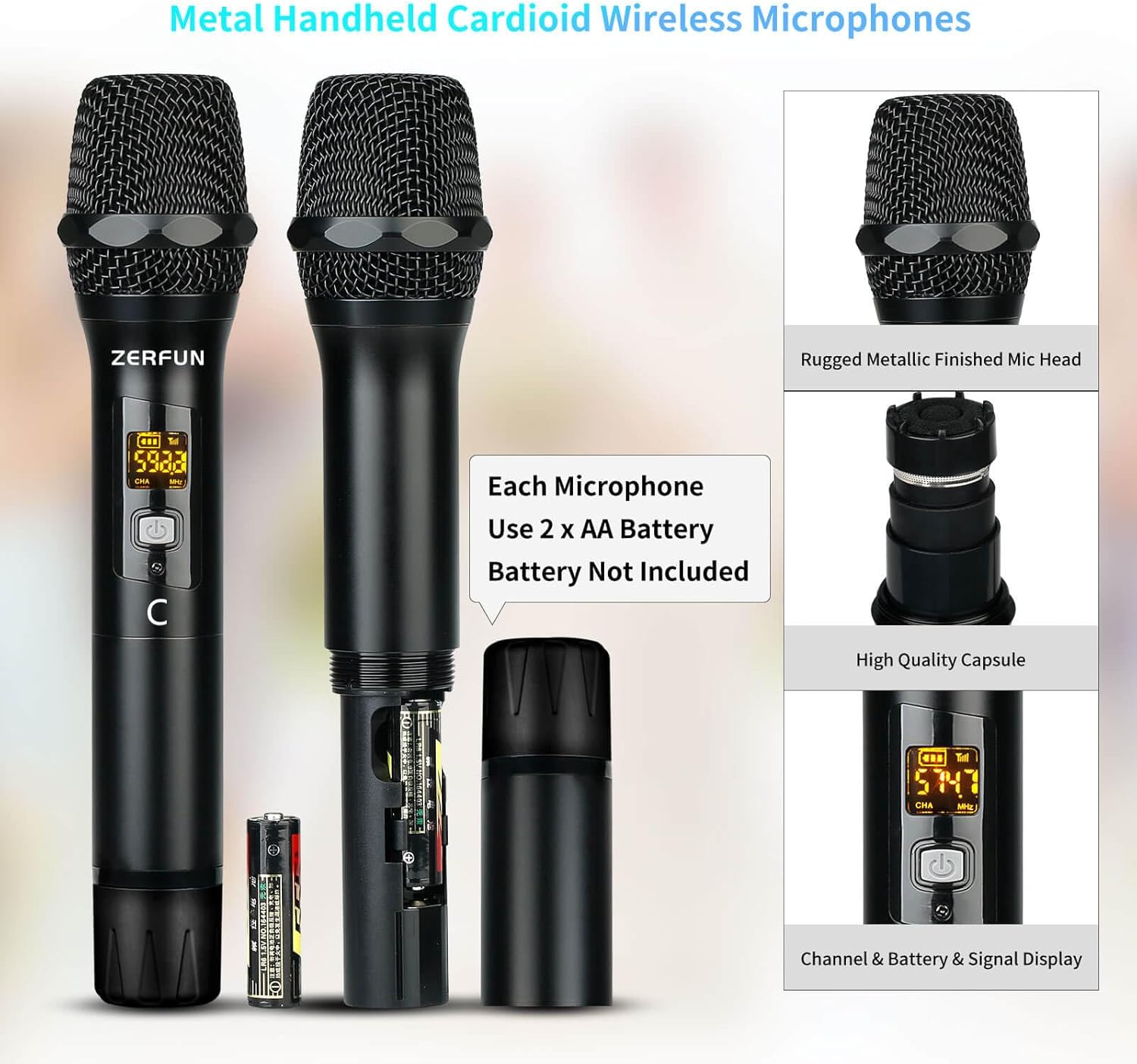
ZERFUN Wireless Microphones are well-made cardioid wireless mics which means they pick up noise unidirectionally(Only when we speak towards the top of the microphone will there be a sound, while there will be no sound when speaking on the side). With this pickup pattern, the directional vocals are easy to isolate from background noise.
How to check whether the microphone and the receiver have quality problems?
First Check the normal working status of microphone and receiver:
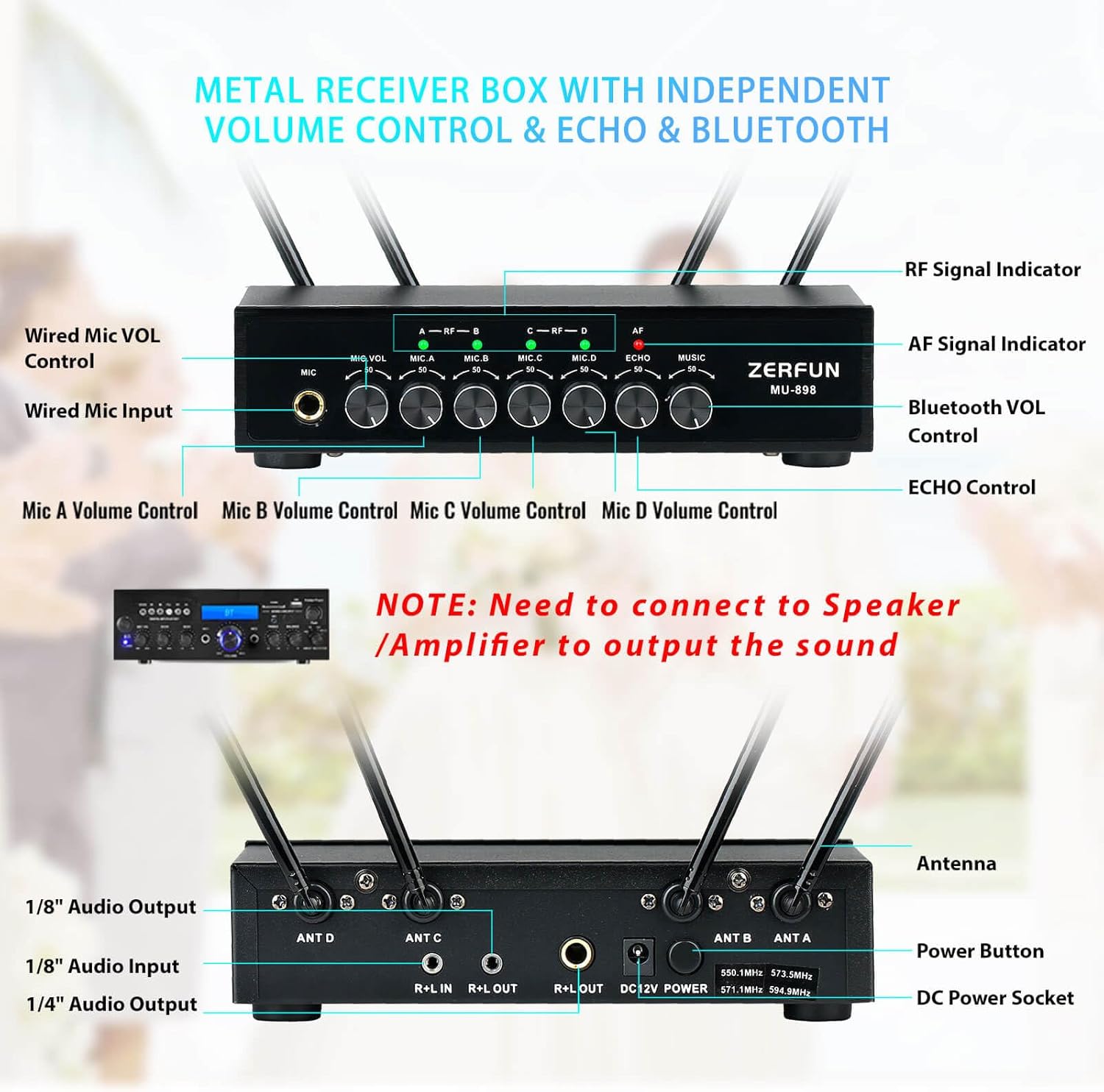
1. Receiver power Indicator is on and the antennas are correctly installed;
2. microphone power Indicator is on;
3. Receiver RF Signal Indicator A, B, C, D is on(Means microphone A, B, C, D have connect with receiver rightly).
If all yes, it means microphone and receiver device have no quality problem, can work normally.
How to adjust the microphone channel and frequency?
Press the "Channel/Frequency Adjustment Button" of microphone to change the microphone working channel/frequency, to avoid interference.
Most of the time, the microphone and receiver have no quality problem, very likely that the current microphone frequency is being disturbed, so we need to switch microphone frequency to avoid interference.
If you encounter a microphone, there are noise, interference, and signal cut in/out, etc, you can try to adjust the microphone frequency, find the frequency that is suitable for your surrounding environment, and let the product can work normally.
How to reset the microphone and the receiver connection(Repairing)?
Turn on the receiver and turn off mic first. Make sure both mic and receiver within 20"distance. Hold down the channel-adjust button of mic first, and then press power button of mic. When screen shows "----", release both buttons and wait for seconds. If"----" disappears, it means pairing is successful.
If you encounter that both microphone and the receiver can power on, but "the microphone cannot connect to the receiver" or "the microphone has no sound", you can try to reset the connection between the microphone and the receiver and let the product can work normally.
-
Customer ReviewsNo comments