Professional Audio Mixer, 4 Channel Sound Mixer With Dual Wireless Mic, Sound Board Console MP3 Bluetooth 48V Phantom Power USB Interface DJ Mixing for Home Karaoke Party Computer Studio Recording
-
Detail
DGNOG R4-PRO Audio Mxier With Mic System
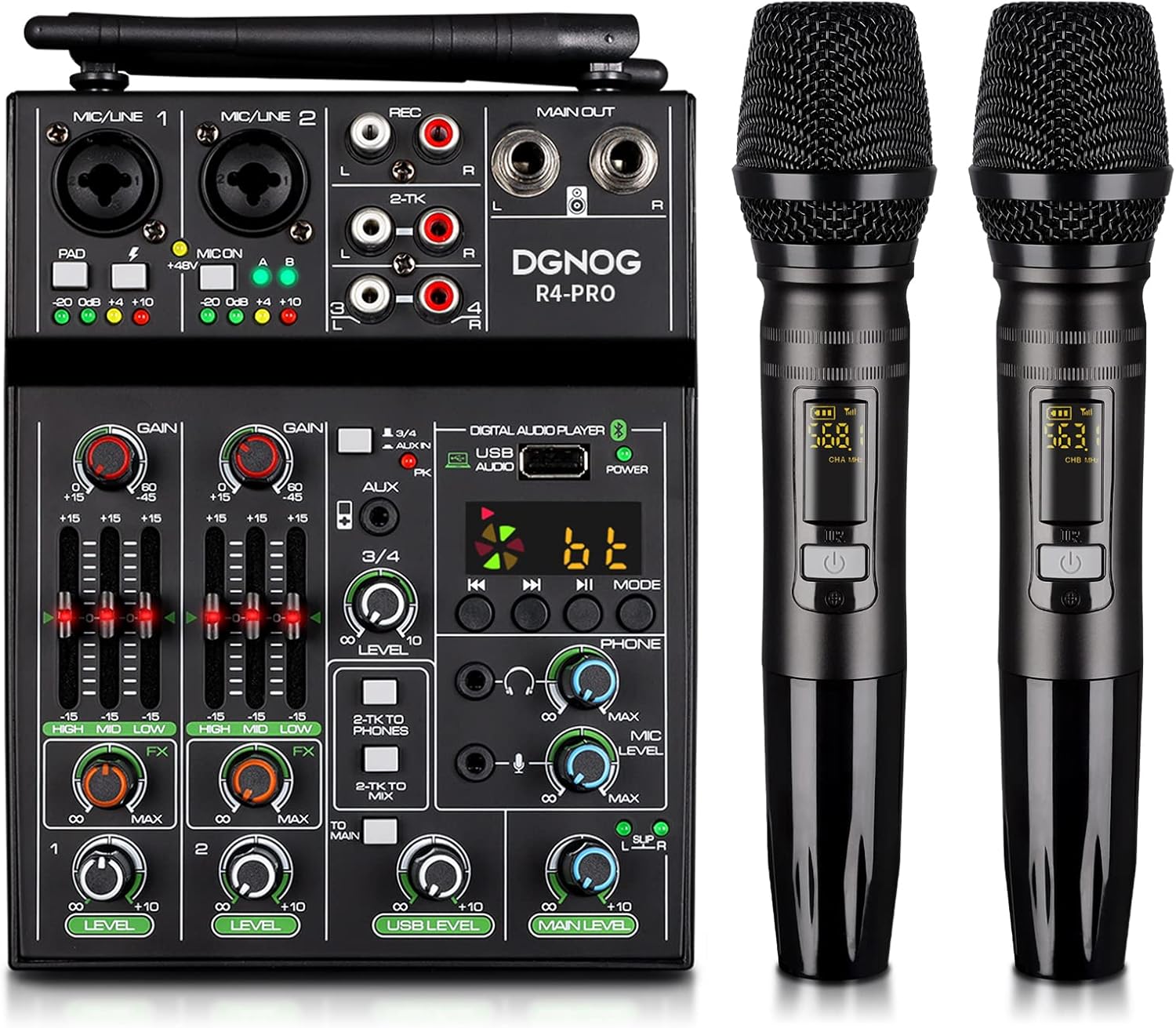
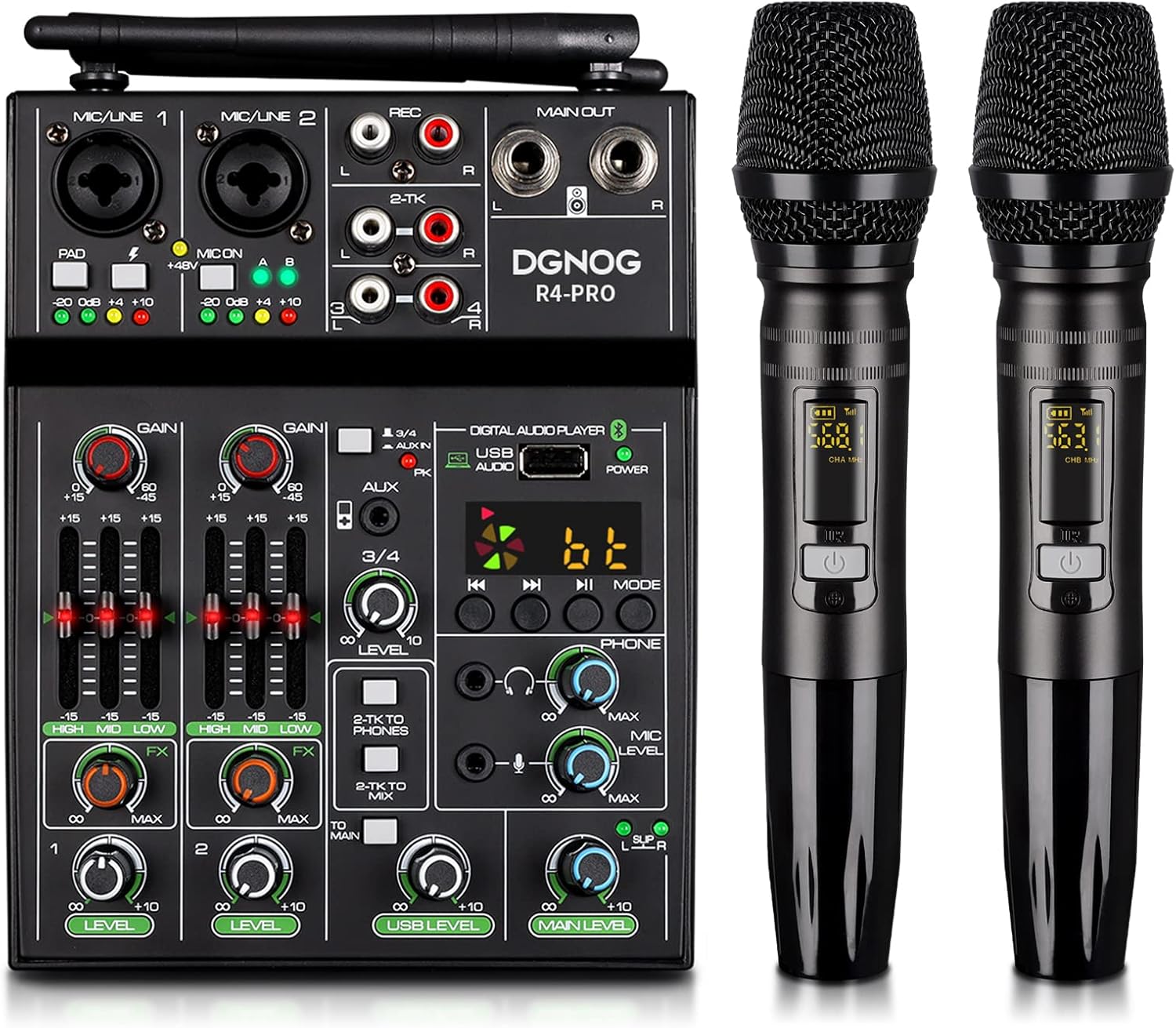
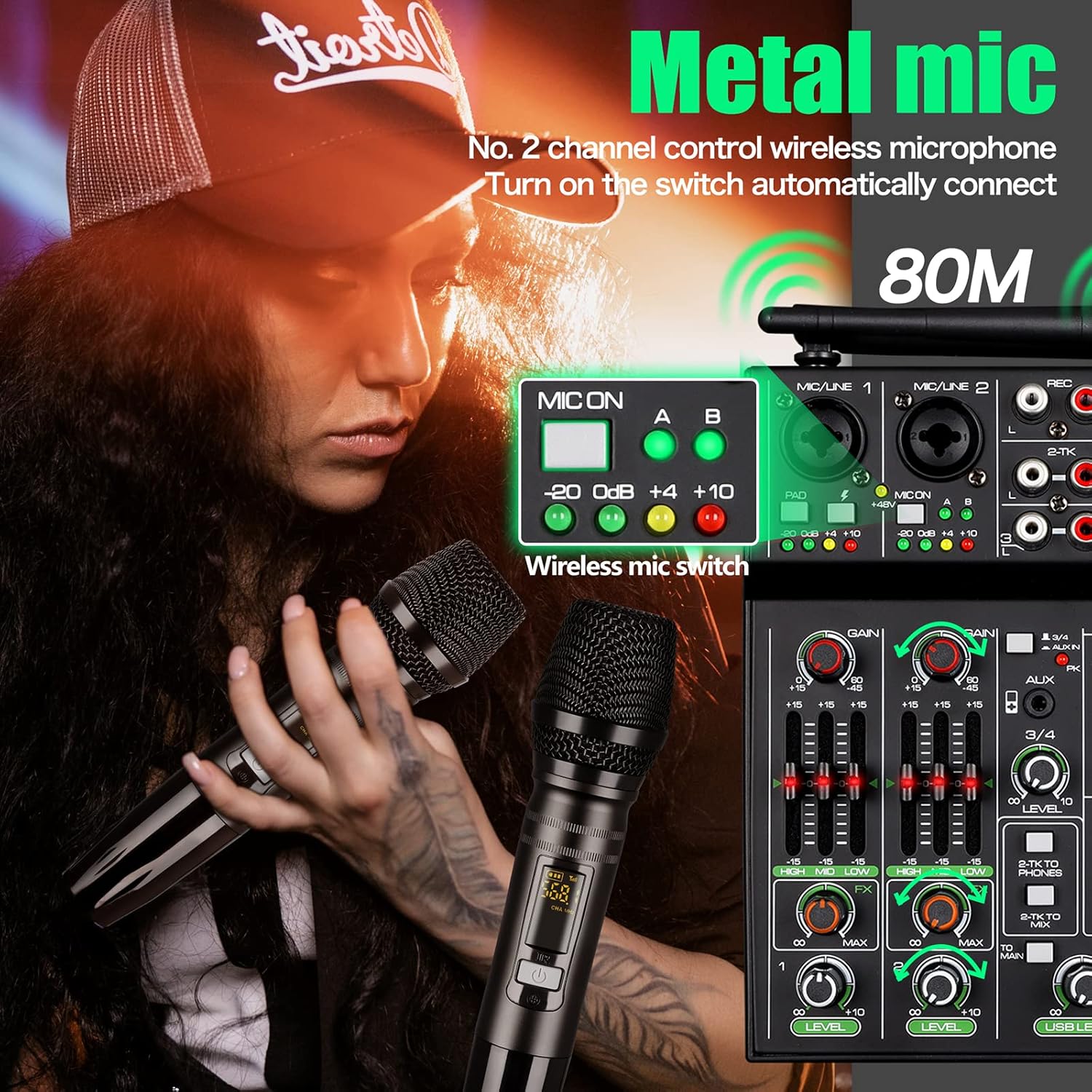
The R4-PRO Audio Mixer represents our innovative design solution, integrating wireless microphone technology to offer a more convenient and user-friendly audio experience. With advanced audio technology and adjustable microphone frequencies, we ensure smooth, interference-free operation.Paired with a classic dynamic cardioid mic, R4-PRO dj Mixer delivers clear sound and stable signals for enhanced audio experiences at parties, karaoke nights, and computer recording.
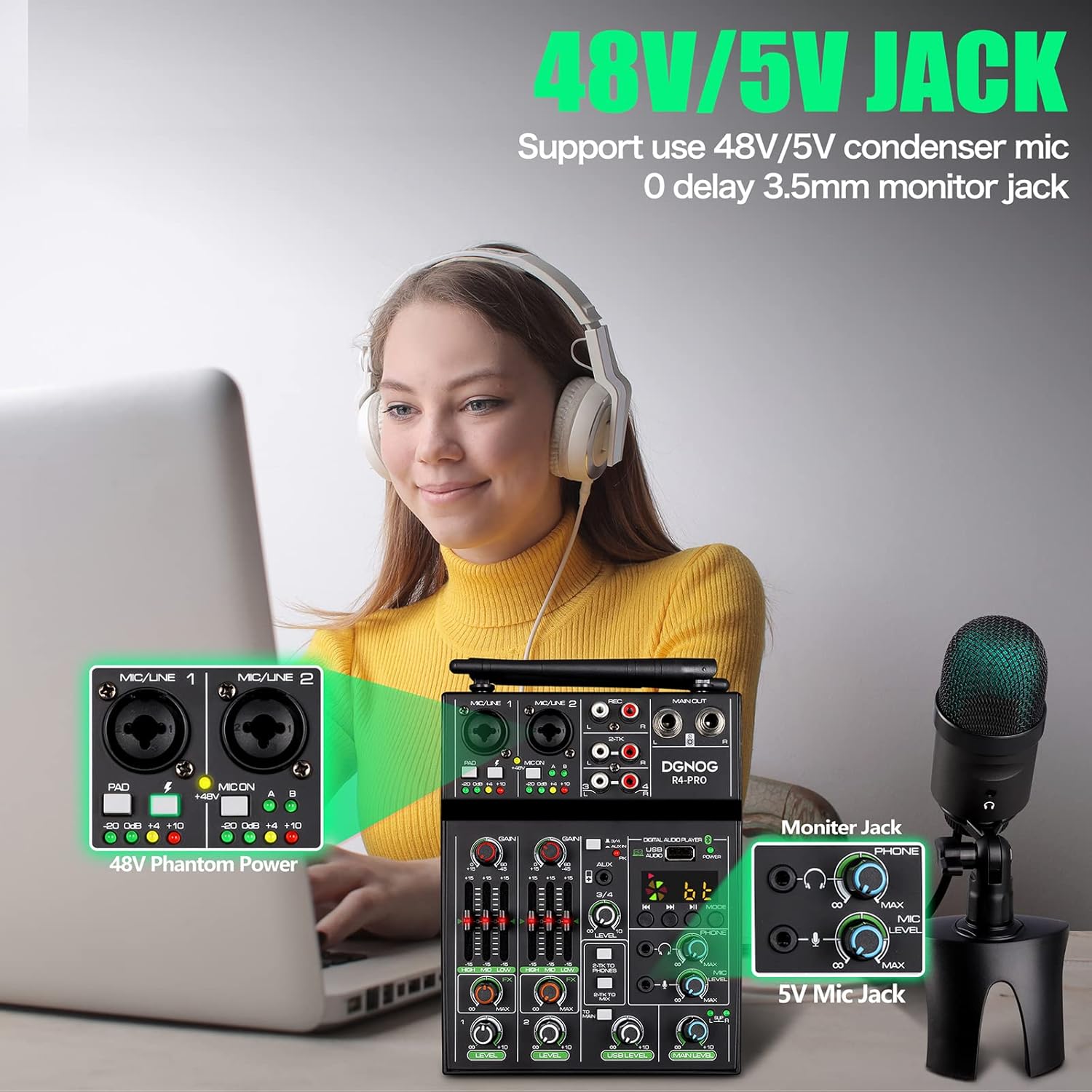
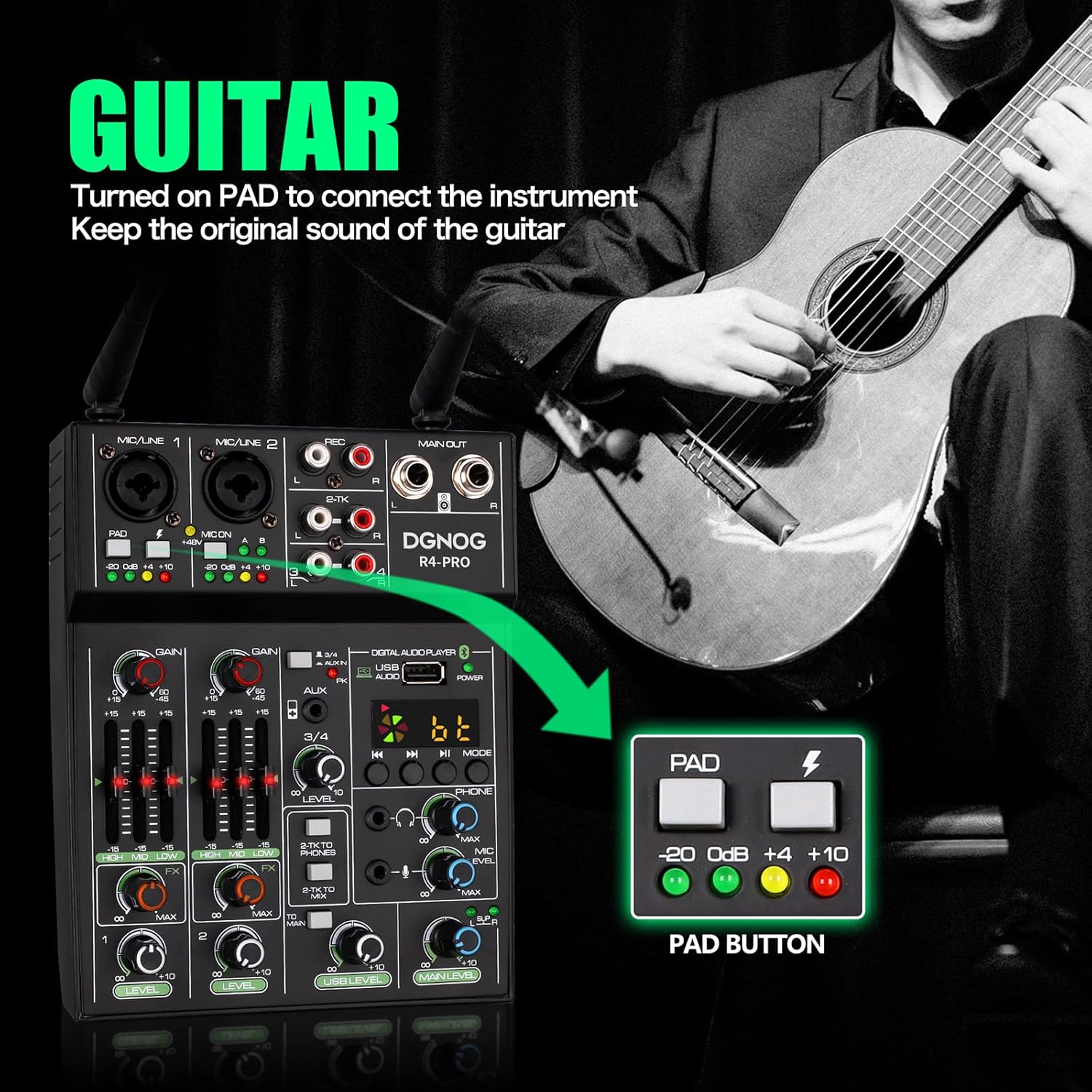
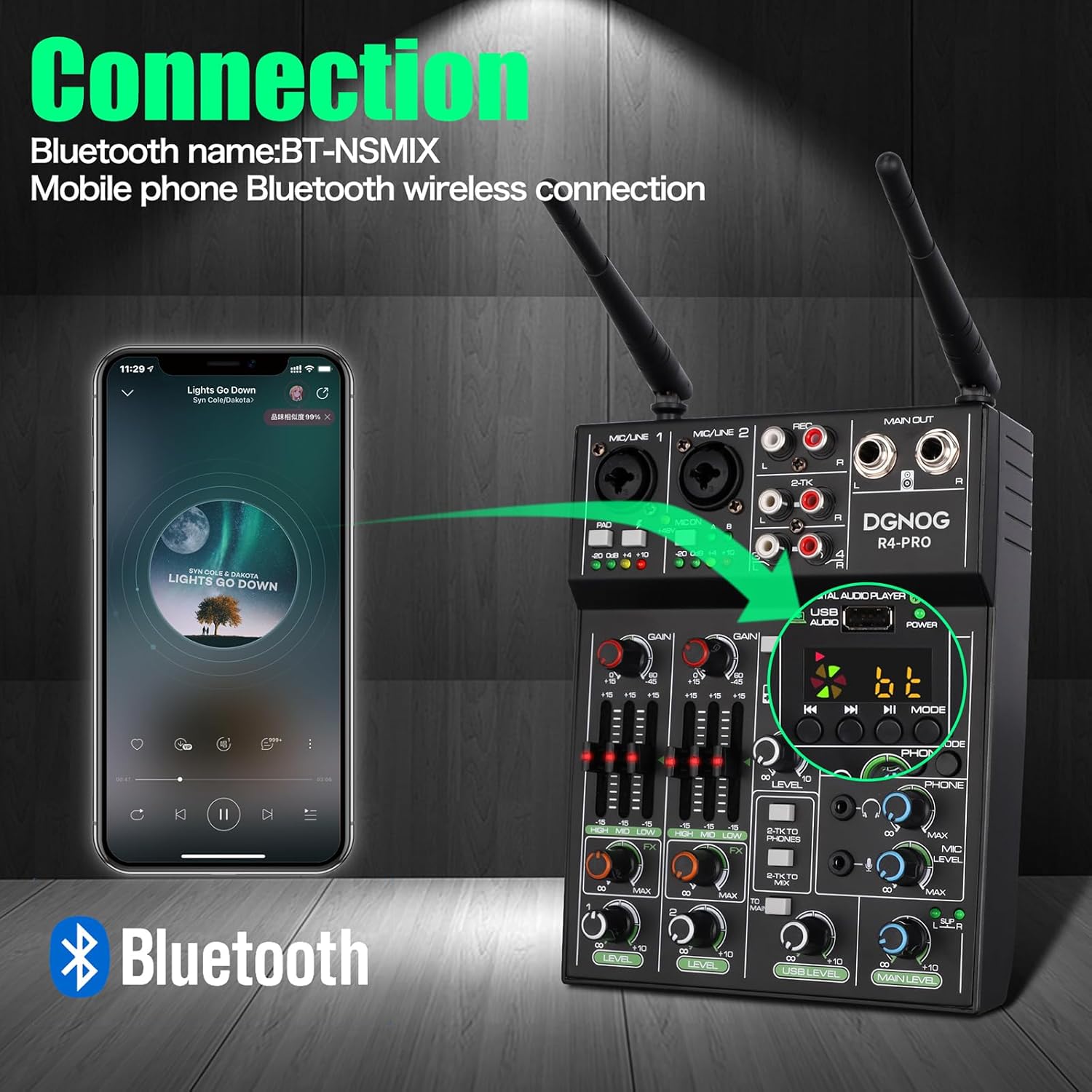
1Wireless distance2Mic Adjust frequency3Metal Microphone4Mic capsule5How to control the mic1Bluetooth Mixer2USB Interface348V phantom power4How to connect5Panel IntroductionWhy is there no sound from the speakers even though I connected them correctly?
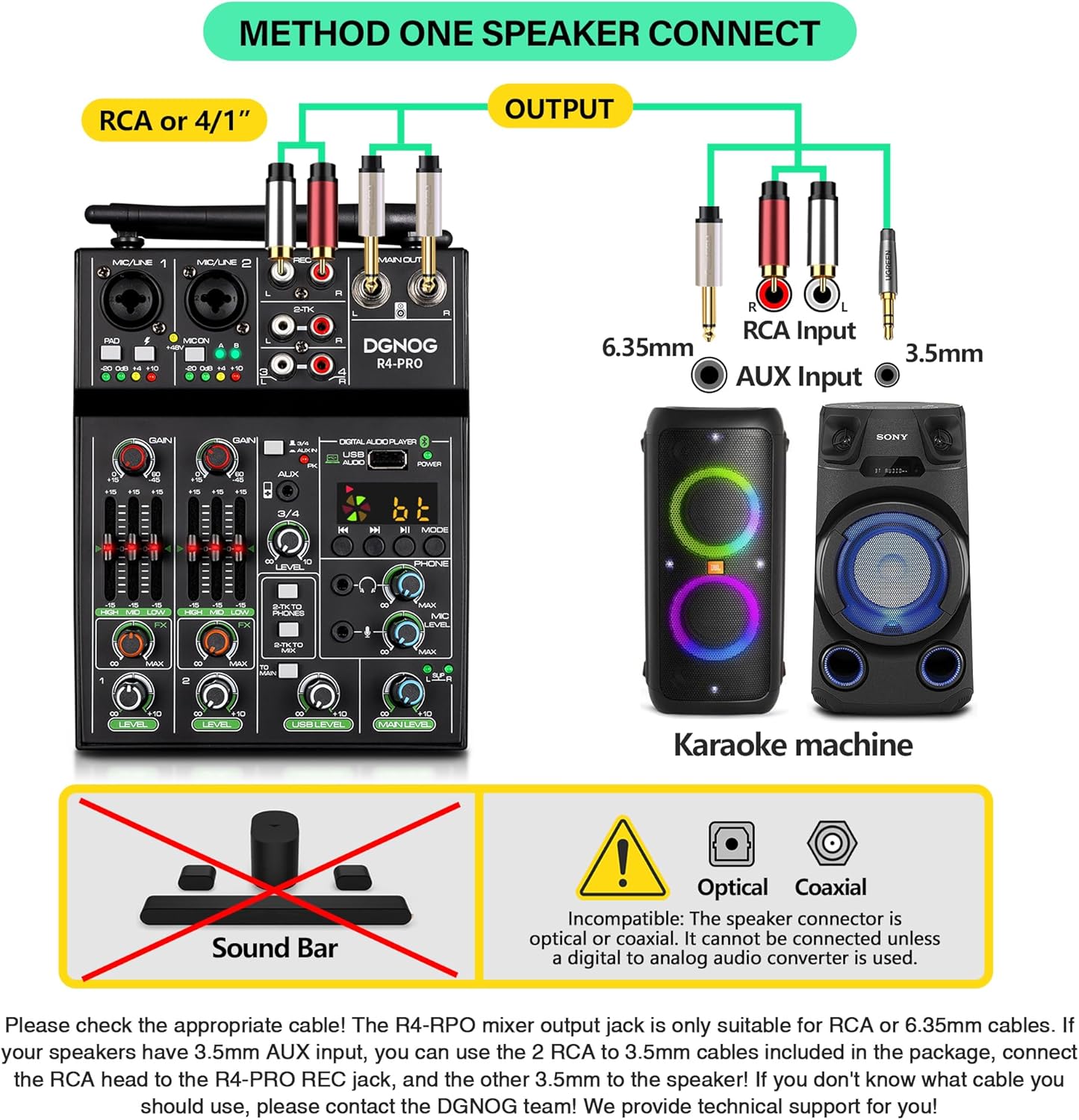
Please check whether the speaker is switched to AUX mode, If the speaker is in Bluetooth mode, no sound will come out of the speaker even if the mixer is properly connected to the speaker.
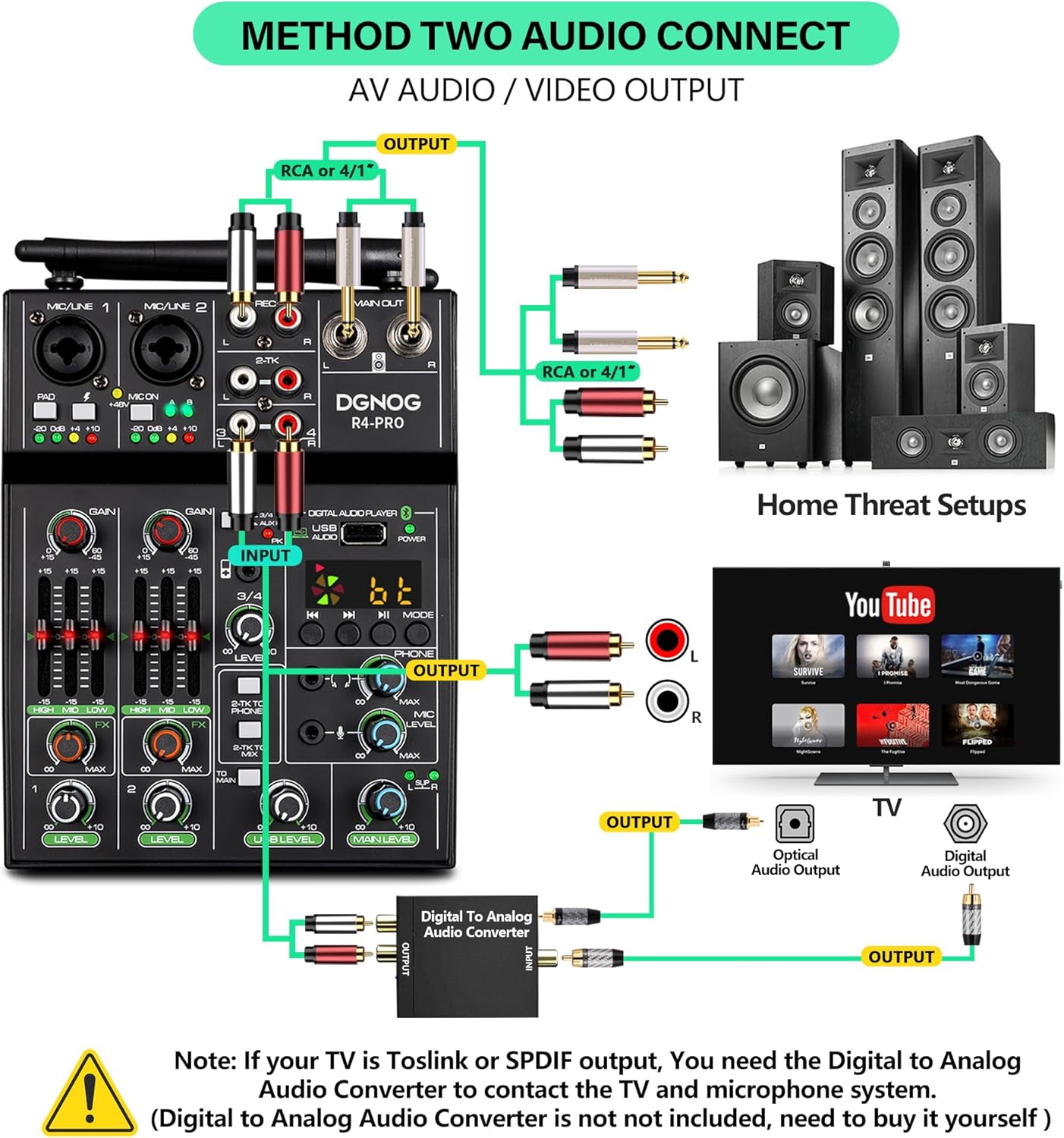
My TV only has an optical/coaxial output, can I use that?
Yes! But you must buy a digital to analog audio converter in advance, optical/coaxial to RCA audio converter
How to adjust the included microphone volume and reverb?
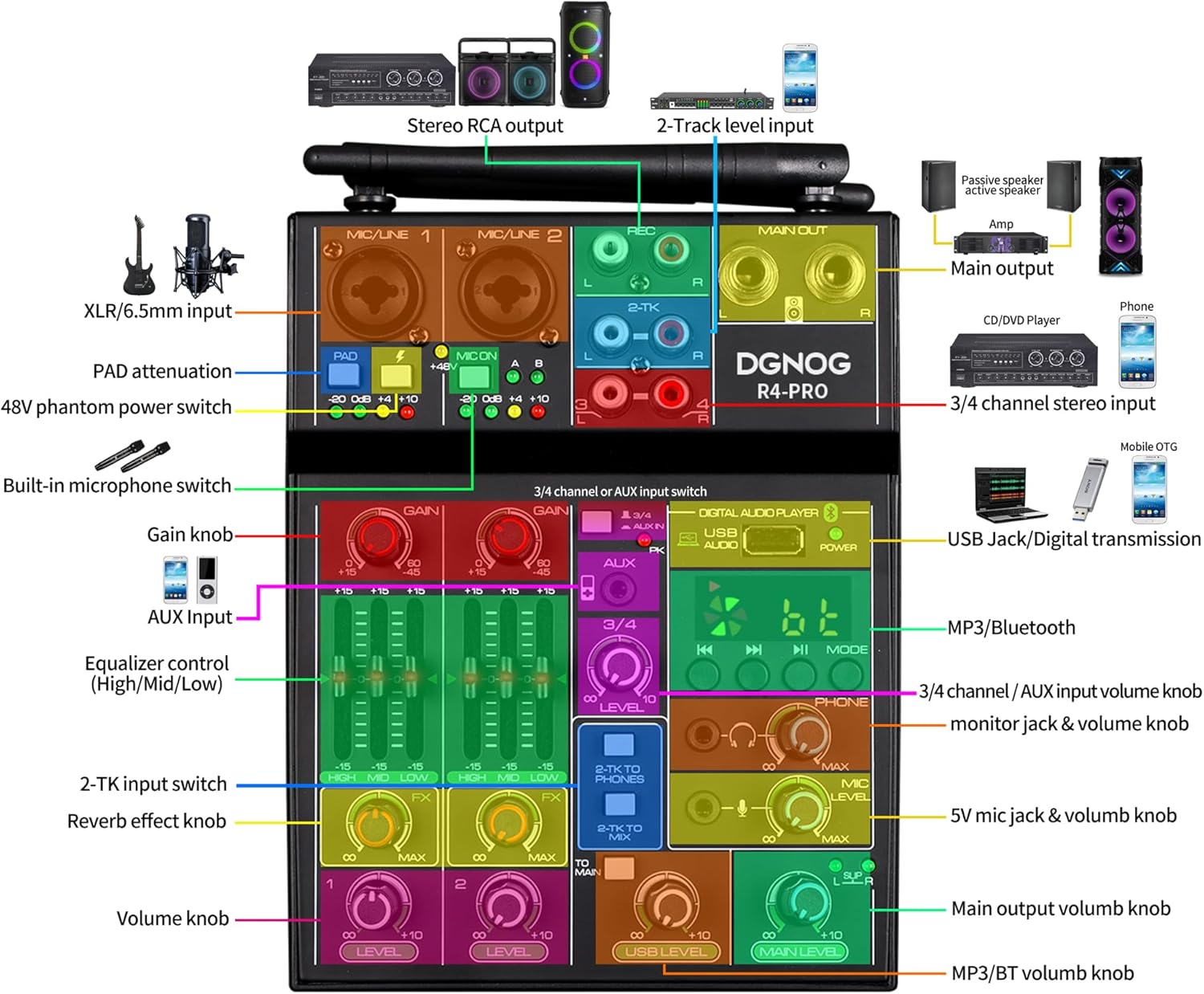
The microphone gain/treble/midrange/bass/reverb/volume are adjusted on channel 2. In addition, before using the microphone, please press "MIC On" on channel 2, After the microphone is connected, the "A" and "B" lights on the mixer will light green.
Can this device be used in a small theater?
Yes, this microphone has a transmission range of 200~260ft, making it suitable for use in small theaters.
How to charge the microphone?
This microphone is battery-powered and doesn't require charging. It uses 2 AA batteries (Package does not include batteries), and we recommend using high-power AA dry batteries for longer-lasting performance.
Innovative audio solution offers superior sound quality
Why is there no sound from the speakers even though I connected them correctly?
My TV only has an optical/coaxial output, can I use that?
How to adjust the included microphone volume and reverb?
Can this device be used in a small theater?
How to charge the microphone?
-
Customer ReviewsNo comments