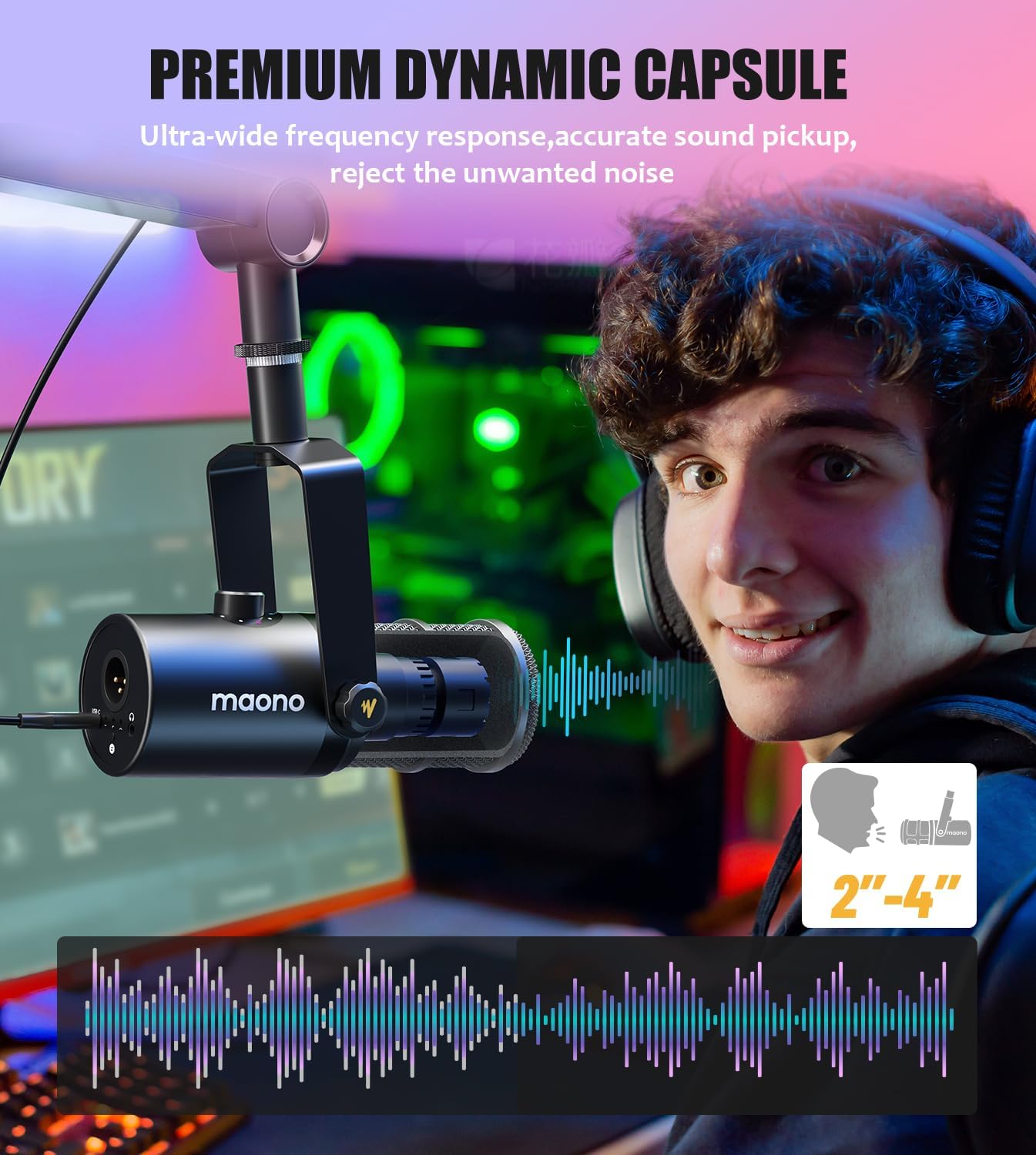
MAONO Dynamic Microphone, USB/XLR Podcast PC Microphone with Software, EQ,Tap-to-Mute, Headphone Jack, Gain Knob & Volume Control, Studio Mic for Broadcast, Recording, Streaming & Gaming (PD400X)
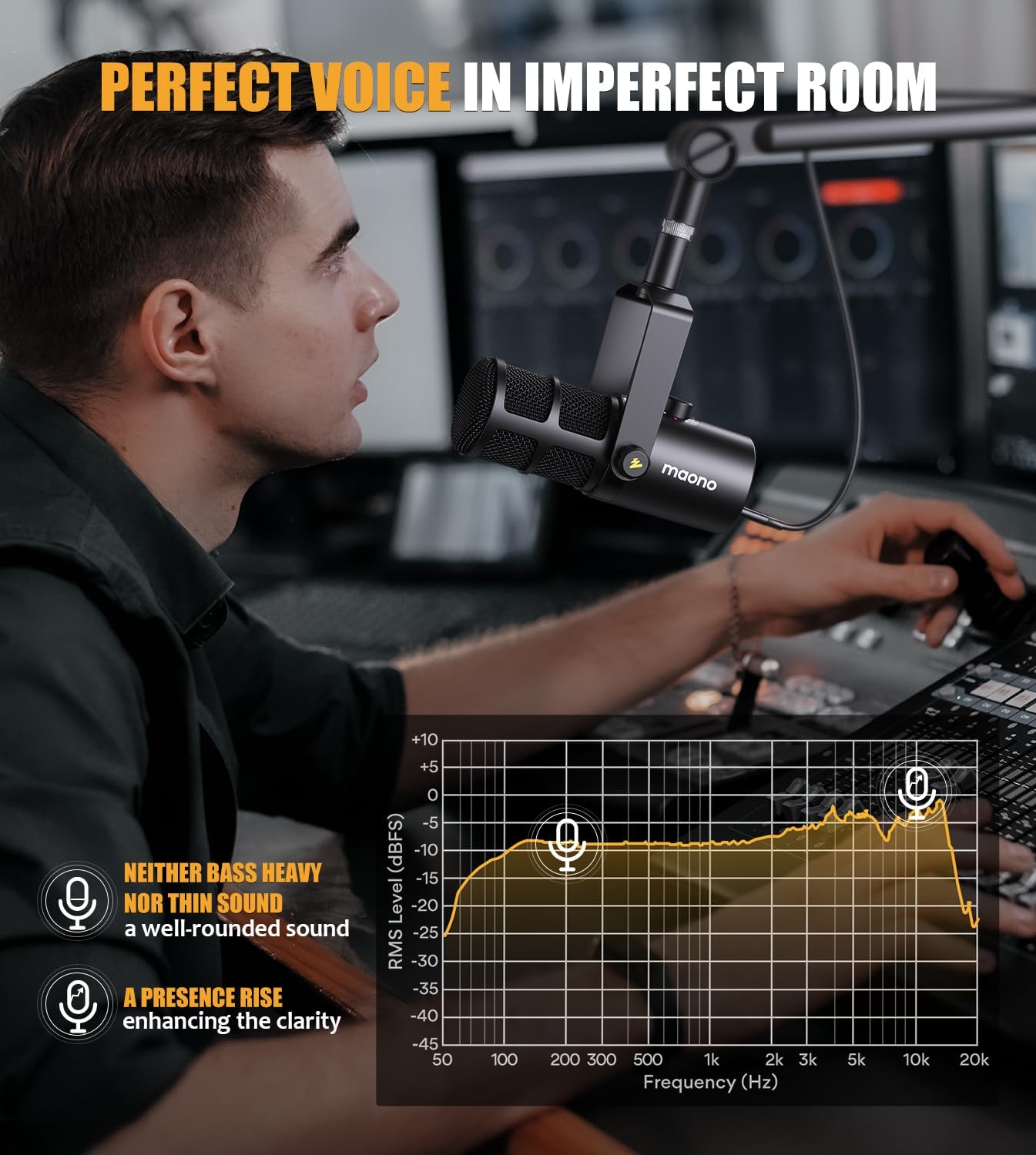
PERFECT VOICE IN IMPERFECT ROOM: The
-
Detail1Gaming & Streaming2Podcast Recording3Video Chat4Singing Recording
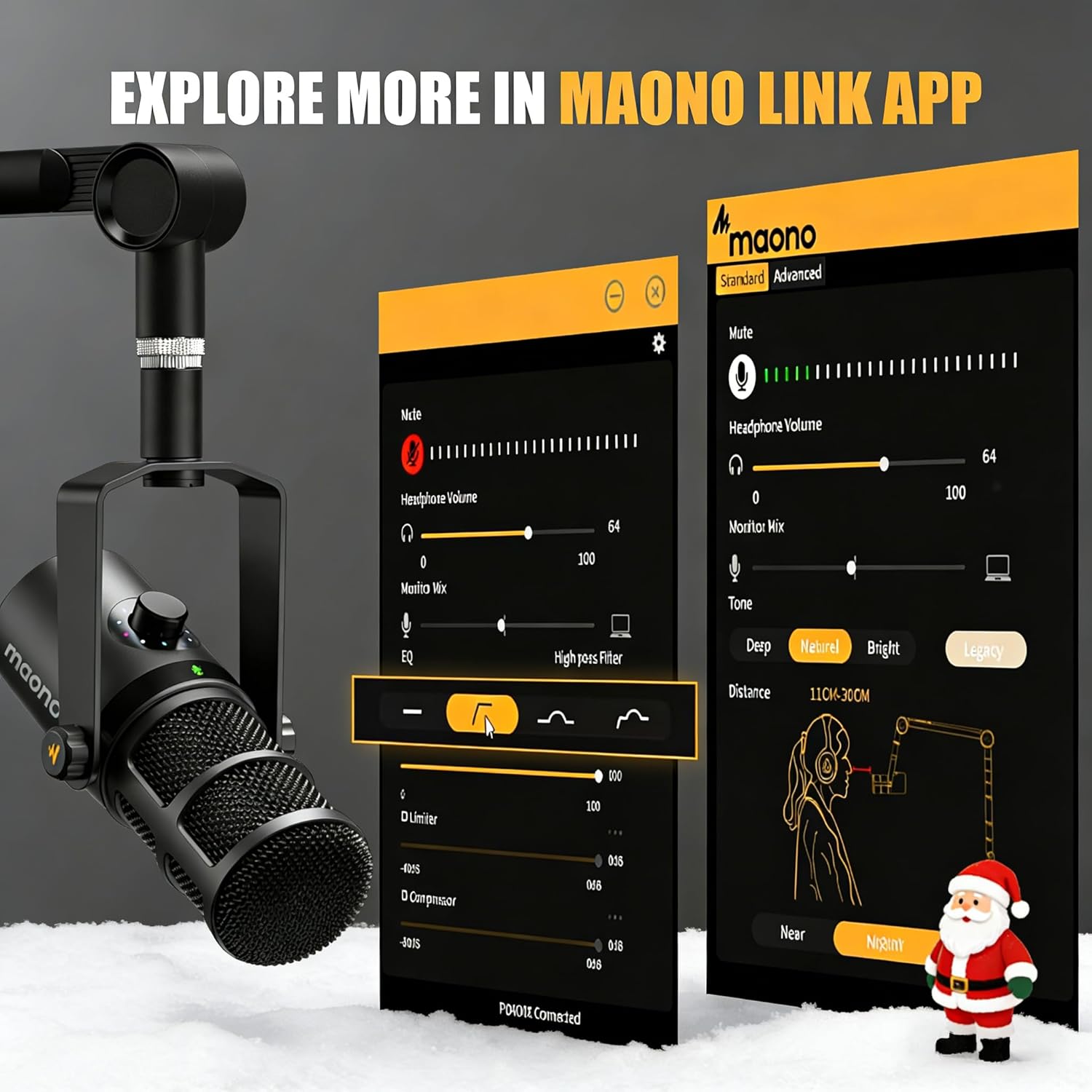
Can MAONO's PC software be used in XLR mode?
Sorry,MAONO's PC software are only use in USB mode.
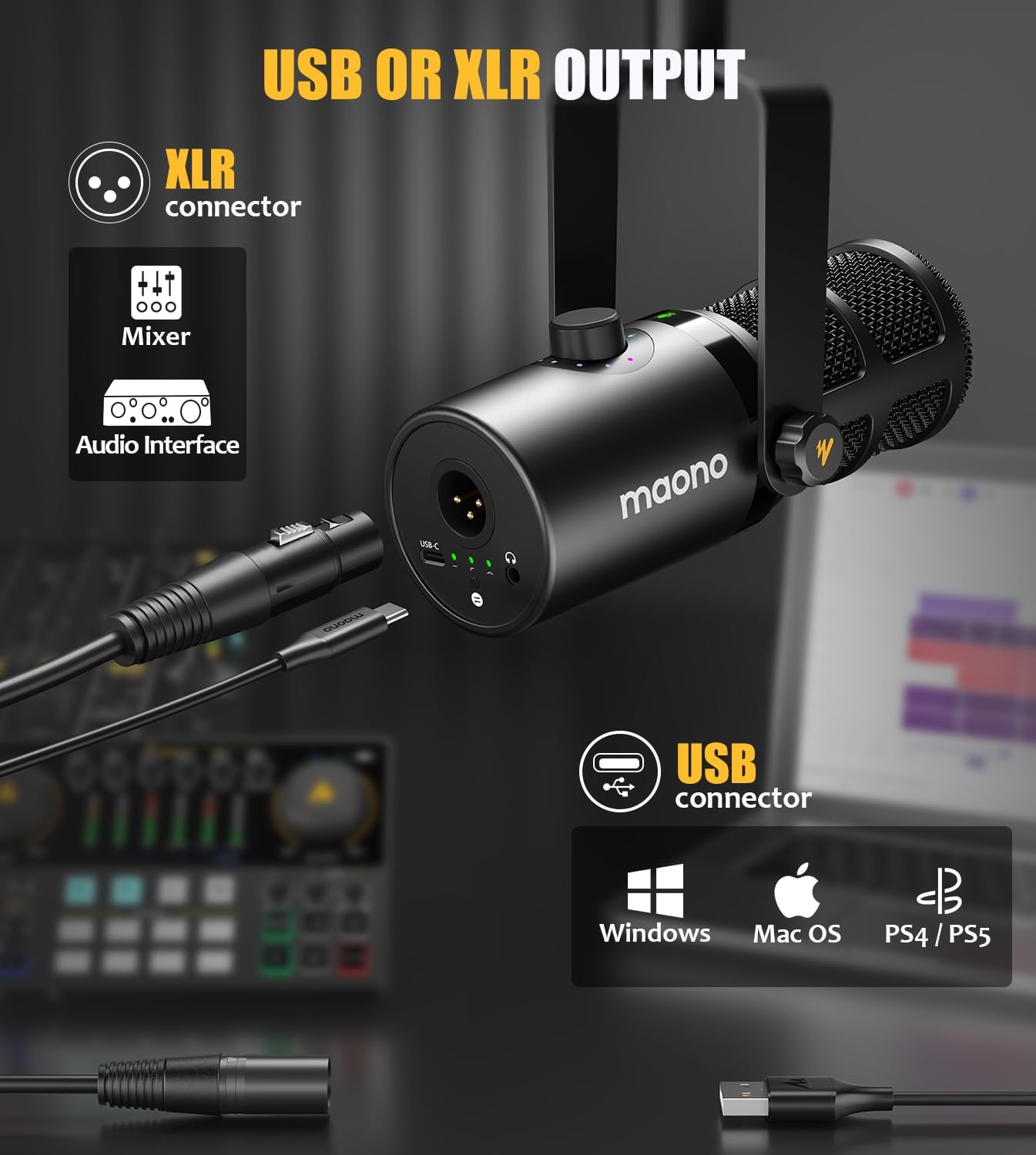
Can I use the convenience features through the XLR connection?
Sorry, all function keys and headphone monitoring functions are only available for USB connections, not XLR connections. (When using the XLR connection, you can operate the microphone on a mixing console or audio interface).
Can i use the PD400X for live streaming or gaming?
MAONO Arena offers three channel modes: Stream, Headphones, and Chat. These modes can help you freely adjust the desired effects during your live streams. Additionally, the sound effects panel that can add more fun to your Live streaming or gaming.
Can i use the function key on XLR mode?
Sorry, all function keys are only available in USB mode.
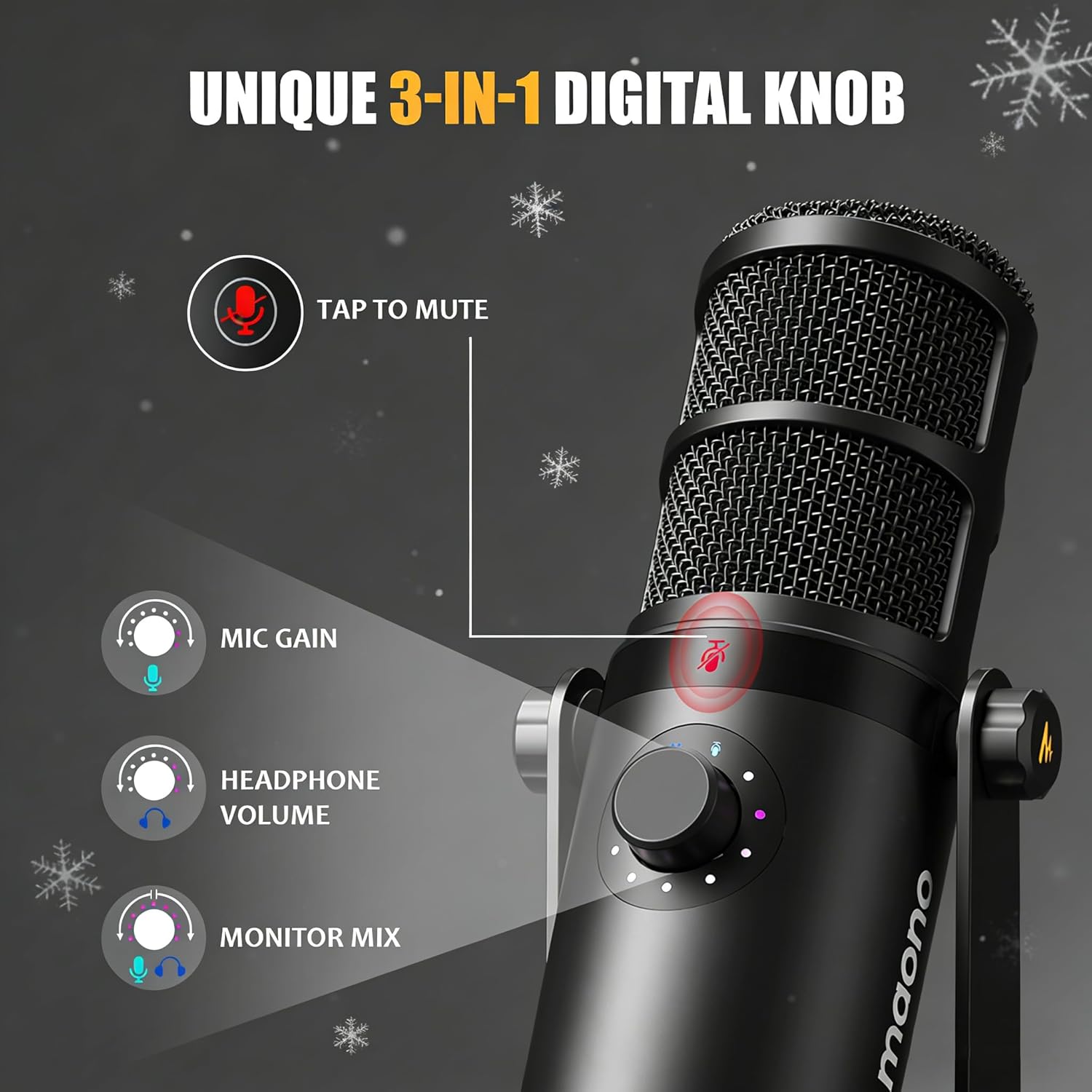
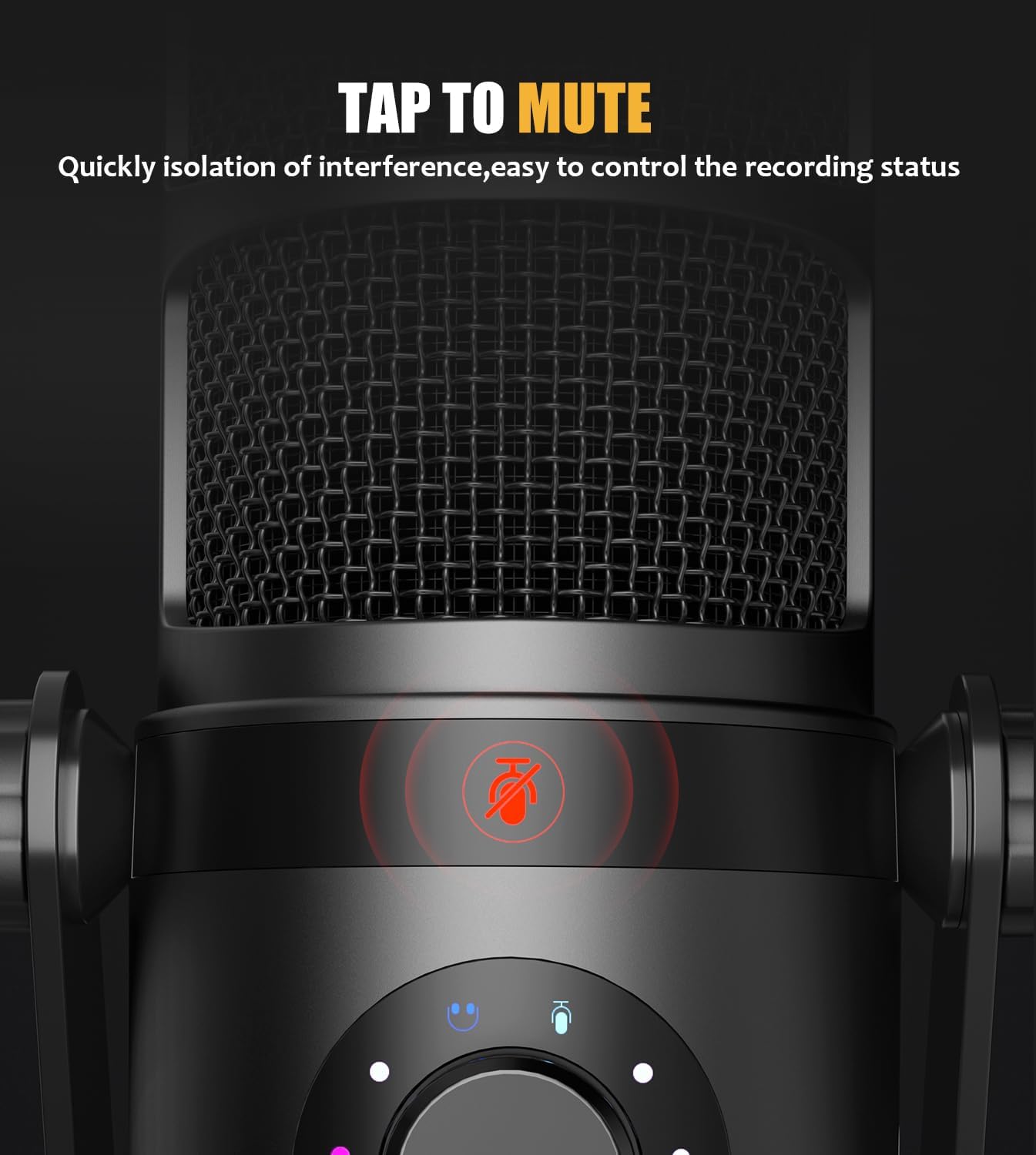
Multi-Function Microphone Making Your Recording More Convenient
Dual Smart PC Software For Audio Creation
Experience the sound effects at different distances
MAONO Dynamic Microphone PD400X
Can MAONO's PC software be used in XLR mode?
Can I use the convenience features through the XLR connection?
Can i use the PD400X for live streaming or gaming?
Can i use the function key on XLR mode?
-
Customer ReviewsNo comments