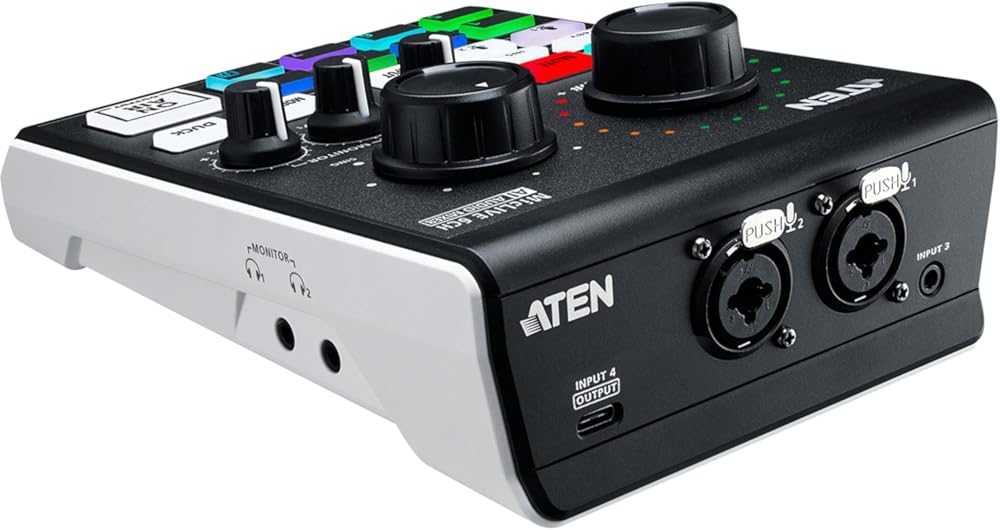
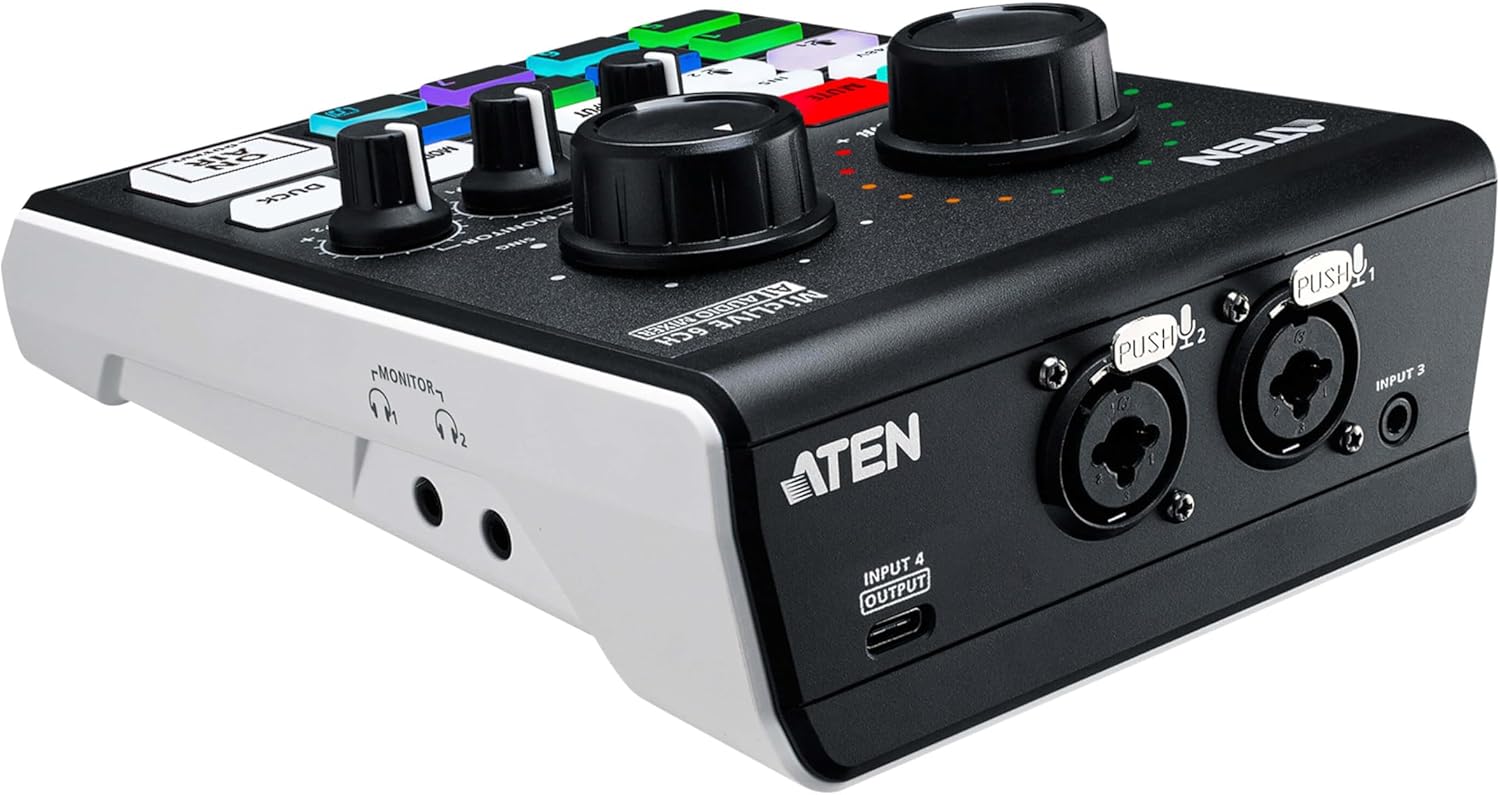
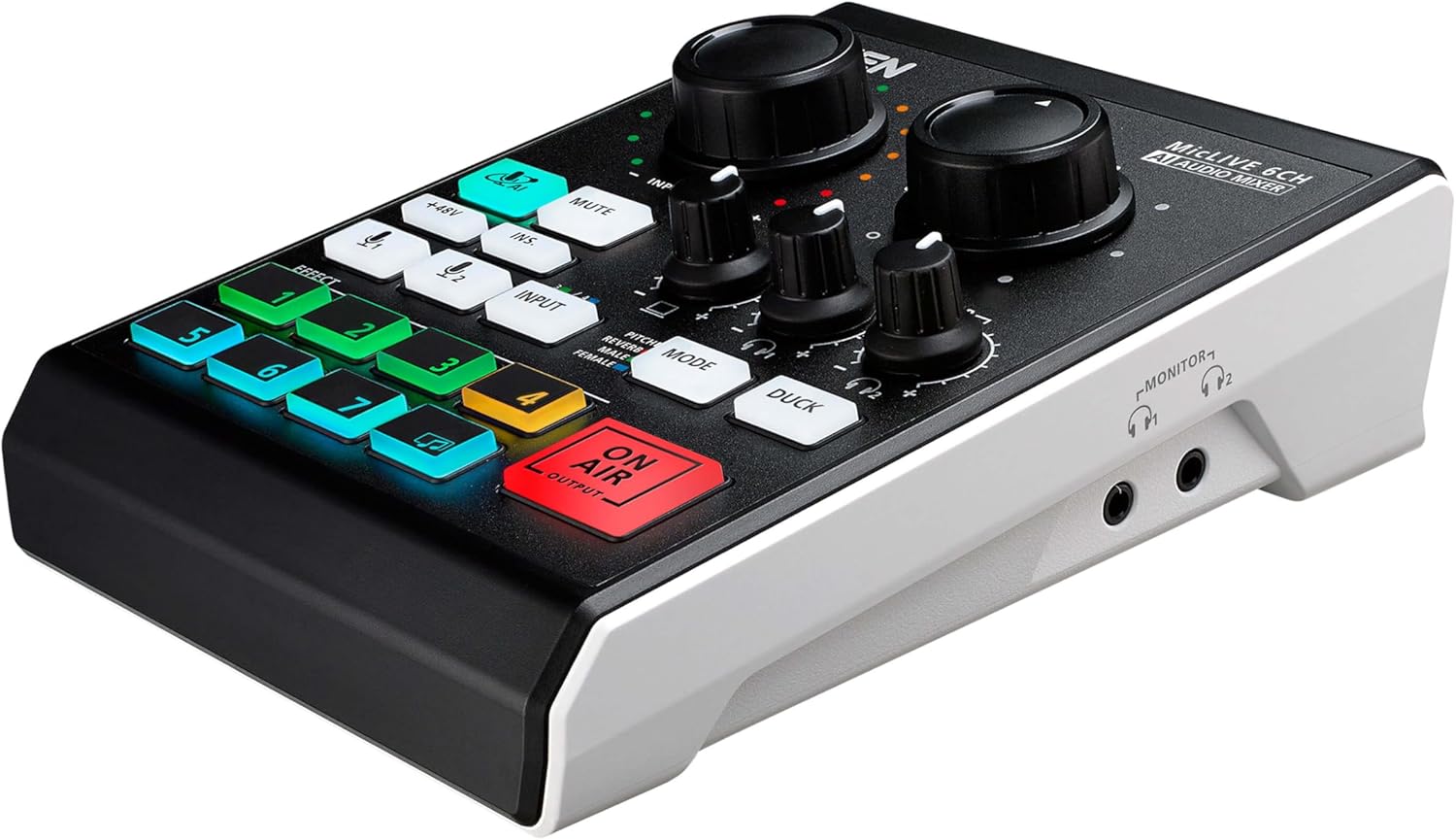
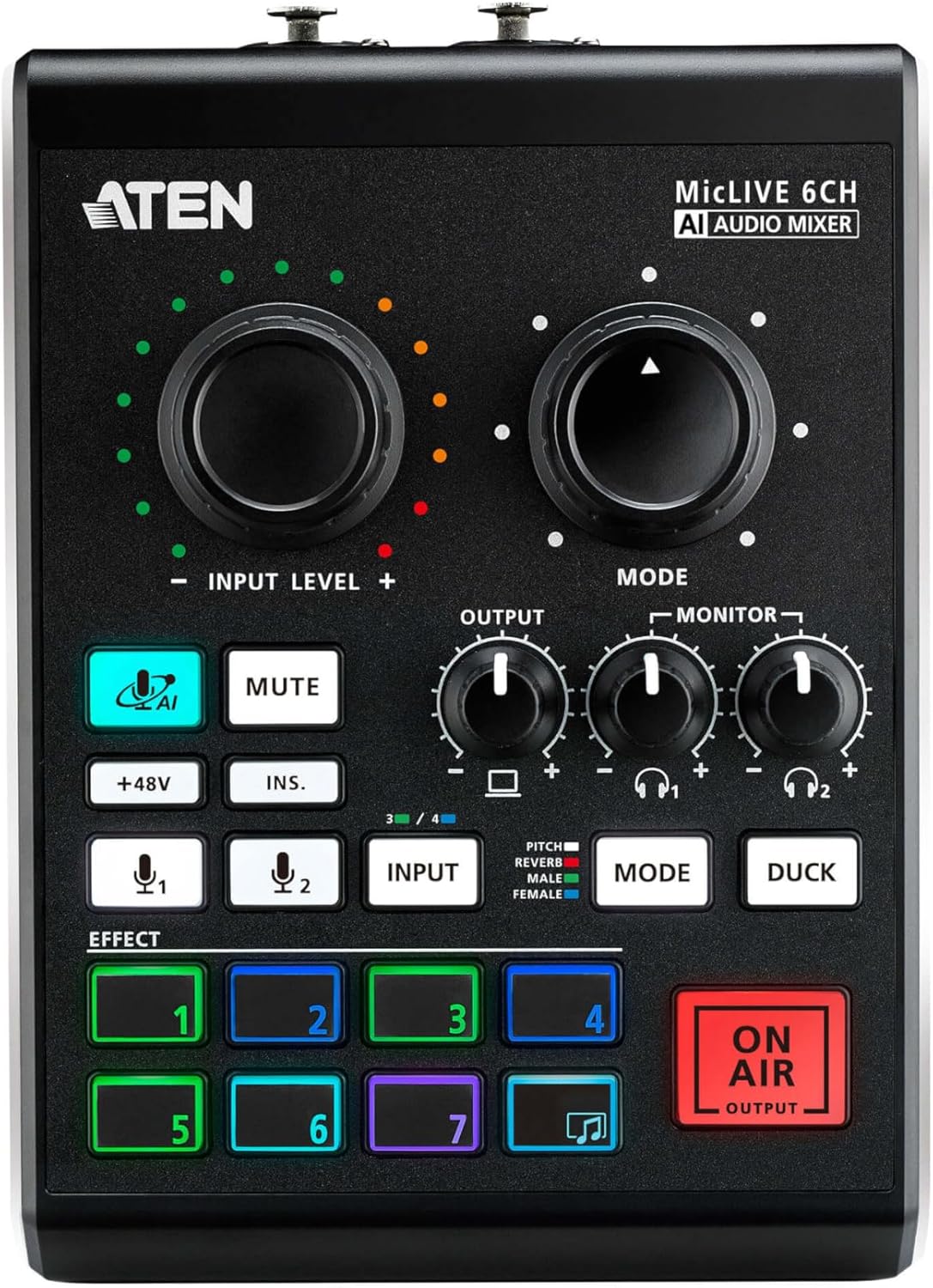
ATEN UC8000 MicLIVE 6-CH Podcast Audio Mixer AI | Built-in Phantom Power, XLR TRS connectors Mic or Instrument Input, USB-C Audio-In, Livestreaming, Podcasting, Audio Recording for Windows and Mac OS
All-in-one design simplifies audio mixing workflow for podcasting – off
-
Detail
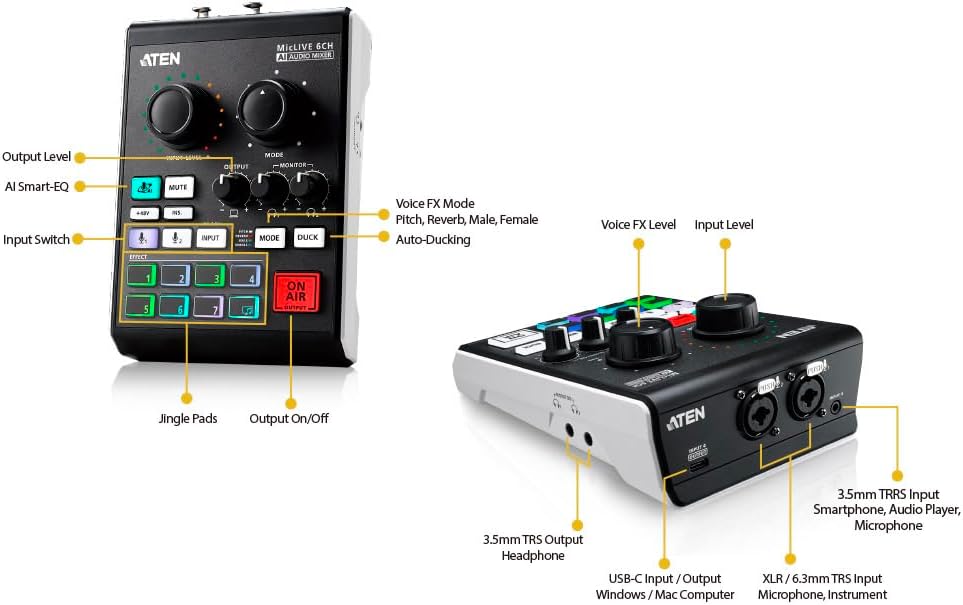
- All-in-one design simplifies audio mixing workflow for podcasting – offers up to 6-channel audio inputs, DSP and AD / DA converter, and adds audio up to 24-bit / 96 kHz to any USB-C-enabled laptop or tablet
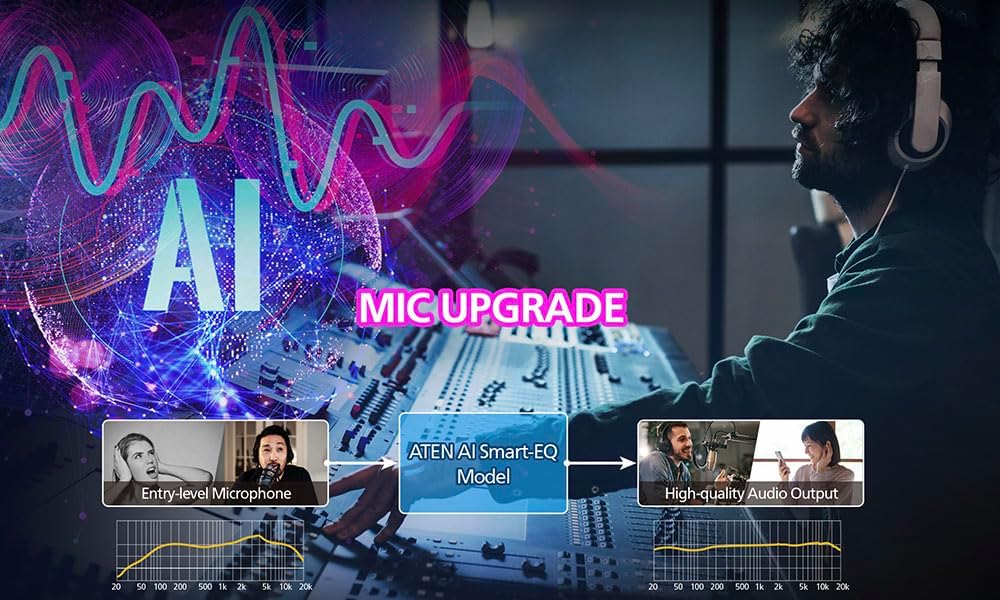
- The industry’s first AI-optimized audio mixer – enhances microphone audio quality with enhanced acoustic models, SmartEQ, so anyone can have a real-time, high-quality recording
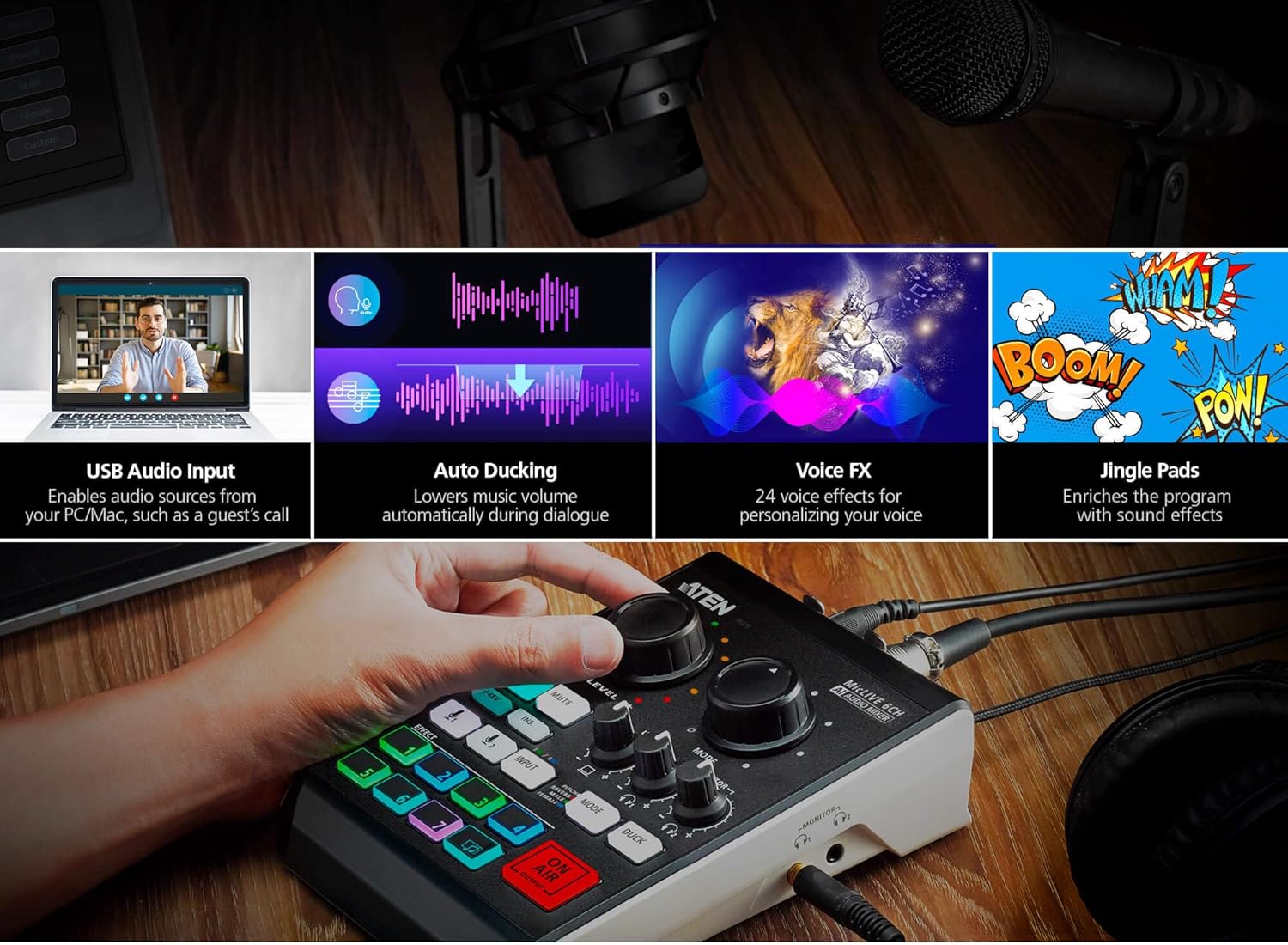
- Jingle pads save up to 8 sound samples that can be customized from audio sources from a computer, microphone, and other audio inputs for a professional radio programming experience
- Contains 24 Voice FX programs, including 6 adjustments in reverb effect, 6 in pitch effect, and 12 in gender effect
- Audio routing and multichannel audio mixing – allow for mixing audio input signals and routing it to any of the available output interfaces
- Advanced reverb effects – enhance your vocals, instruments, and the entire mix for professional broadcast and post-production
- The auto ducking function lowers background music anytime one speaks, ensuring the speaker’s voice is always heard, loud and clear, during broadcasting
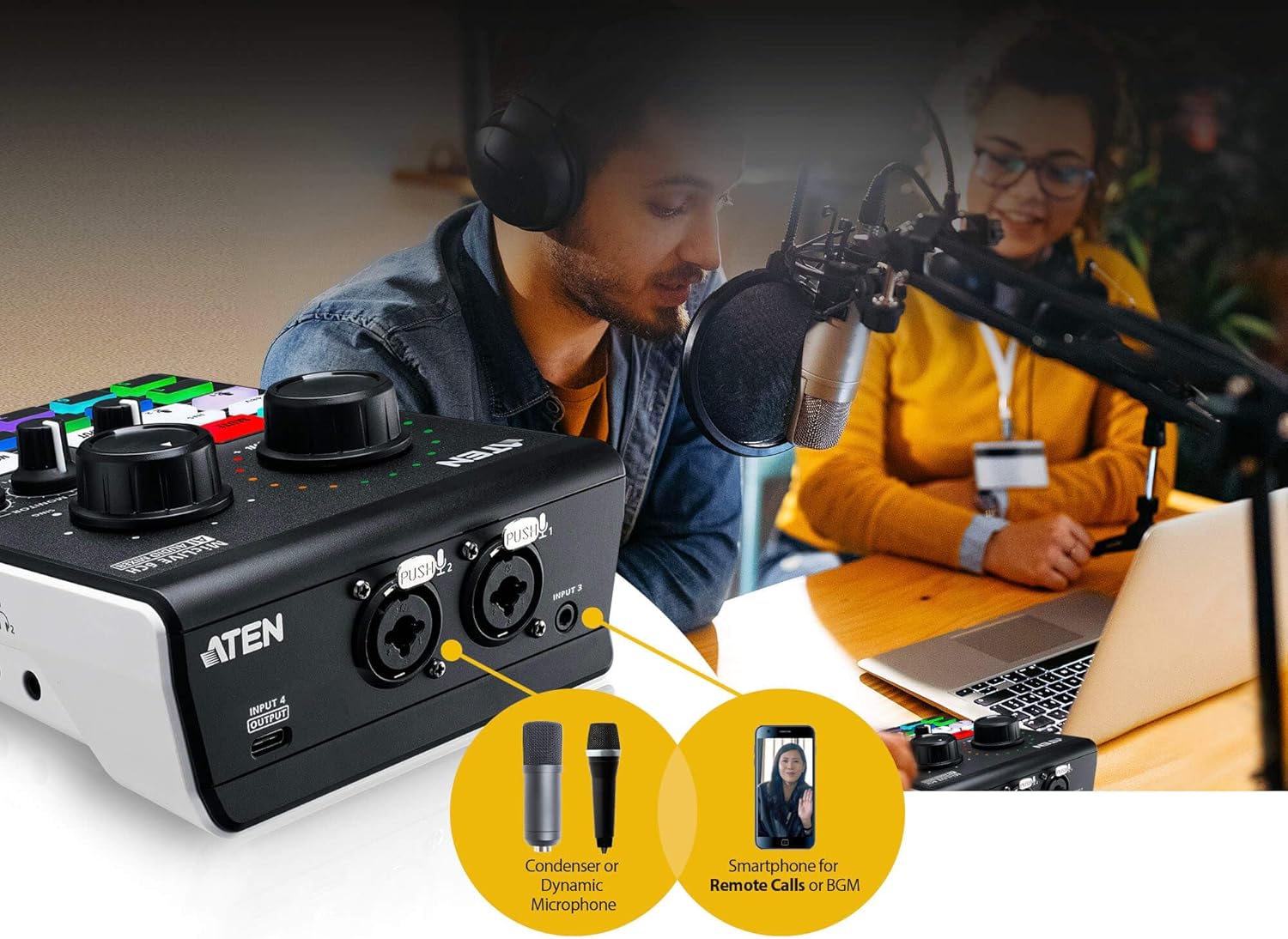
- Diversified input interface options – supports audio media from professional XLR combo microphones, musical instruments, USB audio sources, and phone-in for mixing
- Built-in preamp that provides gain for instruments and the microphone’s signal, and a phantom power supply that delivers reliable +48V phantom power for condenser microphones
- Supporting Windows and Mac OS, the OnAir Audio software gives users complete control over every parameter while allowing them to simply assign audio samples from their computers through an intuitive interface
Why is there no sound when connected to my computer?
Please ensure the "On Air" button is lit; otherwise, audio will not pass through.
Does the UC8000 work with other mixers?
Yes, but please ensure correct input/output settings and check that your main mixer is detecting the signal.
What kind of audio source does MicLIVE Support?
MicLIVE supports USB audio(UAC) input and analog audio input atsample rate 44.1kHz, 48kHz, 88.2kHz, 96kHz, 176.4kHz and 192kHz, and it will convert into USB audio(UAC) at 24bit/96Khz.
Can I Connect MicLIVE on a Traditional USB-A Hub Port on PC?
Yes, please use the USB-C to USB-A data cable (package not included) to connect the Host(PC/Mac).
Does MicLIVE Support Smart Mobile Devices?
It depends. The latest tablet device (ex. iPad) may support USB audio capture capability and DC power via USB-C interface.The traditional Apple lightning adapter can not be supported because of lack of USB power supply issue.
Easy Connections. Easy Operation.
Features
Why is there no sound when connected to my computer?
Does the UC8000 work with other mixers?
What kind of audio source does MicLIVE Support?
Can I Connect MicLIVE on a Traditional USB-A Hub Port on PC?
Does MicLIVE Support Smart Mobile Devices?
-
Customer ReviewsNo comments