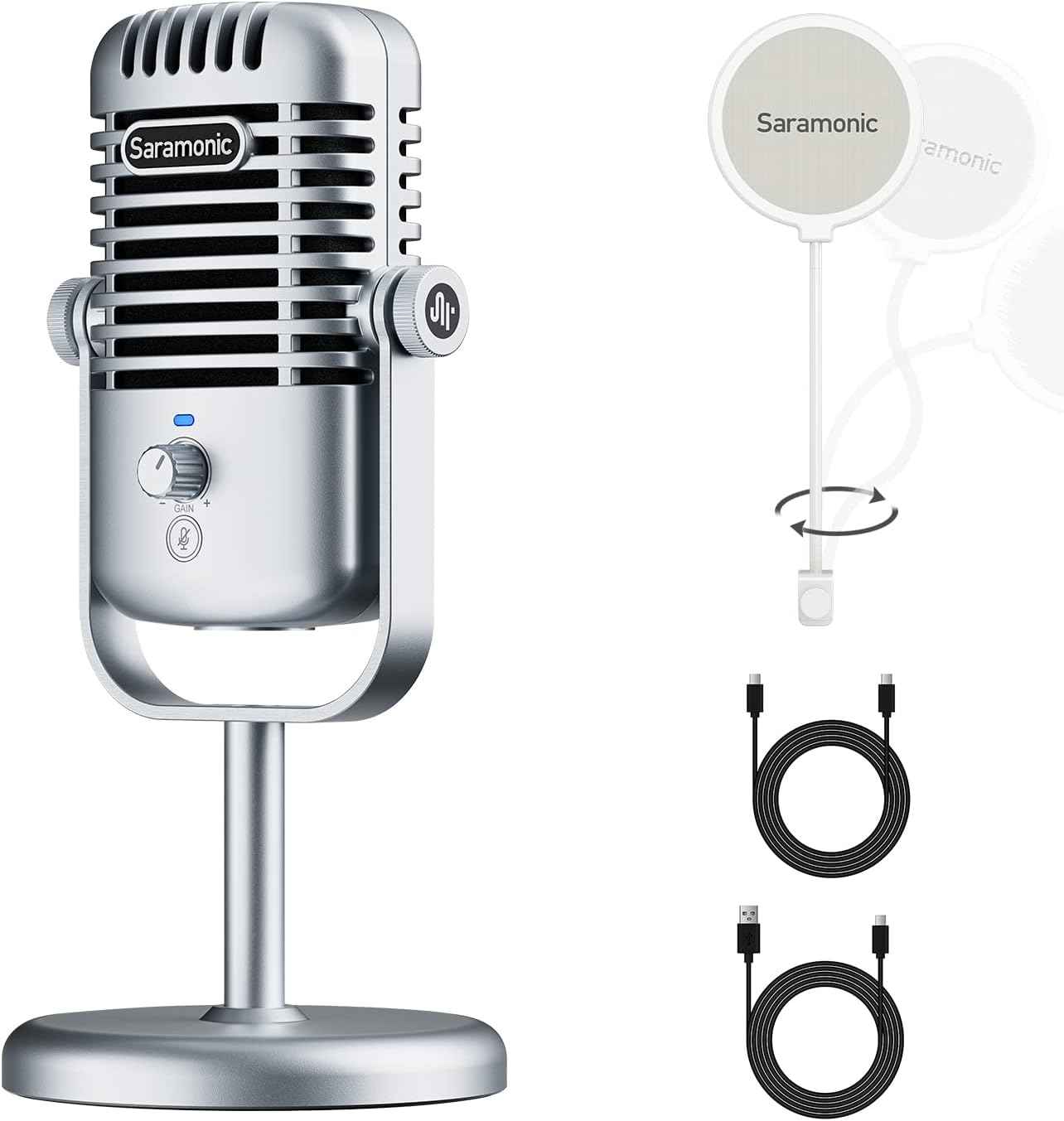
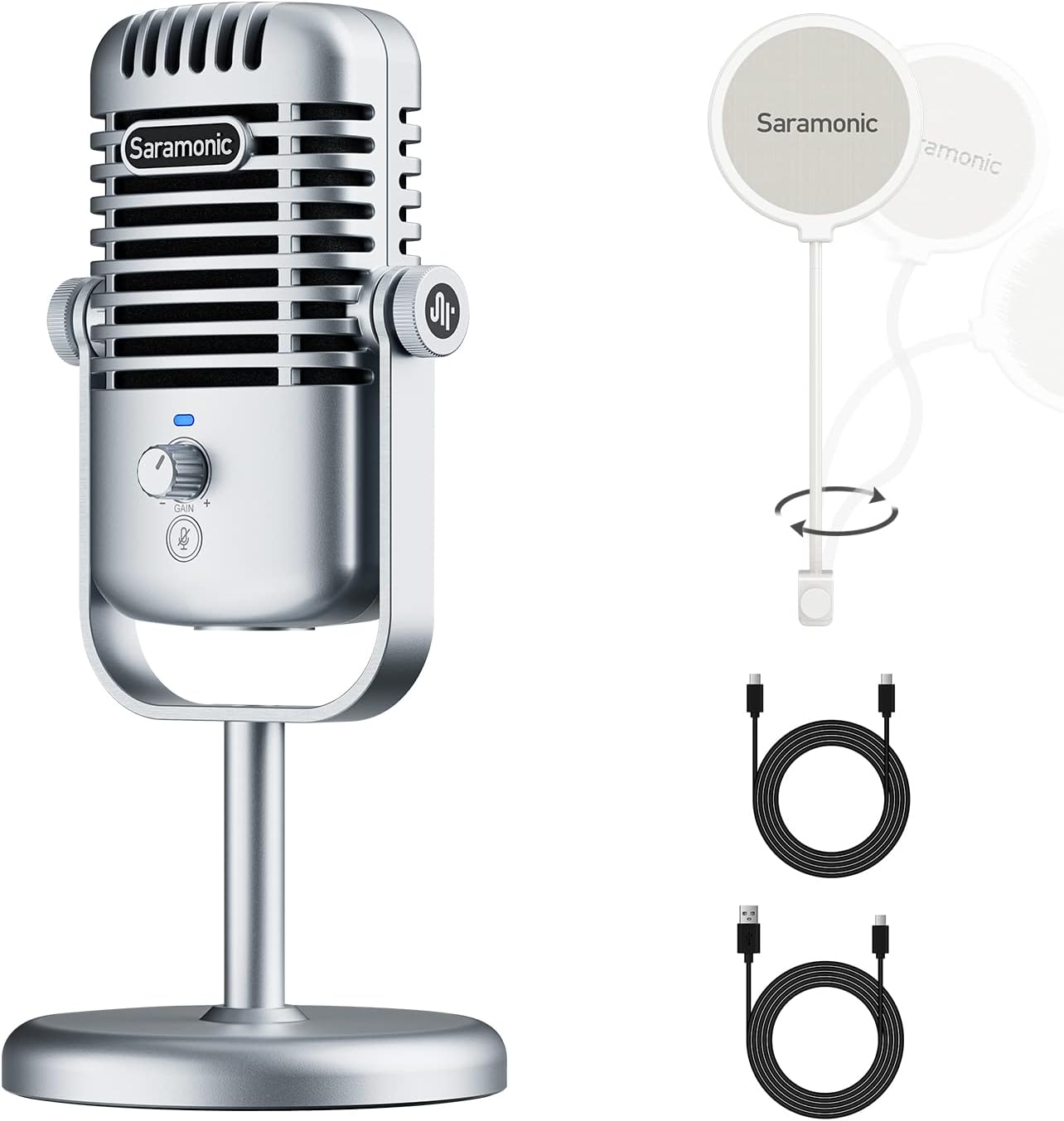
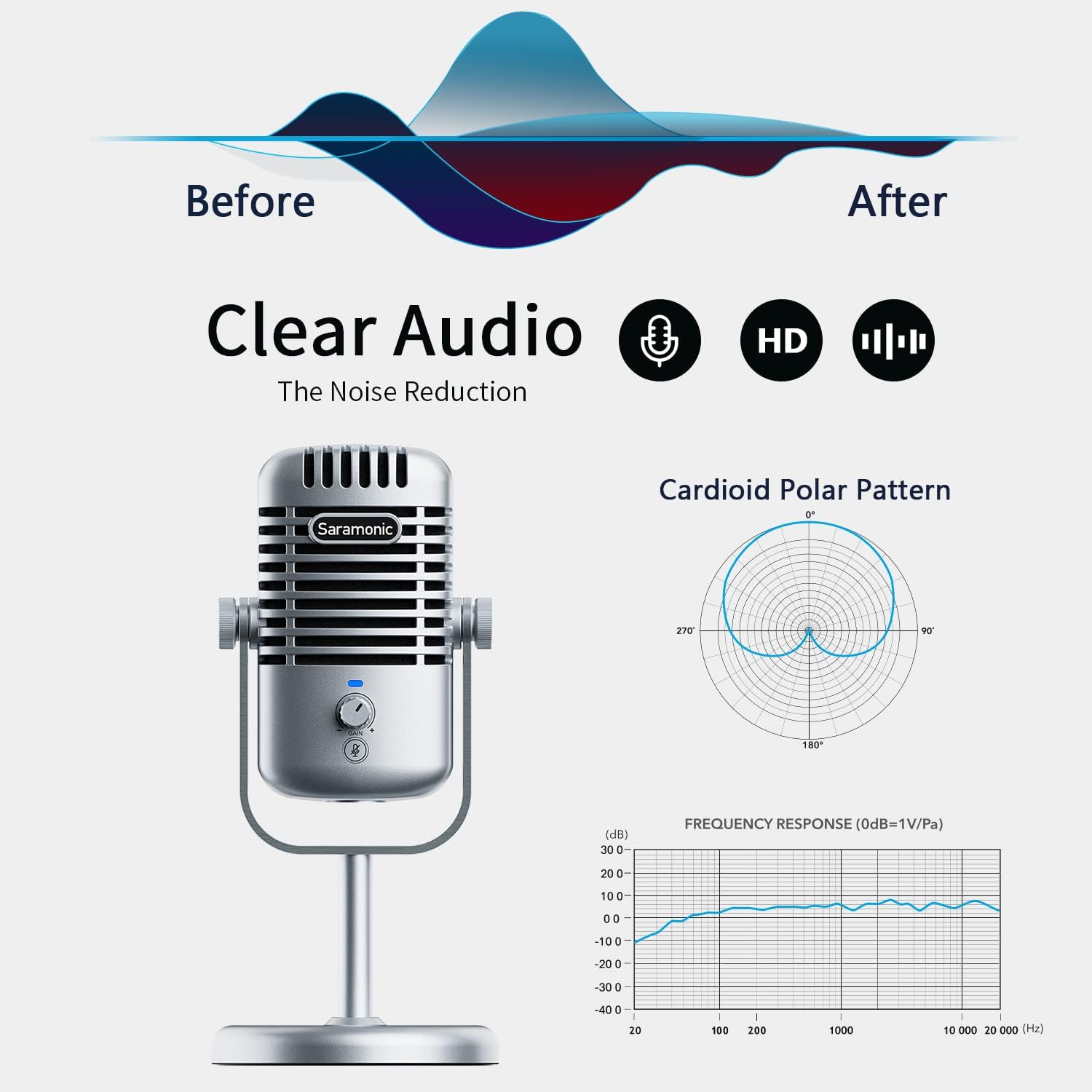
Saramonic XMIC-Z3 USB Mic, Cardioid Condenser Microphone with Pop Filters & Thread Adapter, Compatible with PC, Mac, Gaming, Streaming, Recording, Podcasting, Studio
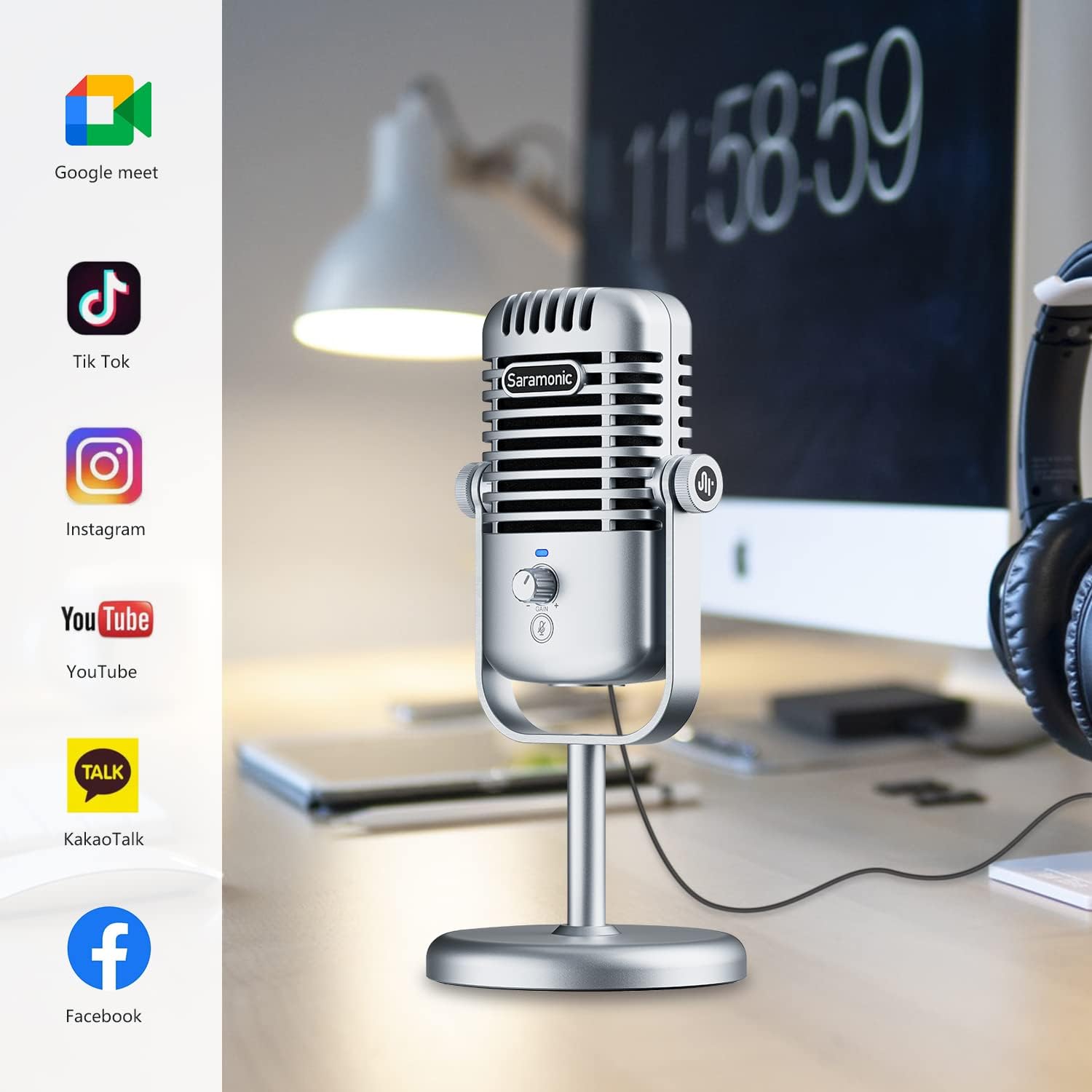
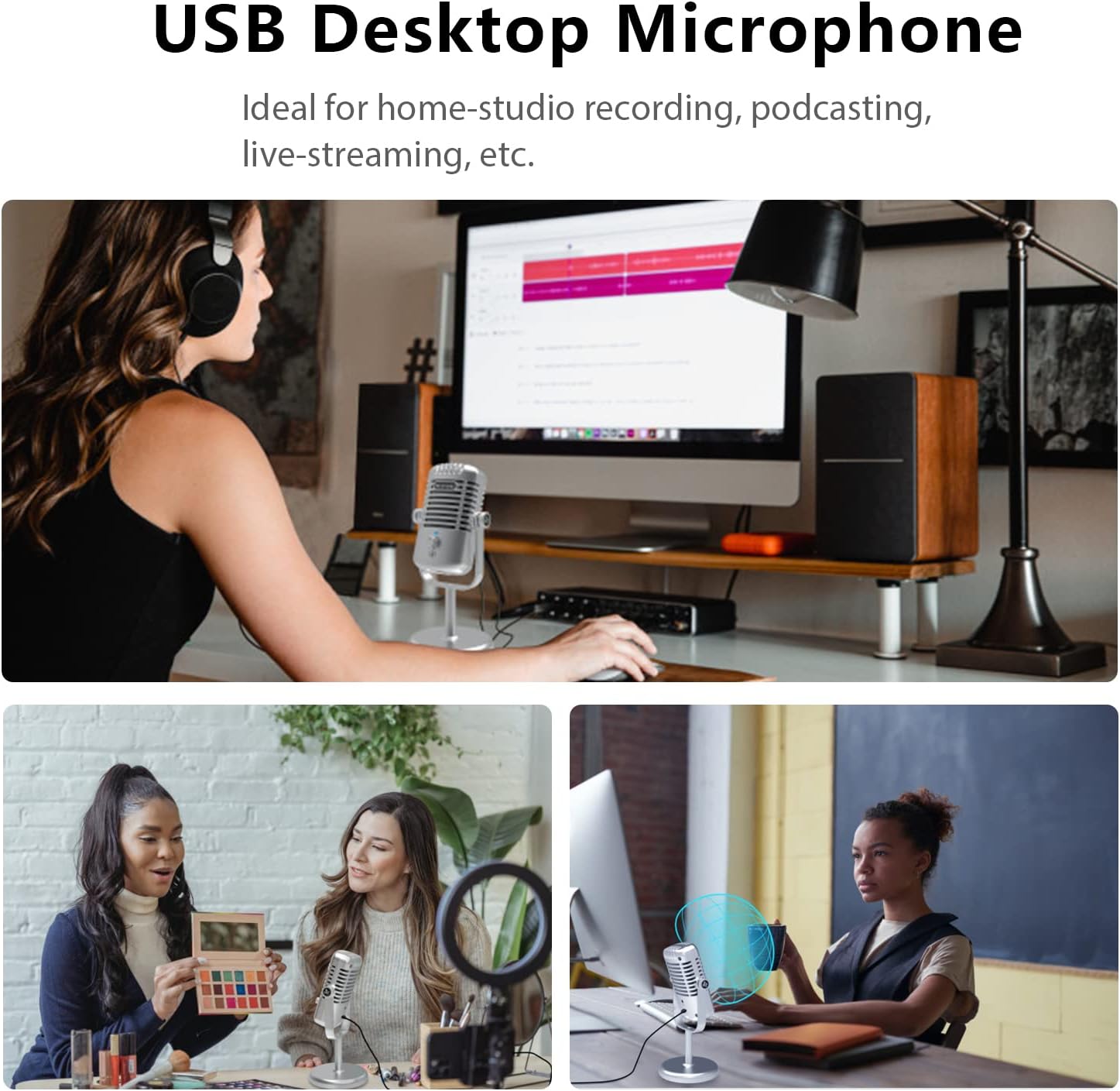
ldeal for home-studio recording, podcasting, Facebok live-streaming, TIKTOK, Youtube Video, Vlog Video, Gaming and more
Com
-
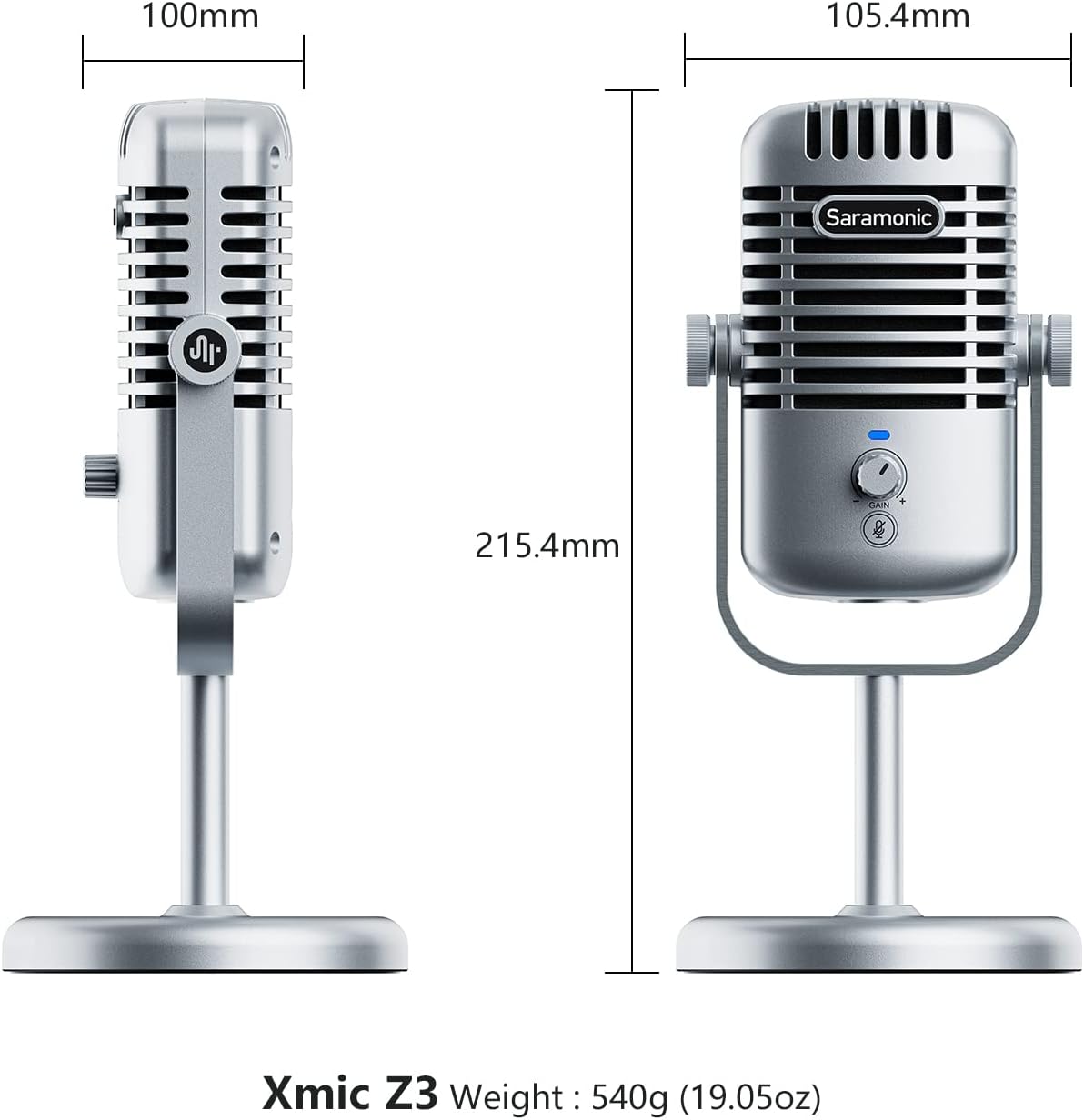
DetailPolar PatternCardioidFrequency Response20Hz-20KHzSensitivity-36±3dB(0dB=1V/Pa,at1KHz)Signal-to-Noise Ratio82dBMaximum SPL105dBSampling Rate48kHzBit Rate16/24-bitHeadphone Output Connector3.5mm headphone jackAudio Output ConnectorUSB-C/USB-A portMicrophone Capsule16mm Condenser capsuleMic Gain Control0-35 dBuHeadphone Output Impedance32 ohmDistortion0.01%Weight540g(19.05 oz.)Dimensions215.4*105.4*100mm
How to rotate the angle of XMIC Z3 microphone to get the best audio?
1. Loosen the knobs of both sides anticlockwise.
2. Adjust the microphone at your desired angle, then tighten the knobs.
What should i do if i want to use it for livestreaming? How to Mount the Xmic to aboom arm?
Two ways to install:
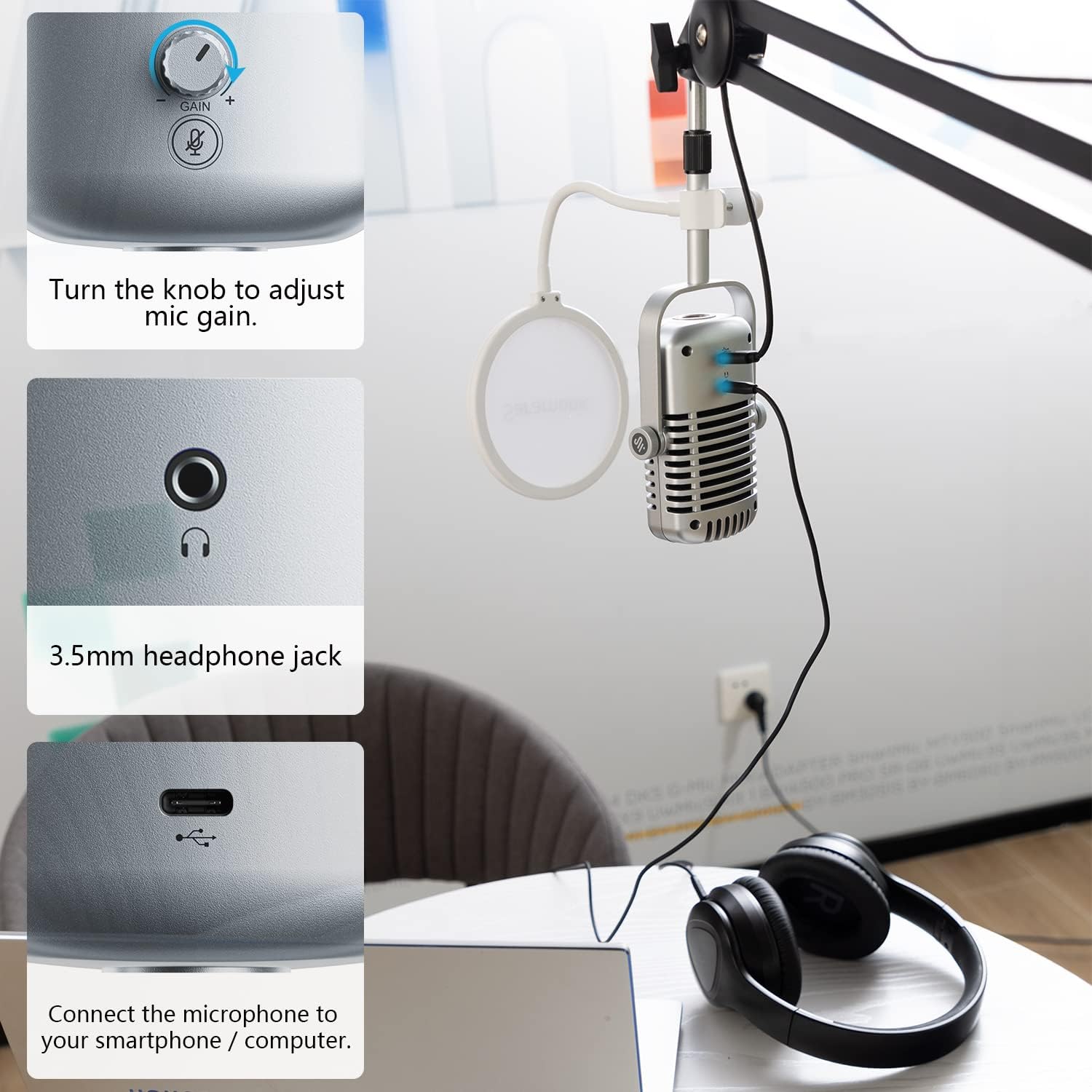
A. 5/8″ hole1.Unscrew locking knobs to remove XMIC from desktop stand. 2.Mount Xmic to aboom arm through its 5/8'' threaded hole.
B. 3/8” hole1.Unscrew XMIC to remove stand base. 2.Use 3/8'' adapter to mount Xmic to boom arm.
How long is the USB cable that comes with the XMIC?
The included cable is 2 meters (6.5 feet) in length, USB-C on the side of the microphone and USB-A on the system side.
Is the XMIC compatible with Xbox systems?
The XMIC is not compatible with Xbox systems. The XMIC is compatible with PC, PS4, PS5, and MacOS systems.
For any issues that cannot be resolved with the user manual, where can i reach for help?
Please contact support team at: amazon-us at jiayz.com
Cardioid
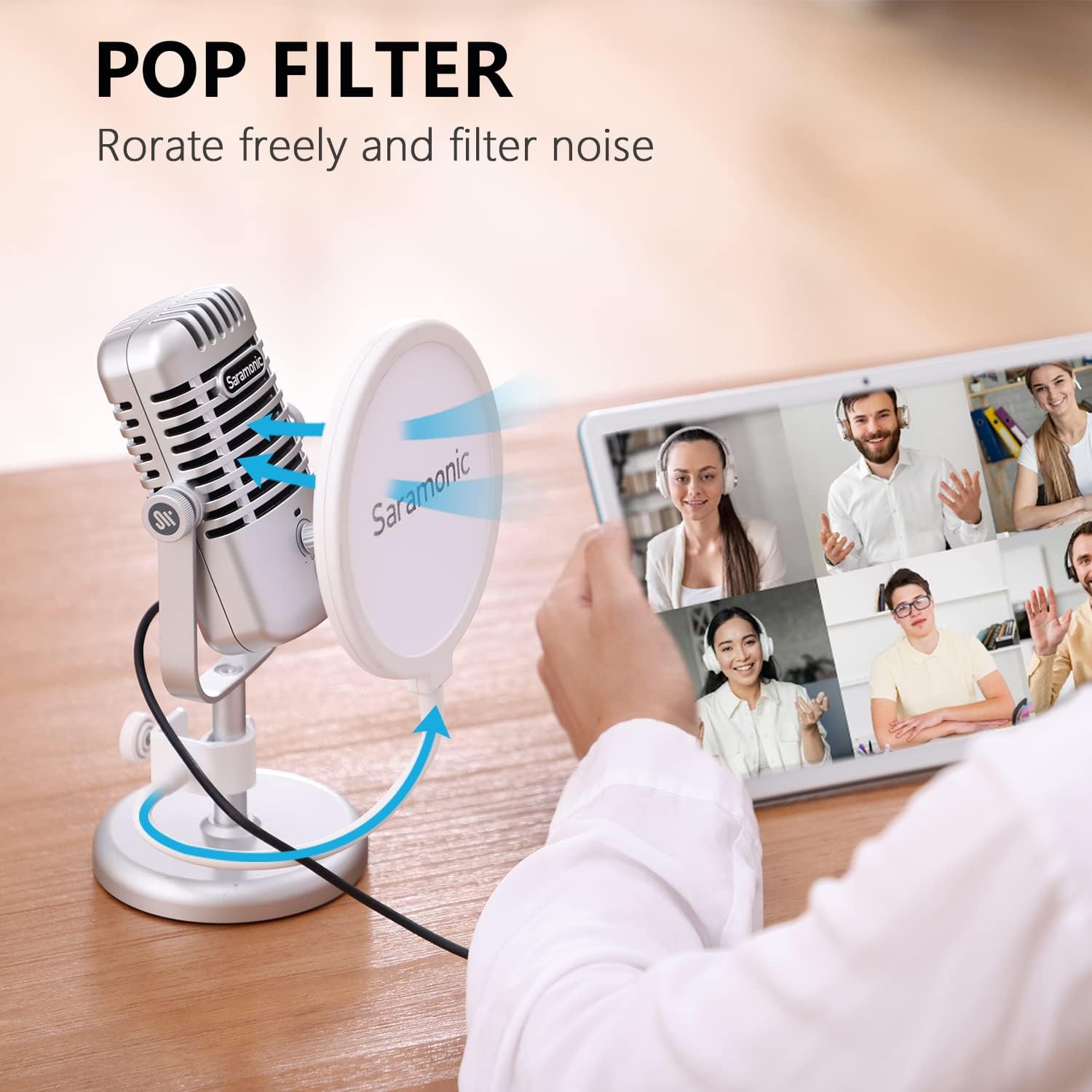
Pop Filter
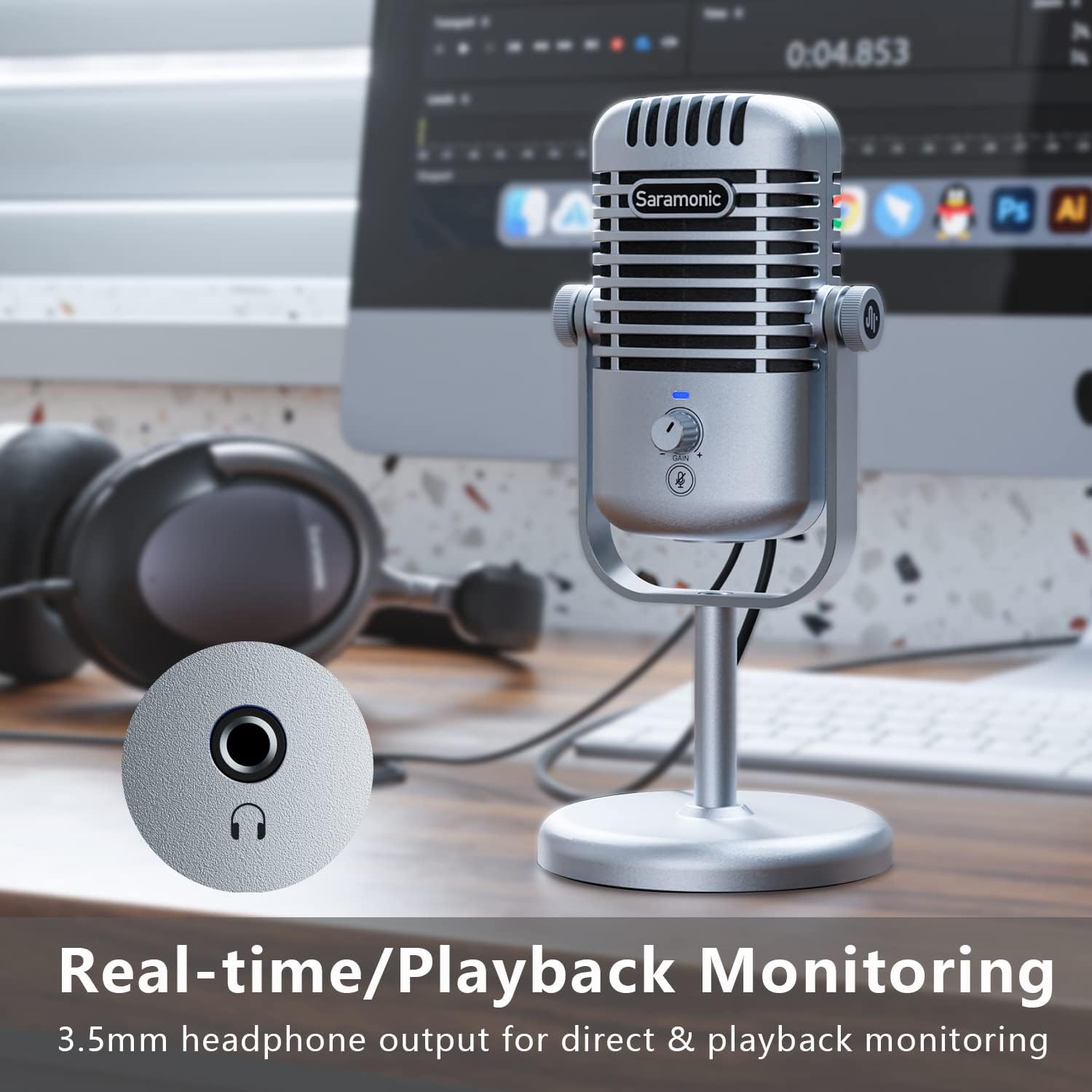
3.5mm headphone jack
USB-C & USB-A
Specifications
Pick sound from all
How to rotate the angle of XMIC Z3 microphone to get the best audio?
What should i do if i want to use it for livestreaming? How to Mount the Xmic to aboom arm?
How long is the USB cable that comes with the XMIC?
Is the XMIC compatible with Xbox systems?
For any issues that cannot be resolved with the user manual, where can i reach for help?
PACKAGE CONTENT
-
Customer ReviewsNo comments