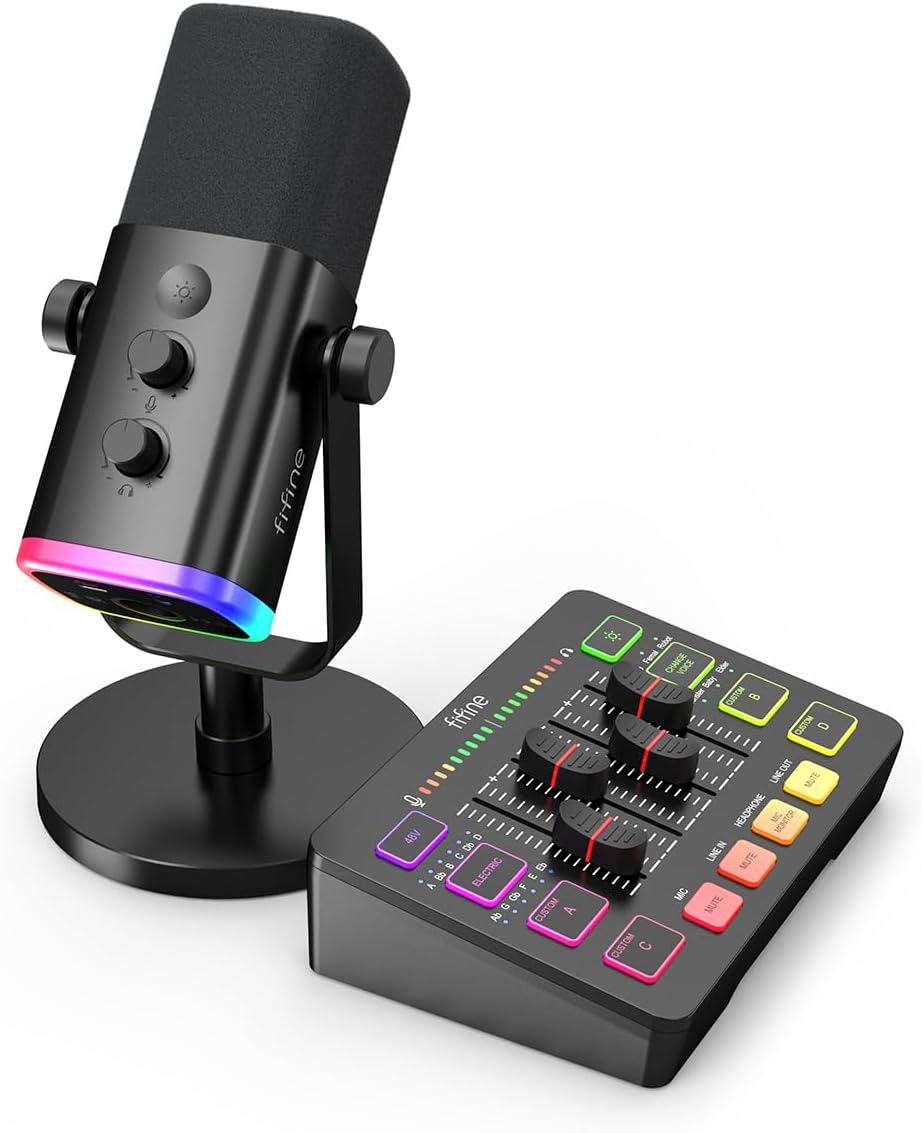
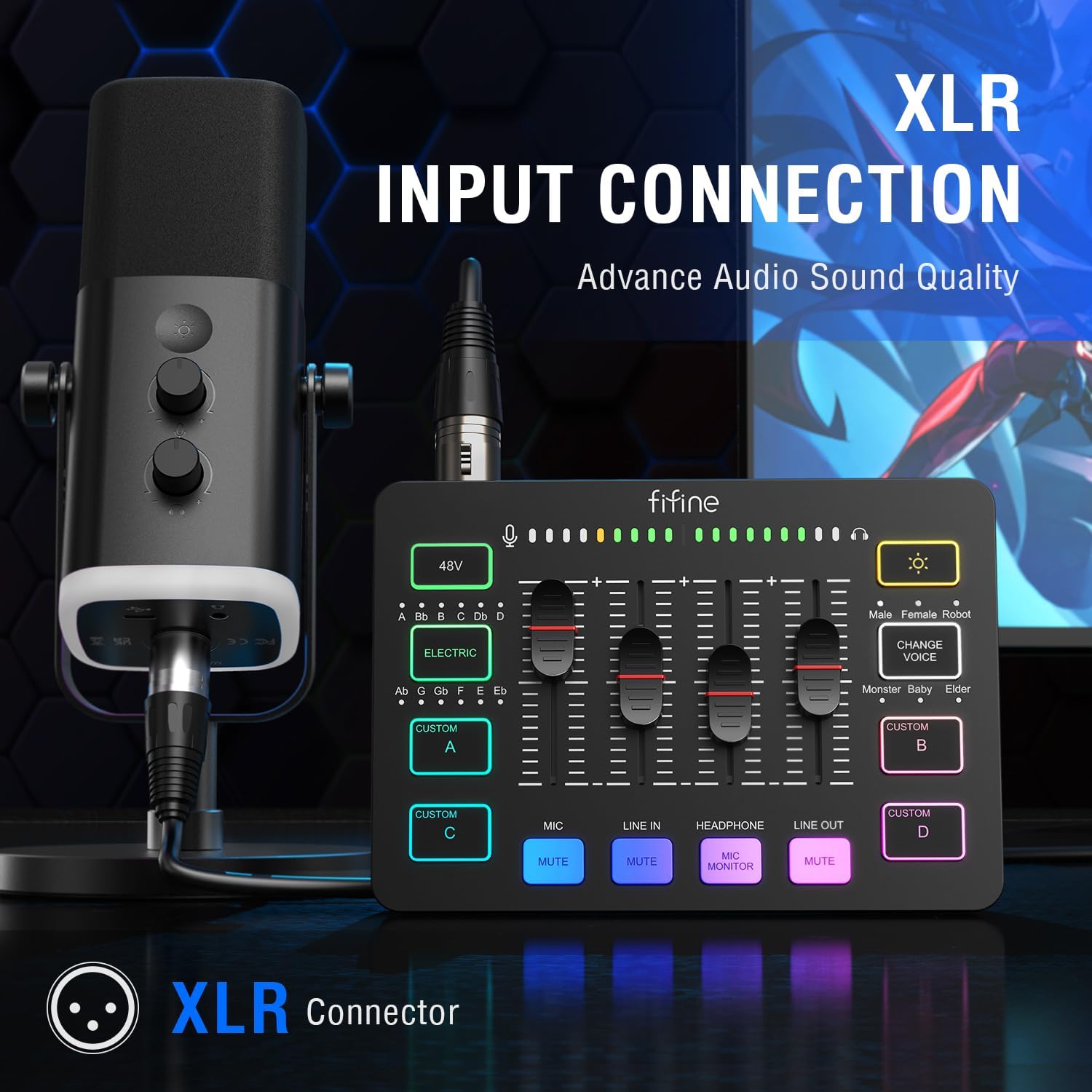
FIFINE Gaming Audio Mixer Bundle with Computer Streaming Microphone, 4-Channel RGB Mixer Set with XLR Interface, 48V Phantom Power, Dynamic Mic with Mute Button for Game Voice Podcast YouTube(SC3+AM8)
-
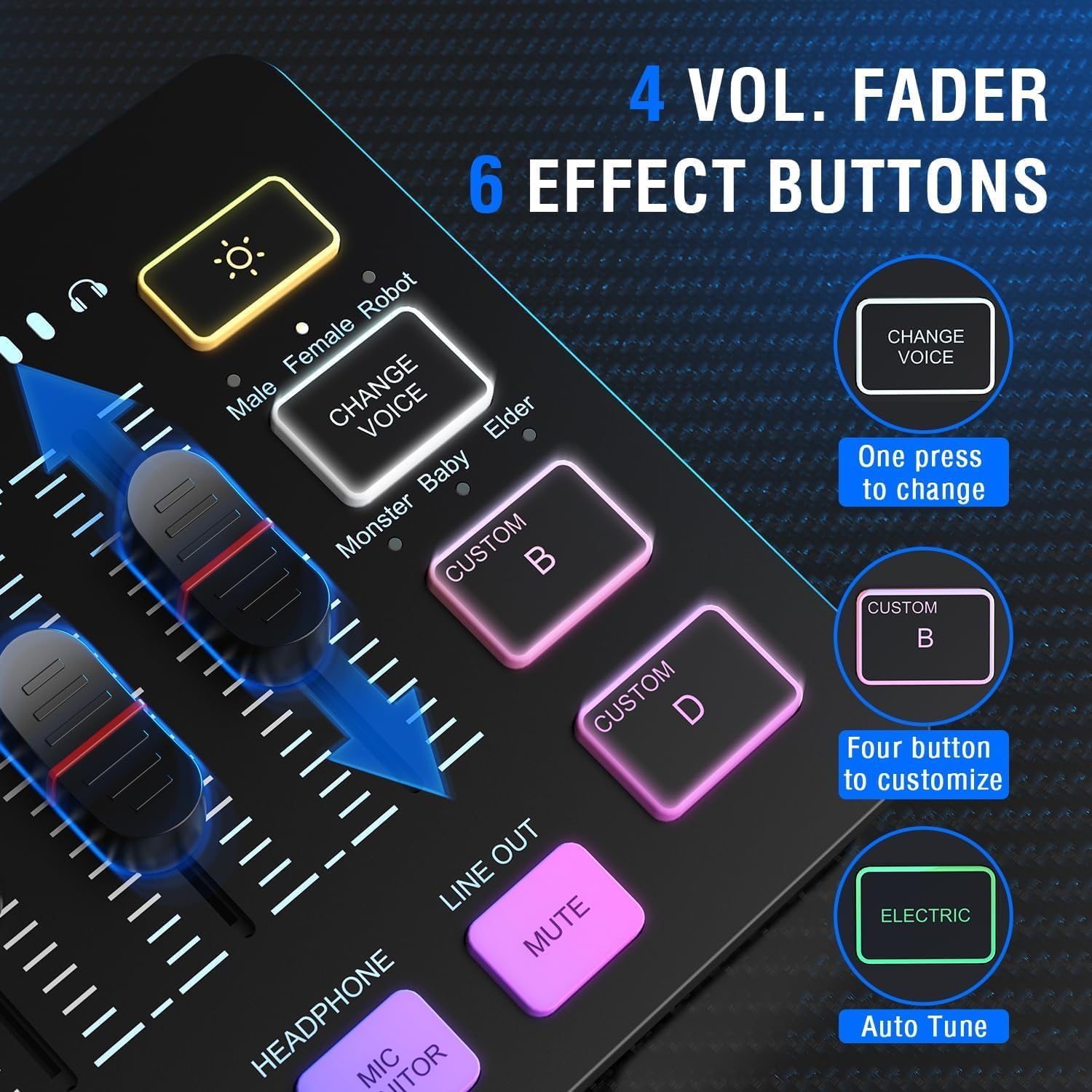
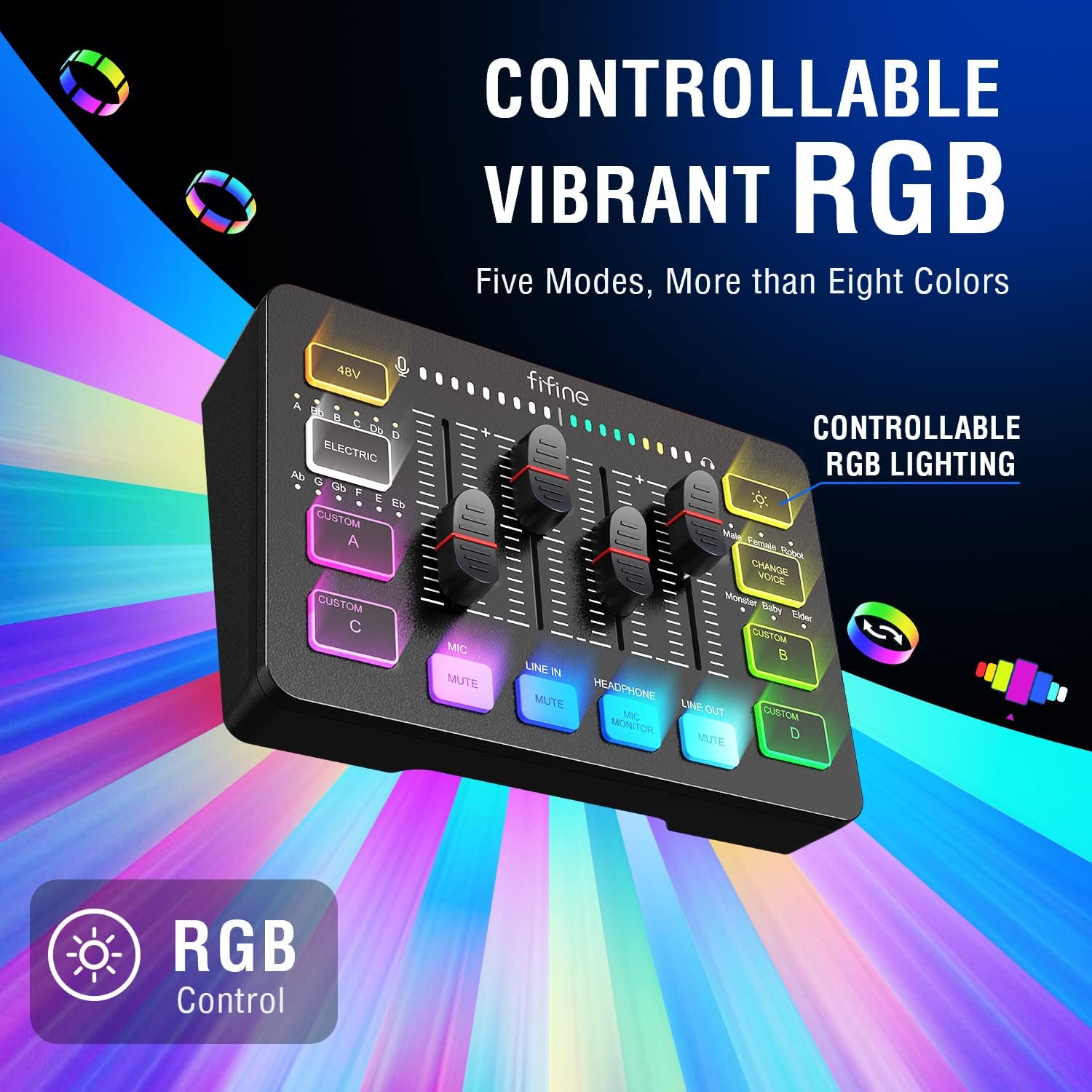
Detail1Multifunctional Mixer2Volume Slider Fader3Mute Button4Auto Tune
Does this work for ps5 and Xbox?
AM8 Dynamic microphone and SC3 Gaming mixer are compatible with the ps4 or ps5, but not work with Xbox.
Are the funtional keys on the mic available via XLR connection?
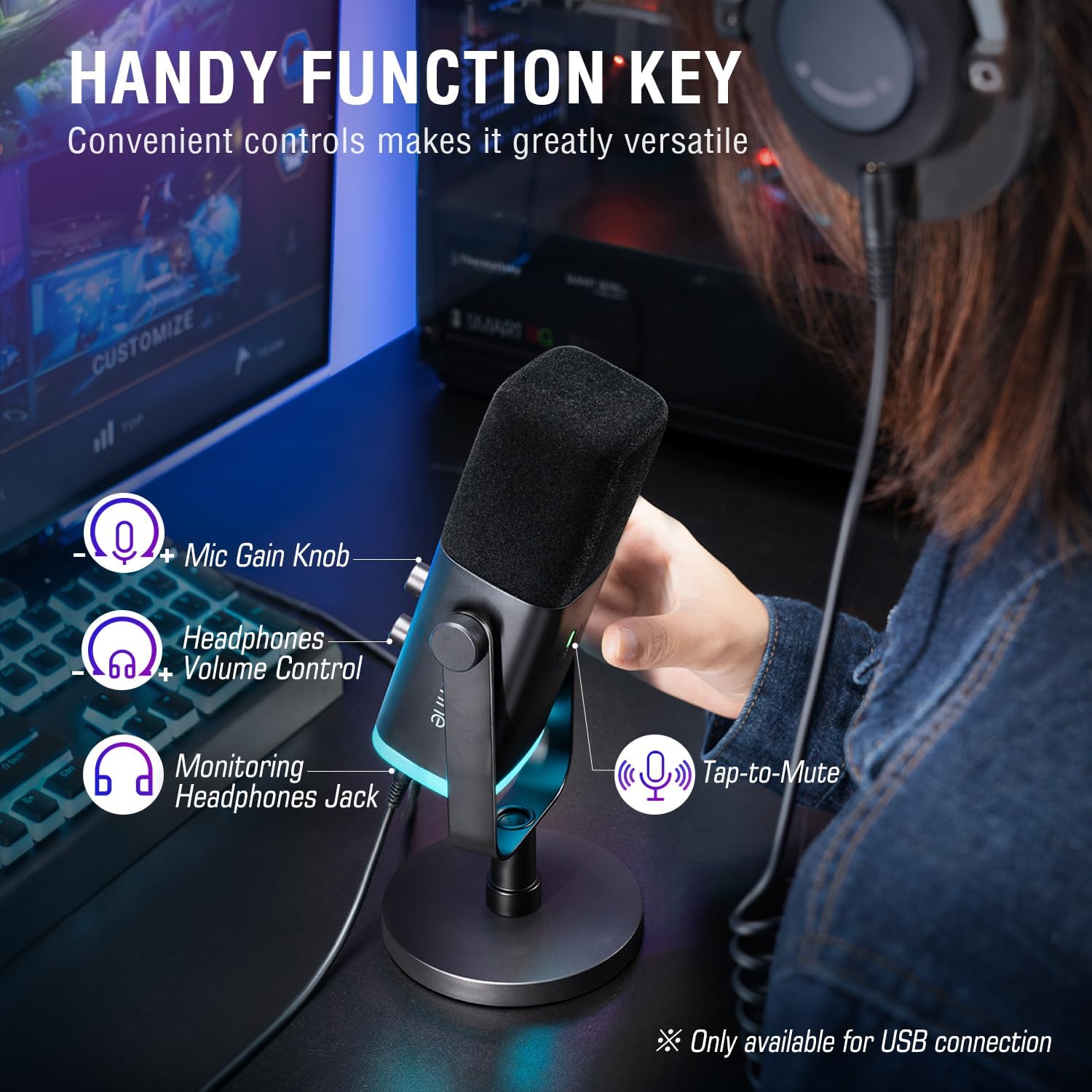
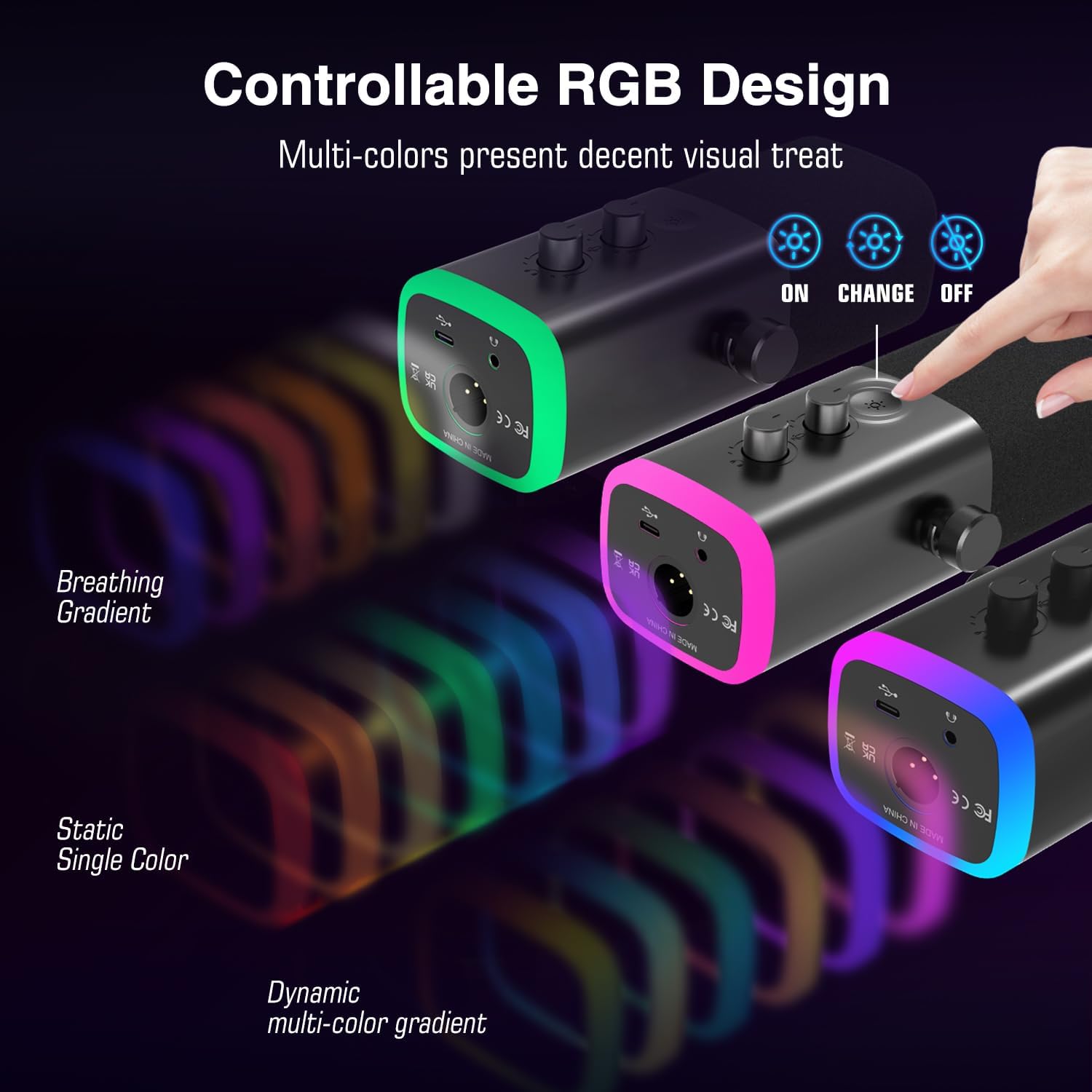
No. All the function keys, RGB key and gain knob are only available for USB connection, but invaild for XLR connection. You could adjust the gain of the mic via the mixer when using XLR connection.
Can I listen to my voice while recording on a Windows computer?
Yes. Please make sure that the mixer is set as the output and input device on the computer, and check the box "Listen to this device" from the sound setting, then turn on the MIC MONITOR button on the mixer. (MIC MONITOR button in white means on)
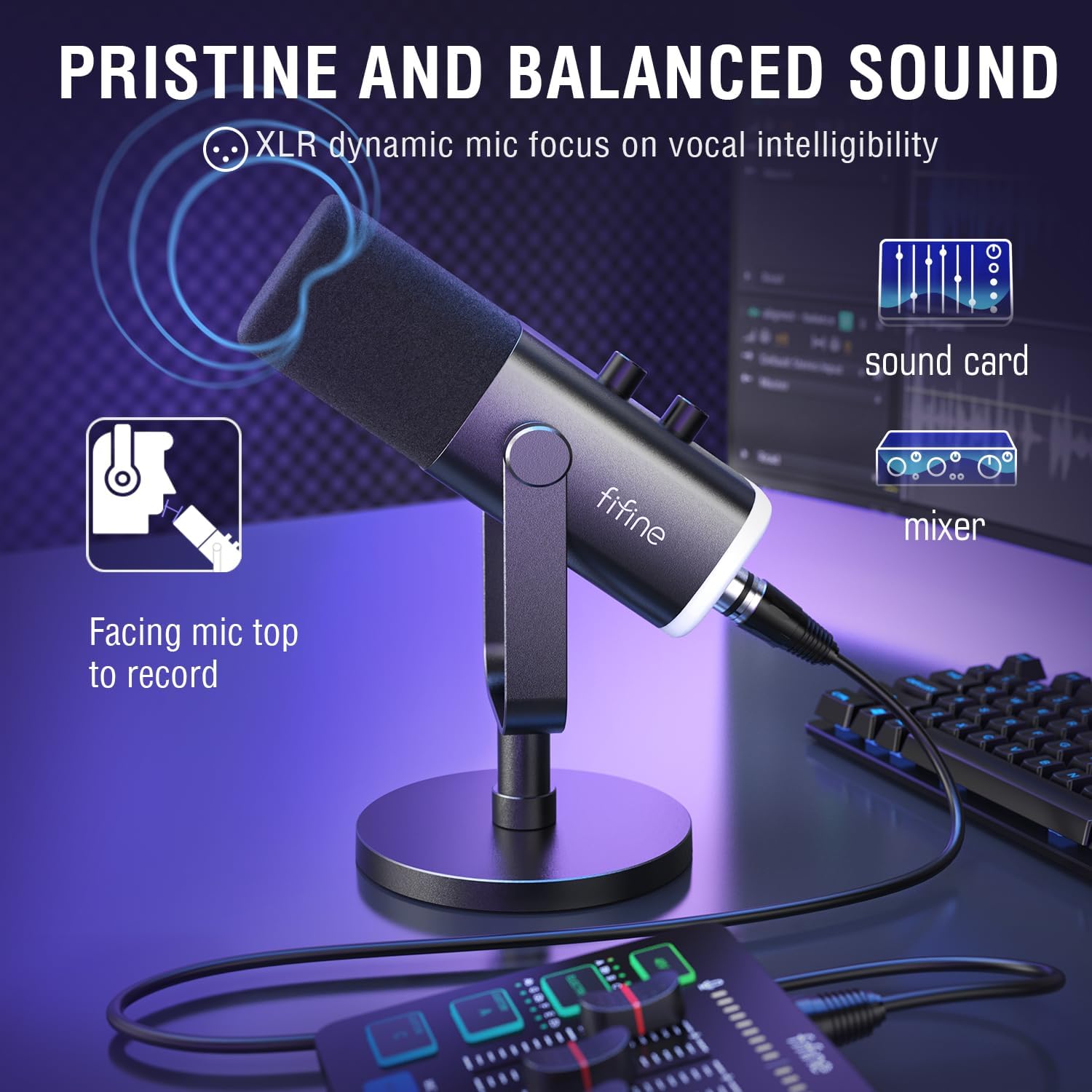
How can I get loud and clear sound quality while recording?
Select the dynamic mode by the switch beside the XLR input to get the best effect and keep speaking to the top of this end-addressing gaming mic within 2-6 inches to capture loud and clear sound quality.
What headphones can I use with this audio mixer?
You can take a look at the Fifine H3/H8/H9 wired monitor headphones which has 3.5mm connector.
Compatibility and connection
Does this work for ps5 and Xbox?
Are the funtional keys on the mic available via XLR connection?
Can I listen to my voice while recording on a Windows computer?
How can I get loud and clear sound quality while recording?
What headphones can I use with this audio mixer?
-
Customer ReviewsNo comments