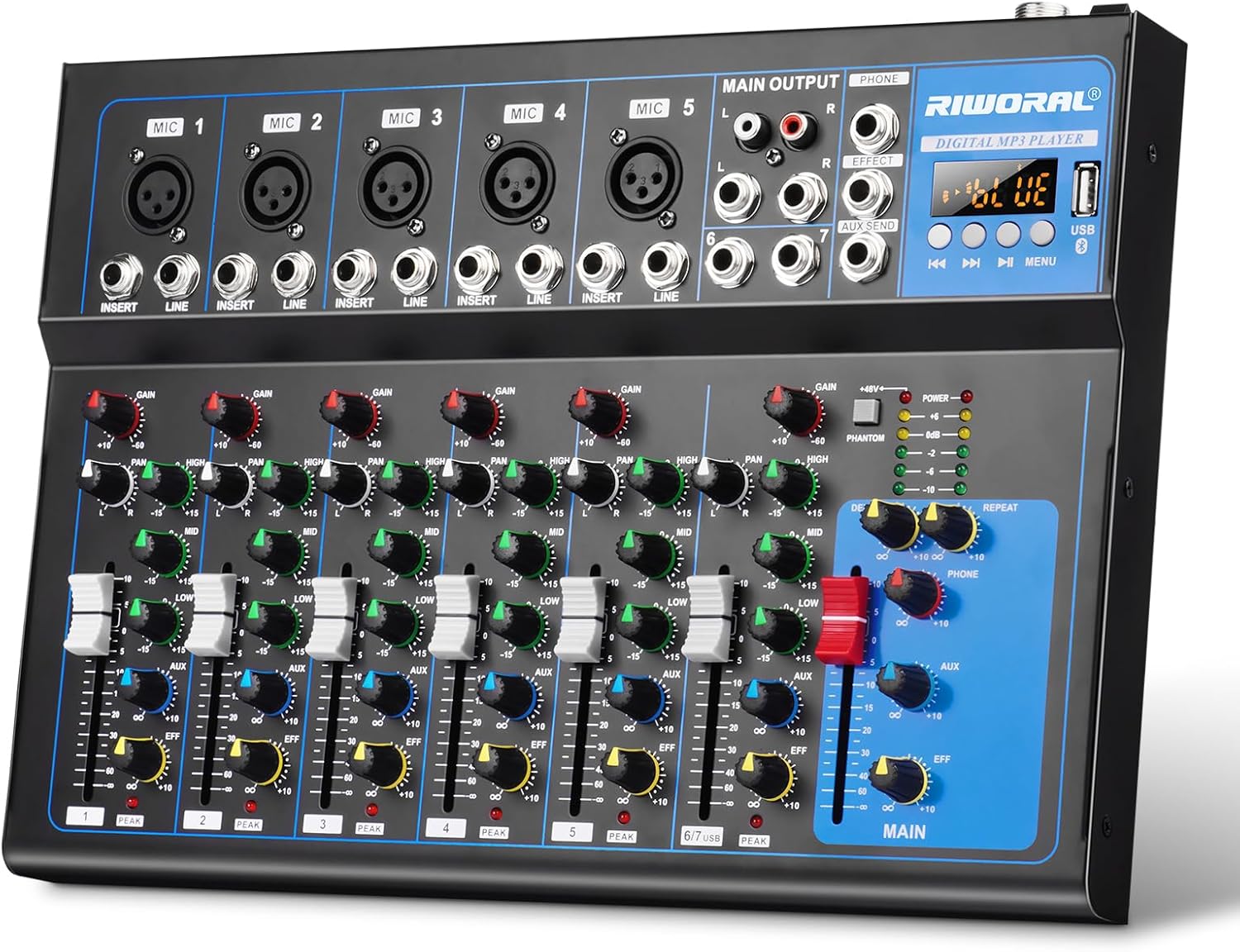
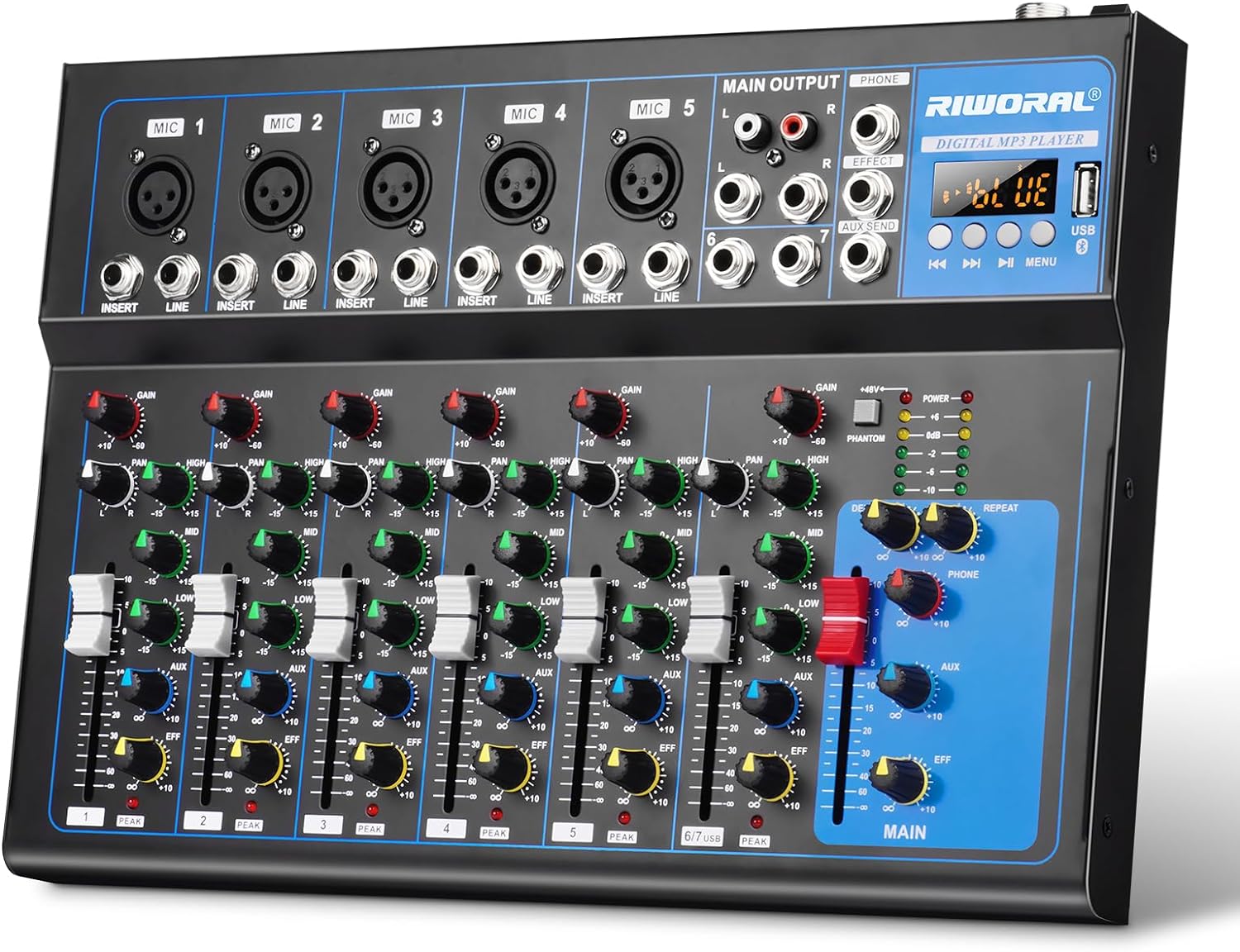
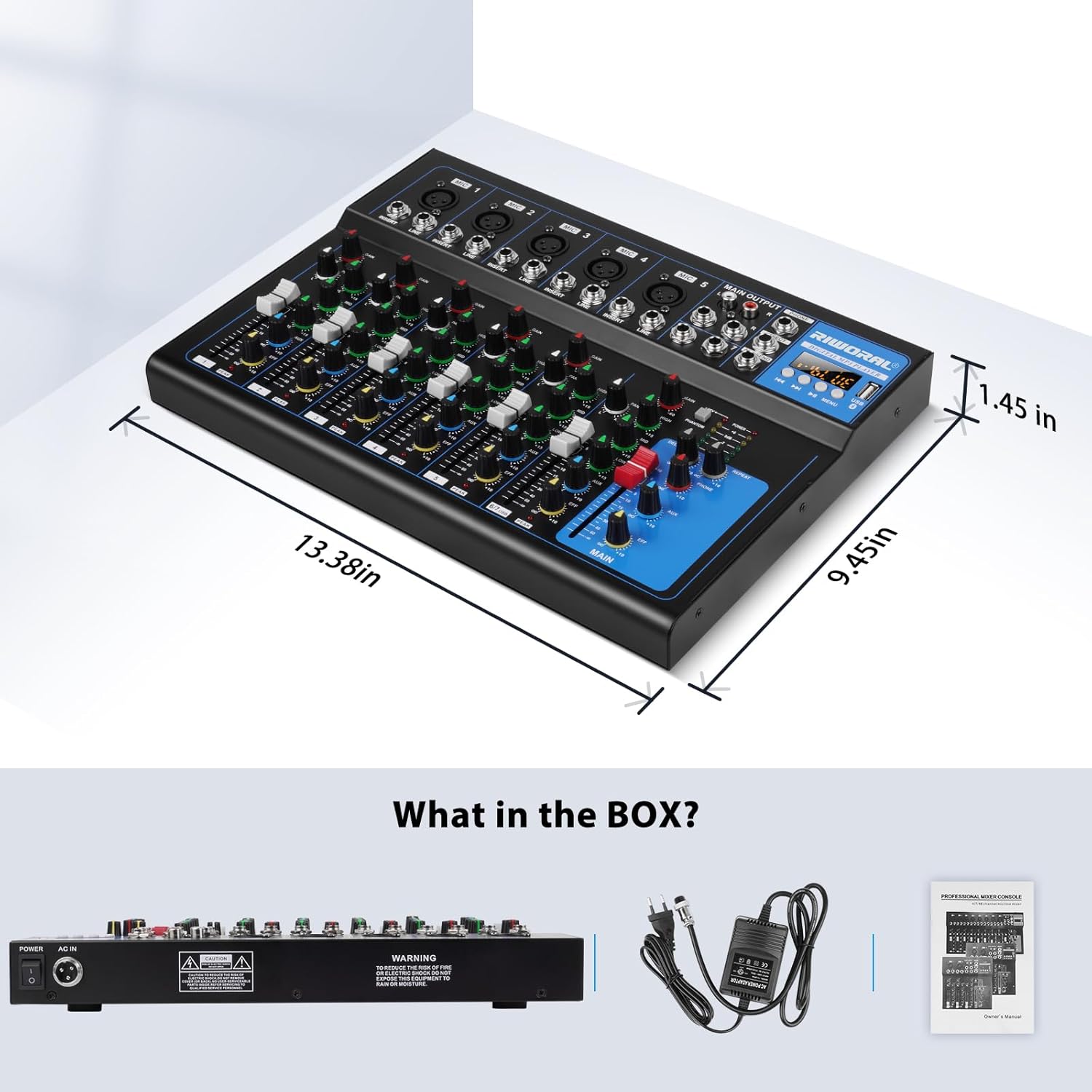
Home / 7 Channel Audio Interface USB Audio Mixer Sound Board Mixing Console Built In Bluetooth MP3 Computer Input +48V Phantom Power Mixer Audio For Karaoke Dj Stage Streaming Studio
  • 7 Channel Audio Interface USB Audio Mixer Sound Board Mixing Console Built In Bluetooth MP3 Computer Input +48V Phantom Power Mixer Audio For Karaoke Dj Stage Streaming Studio
  • 7 Channel Audio Interface USB Audio Mixer Sound Board Mixing Console Built In Bluetooth MP3 Computer Input +48V Phantom Power Mixer Audio For Karaoke Dj Stage Streaming Studio
  • 7 Channel Audio Interface USB Audio Mixer Sound Board Mixing Console Built In Bluetooth MP3 Computer Input +48V Phantom Power Mixer Audio For Karaoke Dj Stage Streaming Studio
  • 7 Channel Audio Interface USB Audio Mixer Sound Board Mixing Console Built In Bluetooth MP3 Computer Input +48V Phantom Power Mixer Audio For Karaoke Dj Stage Streaming Studio
  • 7 Channel Audio Interface USB Audio Mixer Sound Board Mixing Console Built In Bluetooth MP3 Computer Input +48V Phantom Power Mixer Audio For Karaoke Dj Stage Streaming Studio
  • 7 Channel Audio Interface USB Audio Mixer Sound Board Mixing Console Built In Bluetooth MP3 Computer Input +48V Phantom Power Mixer Audio For Karaoke Dj Stage Streaming Studio
  • 7 Channel Audio Interface USB Audio Mixer Sound Board Mixing Console Built In Bluetooth MP3 Computer Input +48V Phantom Power Mixer Audio For Karaoke Dj Stage Streaming Studio
  • 7 Channel Audio Interface USB Audio Mixer Sound Board Mixing Console Built In Bluetooth MP3 Computer Input +48V Phantom Power Mixer Audio For Karaoke Dj Stage Streaming Studio
  • 7 Channel Audio Interface USB Audio Mixer Sound Board Mixing Console Built In Bluetooth MP3 Computer Input +48V Phantom Power Mixer Audio For Karaoke Dj Stage Streaming Studio

7 Channel Audio Interface USB Audio Mixer Sound Board Mixing Console Built In Bluetooth MP3 Computer Input +48V Phantom Power Mixer Audio For Karaoke Dj Stage Streaming Studio

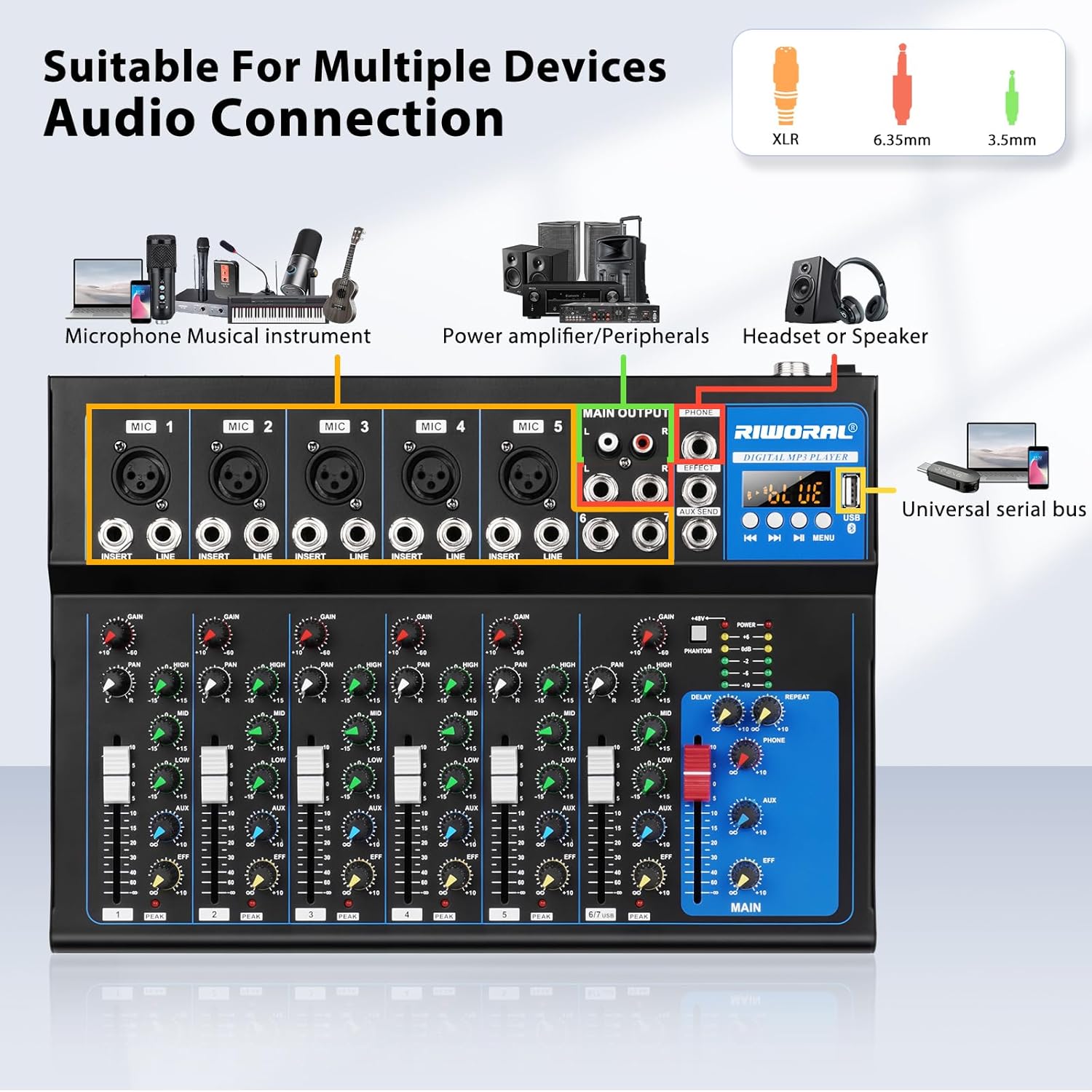
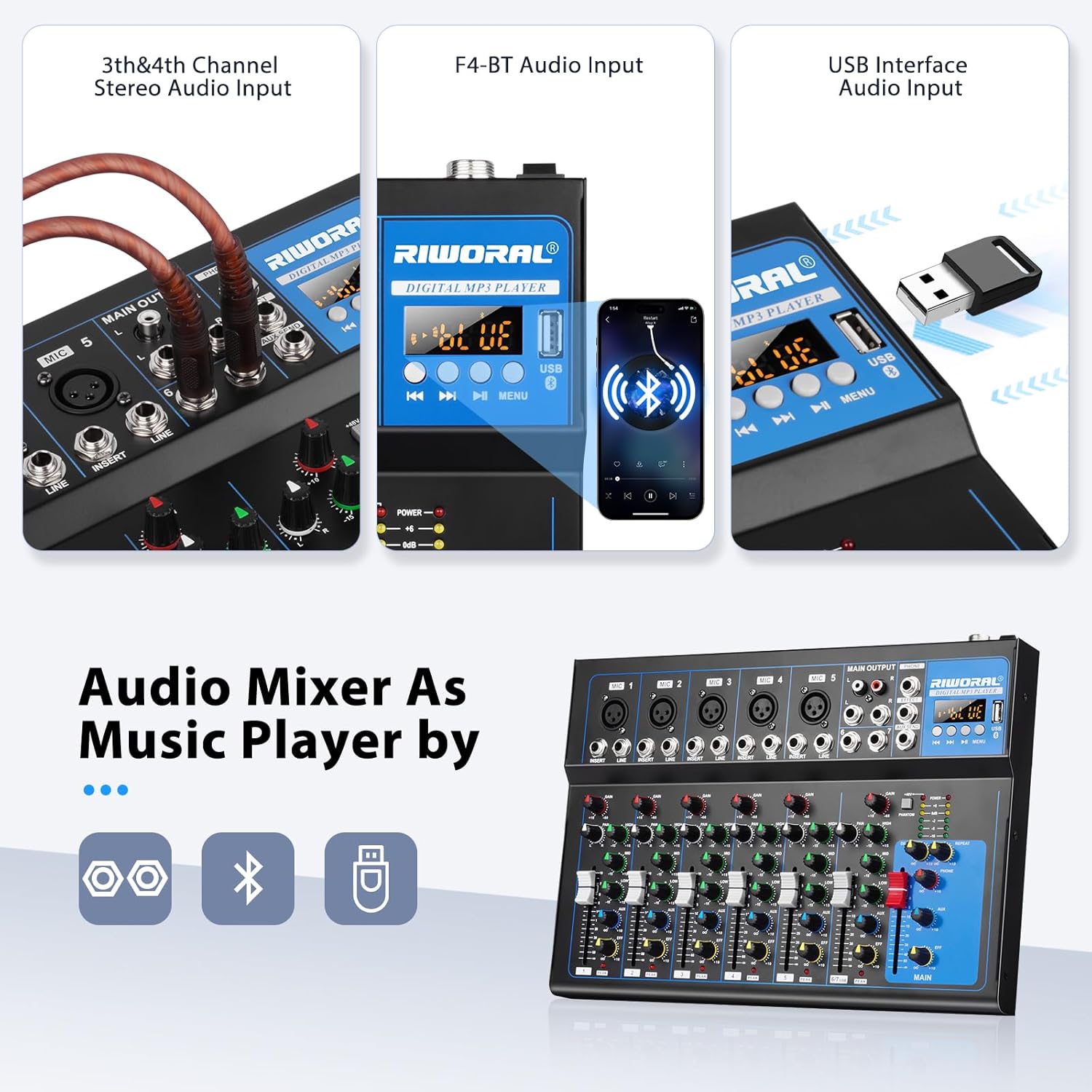
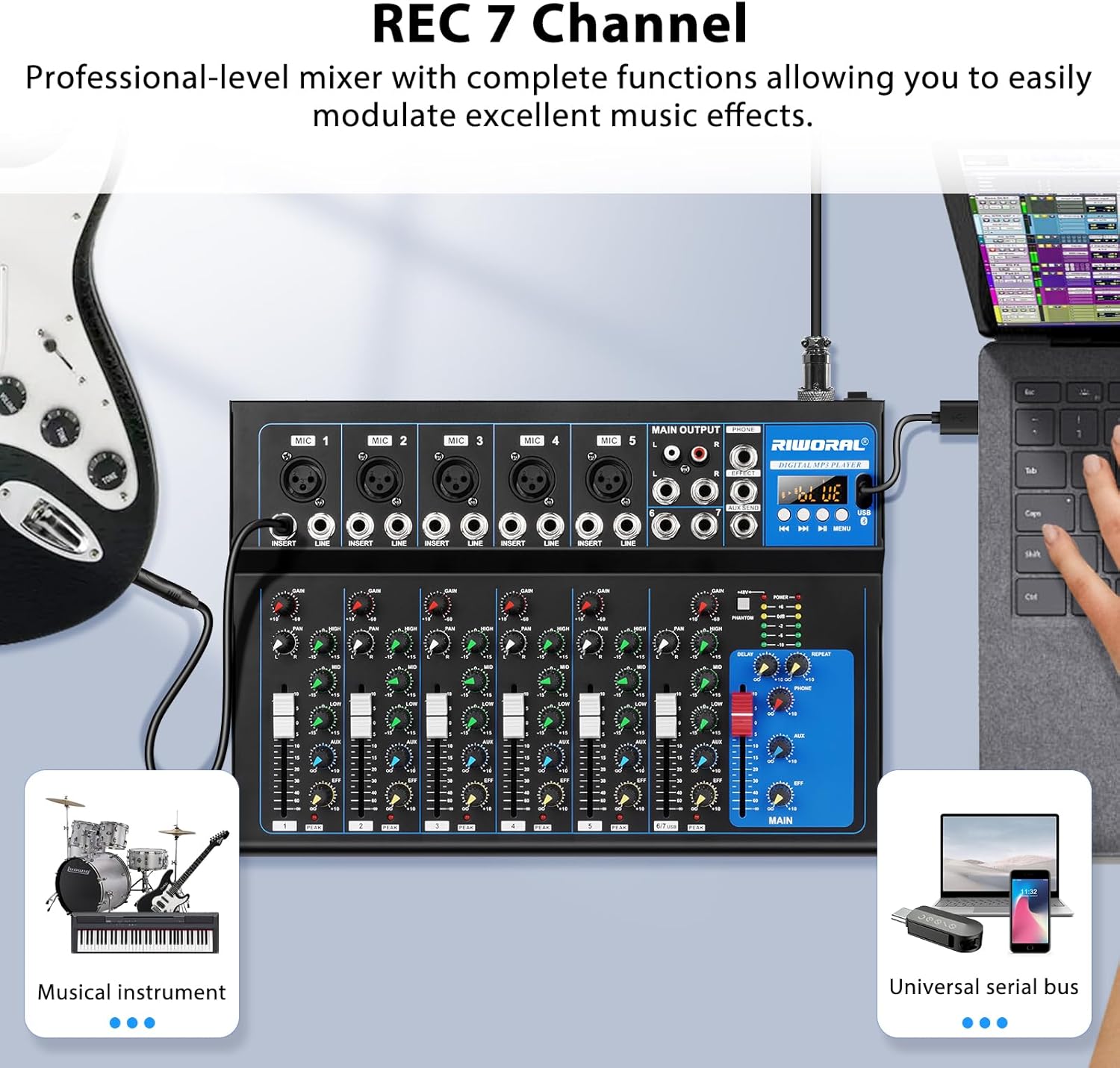
♬【7 Channels Input】 The Mini Mixing Console is great for multiple devices connectivity.5 XLR Lines input jack to connect mics or guitar, 1/4’’ Jack(6.35mm) INSERT and LINE mic inputs in channel 1/2. The INSERT inputs provides the ability to mix microphone audio and instrument like guitar/piano/keybo
$60.99
$121.98
Quantity
ADD TO CART
BUY IT NOW
  • Detail

    Professional Bluetooth Studio Audio Mixer

    Features:

    DJ & Studio Console Mixer System, 4/7 Channel Audio Source Mixing

    Built-in Bluetooth Wireless Receiver, Effexct (Analog Effects)

    Direct-to-Computer Connect & Sound Record Ability

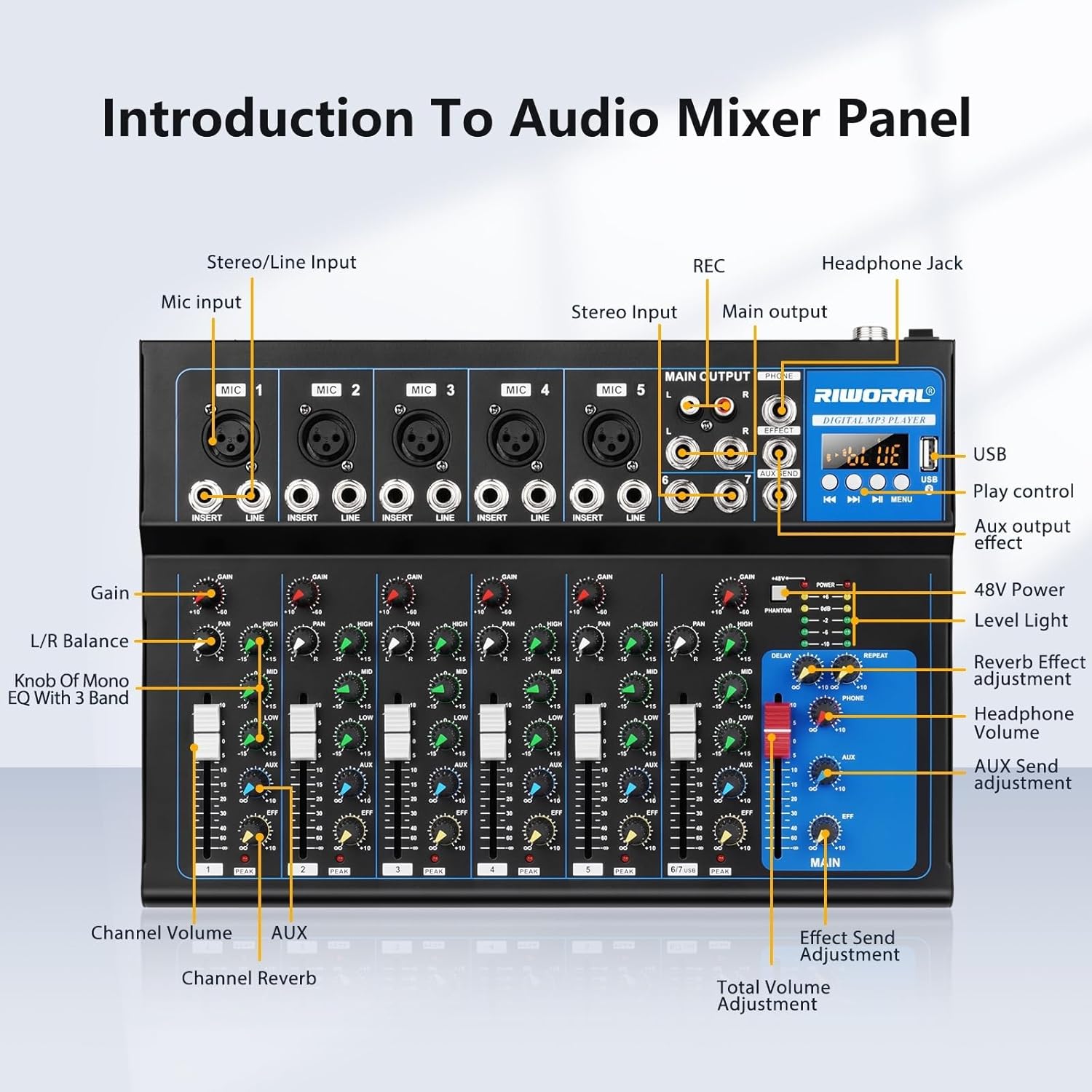
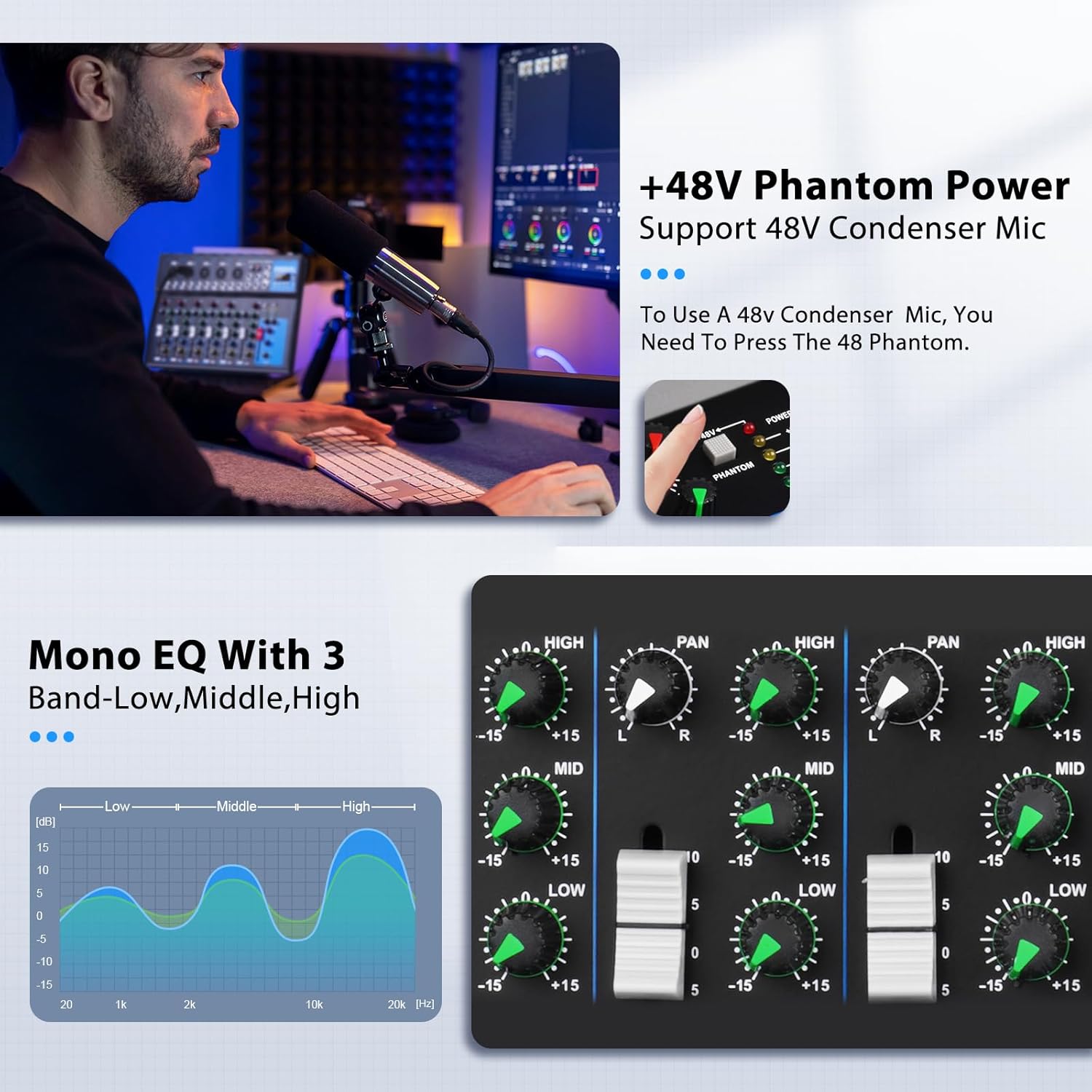
    3-Band EQ, Can adjust parameters such as bass, midrange, and treble

    Configuration Adjustment Controls, Rotary Adjustment Knobs & LCD indicator screen

    MP3 Digital Audio File Compatibility, USB Flash Drive Reader, USB Port for Desktop Connection

    Connect & Stream Audio from External Devices,1/4’’ (L/R) MAIN Outputs

    Mic & Stereo Line Inputs:XLR Lines input jack to connect mics, 2-channel Stereo line inputs can be connected to music players

    Support pc lossless transmission for live broadcasting/recording

    USB interface can be directly connected to the computer to achieve freedom of sound.

    Connect the computer and mixer with a U port cable. MP3 display PC. Click the speaker icon in the lower right corner of the computer and select the input device as JieLi BR21. Confirm that the entered device is JieLi BR21

    Press "Start Recording" on the computer recording software to start recording all the sounds in the tuning, and finally save the recording clips on the computer.

    U disk input, plug and play. Connect your external USB, computer PC, flash drive or Bluetooth device to Mix & record; Use the built in controls to play/pause, skip tracks and switch between modes

    High, medium and low frequency bands, fader adjustment enhance the corresponding frequency band.

    Question Answer

    Q:Why doesn't my Audio mixer work?

    A:Please check whether the input device is successfully linked and whether the output device is successfully linked.

    Q:Why the mixer cannot read the USB stick / USB stick not working?

    A:Please check if the music in the USB stick is in MP3 format/USB stick has the numerous software program/folder.

    A:Recommend: USB stick only stores music in MP3 format

    Reminder: MP3 function cannot be used at the same time when using Bluetooth connection

    USB/Flash Reader /MP3 Compatibility

    Three-stage EQ Adjustment

  • Customer Reviews
    No comments