EMP16 MIDI Pad Controller Beat Maker Machine With Bluetooth, 16 RGB Velocity Sensitive Beat Pads, 16 Level, Full/Half Level, OLED Display, MIDI In/Out
No Cab
-
DetailEMP16 MIDI PAD
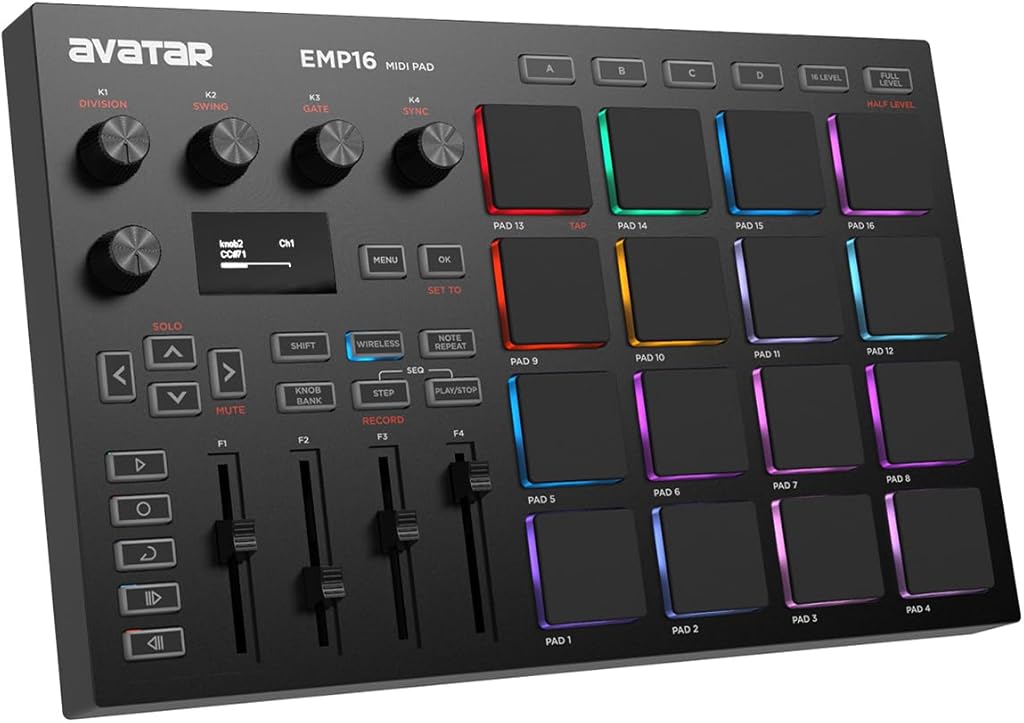
Whether you’re a beginner looking to get into the exciting world of beat production or looking for the ultimate backup controller for your studio equipment, EMP16 is the perfect solution for playing and controlling both audio hardware and software.
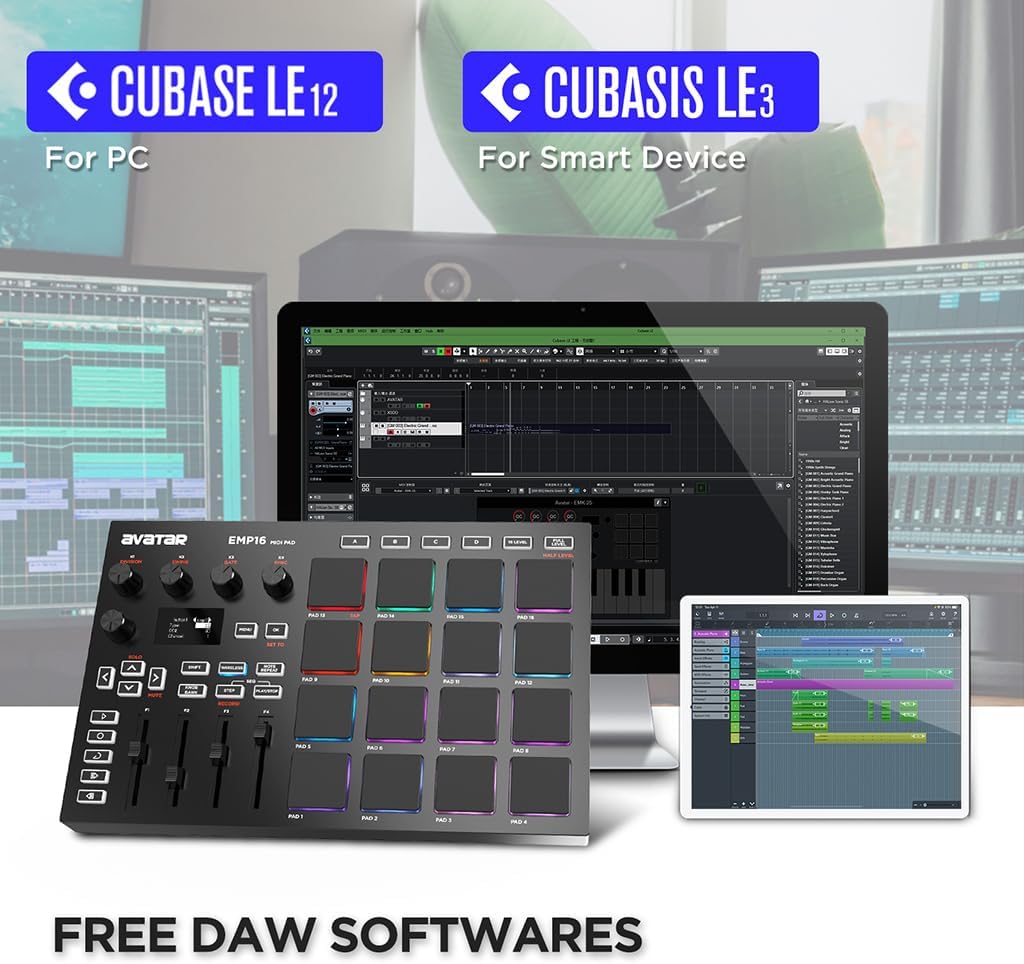
Communicate with other audio instruments like digital keyboard, synthesizer etc,. Also works with all popular apps including GarageBand, Logic, Studio One, Cubase, Ableton Live, FL Studio, Koala Sampler and more.
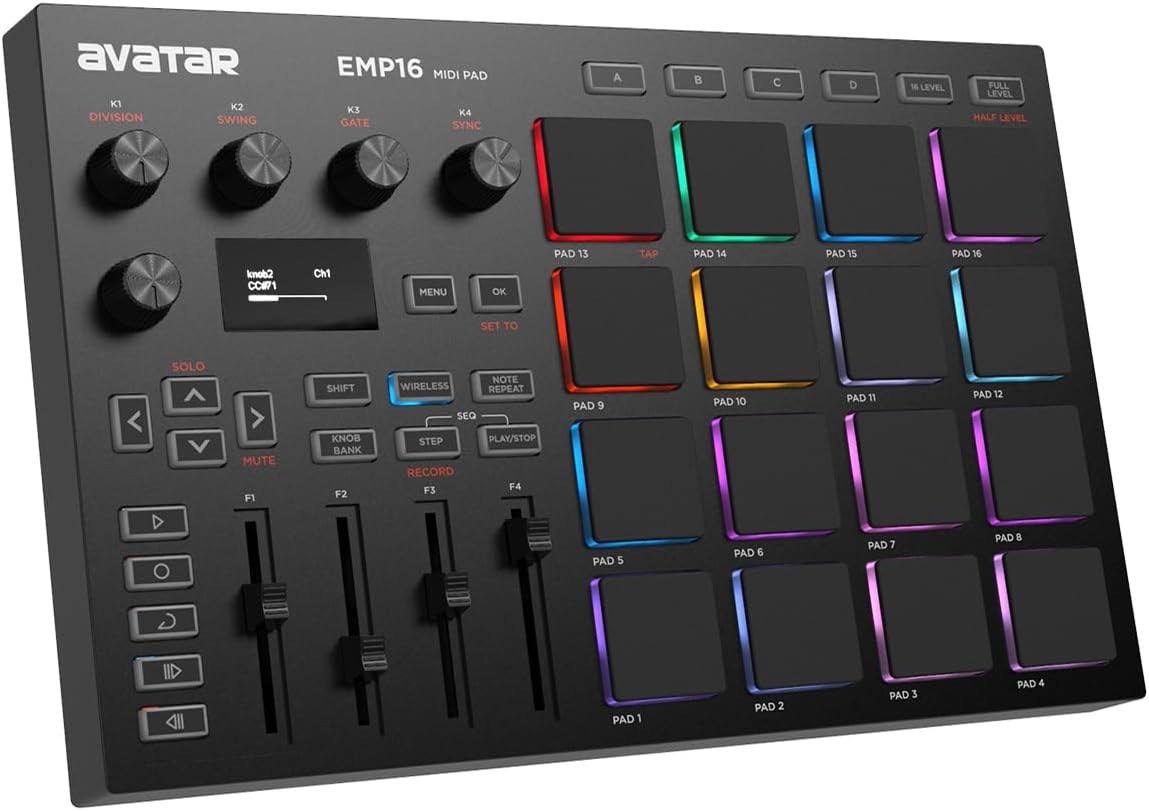
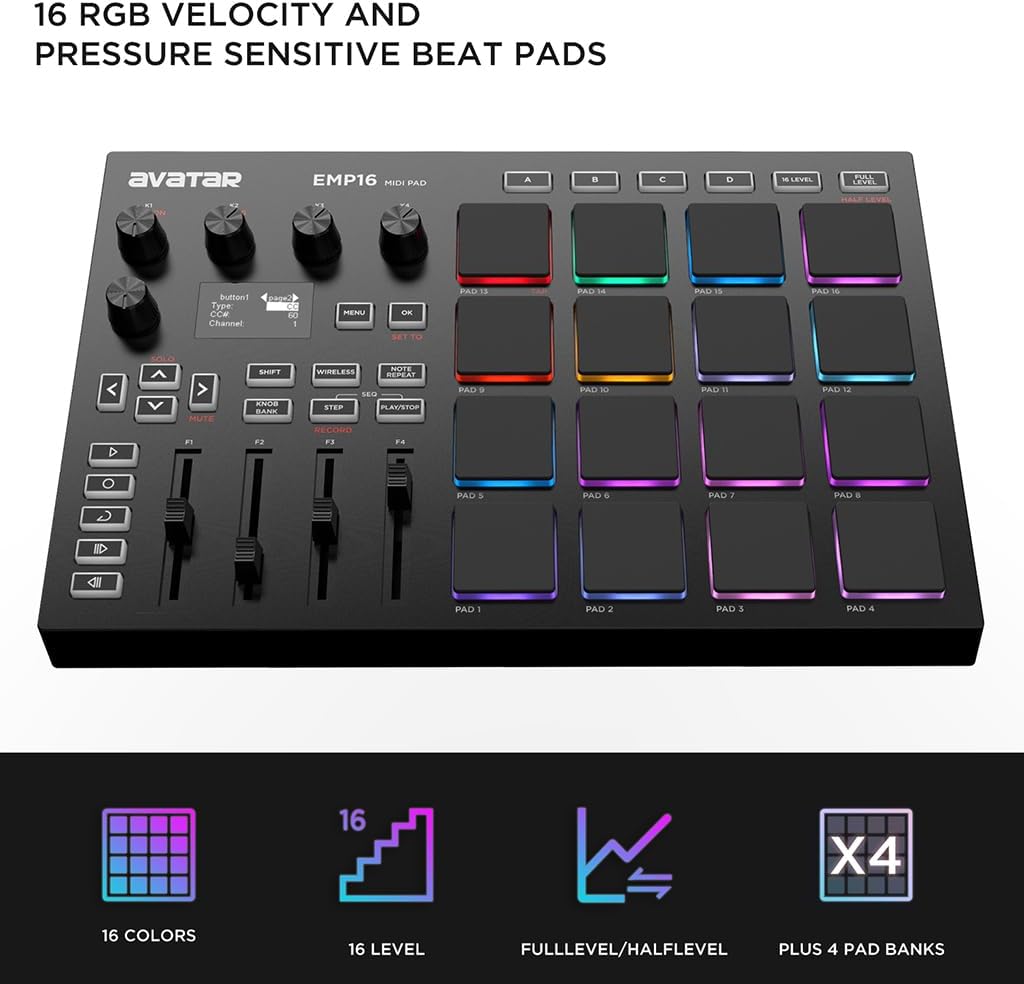
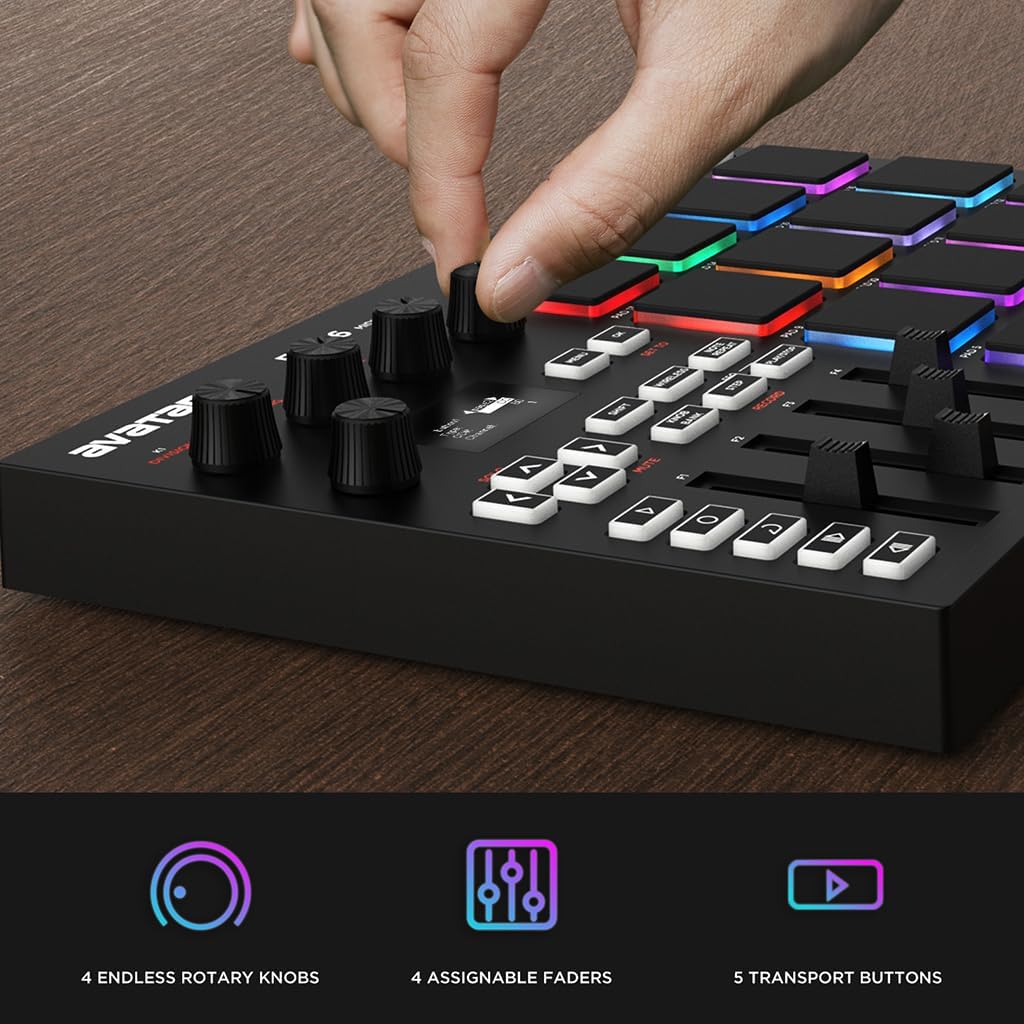
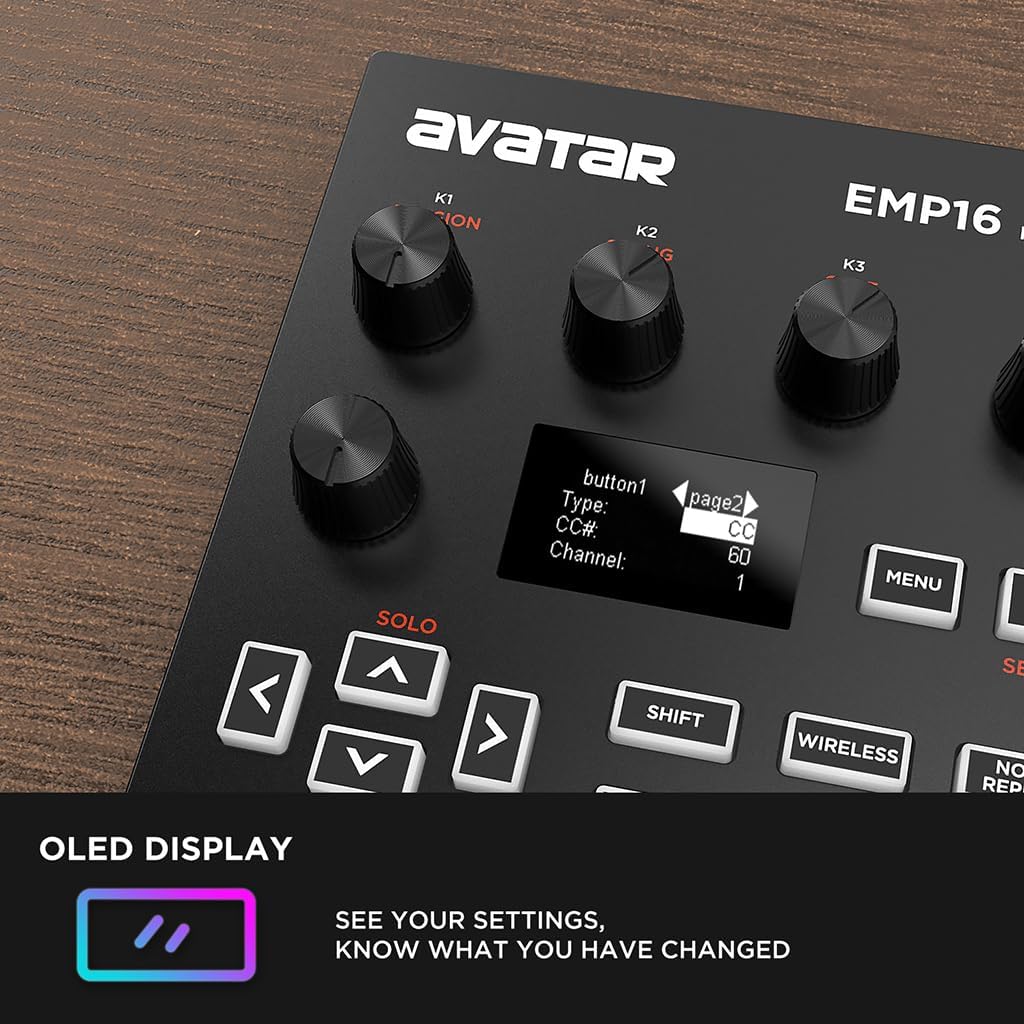
At the heart of EMP16 is 16 velocity sensitive beat pads plus 4 banks, ideal for triggering drums, melodic samples, basslines and more. Equipped with 4 assignable faders, 5 assignable buttons and 4 assignable endless rotary knobs with a total of 12 assignable controls accessible via 3 banks.
1Bluetooth 5.02Plug and Play3What's In The BoxHow MIDI controller works
MIDI controller communicates with other instruments and software by sending and receiving MIDI messages. This is not an audio signal, but rather a set of instructions that triggers another source to produce a sound or perform an action.
Can EMP16 control several devices at the same time
Yes, you sure can.
Control the software on pc via USB cable.
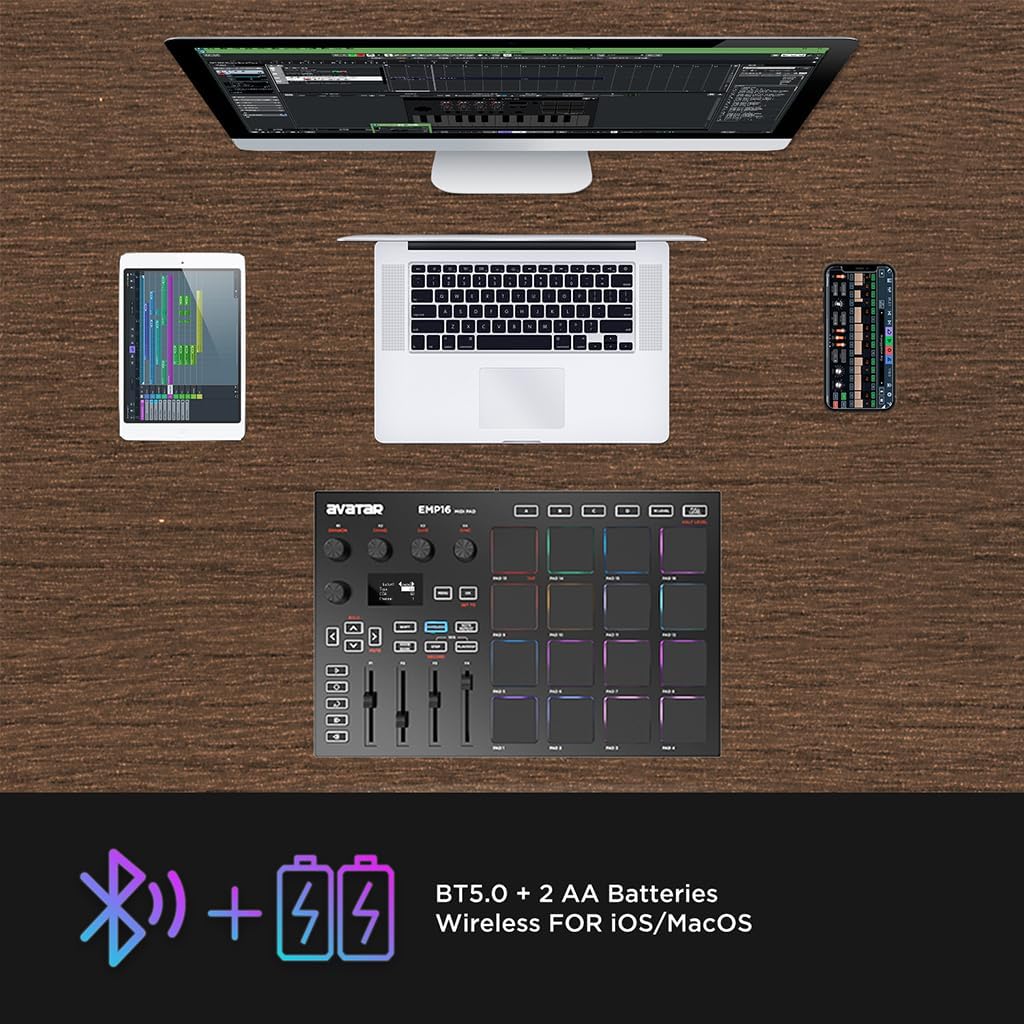
Control the software on iPad/iPhone/Mac via bluetooth.
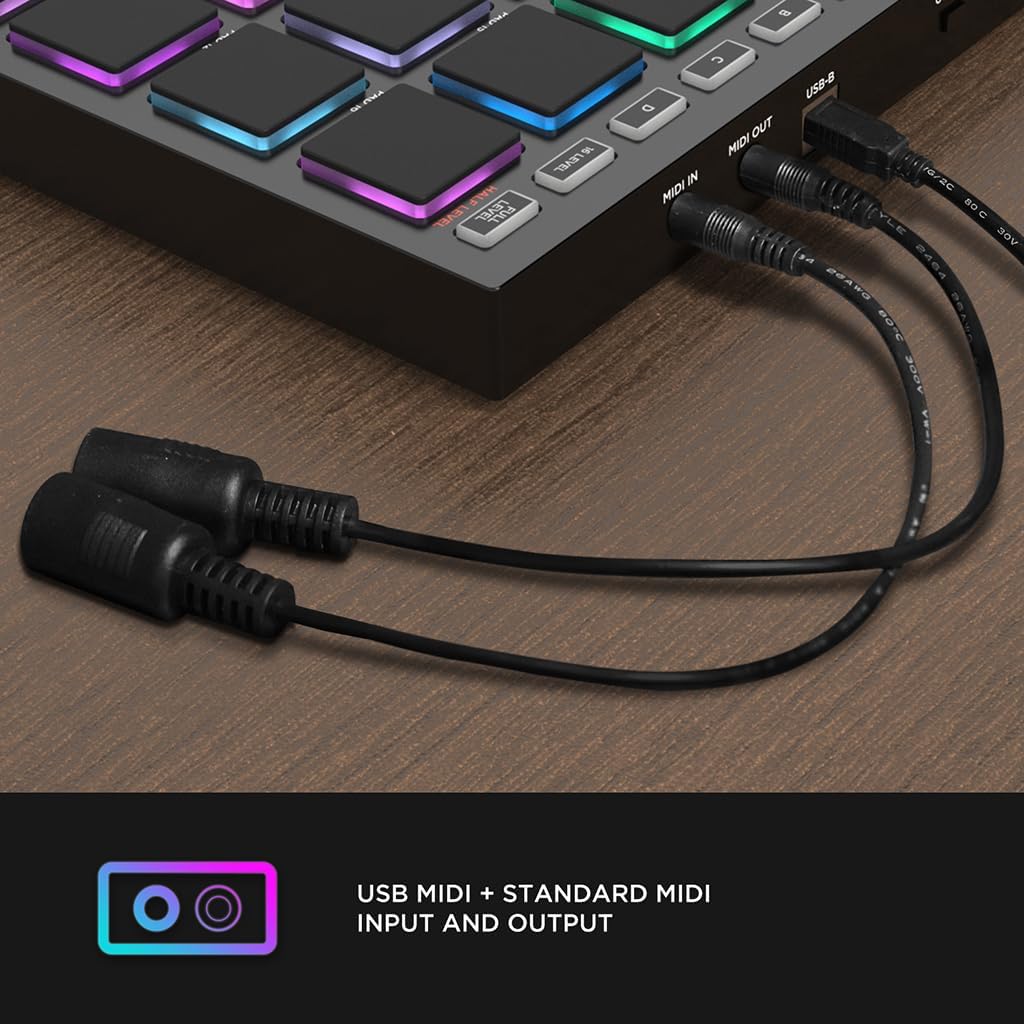
Control audio instrument via MIDI cable.
Guide to connect EMP16 to DAW on iPhone/iPad wirelessly
Step 1: Insert 2 AA batteries.
Step 2: Power on the MIDI Pad, press WIRELESS button.
Step 3: Enable the iPhone/iPad Bluetooth Setting.
Step 4: Turn the Bluetooth Setting on DAW software.
Step 5: Find the*MIDI PAD-01*, and toggle it to Connect.
Guide to connect EMP16 to MAC wirelessly
Step 1: Insert 2 AA batteries.
Step 2: Power on the MIDI Pad, press WIRELESS button.
Step 3: Enable Audio MIDI Setup, clik 'Window' and 'Show MIDI Studio'.
Step 4: Light up Bluetooth symbol.
Step 5: Find the*MIDI PAD-01*, and toggle it to Connect.
How to deal with the mistriggering(like double triggering, phantom triggering etc,.)?
Please refer the User Manual to edit the curves and set the minimum threshold to avoid mistriggering.
The Ultimate Beat Production Studio Controller
Your Music Takes Control
Wireless iOS Connection
How MIDI controller works
Can EMP16 control several devices at the same time
Guide to connect EMP16 to DAW on iPhone/iPad wirelessly
Guide to connect EMP16 to MAC wirelessly
How to deal with the mistriggering(like double triggering, phantom triggering etc,.)?
DAW Software For Beginners Making Music
-
Customer ReviewsNo comments