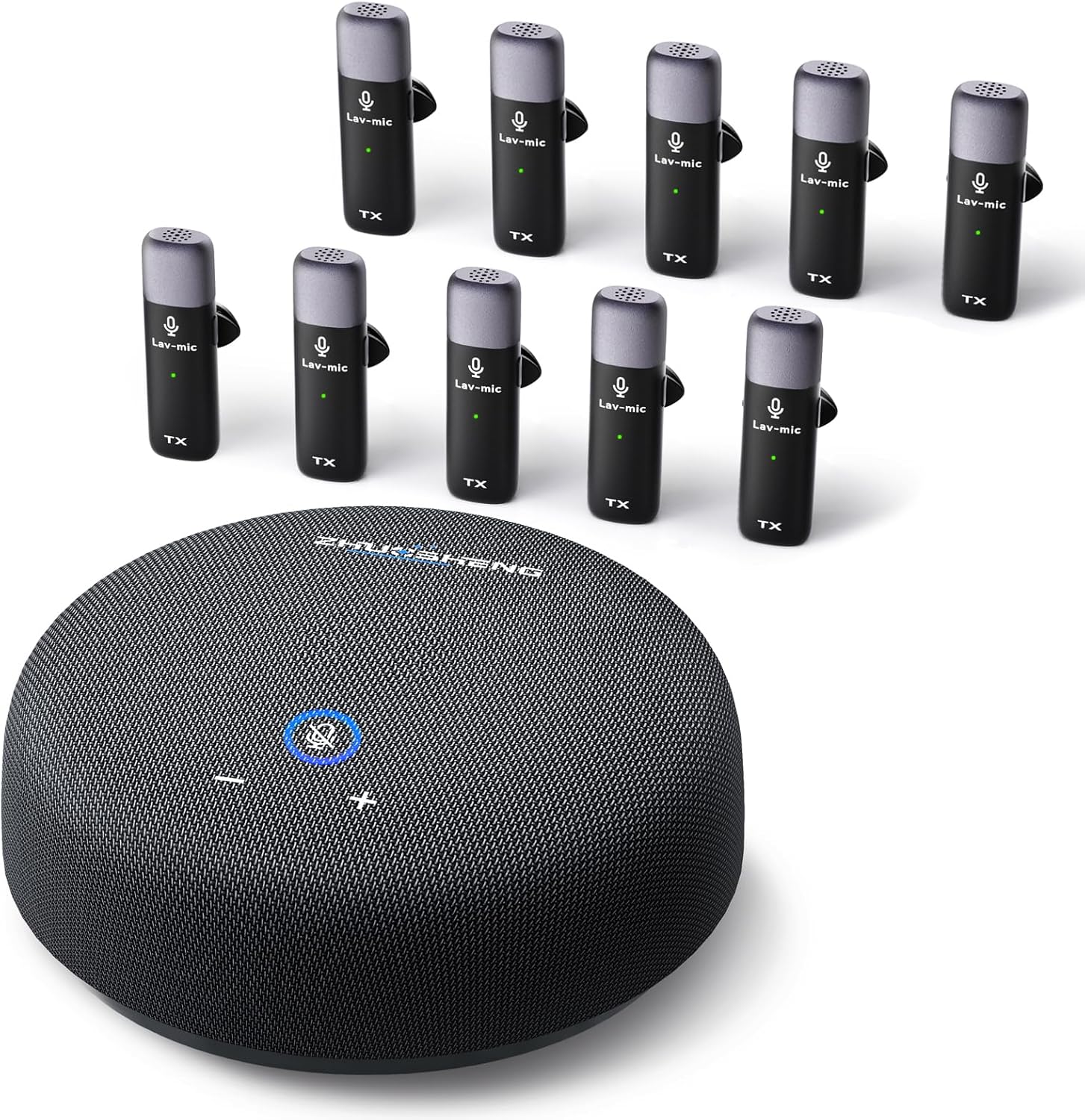
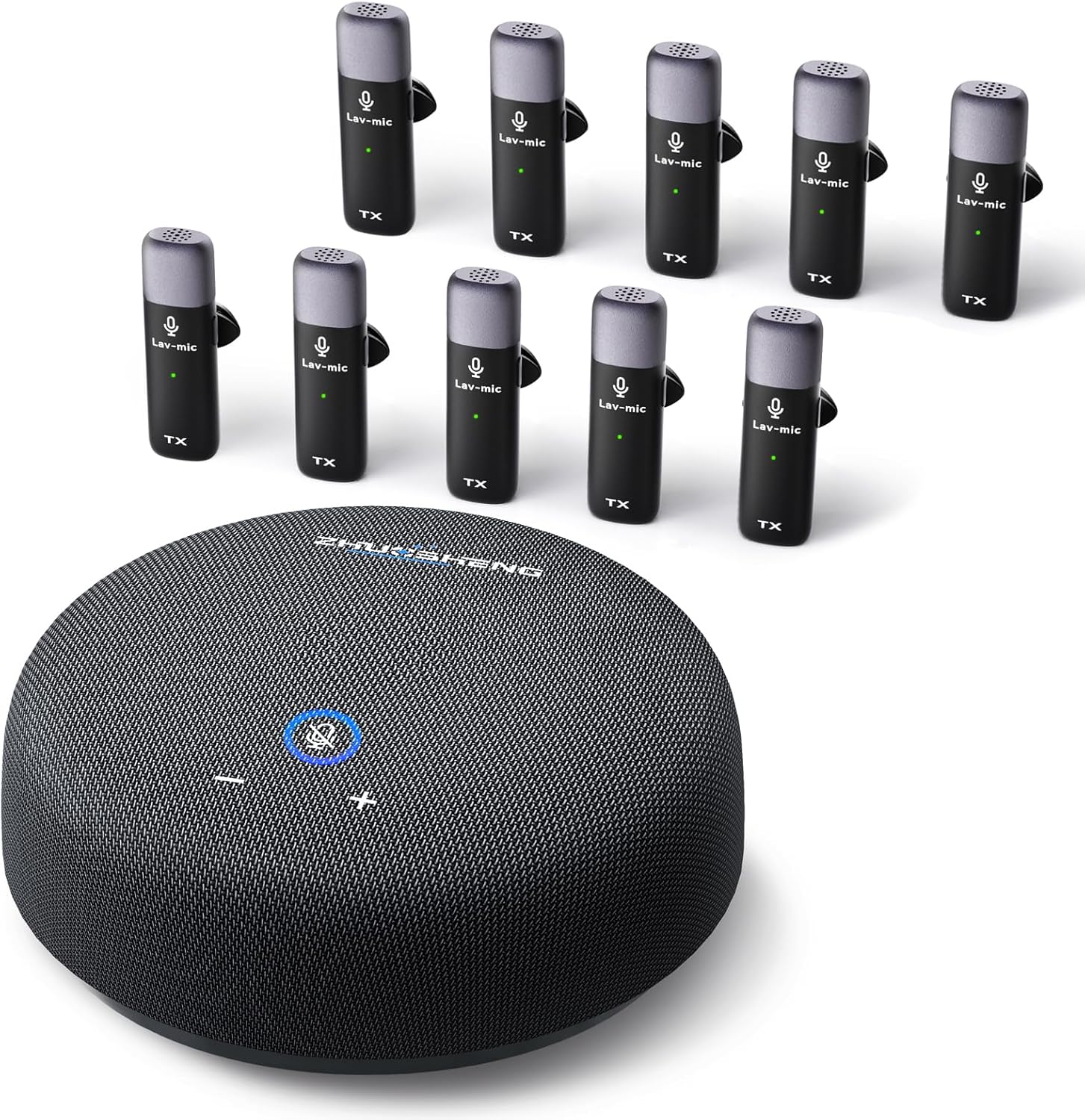
Conference Speaker and Microphone, USB Speakerphone with 10 Mics, 360° Pickup&Noise Reduction, Portable Conference Room Omnidirectional Microphone for 10 Compatible with Leading Platforms
-
Detail
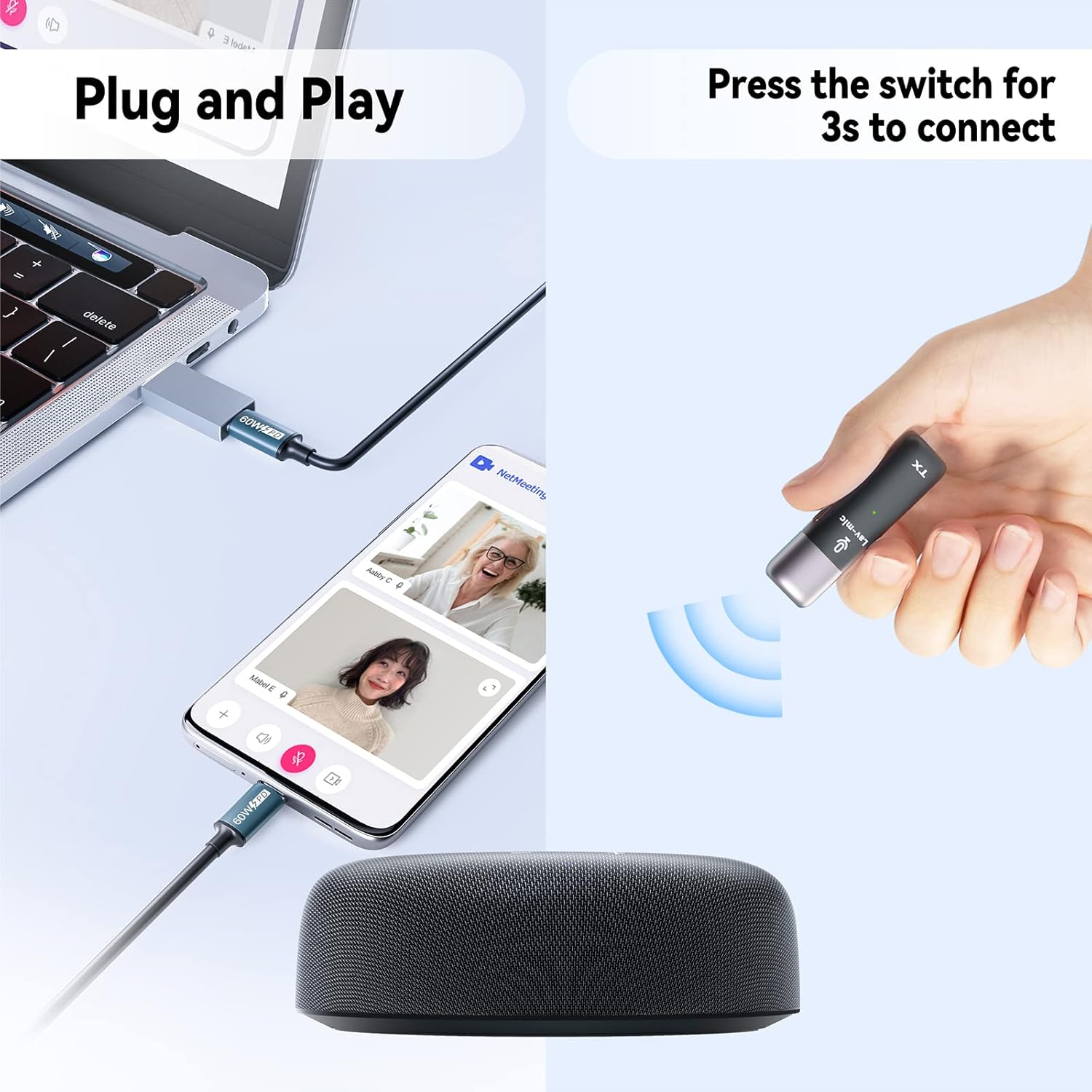
Our conference speaker and microphone quick and easy to connect to your phone via USB-C cable or to your computer, tablet, PC and laptop notebook etc with a USB-A adapte, without any additional drivers.
- Quick Setup
Connect: Plug the USB cable firmly into your computer; Check: The blue light on the circular speaker should turn on; Select: Choose "USB PHONE" as your audio output in computer settings; Power On: Turn on the lavalier microphone - it will automatically connect (solid green light).
- Troubleshooting: If you experience issues:
Verify audio settings - ensure "USB PHONE" is selected for both input and output;Check all connections - ensure USB-C cable and adapter are securely attached.
- How It Works
Your voice travels through the lapel mic to the other participants; The circular speaker plays audio from other meeting attendees; Avoid touching or moving the device to maintain stable connection.
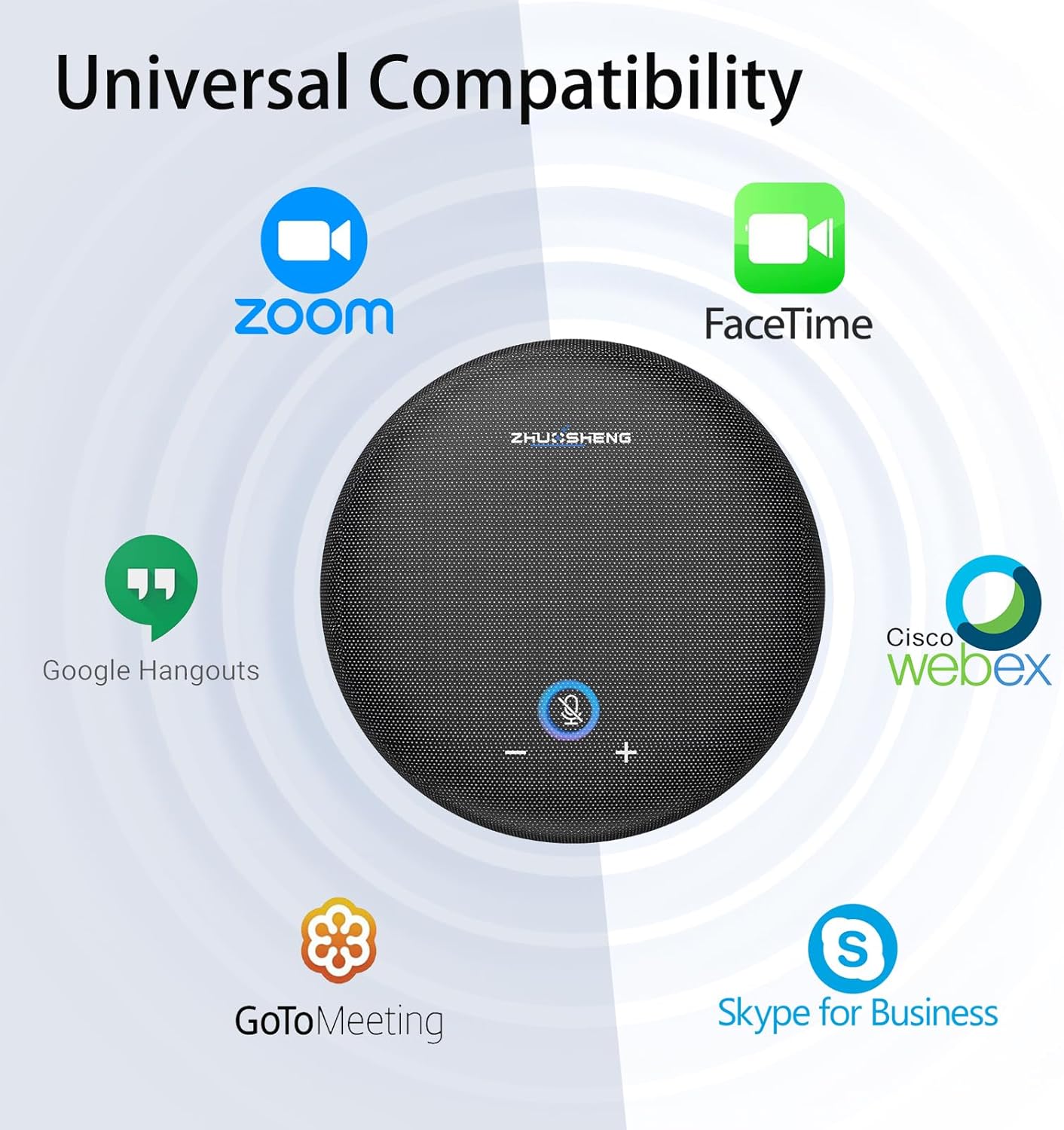
- A USB Conference Speakerphone that works with all leading online conferencing services such as Zoom, Skype, MicrosoftsTeams, Google meeting, Webex, Facetime.
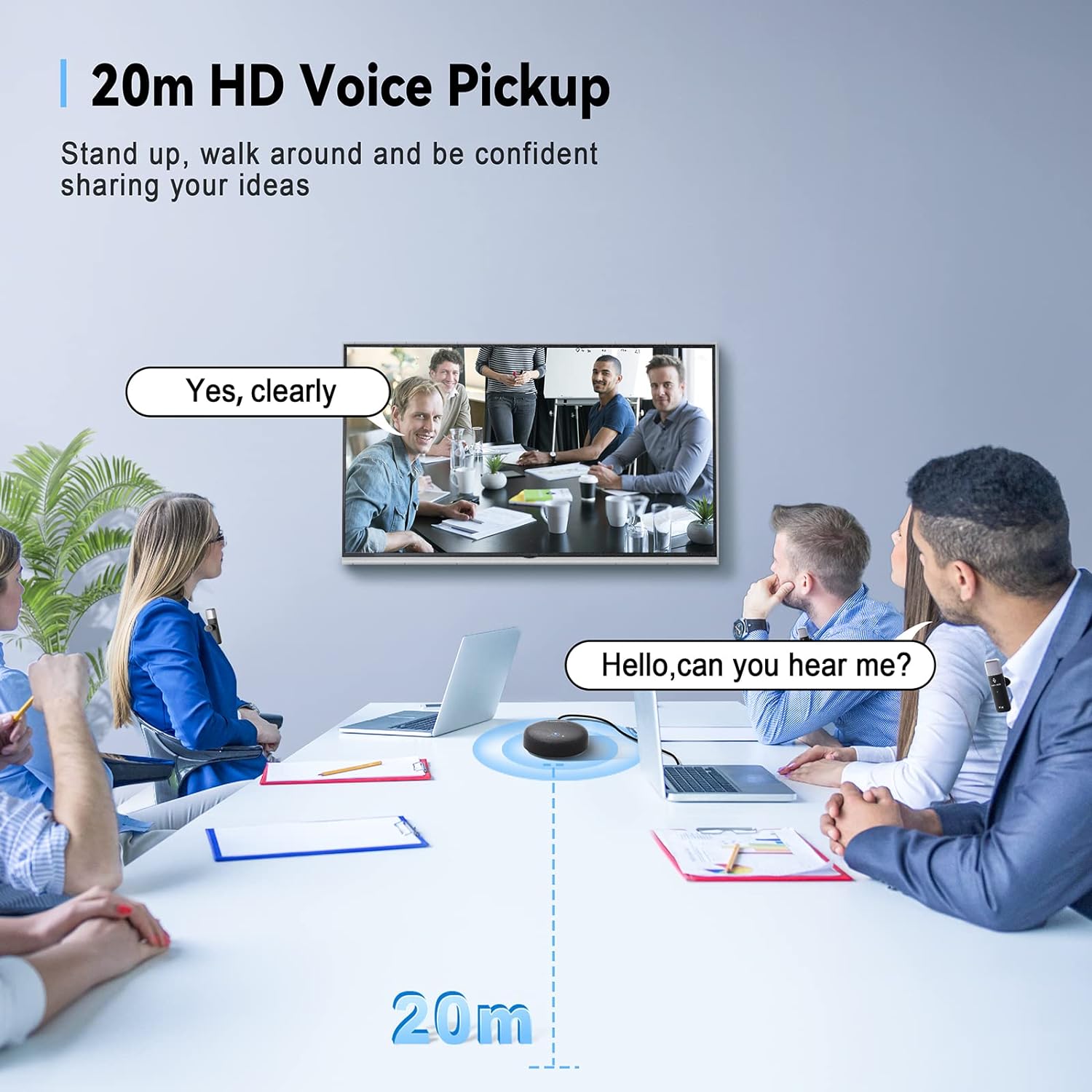
- Better than traditional voice pickup, our speaker phone is equipped with 10 lavalier mics that based on 2.4Ghz wireless tech, the effective distance between the lavalier mic and the speaker is up to 20m!
- Each person has their own lavalier microphone, ensuring your voice is heard clearly to every attendee, even if you're sitting at the far end of the table!
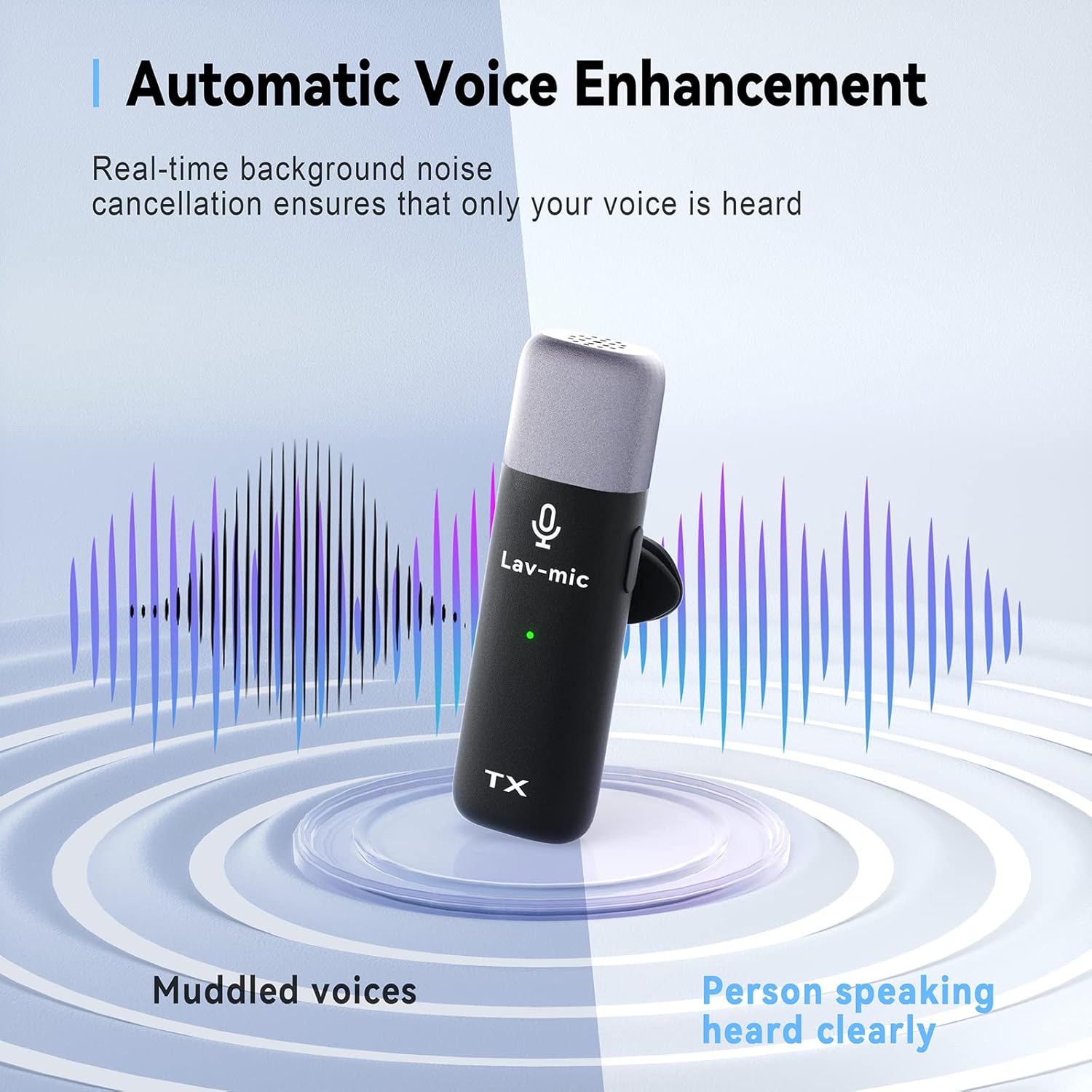
- Zhuosheng conference microphone adopts the industry-leading intelligent noise reduction technology to completely filter out all kinds of noise!
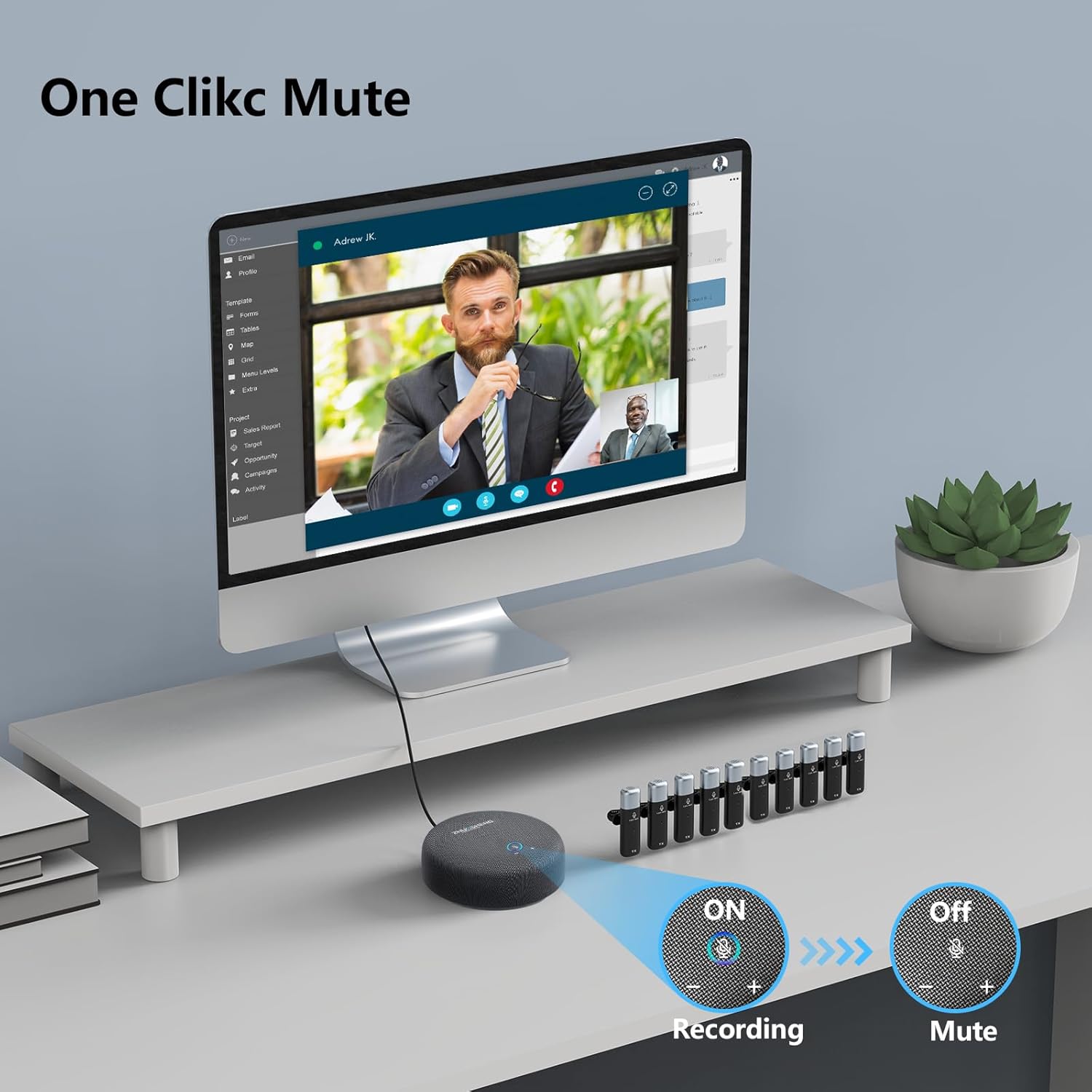
- Convenient Mute Button: Blue light on-Microphone is in operation; Blue light off-Muted.
- The volume can be adjusted directly through the microphone "+" "-" without having to go through the computer.
- Tips:
- If the computer does not recognize the product, after connecting the product to the computer for the first time, please wait for a while until the computer recognizes the product, then disconnect the computer, reconnect the computer, and then change the sound settings after connecting the USB PHONE. (Please check the USB-C cable and adapter and connect them to the product firmly to avoid poor contact)
Important Notice: Detailed Guide to Our Meeting Microphone
Strong Universal Compatibility
10 Lavalier Mics, 20m & 360° Wireless Calls
One-Click Mute & 15-Level Volume Adjustable Function
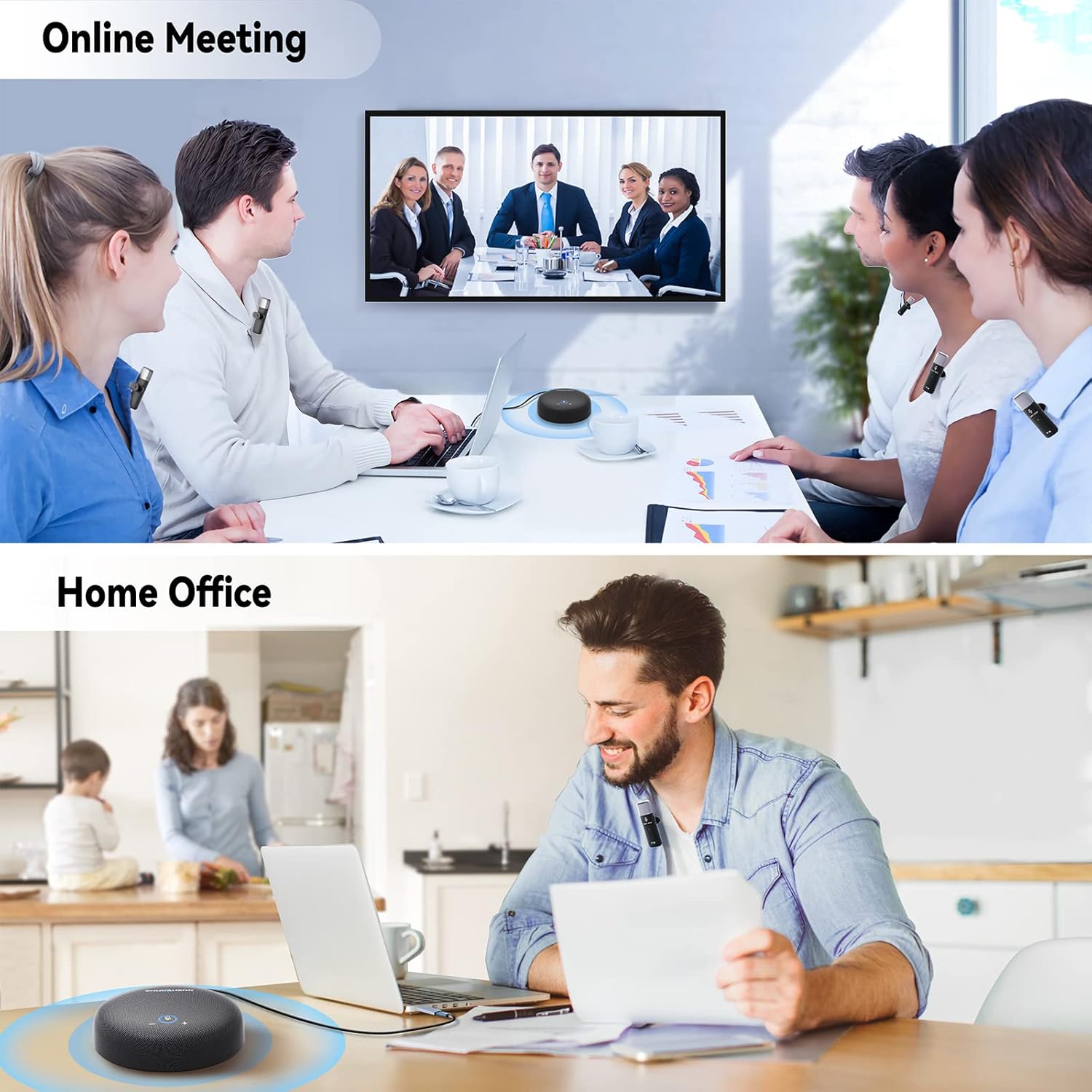
Perfect for Home Office, Online Meeting, Family Calls
-
Customer ReviewsNo comments