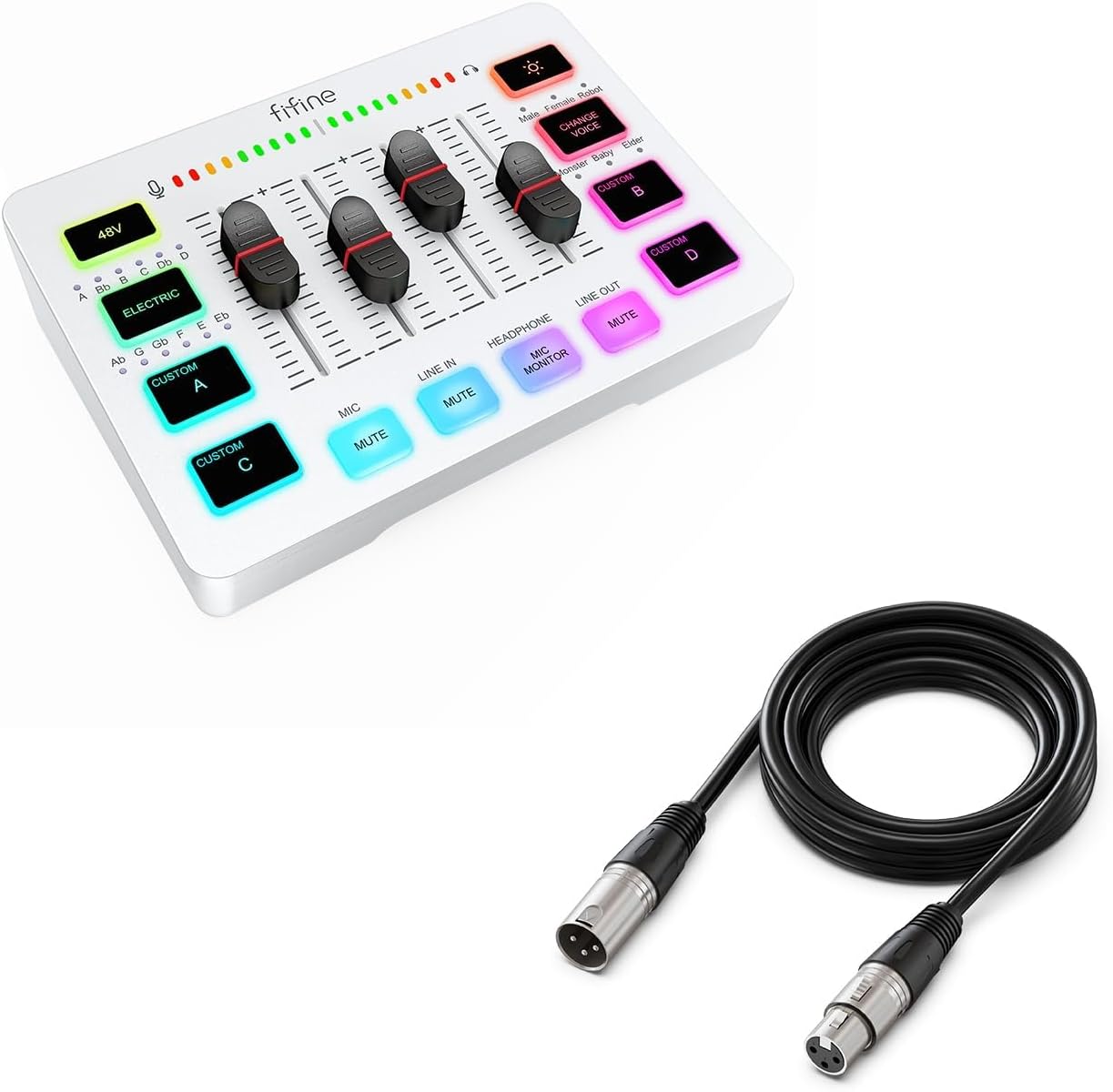
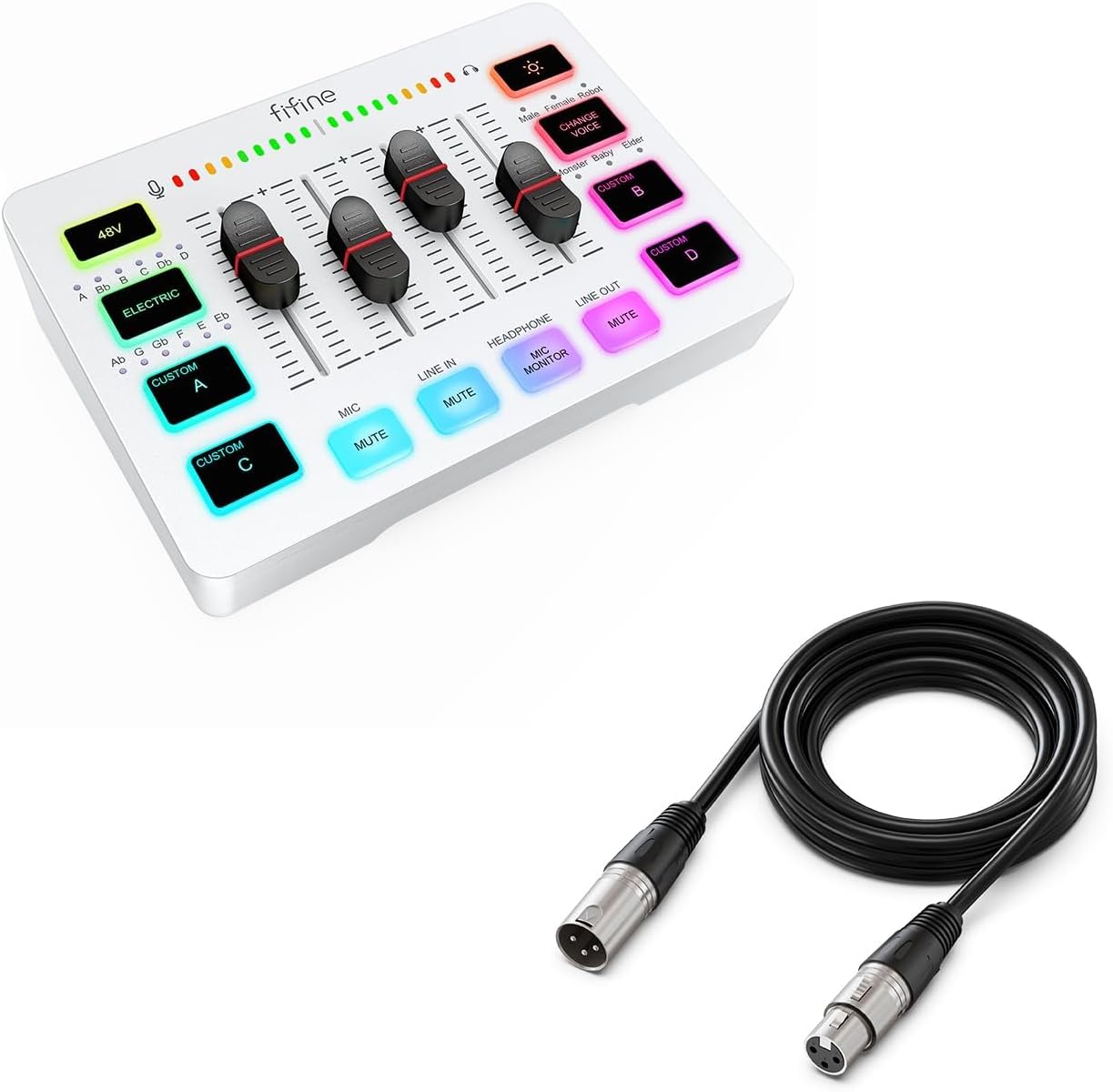

FIFINE Audio Mixer and XLR Cable, PC Gaming Mixer with XLR Microphone Interface, Volume Fader, Individual Control Channels, Audio Cable with Balanced 3 PIN for Streaming Recording Podcast(SC3W+L9)
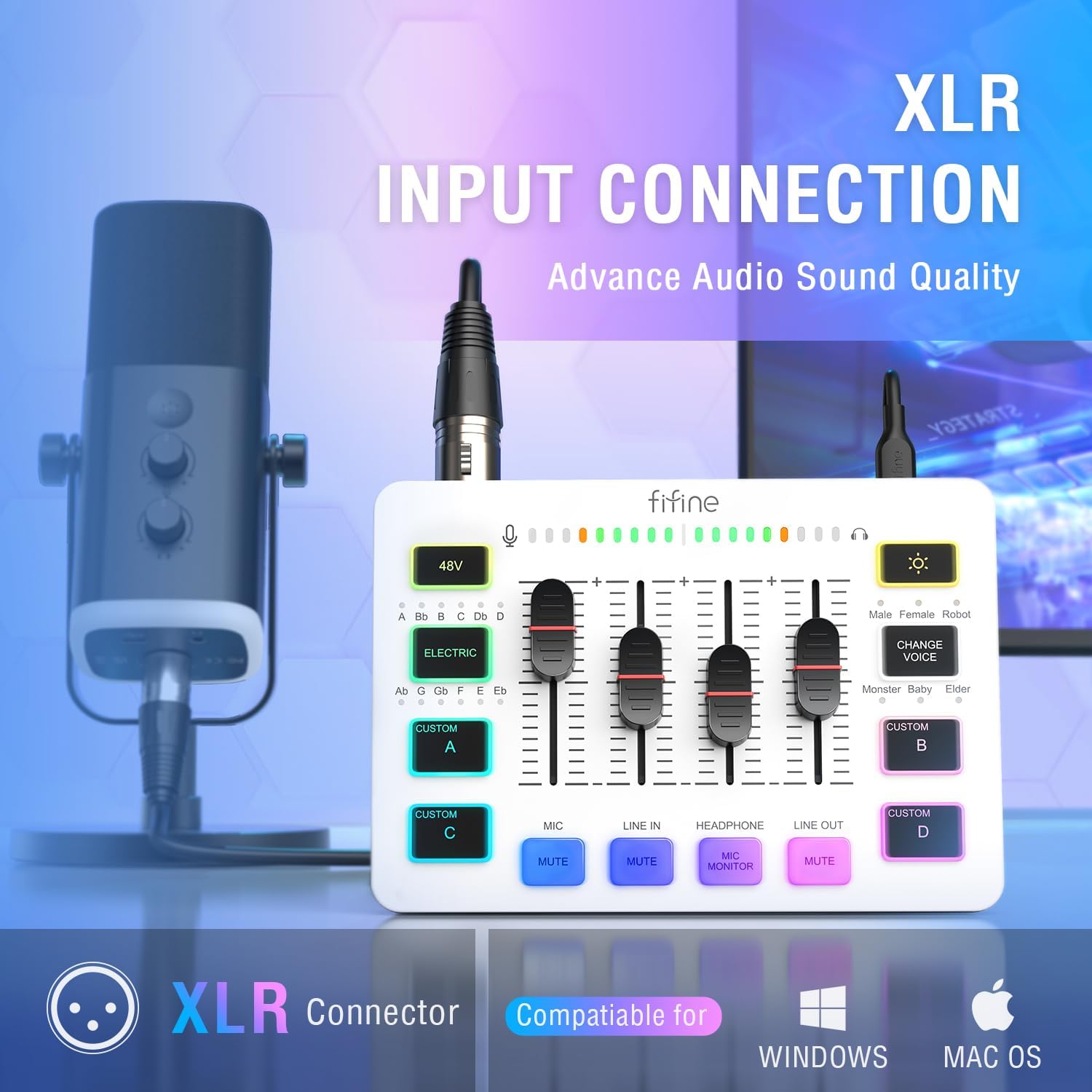
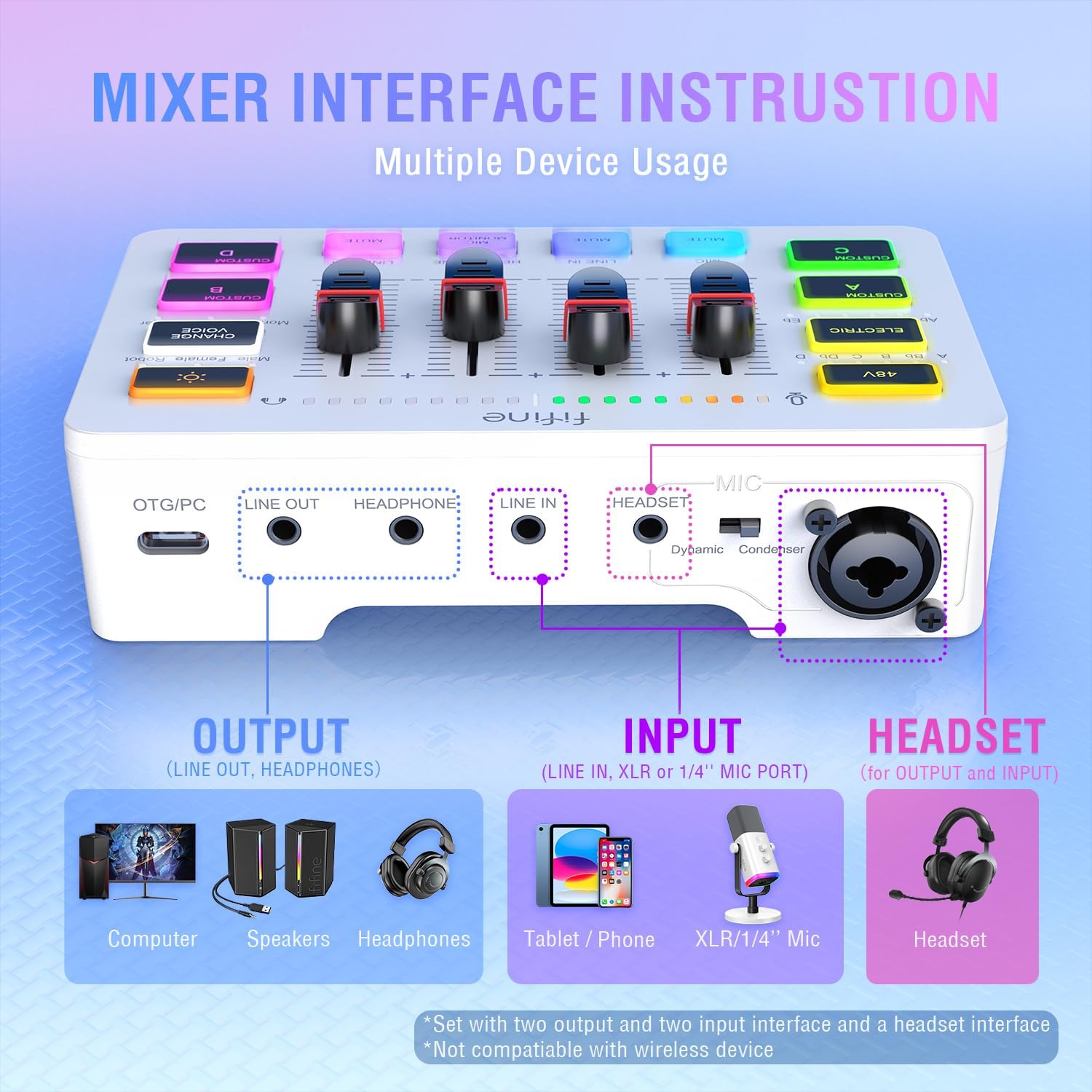
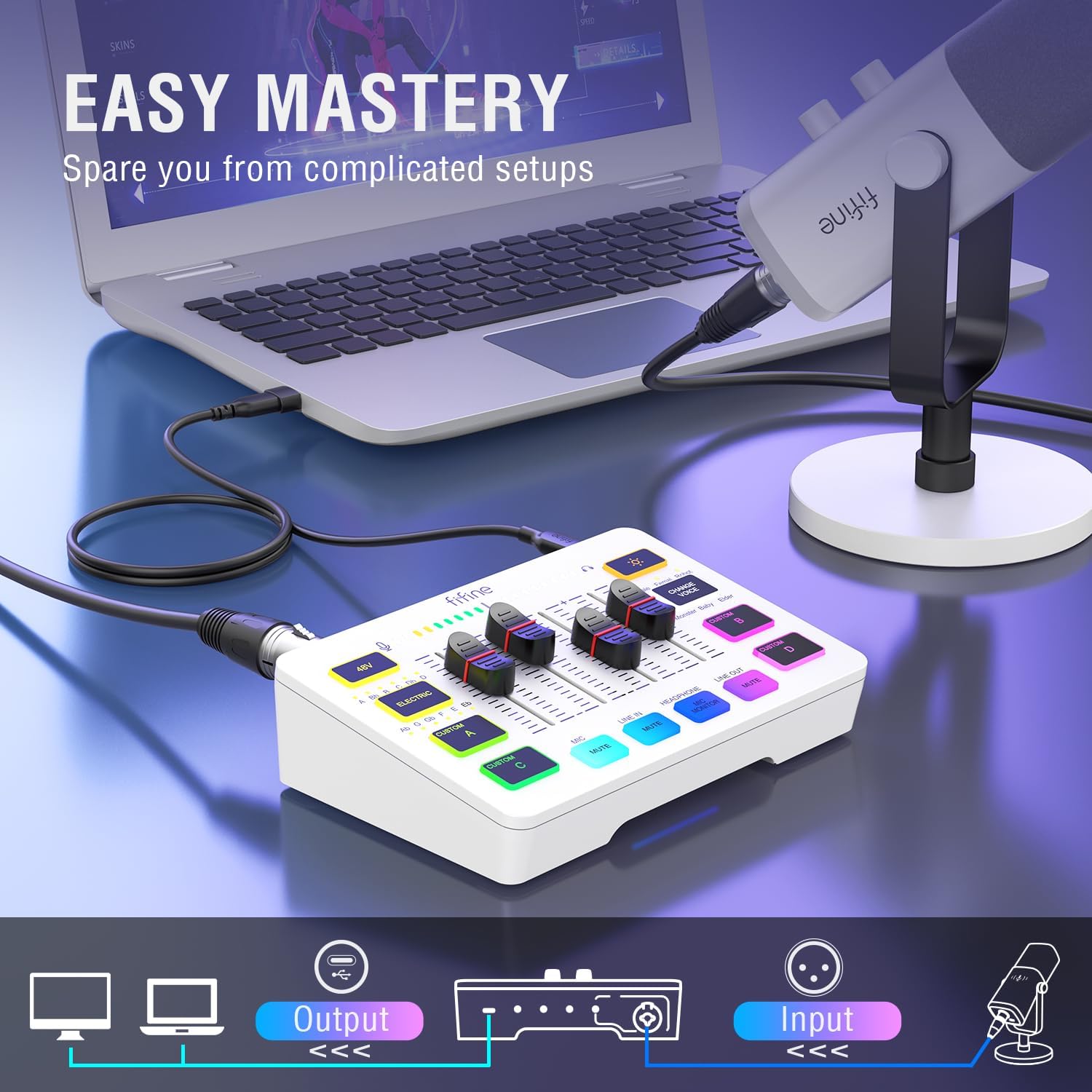
[XLR Microphone Interface] Supporting XLR microphone input, the mixer improve audio performance of yo
-
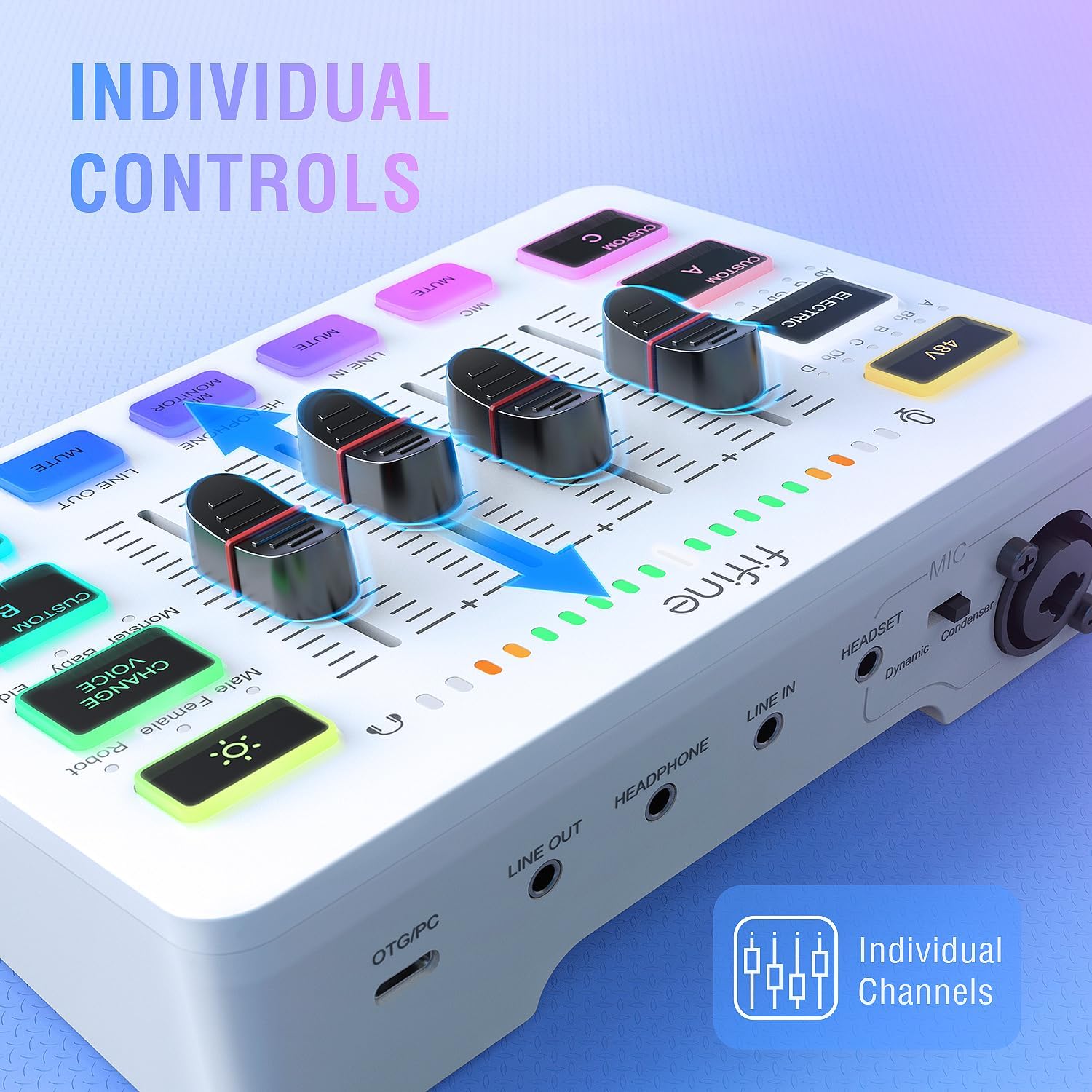
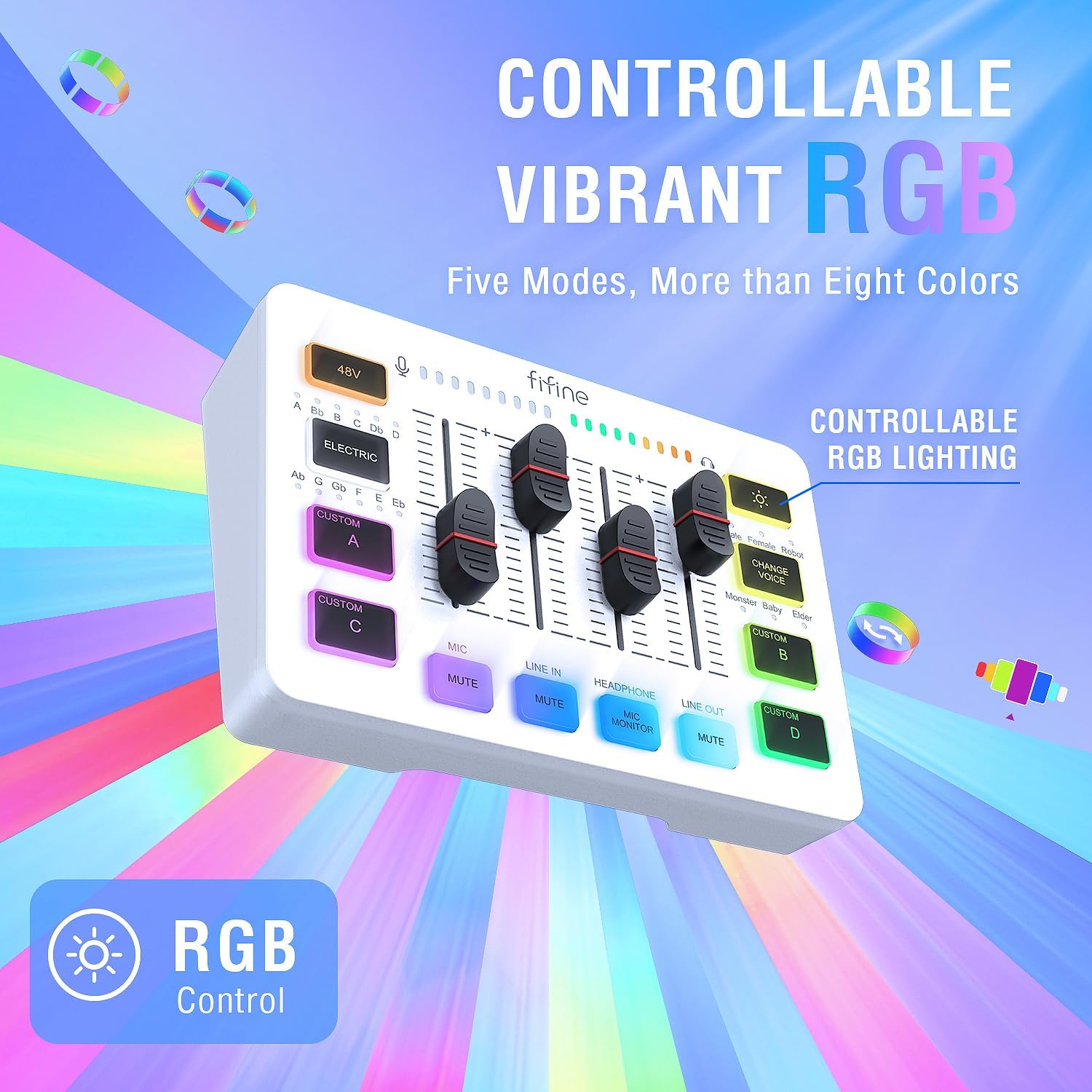
Detail1Multifunctional Mixer2Volume Slider Fader 3Individual Control Design4Mute Button 5Real-time Monitoring1Five Kinds Optional RGB 2Customized Button 3Voice Change4Auto Tune548V Phantom Power
Does this support 24v or 48v? Or do I need to purchase a separate one?
The audio interface supports 48V XLR phantom power for condenser mic. Just make sure to turn on the phantom power by pressing the button labled "48V".
Does the audio mixer have xlr input?
Yes, this audio interface has XLR input for condenser mic or dynamic mic. Just remember to select the correct mode using the switch beside the XLR input to get the best effect.
What headphones can I use with this audio mixer?
You can take a look at the Fifine H8 monitor headphones which has 3.5mm connector.
Can I listen to my voice while recording on a Windows computer?
Yes. Just make sure that the mixer is set as the output and input device of the computer, then check the box "Listen to this device" from the sound setting, and turn on the MIC MONITOR button on the mixer. (MIC MONITOR button in white means on)
For Game Victory
What's the best mic to connect to this audio mixer?
Does this support 24v or 48v? Or do I need to purchase a separate one?
Does the audio mixer have xlr input?
What headphones can I use with this audio mixer?
Can I listen to my voice while recording on a Windows computer?
-
Customer ReviewsNo comments