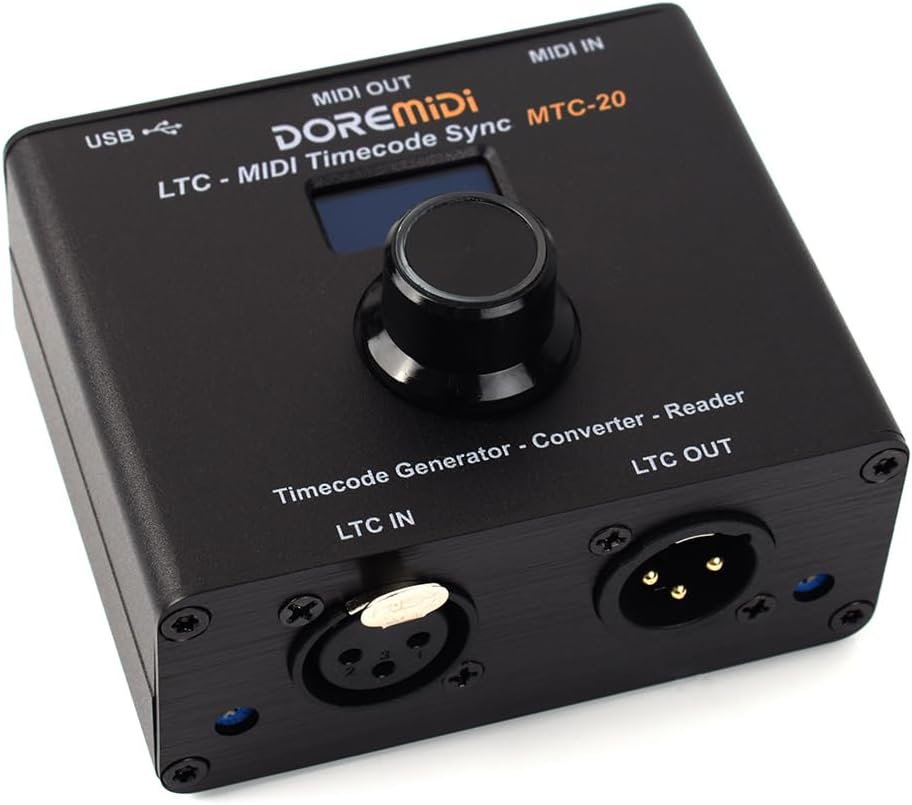
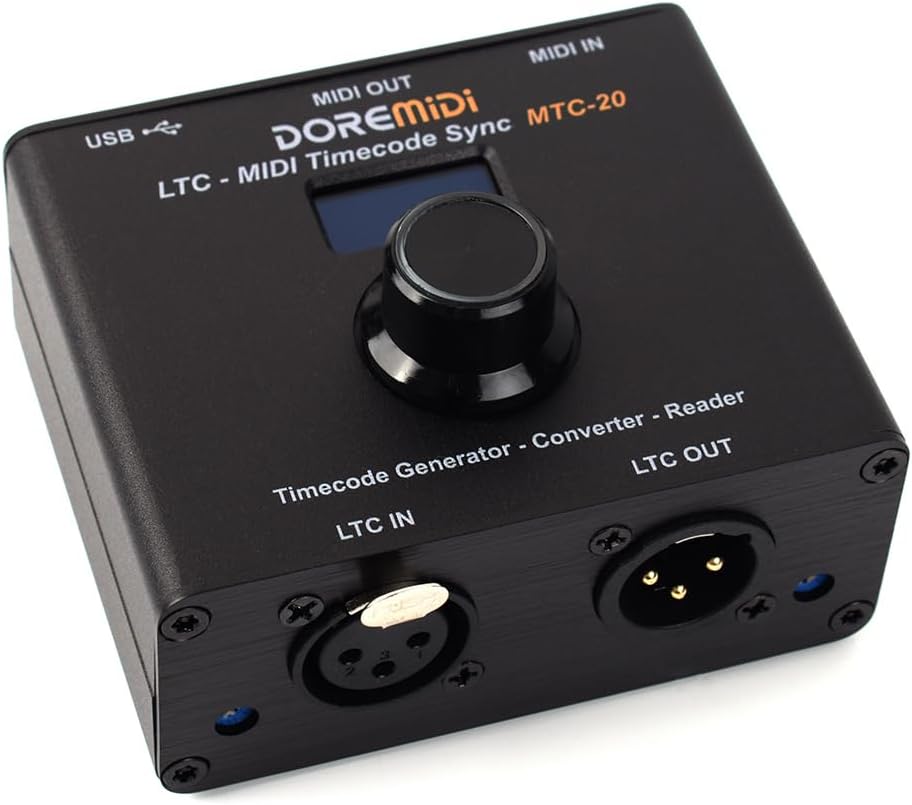
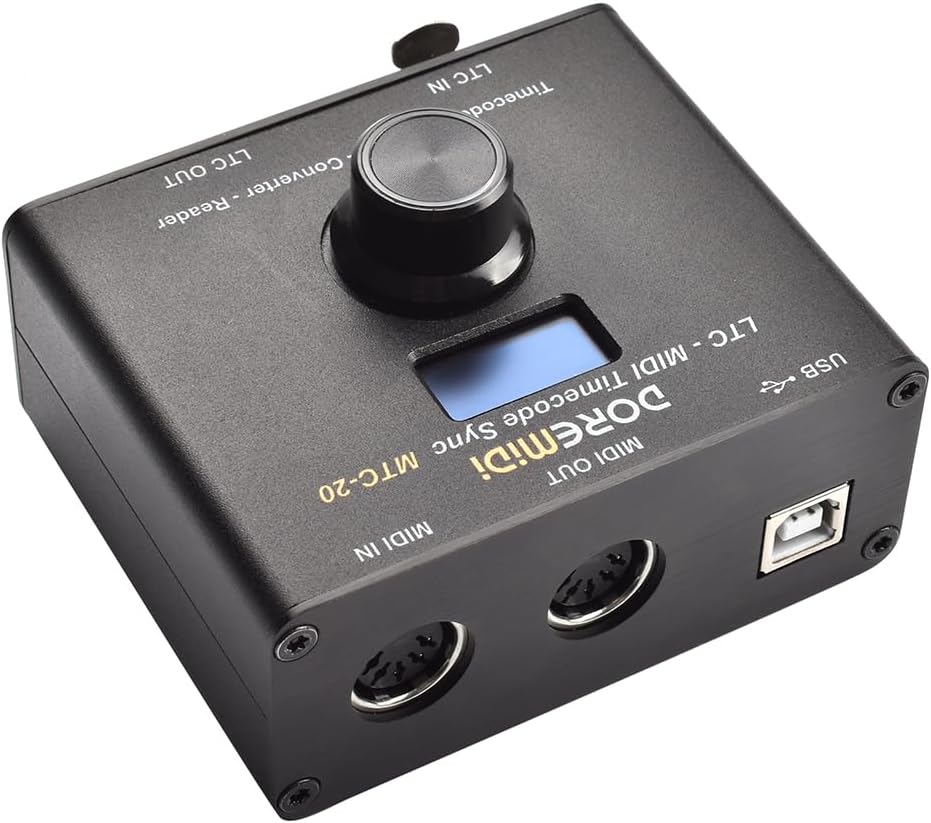
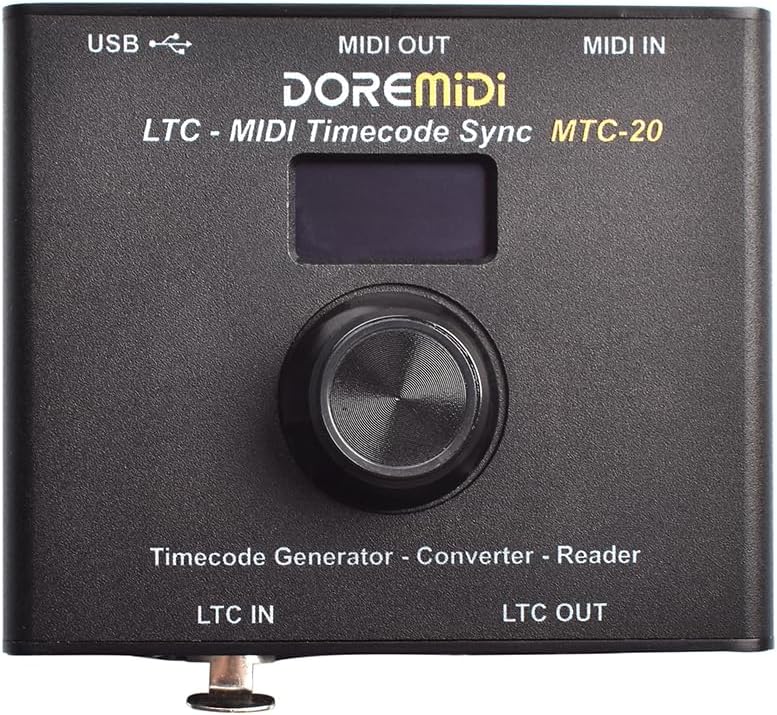
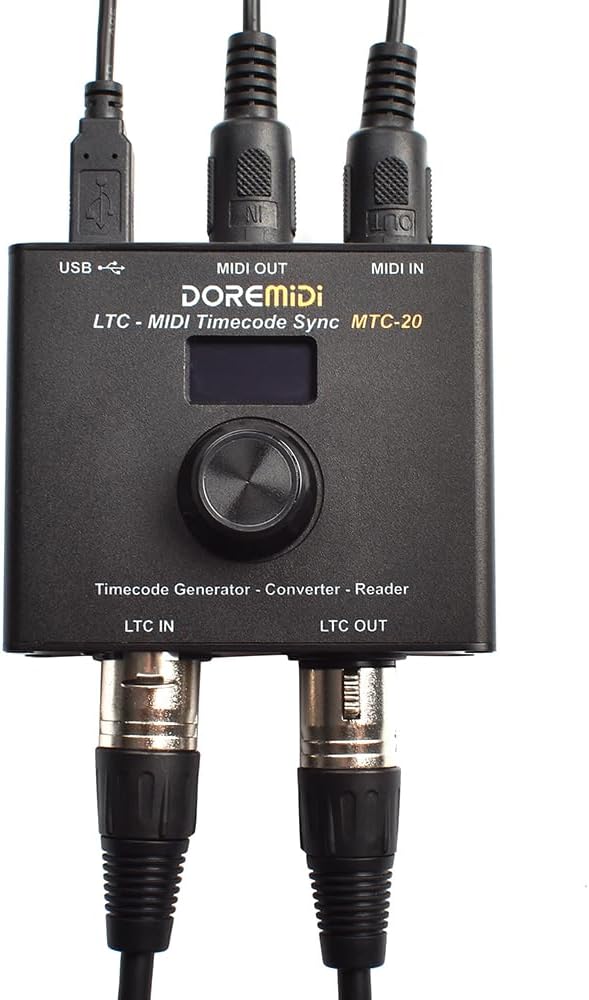
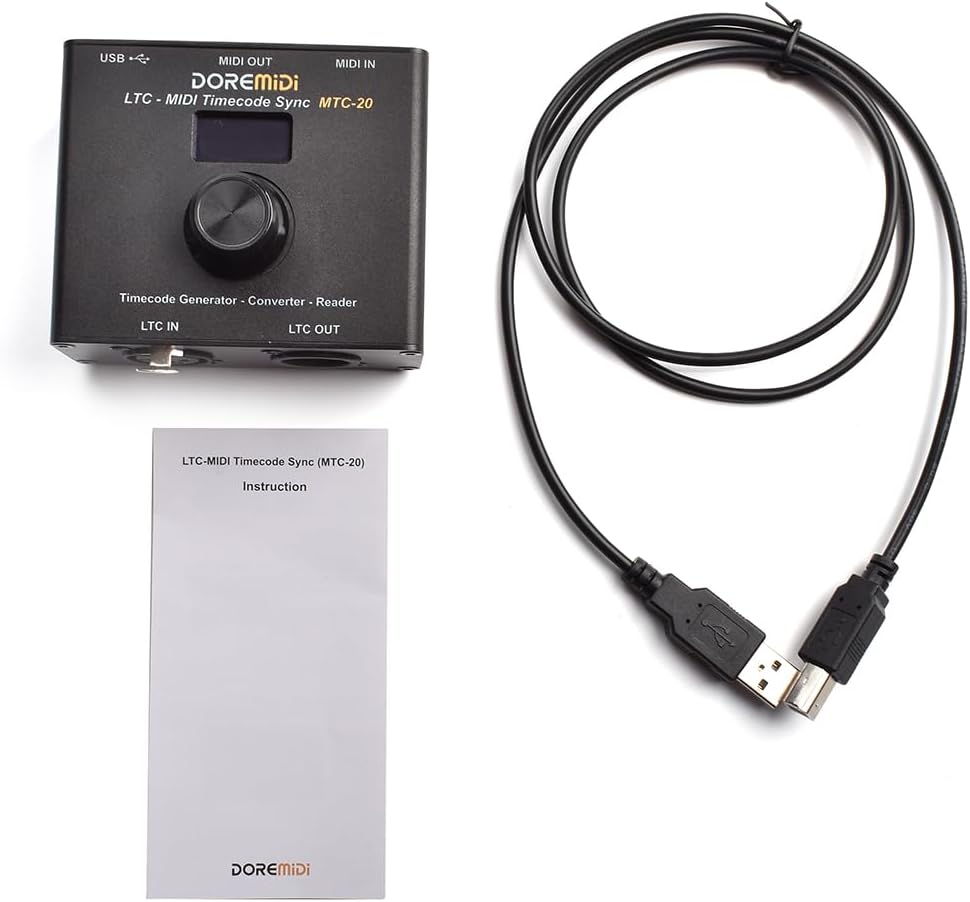

LTC-MIDI Timecode Sync (MTC-20) device to synchronize MIDI timecode and SMPTE LTC timecode MTC-20
It has the functions of timecode generation,timecode conversion and timecode reader
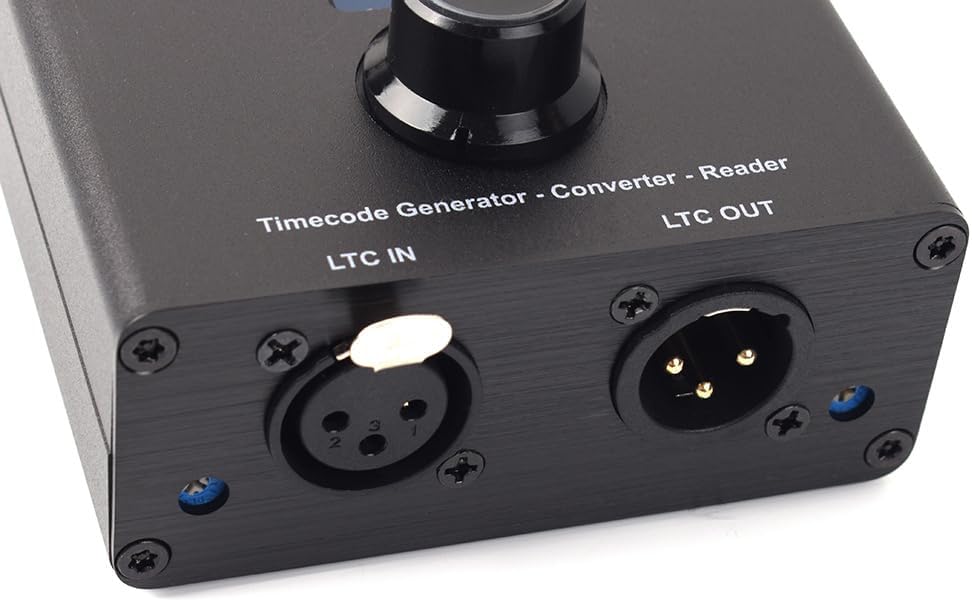
MTC 20 has standard USB MIDI interface, MIDI DIN interface and LTC interface, which can be used for time code sync
-
DetailModelMTC-20Size (L x W x H)88*79*52mmTimecode GeneratorSupports generating timecode in 24, 25, 30DF, 30 frame formatsLTC CompatibilityCompatible with SMPTE LTC standard audio signalUSB CompatibilityCompatible with Windows, Mac, iOS, Android and other systems, plug and play, no driver installation requiredMIDI CompatibilityCompatible with all MIDI devices with MIDI standard interfaceOperating Voltage5VDC, supply power to the product through the USB-B interfaceWorking currentAbout 40mAFirmware upgradeSupport firmware upgrade
Steps for usage
1. Power supply: Power MTC-10 through the USB-B interface with a voltage of 5VDC, and the power indicator will light up after the power is supplied.
2. Connect to the computer: Connect to the computer through the USB-B interface.
3. Connect the MIDI device: Use a standard 5-Pin MIDI cable to connect the MIDI OUT of the MTC-10 to the IN of the MIDI device, and the MIDI IN of the MTC-10 to the OUT of the MIDI device.
4. Connect LTC devices: Use standard 3-Pin XLR cable to connect LTC OUT of MTC-10 to LTC IN of LTC devices, and LTC IN of MTC-10 to LTC OUT of LTC devices.
5. Set the timecode input source By clicking the knob, you can select different setting items, and rotating the knob to change the parameters of the setting items. When MTC-20 is used as a time code converter/reader, please select the correct time code input source "USB/MIDI/LTC" according to the time code input port. When the MTC-20 is used as a time code generator,please select "GEN". The following are descriptions of the 4 timecode input sources:
(Note: When the timecode input source is "USB/MIDI/LTC", the timecode will be input externally,so the timecode and time frame cannot be set.)
Product Parameters
-
Customer ReviewsNo comments