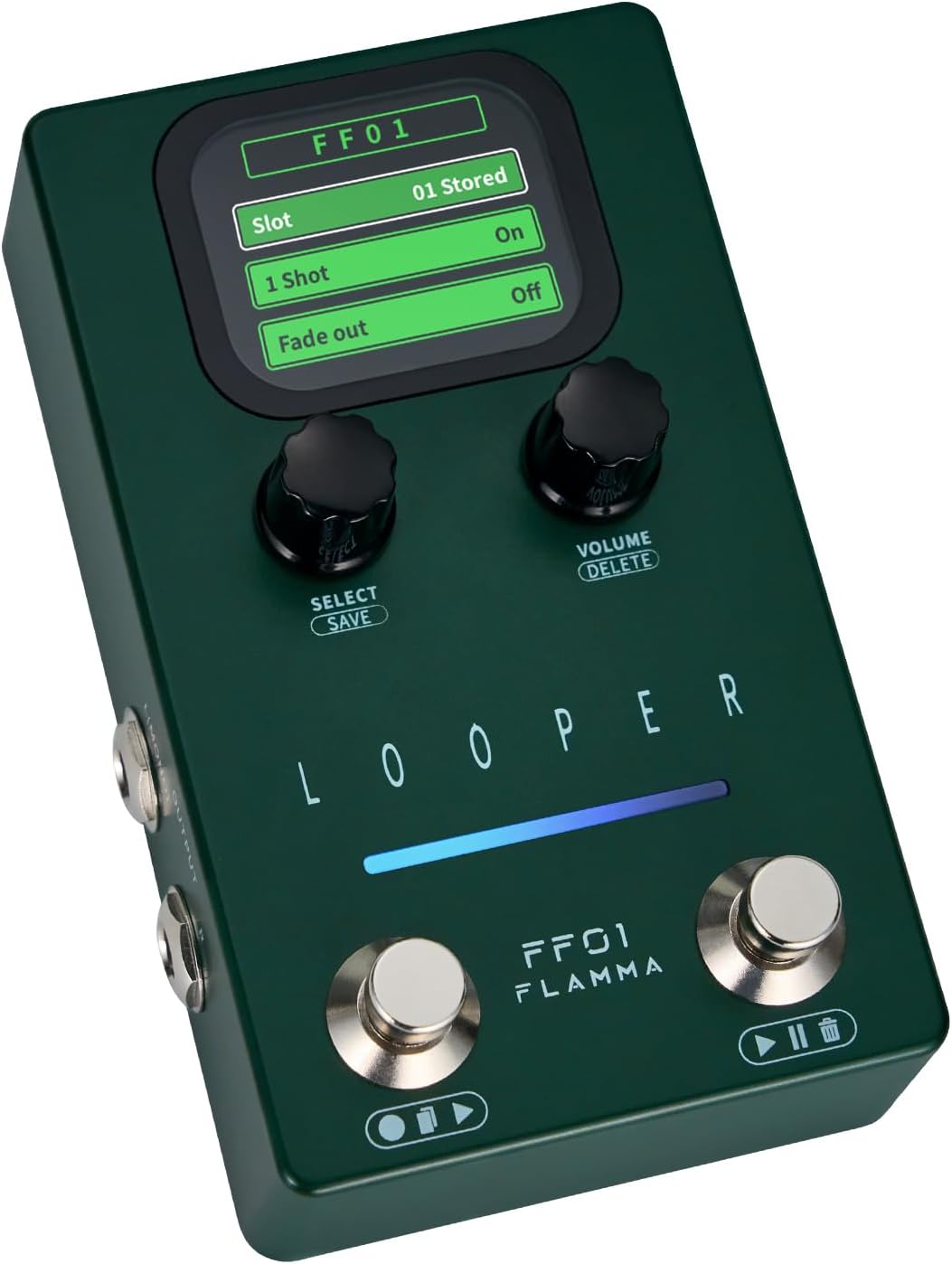
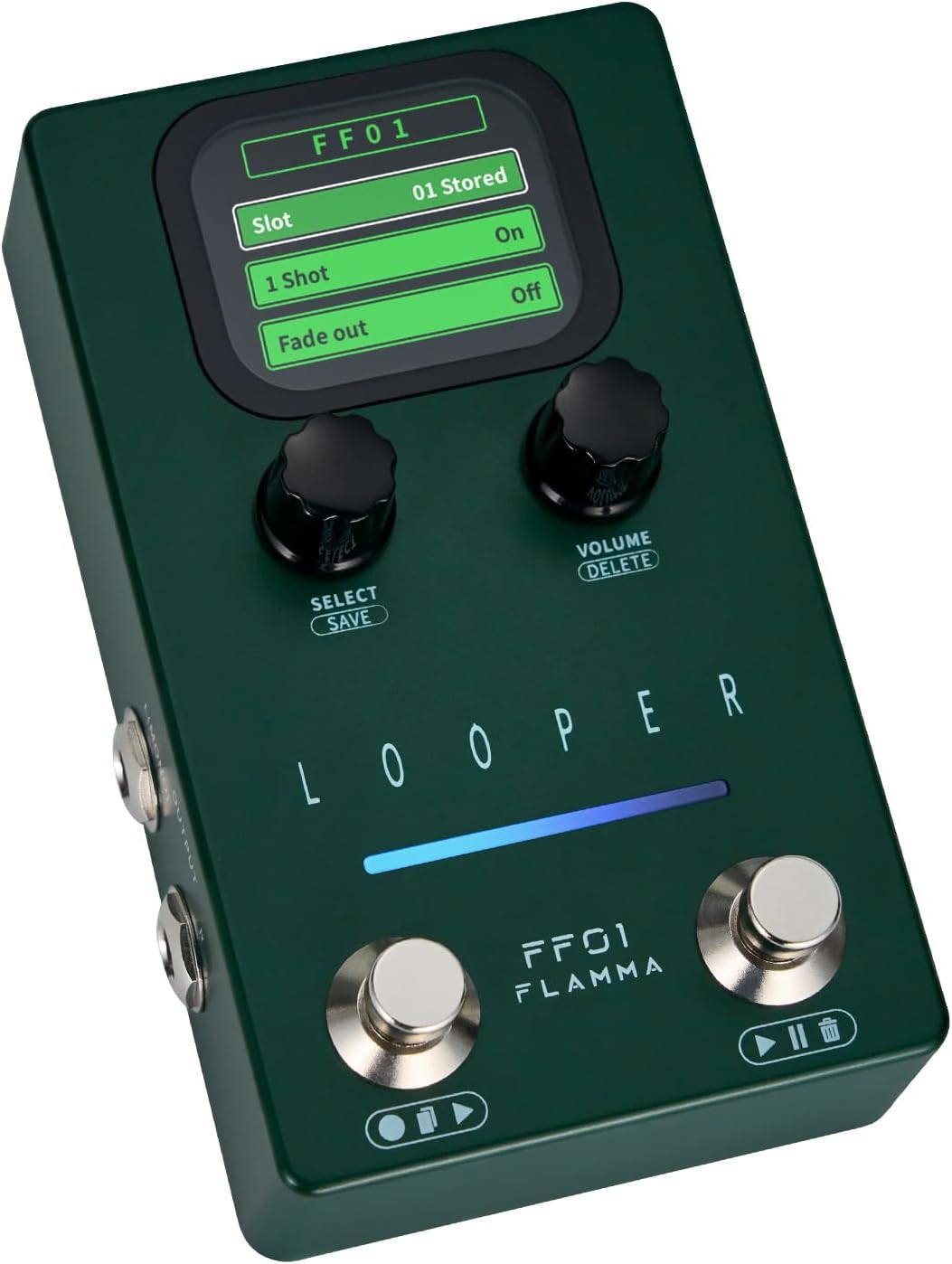

FLAMMA Looper Guitar Pedal, FF01 Looper Pedal with 40 Slots 160 Mins Looping Time, Stereo Guitar Loop Pedals with Screen for Electric Guitar/Bass, Fade Out, USB Data Management
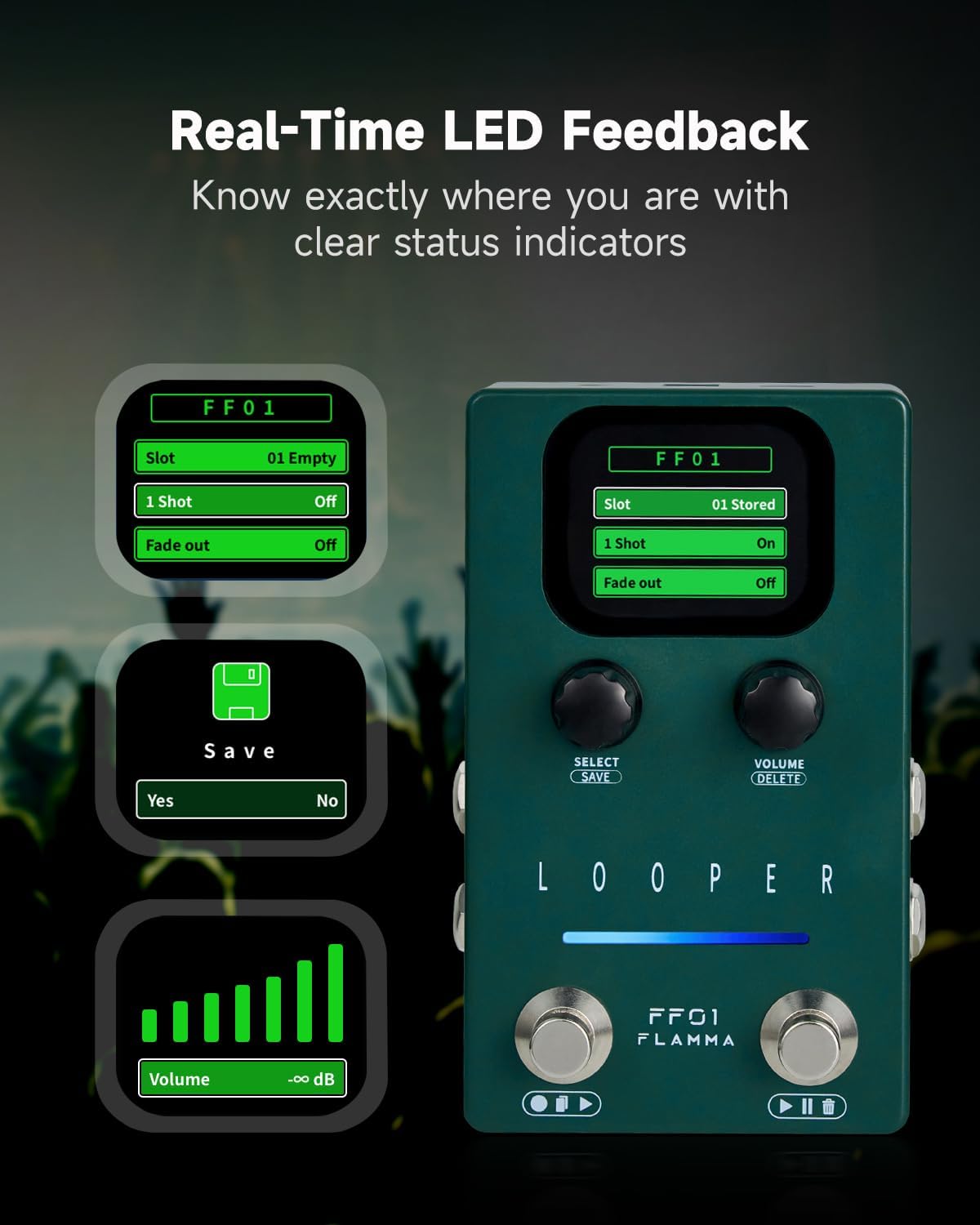
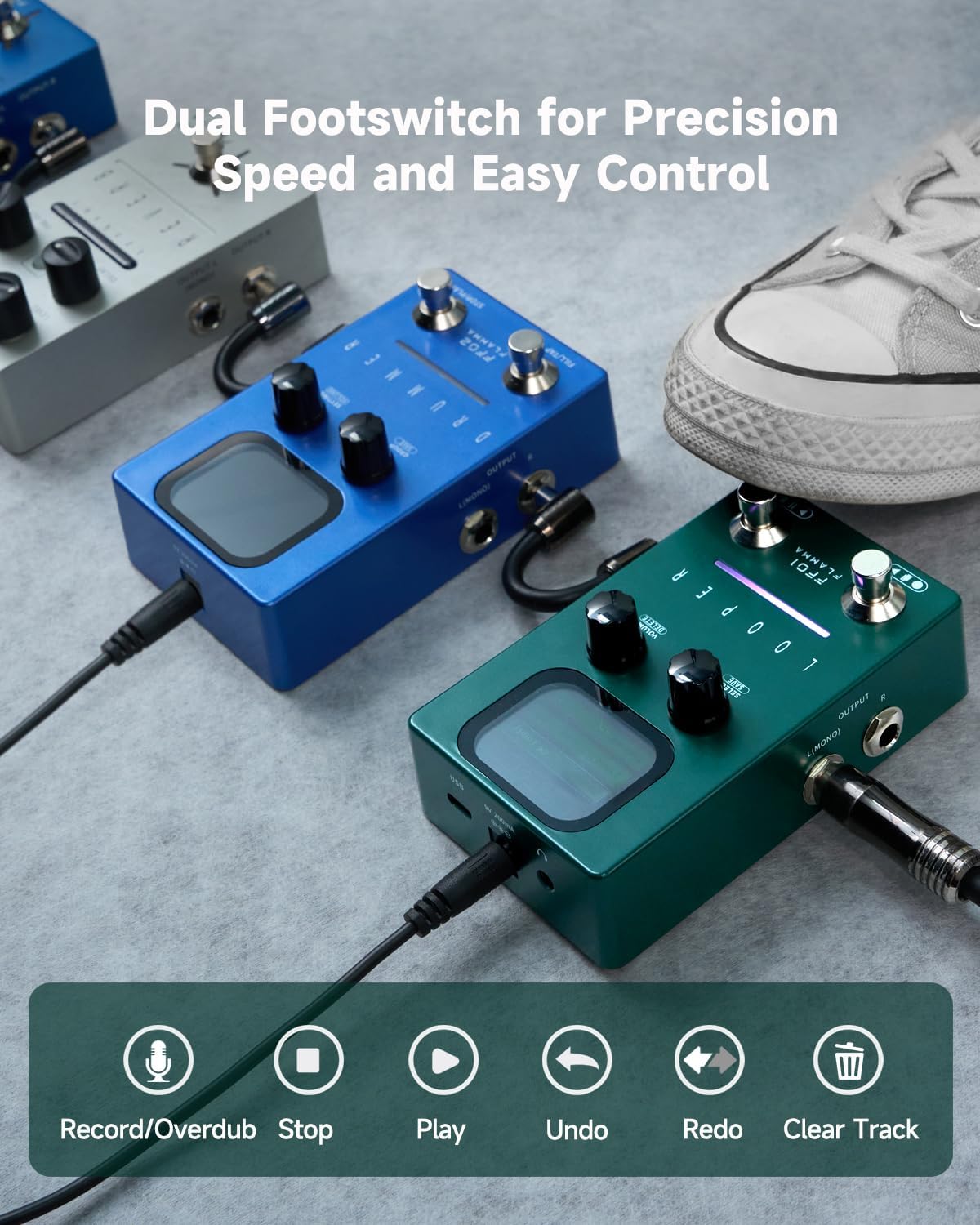
Dual-Footswitch & LED Feedback: Easy dual footswitch operation for recording, overdubbing, playback, an
-
Detail
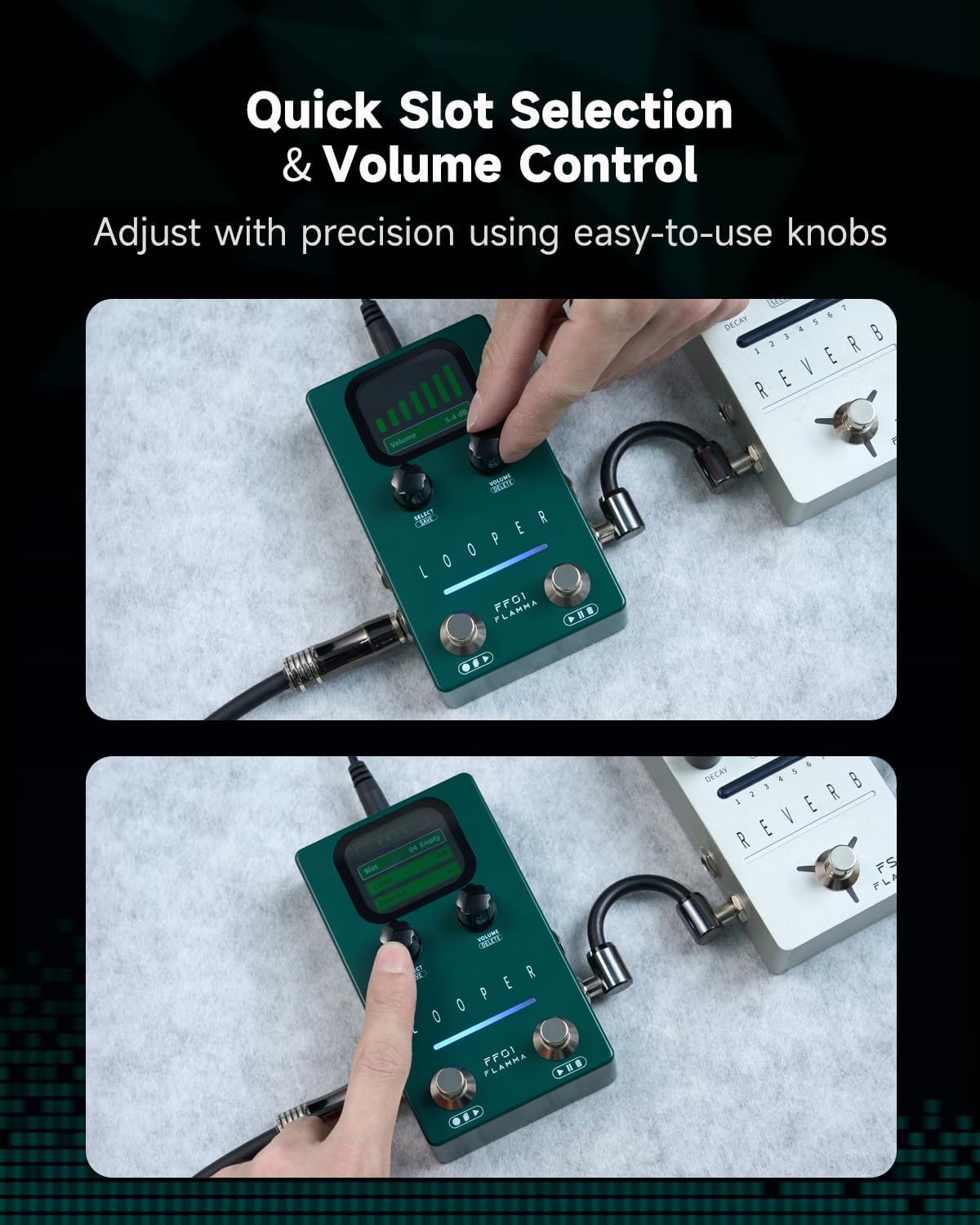
- VOLUME/DELETE: Rotate to set volume; press & hold to delete loops.
Our looper pedal has dual input & output (L/R), enabling stereo connectivity. Perfect for recording or live performance!
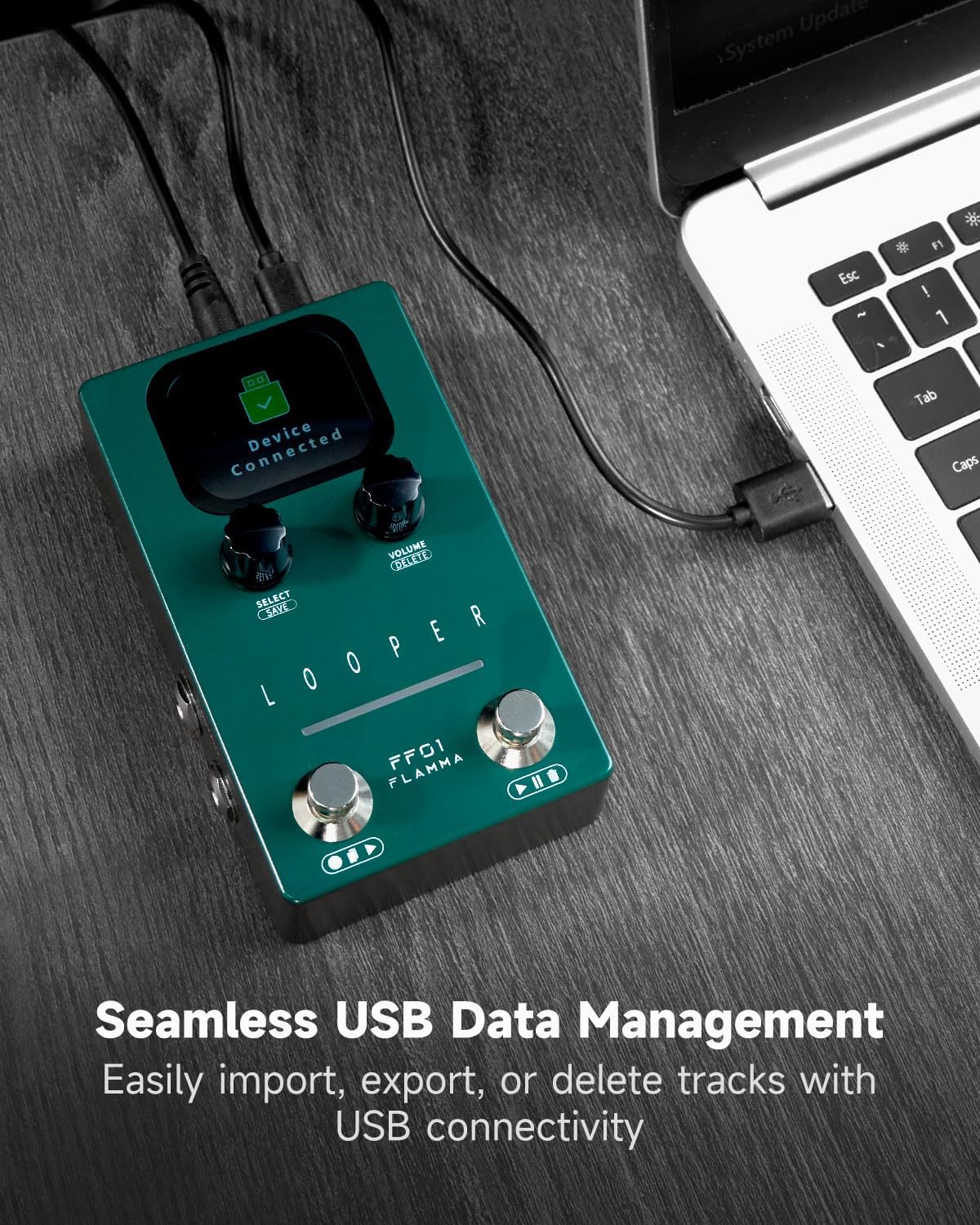
Manage your looper data via USB-C. Connect to your computer to import, export, or delete, streamlining your workflow.
How do I play back a loop?
After recording, the loop will automatically switch to playback. Press the RIGHT Footswitch once to start playback. The LED strip will turn blue to show playback is active.
How do I Undo/Redo a recorded track?
In playback mode, press and hold the RIGHT Footswitch for 1 second to undo the last layer. Press it again to redo the track. The LED will flash yellow during both actions.
How can I use the Fade Out function?
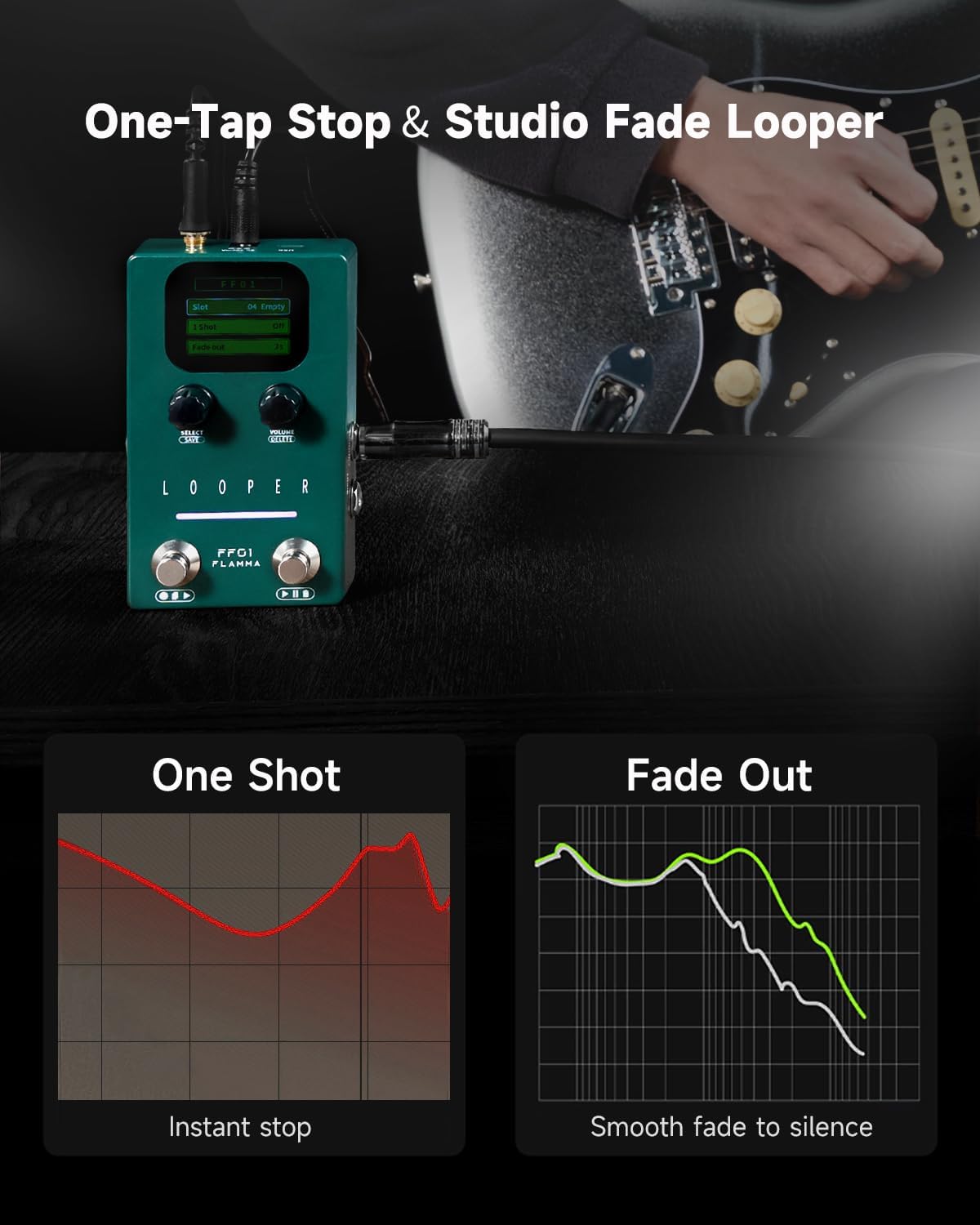
Press the SELECT knob to enable the Fade Out feature. Set the fade time from 1 to 5 seconds. When activated, pressing the RIGHT Footswitch will fade out the track before stopping.
How do I import/export audio files?
Connect via USB and open the WAVE folder. Import WAV files by dragging them into the correct slot subfolder, then rename as RECXX. For Export, copy files out of the folder.
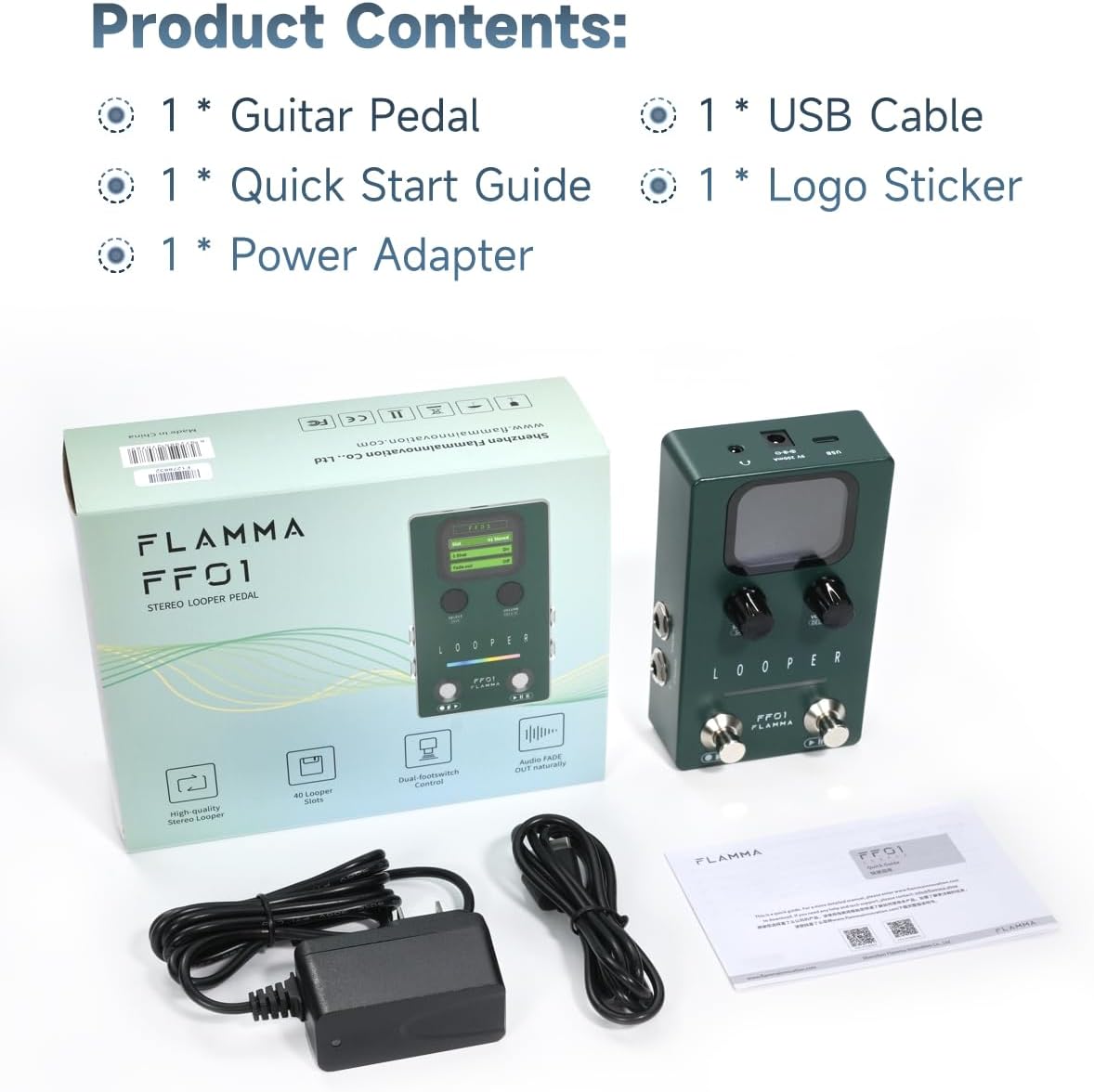
FLAMMA FF01 Looper Pedal | Power Adapter & USB Cable Included
Total Control: Footswitch + Knob Flexibility
SELECT/SAVE Knob
Stereo Input & Output
USB-C: Easy Data Management
Controls and Specifications Overview
How do I start recording a loop?
How do I play back a loop?
How do I Undo/Redo a recorded track?
How can I use the Fade Out function?
How do I import/export audio files?
-
Customer ReviewsNo comments