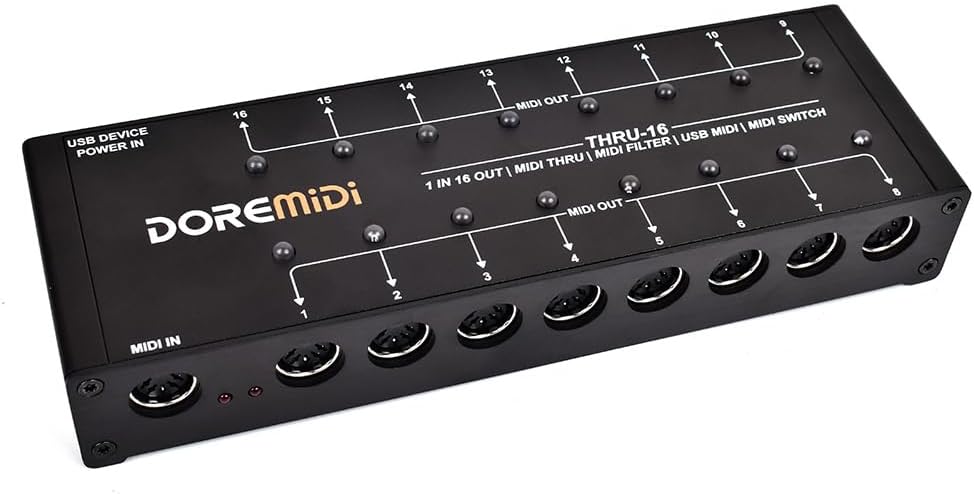
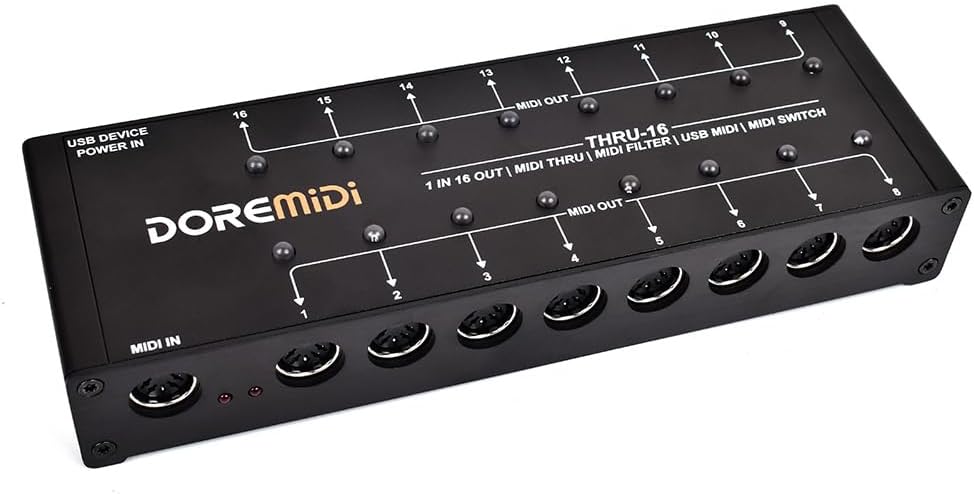
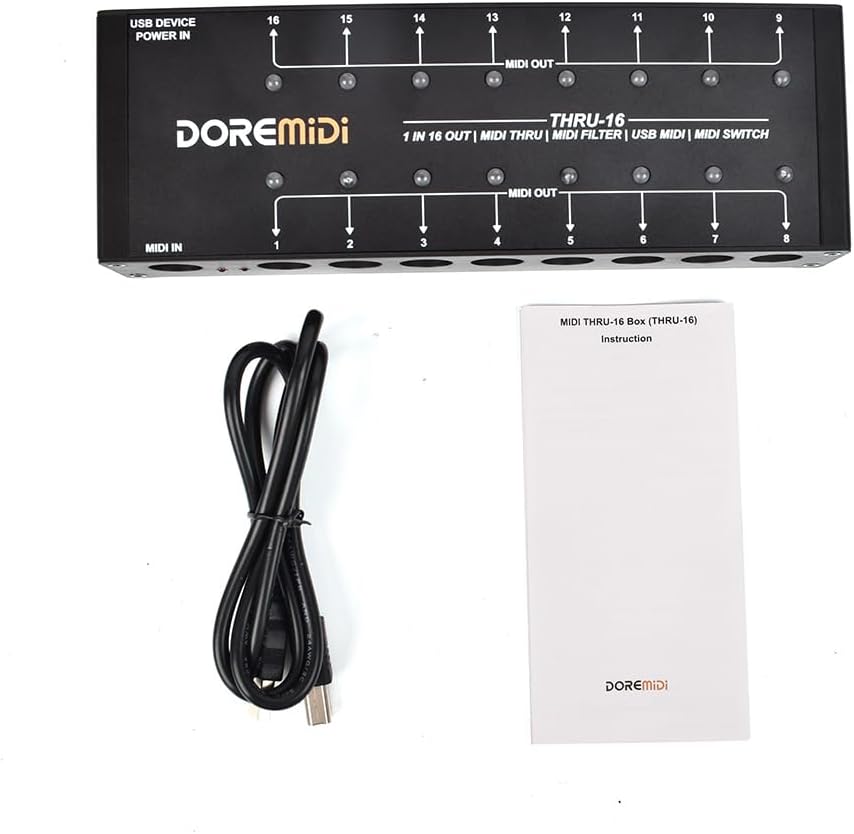
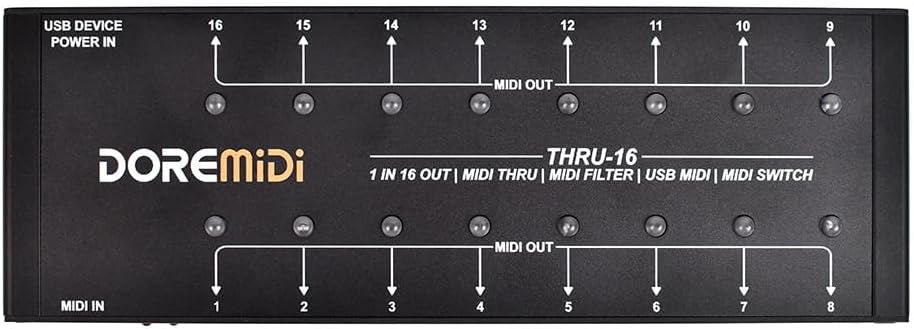
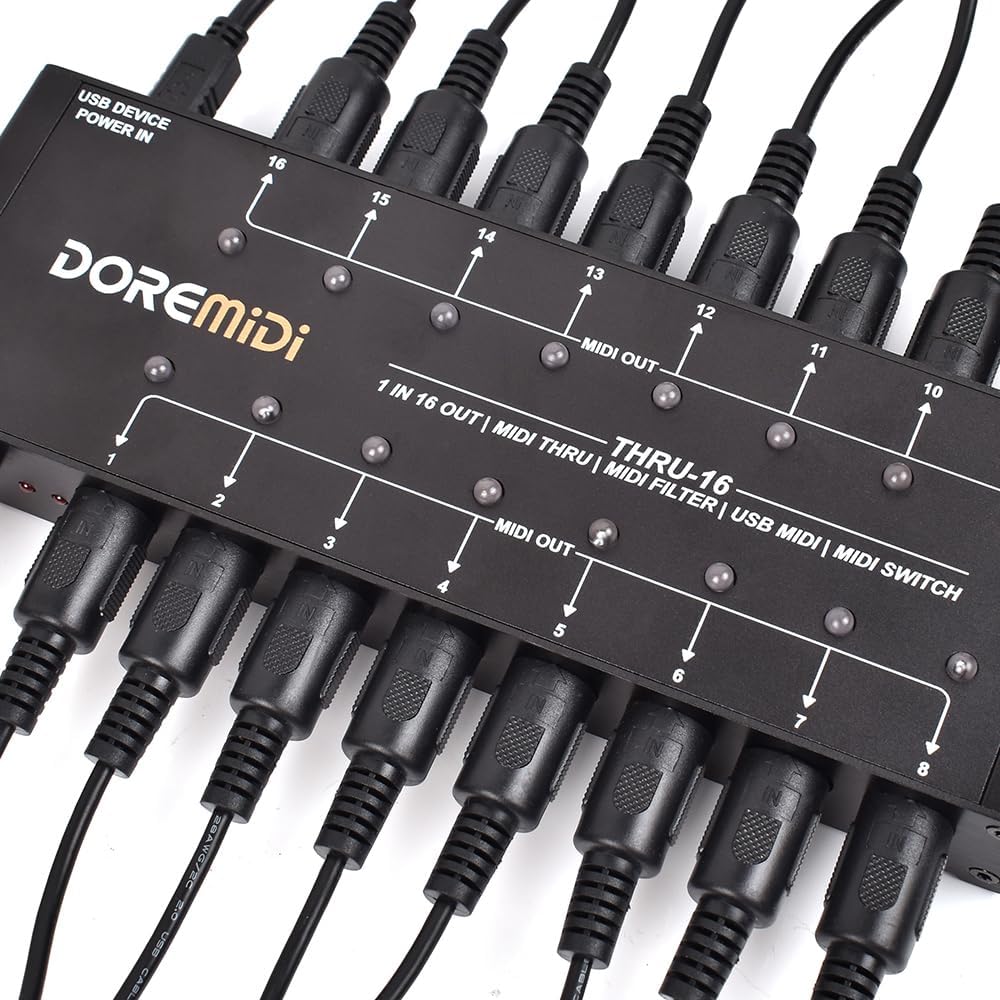
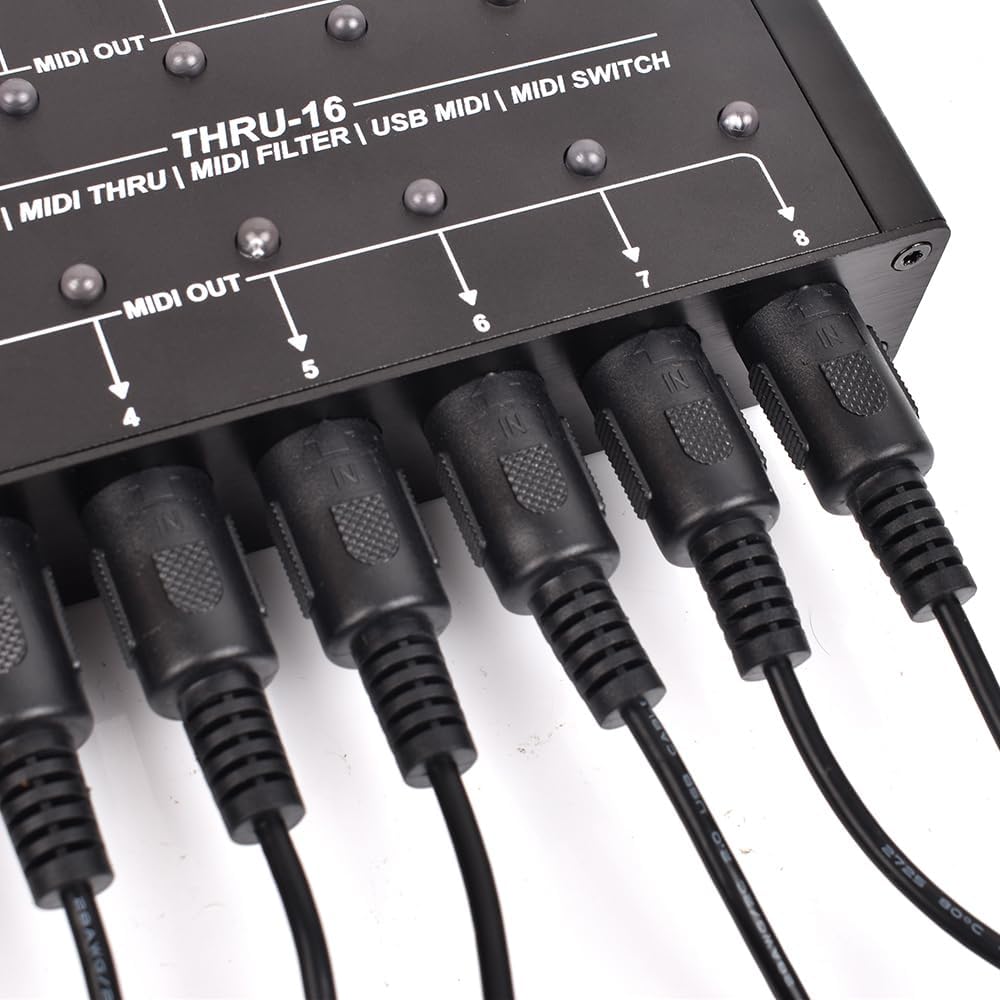
MIDI THRU-16 Box Filter and Switch 1 MIDI input into 16 MIDI outputs and each MIDI output can edit MIDI filters(THRU-16)
2.It can be used to convert 1 MIDI input into 16 MIDI outputs, and each MIDI output can edit MIDI filters.
3.Each MIDI output of THRU-16 is equipped with a switch and indicator light to quickly turn on/off the MIDI output.
4.THRU-16 supports the input of v
-
DetailModeTHRU-16Size(L x W x H)224*75*35mmPower Consumption 80mA@5VMIDI Port1 MIDI input, 16 MIDI outputs, configurable MIDI filtering, standard MIDIfive-pin ports.Power In Port Powered by USB-B port, 5VDCIndicator LightUSB working indicator, MIDI IN indicator, MIDI OUT indicator, MIDI outputswitch indicator.MIDI CompatibilityCompatible with all musical instruments with MIDI standard portFirmware Upgrade Support firmware upgrade.
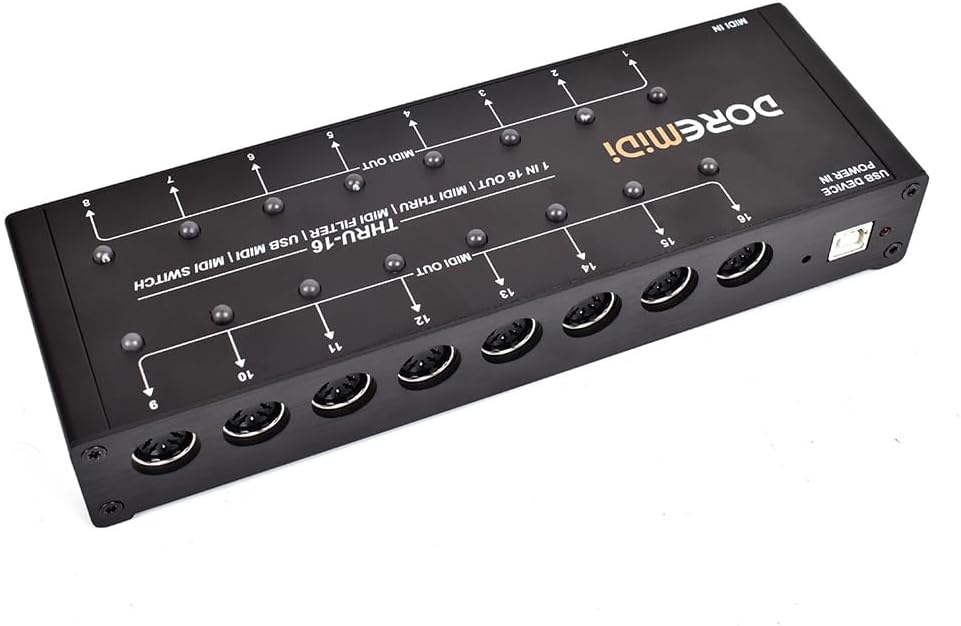
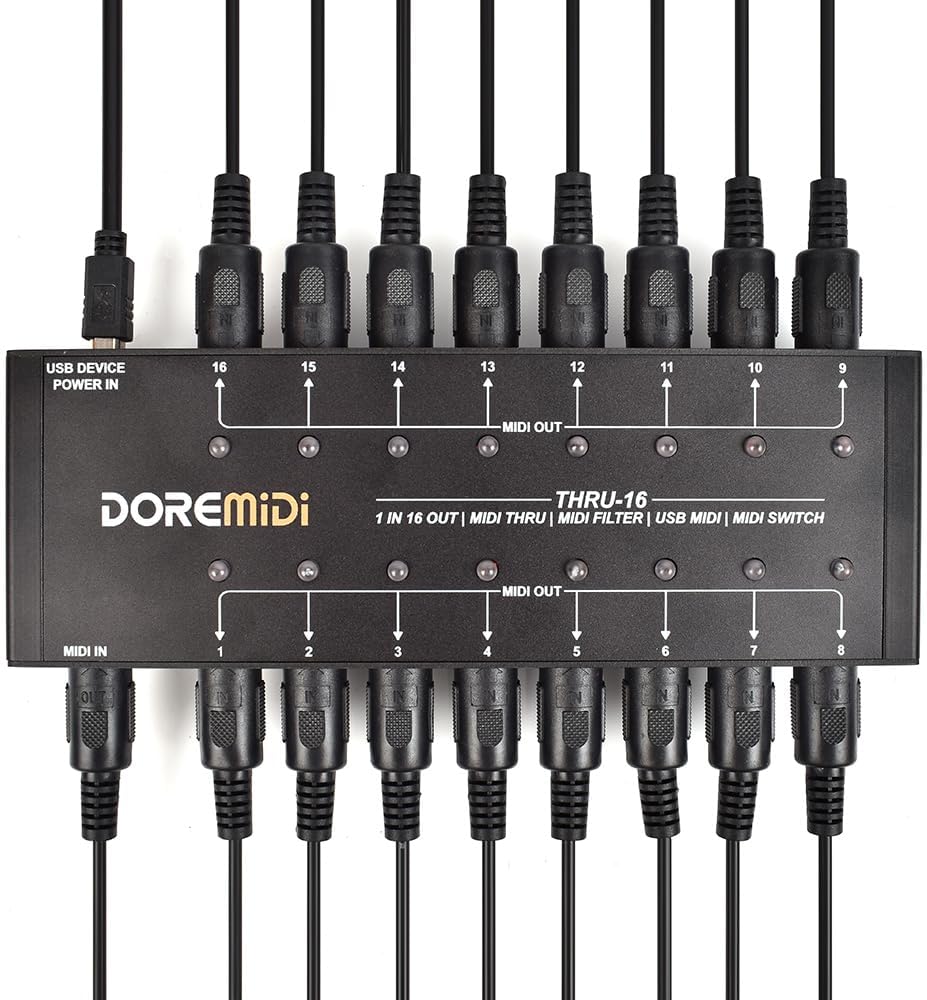
1.POWER IN: Use a USB-B plug to power the product, the supply voltage is 5V. Theindicator light flashes after power supply, and the indicator light is always on if connected toa computer.
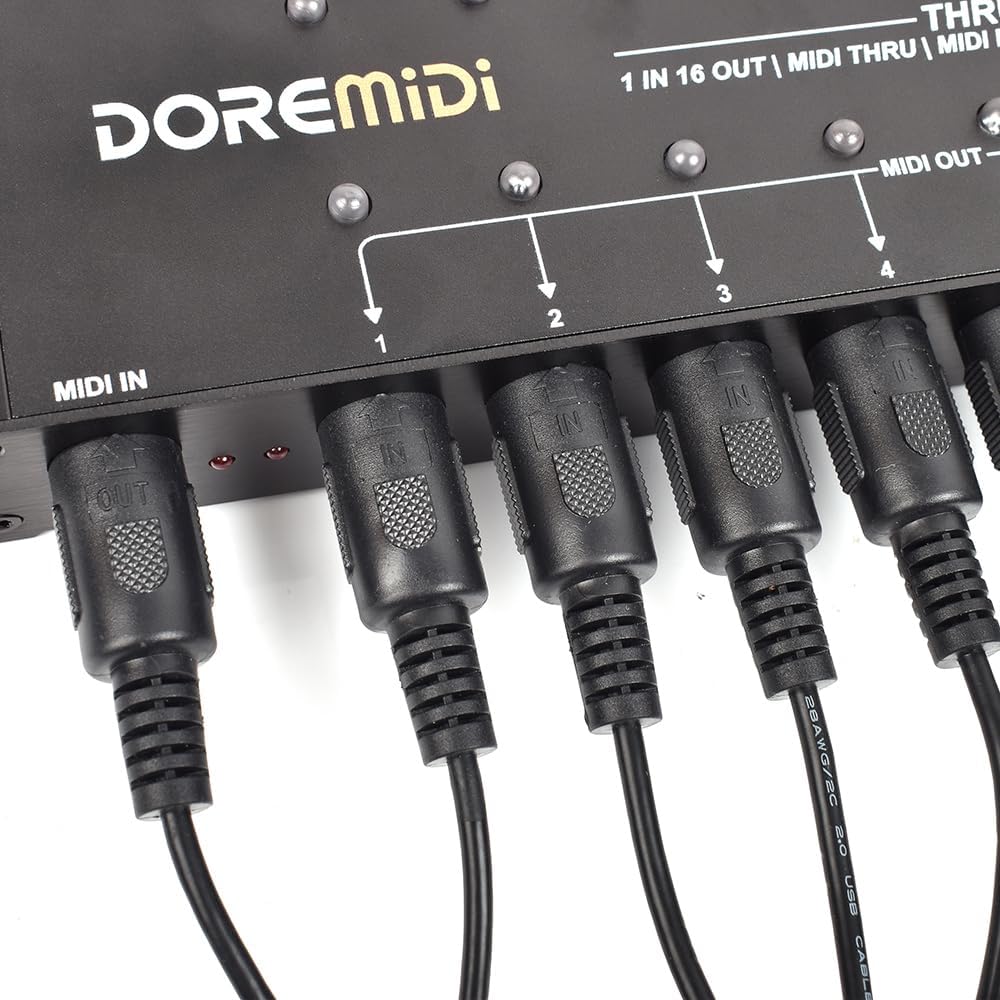
2.MIDI IN: MIDI input port, use a standard five-pin MIDI cable to connect to the output portof the MIDI device.
3.4.MIDI OUT 1-16: MIDI output ports, use a standard five-pin MIDI cable to connect tothe input port of the MIDI device.
5.MIDI SWITCH: MIDI output switch, which can quickly turn on/off MIDI output. It has ared indicator light, which lights up when MIDI output is turned on and goes out when it isturned off.
6.Input indicator: MIDI input indicator, flashes when there is MIDI message input.
7.Output indicator: MIDI output indicator, flashes when there is MIDI message output.
8.Update Key: Firmware upgrade button, press and hold to power on the product, theproduct will enter the upgrade mode, and the indicator will flash quickly.
By using the "MIDI Stream Config" software, THRU-16 can configure the MIDImessage filtering function of MIDI OUT 1~16. "MIDI Stream Config" software. As shown in the picture:
1.Select the DOREMiDi device and click "Connect".
2.Select "MIDI Messages Filter".
3.Select the MIDI port that needs to be filtered. If all MIDI ports filter the same content,you can select "Applies to All MIDI Ports".
5. Set, after selecting the filter item, you need to click "Set" to complete the filterconfiguration.
6.Save File, after configuration and filtering, it can be saved as a file for quick recall in thefuture
7.Open File, open the filter configuration file.
Product Parameters
4. Select the content to be filtered, please refer to the following:
-
Customer ReviewsNo comments