Home
/
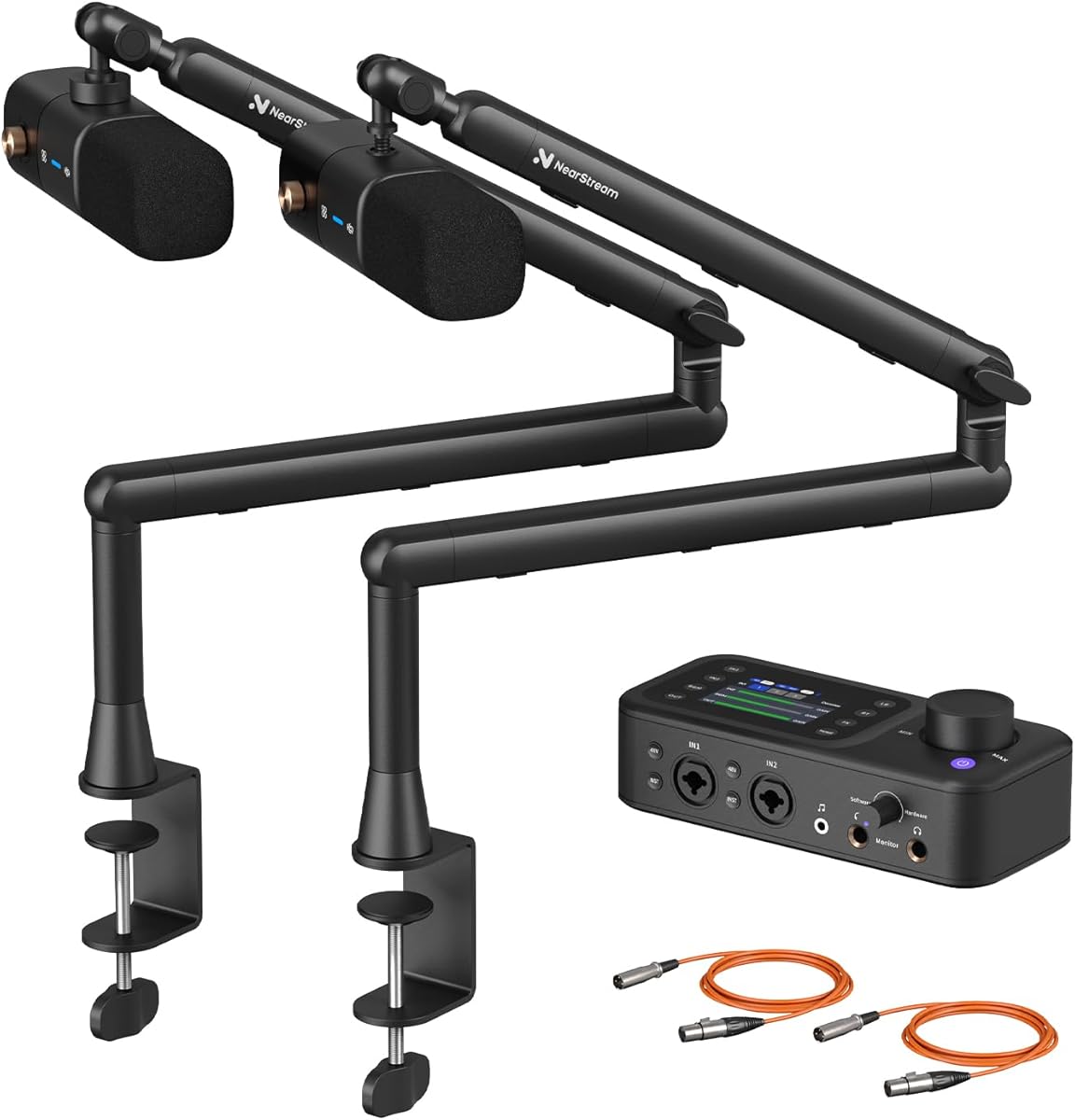
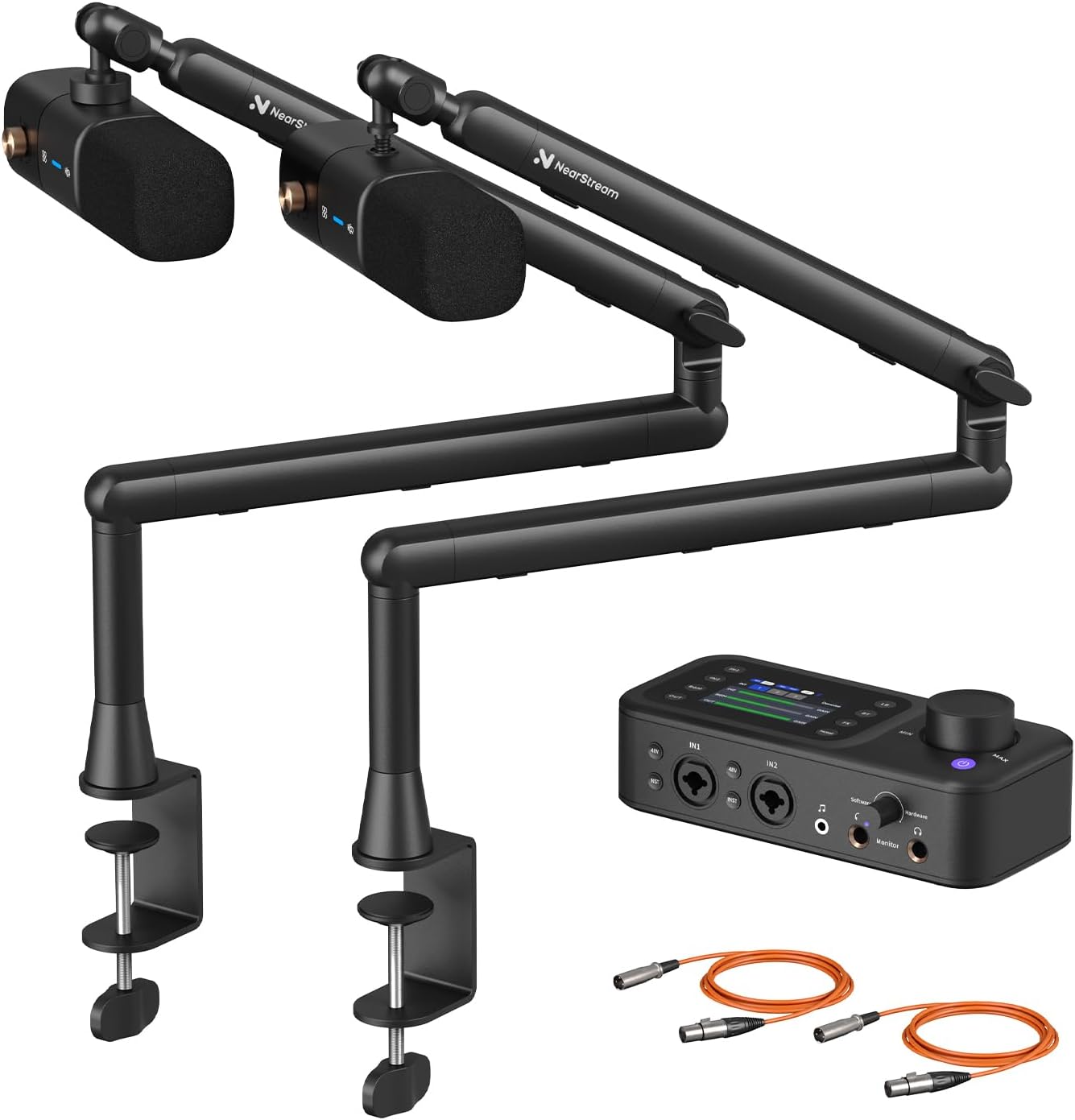
NearStream PodPro Duo Podcast Equipment Bundle for Dual Podcast/Livestream/Sound Creation, Audio Setup with 2 Podcast Microphone, 1 Audio Interface, 2 Mic Boom Arm, 2 XLR Microphone Cable
NearStream PodPro Duo Podcast Equipment Bundle for Dual Podcast/Livestream/Sound Creation, Audio Setup with 2 Podcast Microphone, 1 Audio Interface, 2 Mic Boom Arm, 2 XLR Microphone Cable
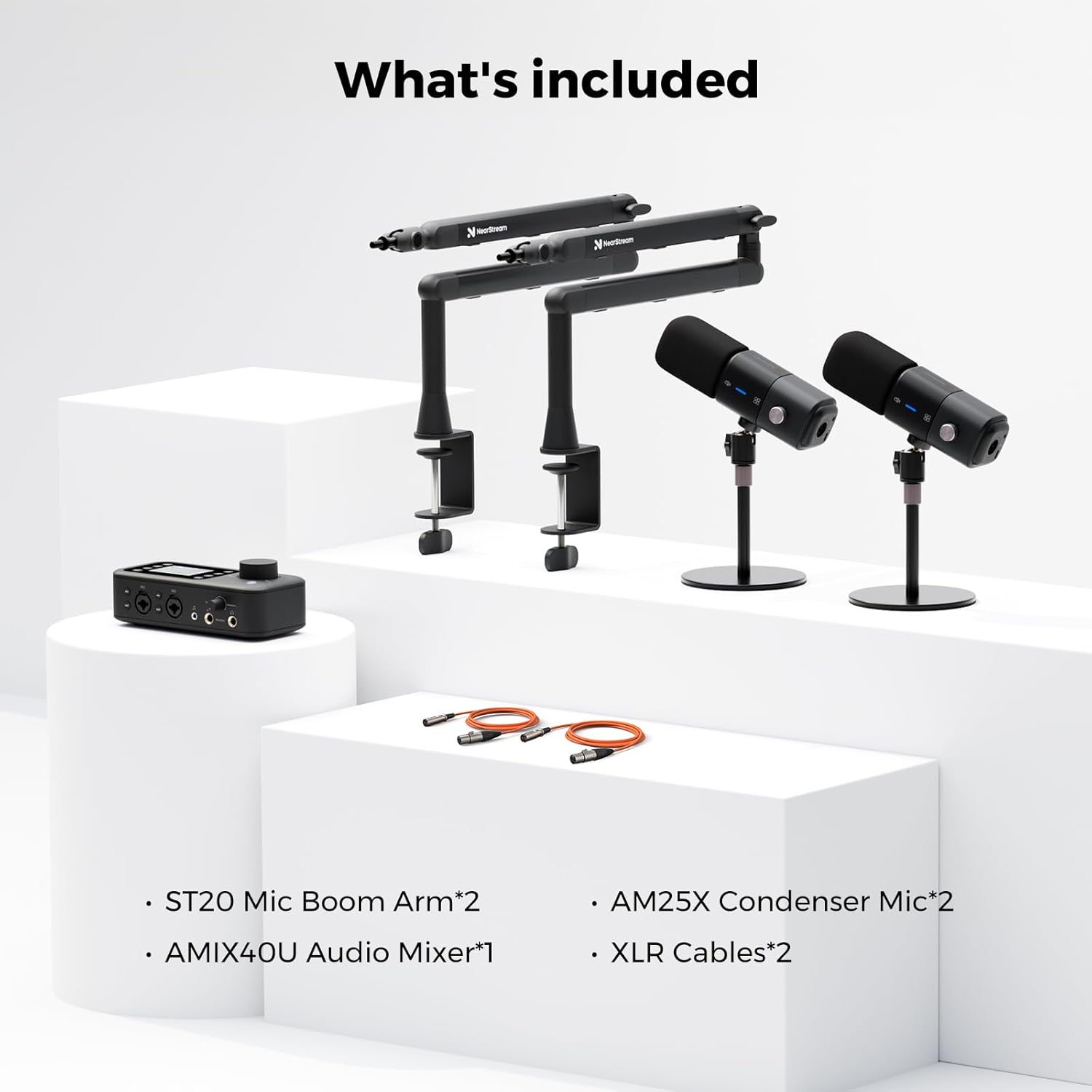
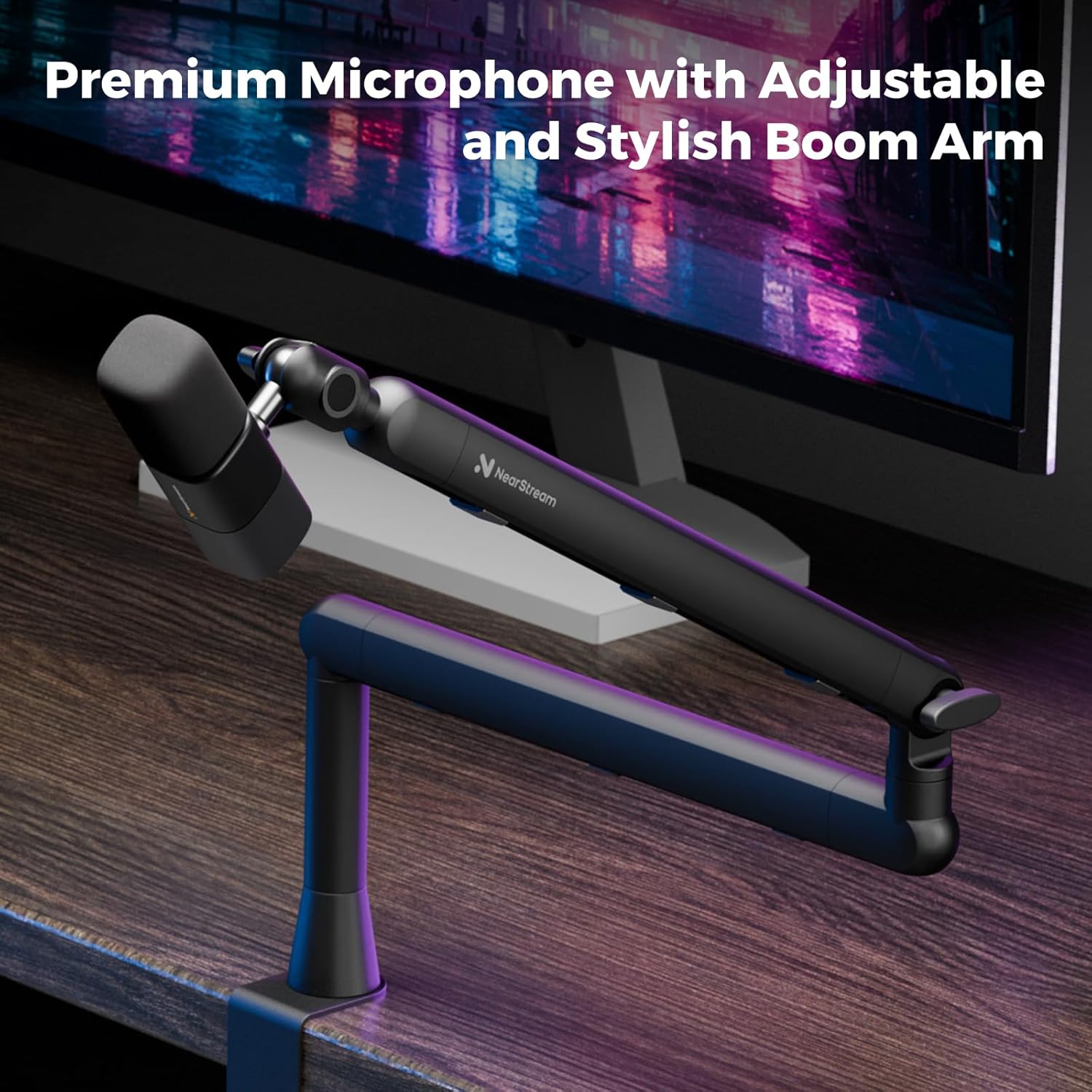
【What can You Get】: 2 AM25X Condenser Microphone with Desk Stand, 2 ST20 Mic Boom Arm, 1 AMIX40U Audio Mixer, and 2 XLR Cables.
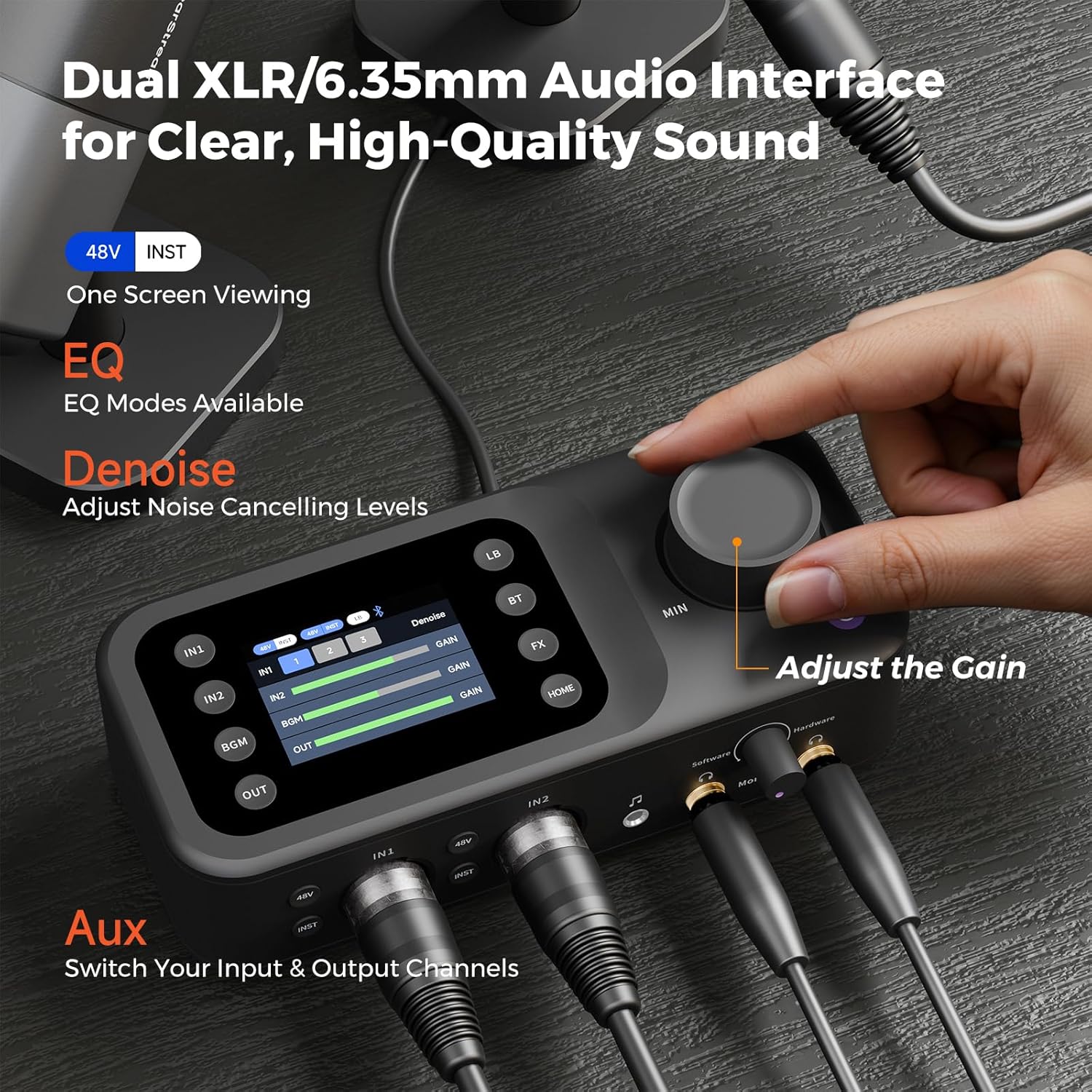
【AMIX40U Audio Mixer】: This versatile audio interface includes 2 XLR/6.35mm combo inputs, 48V phantom power, and a clear HD LCD screen for real-time monitoring. With Blu
【AMIX40U Audio Mixer】: This versatile audio interface includes 2 XLR/6.35mm combo inputs, 48V phantom power, and a clear HD LCD screen for real-time monitoring. With Blu
$932
Quantity
-
Detail
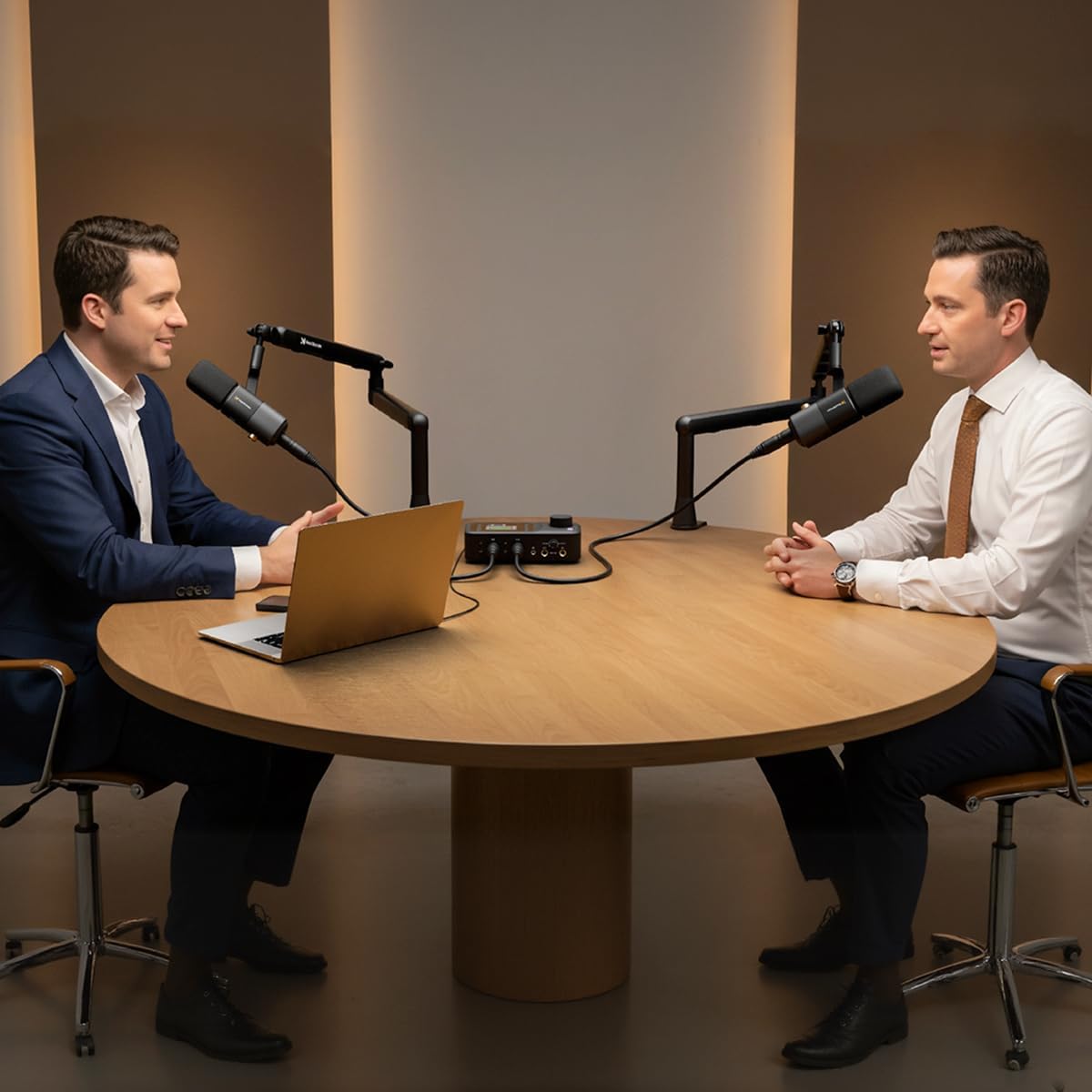
- Mount the Microphone: Attach the AM25X mic to the boom arm and secure it.
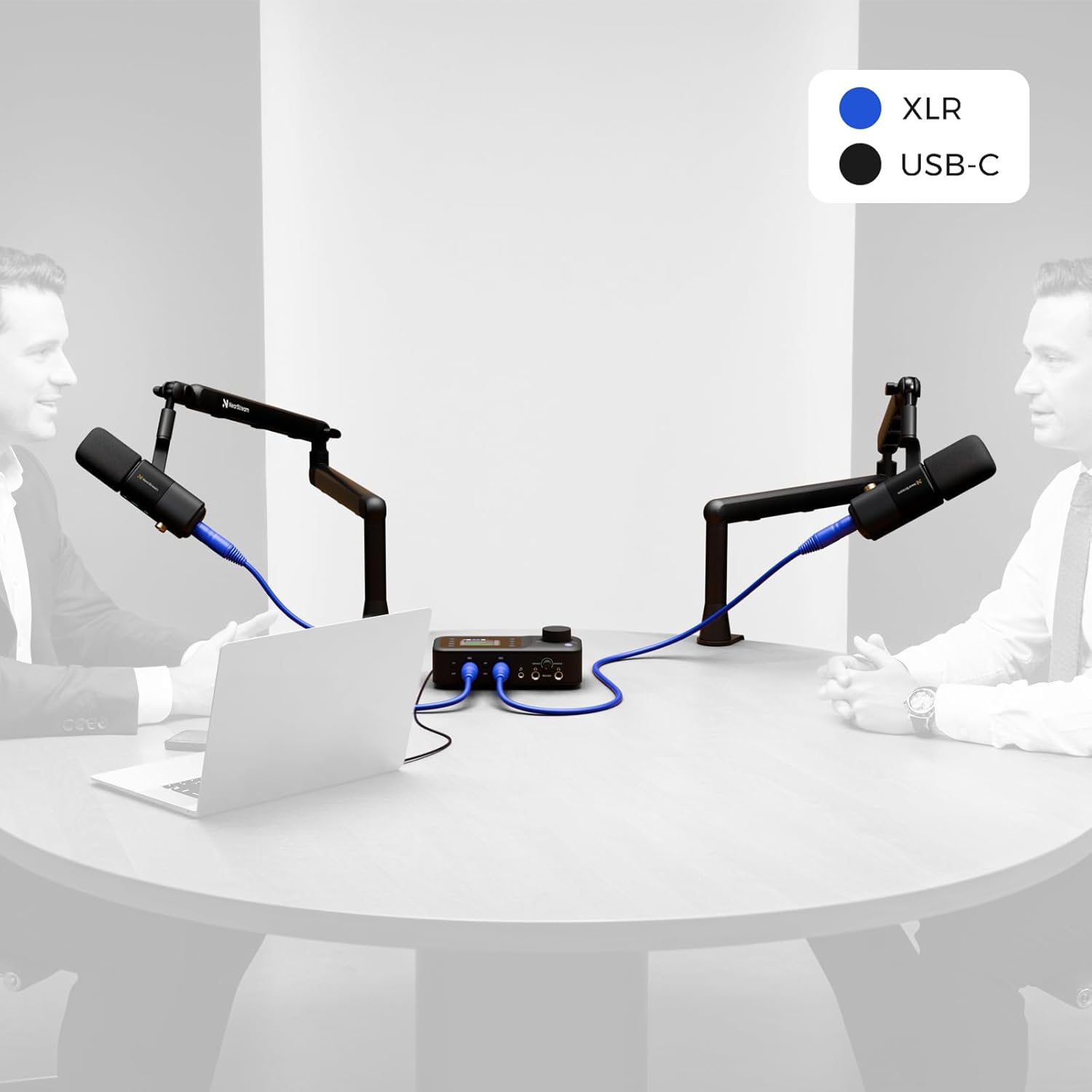
- Connect the Audio Interface: Use the XLR cable to connect the mic to the audio interface. Then plug the interface into your computer via USB and adjust the gain to a comfortable level.
- Test & Record: Open your recording or streaming software, select the microphone as the audio input, check your levels, and you’re ready to record or go live.
NearStream Podcast Equipment Bundle
Podcast Bundle – Quick Setup Guide
-
Customer ReviewsNo comments